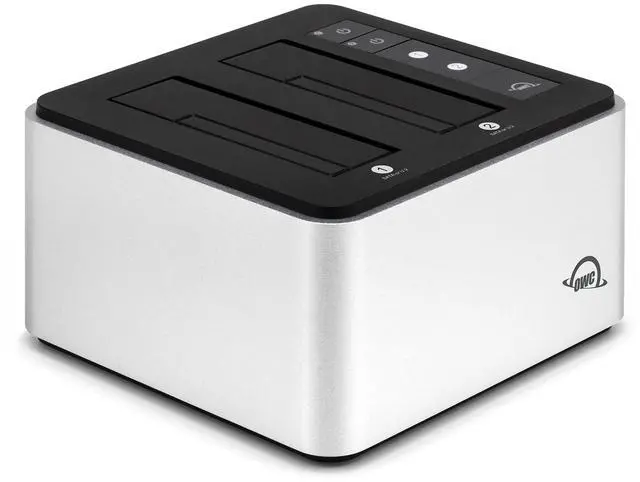
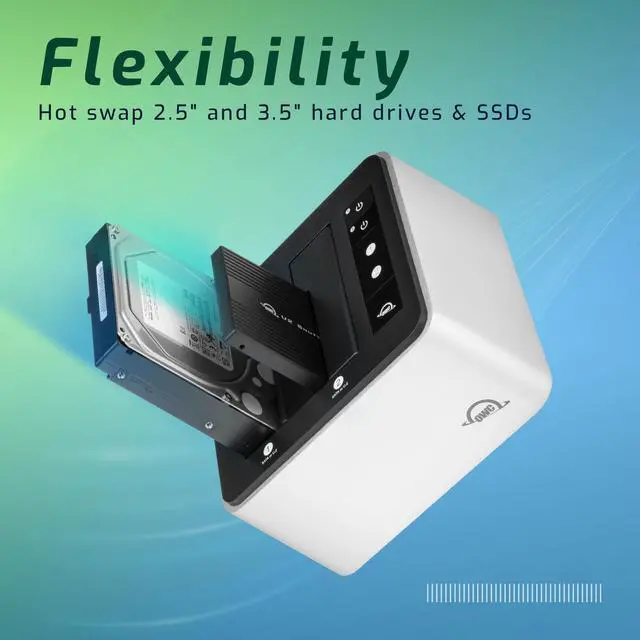
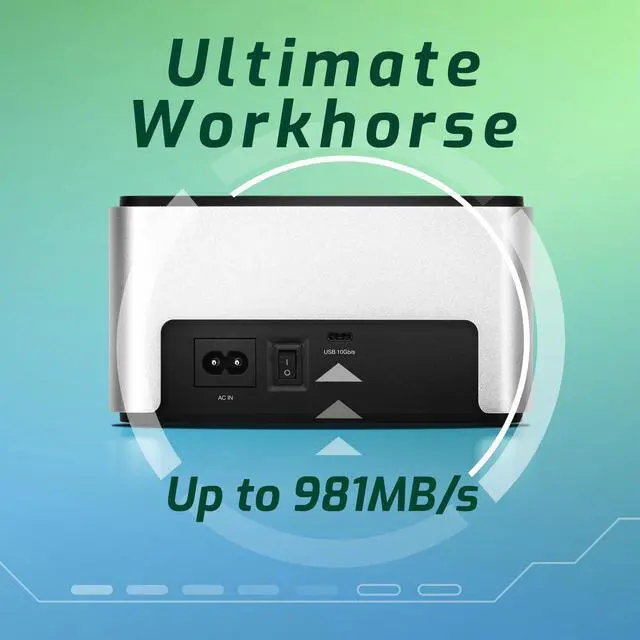
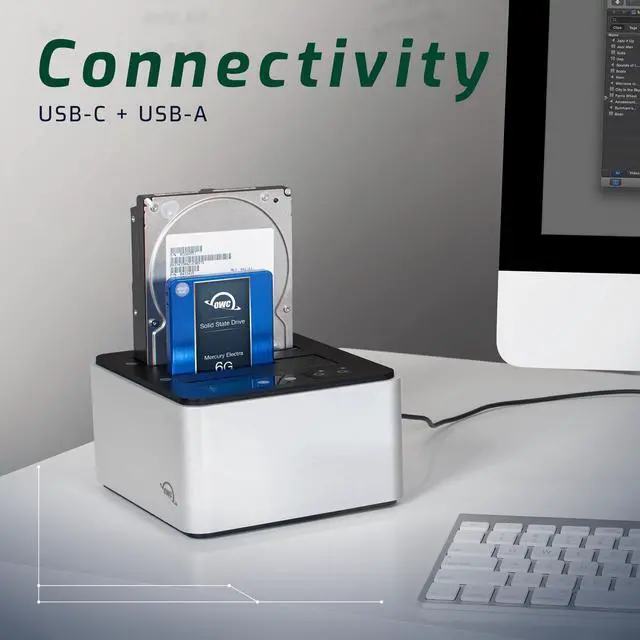
Read, write, clone, boot, transfer, store, backup, verify. do it all with your SATA drives of nearly two decades plus the latest technology NVMe SSDs here today and yet to come with the OWC Drive Dock. With this worlds first dual bay SATA/U. 2/M. 21 drive dock, you open a new world of quicker and easier use of bare 2.5 -inch and 3.5 -inch hard drives and solid state drives. With both USB-A and USB-C cables included, the ultimate in flexible compatibility is yours with the OWC Drive Dock.
Use your drives with millions of computers and tablets, including Thunderbolt 3, Thunderbolt 4, and USB4 as well as machines from decades ago. No tools, no drivers, no enclosure disassembly just instant, effortless Plug and Play drive use and swaps. A built-in power supply eliminates the bulky, power brick hassle. Just plug the OWC Drive Docks standard dual prong power cord into an AC outlet and youre ready to enjoy the incredible convenience of this quiet, fanless data access solution. Whether you are churning through many drives or performing archival backup, you can swap drives safely with the OWC Drive Dock.
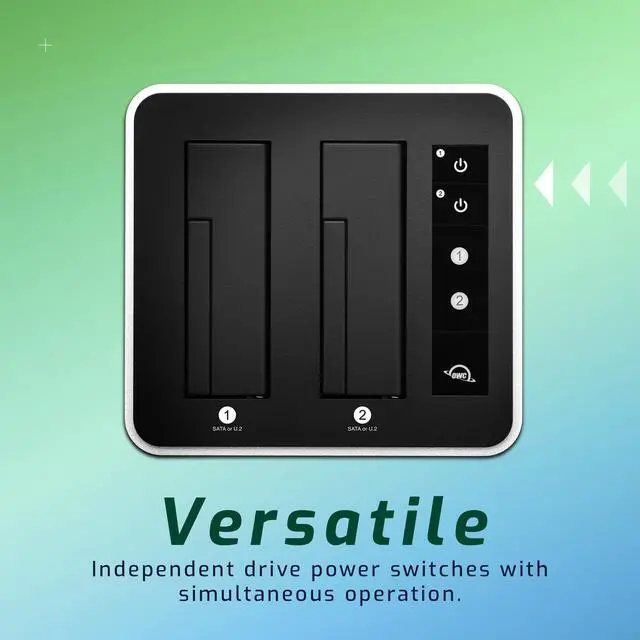
With each drive bay having its own power source, you can perform bare HDD handling best practices by powering off the desired bay and waiting for spin-down before removal. You can also leave a drive docked in an unpowered bay for immediate access while saving electricity or putting powered-on hours on the drive.





 here!
here!