• $47.99
  • Free 30-day Returns
  • Price alert
    Shop it at NeweggBusiness.

    Meet Your Seller

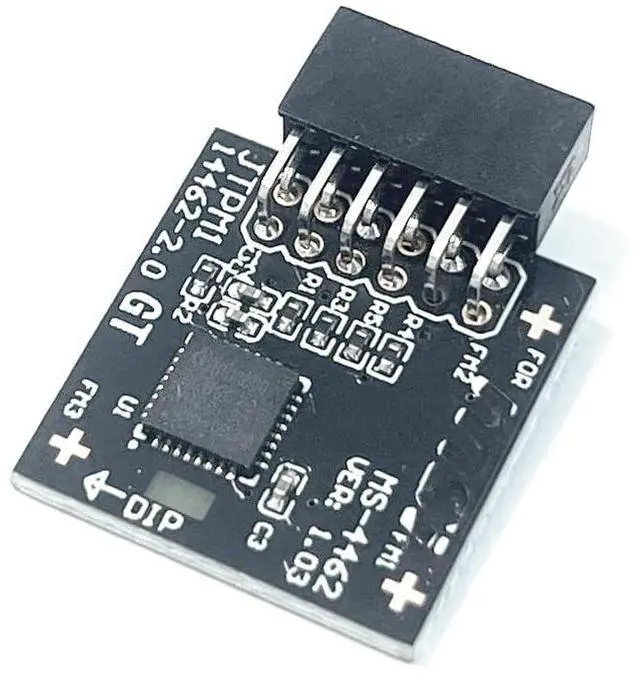
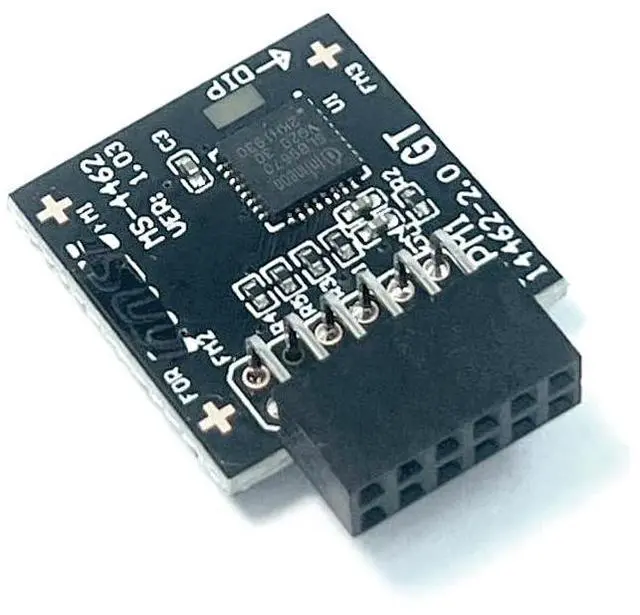
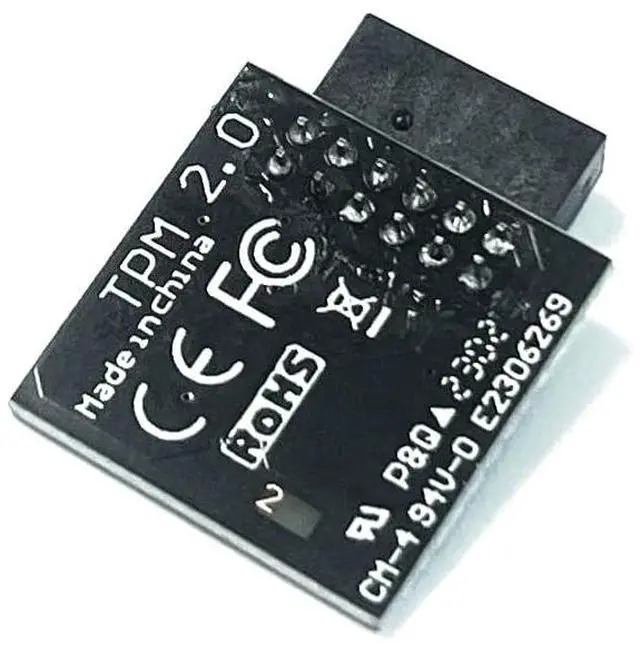
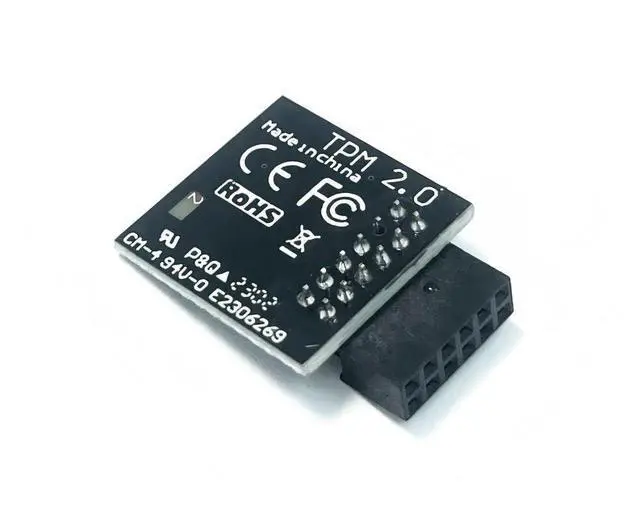
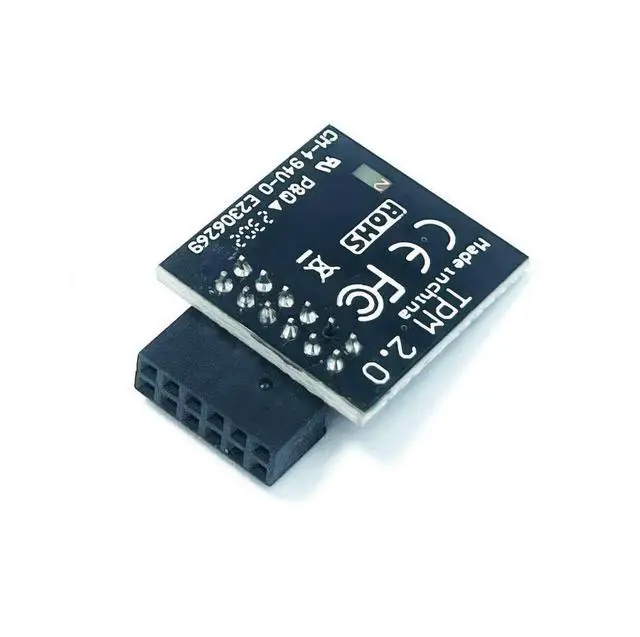
    TPM2.0 Module TPM SPI 12Pin Module with infineon SLB9670 for MSI B550 B650M Gaming WiFi, B550-A B550M PRO, B550-A PRO (CEC),B650 Gaming Plus,B650M Gaming,B650M Project Zero,B650M Bomberfor MS-4462

    • TPM 2.0 PIN DEFINE:12-1Pin ,Compatible with MSI MS-4462 B550 GAMING WIFI B550-A PRO B550-A PRO (CEC) B550M PRO B550M PRO-VDH B550M PRO-VDH WIFI (CEC) B550M PRO-VDH WIFI B550M PRO-DASH
    • Chipset:SLB9670, TPM Chip Compatible with MSI B650 GAMING PLUS B650 GAMING PLUS WIFI B650M PROJECT ZERO B650M GAMING PLUS WIFI B650M GAMING WIFI B650M BOMBER WIFI
    • Supportsfor MSI Intel 800 700 600 500 400 W790 series Motherboardsfor MSI AMD 800 X670 X570S WRX80 B650 B550 A520 series Motherboards
    • Important: The minimum hardware requirements for upgrading to Windows 11 via TPM 2.0 are as follows: 1 GHz or faster 64-bit processor (dual-core/multi-core), 4 GB of memory, 64 GB of storage space, firmware that supports UEFI Secure Boot and TPM 2.0, DirectX 12-compatible graphics card, and a display with a resolution of 720p or higher.
    • Purpose a: Resolve the TPM 2.0 verification issue when upgrading to Windows 11, enabling it to function as an independent encryption chip, prov
    +
    +
    Overview
    Specs
    Reviews
    avatar

    Any questions? Our AI beta will help you find out quickly.

    Package Includes1PCS item (As shown in the figure)

    Compatible withTPM 2.0 (MS-4462)
    PIN DEFINE: 12-1Pin
    Chipset: SLB9670
    Interface: LPC

    for MSI Motherboard
    B550 GAMING WIFI
    B550-A PRO
    B550-A PRO (CEC)
    B550M PRO
    B550M PRO-VDH
    B550M PRO-VDH WIFI (CEC)
    B550M PRO-VDH WIFI
    B550M PRO-DASH

    B650 GAMING PLUS
    B650 GAMING PLUS WIFI
    B650M PROJECT ZERO
    B650M GAMING PLUS WIFI
    B650M GAMING WIFI
    B650M BOMBER WIFI

    Supports
    for MSI Intel 800 700 600 500 400 W790 series Motherboards
    for MSI AMD 800 X670 X570S WRX80 B650 B550 A520 series Motherboards
    Windows 10 TPM 2.0

    How to select and install a security module:

    1. Confirm whether the host has TPM 2.0 or if TPM 2.0 is enabled.

    2. Click Run, enter: tpm. msc (Win+R keys), and check if the TPM version is ready.

    3. If version 2.0 is displayed but not ready, you need to configure settings in the BIOS; consult the motherboard manufacturer's customer service.

    4. Open the host and inspect the TPM pins on the motherboard.

    5. When installing the module, ensure the chip-side faces inward, align with the pins, and insert fully to prevent loosening. (See image for direction)

    Warranty & Returns

    Warranty, Returns, And Additional Information

    Warranty

    • Please contact the Seller directly for warranty information. Warranty information may also be found on the Manufacturer's website.
    • CONTACT

    Return Policies

    Manufacturer Contact Info

    LOADING...