

Your Browsing History
- Free 30-day Returns
$58.99


Meet Your Seller

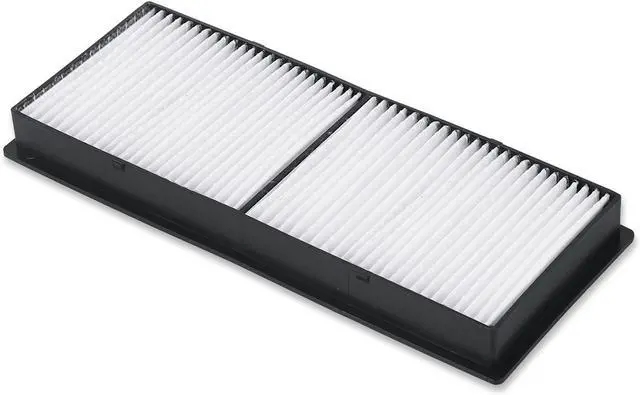
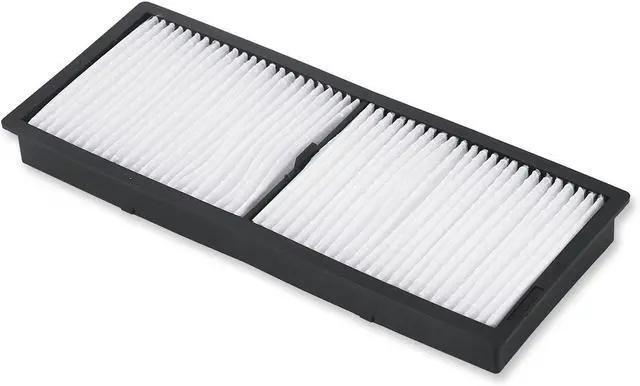
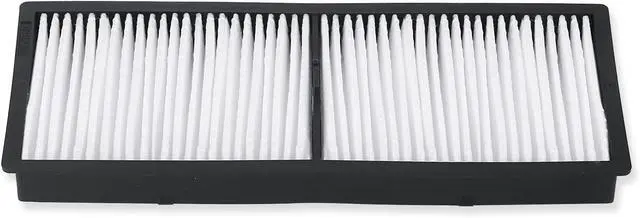
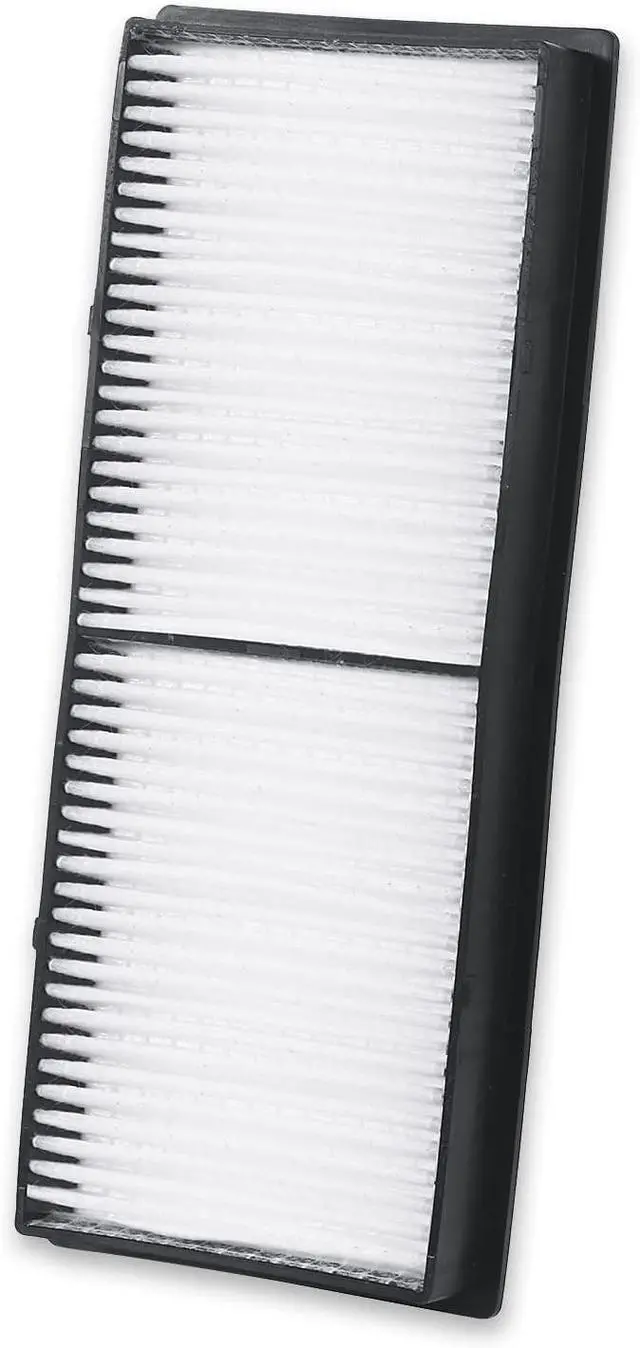
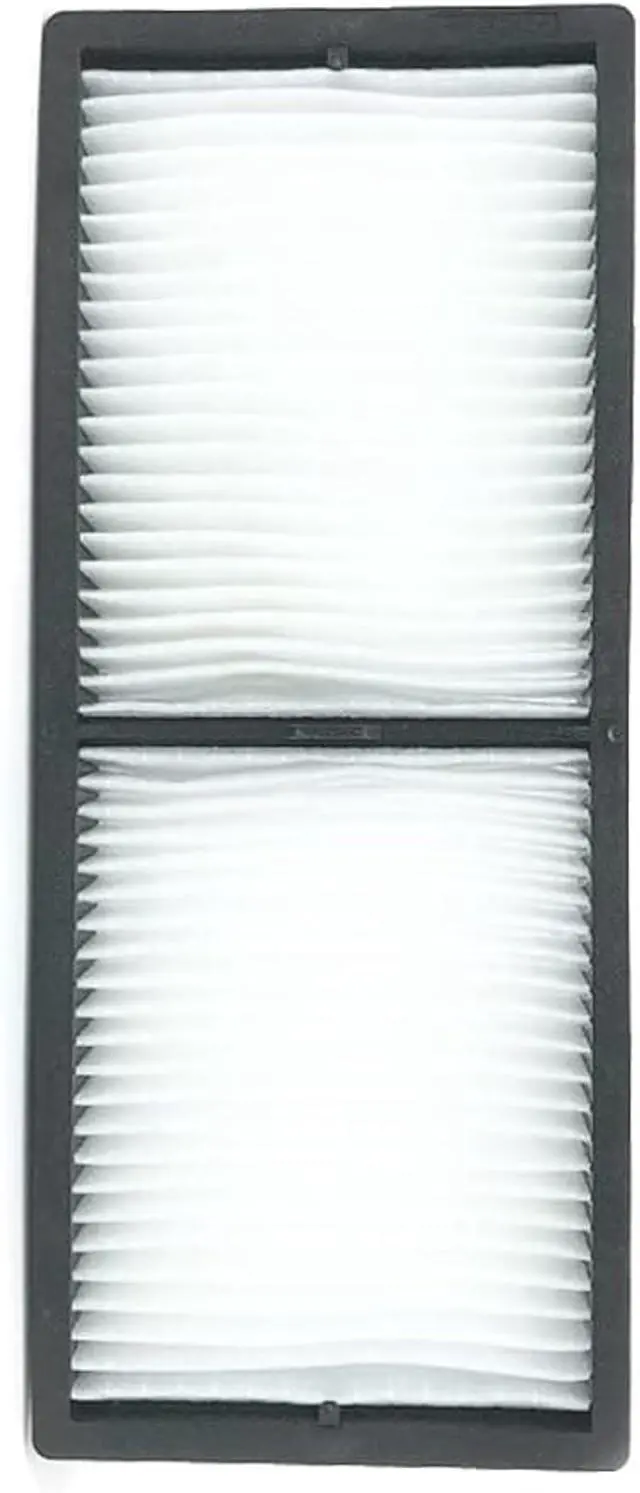


ELPAF56 /V13H134A56 New Projector Air Filter for BrightLink 1480Fi/ 1485Fi,EpiqVision Ultra LS500,PowerLite 800F, 805F, L400U, L500W,L510U, L520U, L520W, L530U, L610.
- 1. CHNPOFNT ELPAF56 /V13H134A56 New Air Filter
- 2. Works with projector models BrightLink 1480Fi/ 1485Fi,EpiqVision Ultra LS500,PowerLite 800F, 805F, L400U, L500W,L510U, L520U, L520W, L530U, L610.Epson PowerLite 800F 805F L400U L510U L610W BrightLink 1485Fi EB-800F EB-805F EB-L400U EB-L500 EB-L520U EB-L610U EB-L610 EB-L615U EB-L730U EB-L735U
- 3. Advantages of high-quality filter screen: Reduce the entry of dust in the air, prevent dust from entering, improve the brightness of light bulb, extend the service life of the bulb, and extend the service life of the projector. Use our filter screen to provide clearer pictures
- 4. Each Projector Air Filter will be Test before Ship Out From the Factory.
- 5. Provide the best quality customer service with a 100 warranty. If you have any problems, send us an email immediately and solve all problems within 12 hours.
+
+
Overview
Specs
Reviews

Any questions? Our AI mode will help you find out quickly.
Try me now
CHNPOFNT ELPAF56 Air FilterProjector filterAir inletfilter, dust screenApplies toBrightLink 1480Fi/ 1485Fi, EpiqVision UltraLS500, PowerLite 800F, 805F, L400U, L500W, L510U, L520U, L520W, L530U, L610. EpsonPowerLite 800F 805F L400U L510U L610W BrightLink 1485Fi EB-800F EB-805FEB-L400U EB-L500 EB-L520U EB-L610U EB-L610 EB-L615U EB-L730U EB-L735UType: Replacement
Projector FilterCondition:
NewWarranty: 100
days warrantyPackage: Durable, waterproof, andshockproof
solid boxApply to: For Museums/Exhibition Halls /EntertainmentVenues/Offices/ EducationFilter features1. Fine workmanship, multiplefilters, tough frame, not easy to deform. 2. Effectively remove impuritiesto prevent them from adsorbing the motherboard IC and burning the machine. 3. Low wind resistance, highefficiency filtration, quality assurance, can improve the brightness of thebulb and extend the life of the machineFilter replacement steps: 1. Turn off the projector and unplug thepower cord. 2. Open the air filter cover. (Release thelatch and pull the cover upwards. )3. Remove dust from the filter or replaceit with a new one. Do not rinse it. 4. Insert the new air filter and gentlypush it into the solid clip (with the groove facing to the right during installation) 5. Close the air filter cover.
Attention: Please maintain your projector regularly. The reason why the projector has a filter warning is that the filter is toodusty and needs to be replaced or cleaned. If the filter is not replaced intime, the dust will block the air inlet, affecting the heat from the internalbulb of the machine and preventing it from being effectively dissipated, causing the internal temperature to be too high, which will seriously shortenthe service life of the projector and the projector bulb.
Projector FilterCondition:
NewWarranty: 100
days warrantyPackage: Durable, waterproof, andshockproof
solid boxApply to: For Museums/Exhibition Halls /EntertainmentVenues/Offices/ EducationFilter features1. Fine workmanship, multiplefilters, tough frame, not easy to deform. 2. Effectively remove impuritiesto prevent them from adsorbing the motherboard IC and burning the machine. 3. Low wind resistance, highefficiency filtration, quality assurance, can improve the brightness of thebulb and extend the life of the machineFilter replacement steps: 1. Turn off the projector and unplug thepower cord. 2. Open the air filter cover. (Release thelatch and pull the cover upwards. )3. Remove dust from the filter or replaceit with a new one. Do not rinse it. 4. Insert the new air filter and gentlypush it into the solid clip (with the groove facing to the right during installation) 5. Close the air filter cover.
Attention: Please maintain your projector regularly. The reason why the projector has a filter warning is that the filter is toodusty and needs to be replaced or cleaned. If the filter is not replaced intime, the dust will block the air inlet, affecting the heat from the internalbulb of the machine and preventing it from being effectively dissipated, causing the internal temperature to be too high, which will seriously shortenthe service life of the projector and the projector bulb.
Warranty & Returns
Warranty, Returns, And Additional Information
Warranty
- Please contact the Seller directly for warranty information. Warranty information may also be found on the Manufacturer's website.
- CONTACT
Return Policies
- Return for refund within: 30 days
- Return for replacement within: 30 days
- This item is covered by GoBeRotie Return Policy
Manufacturer Contact Info
- For a directory of all our manufacturers, please click below.
- Manufacturers Directory
LOADING...