

Your Browsing History

Meet Your Seller

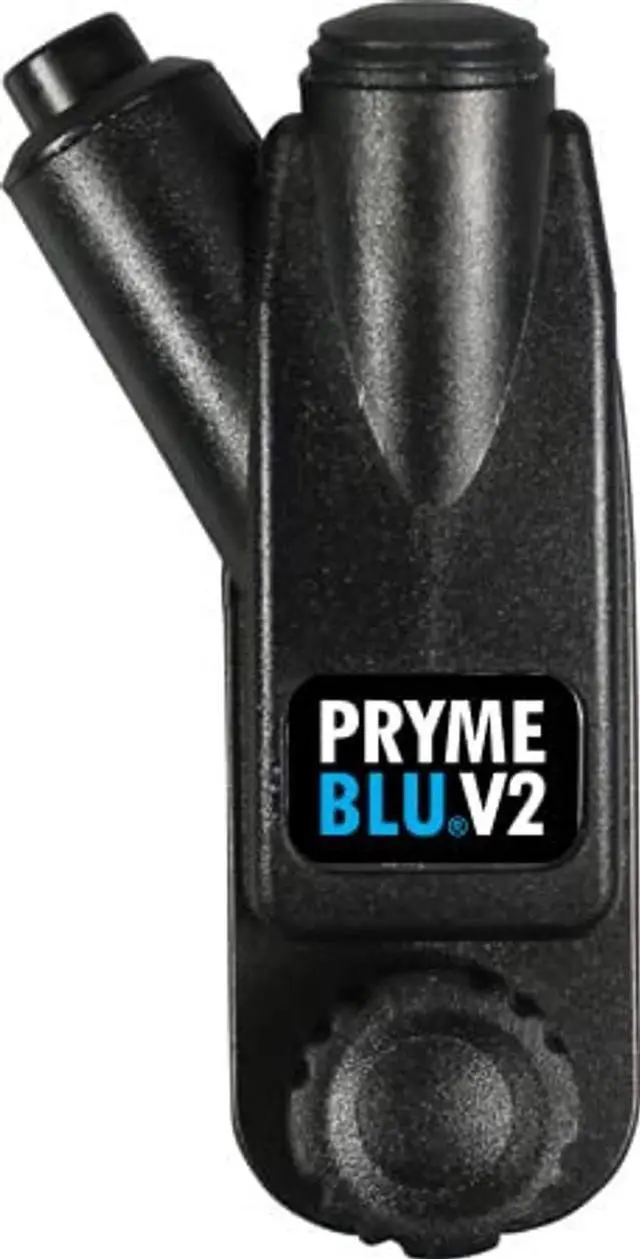
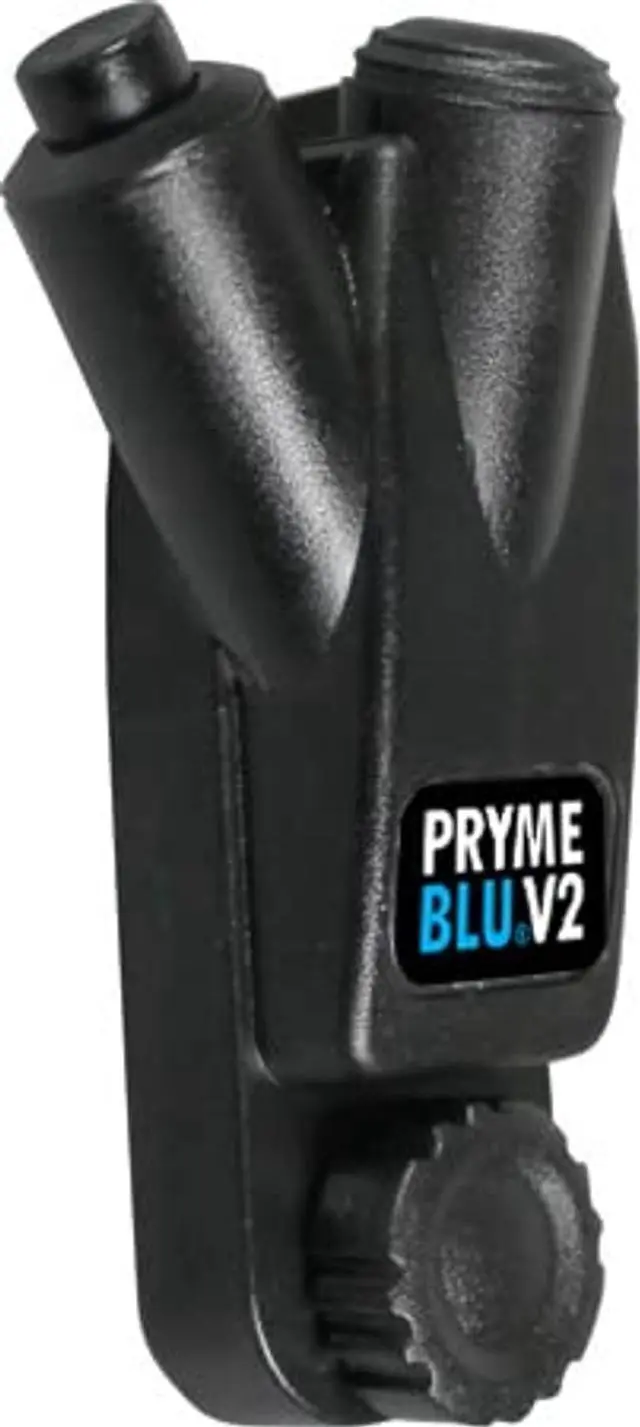
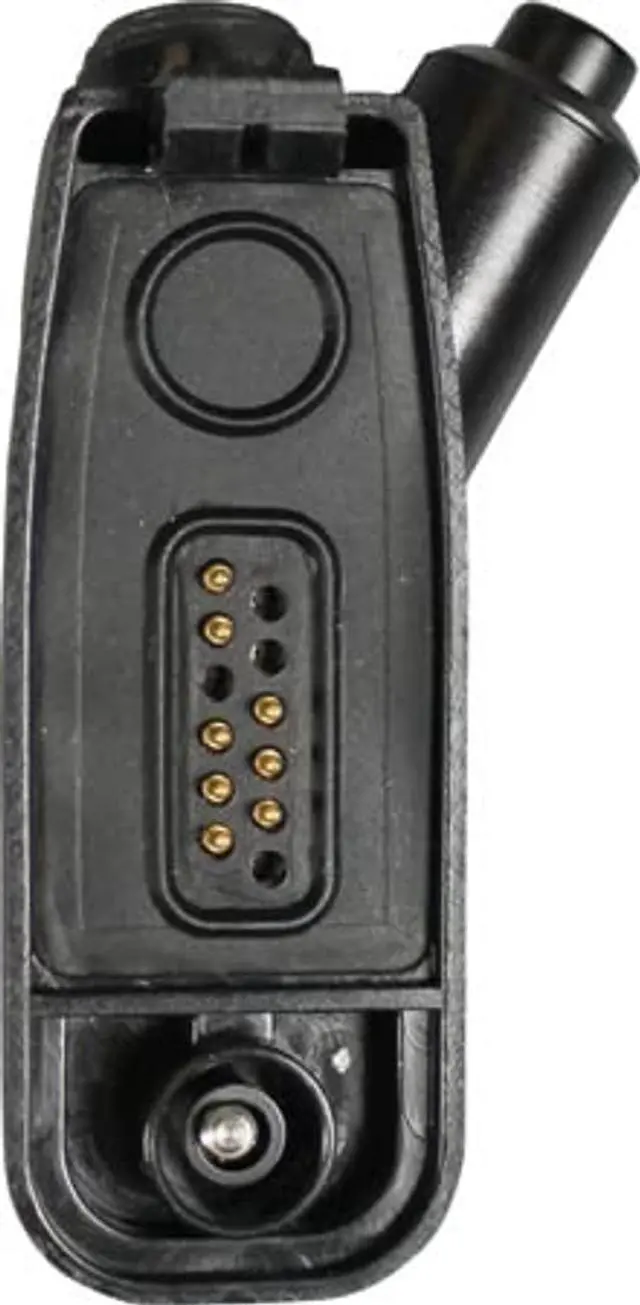
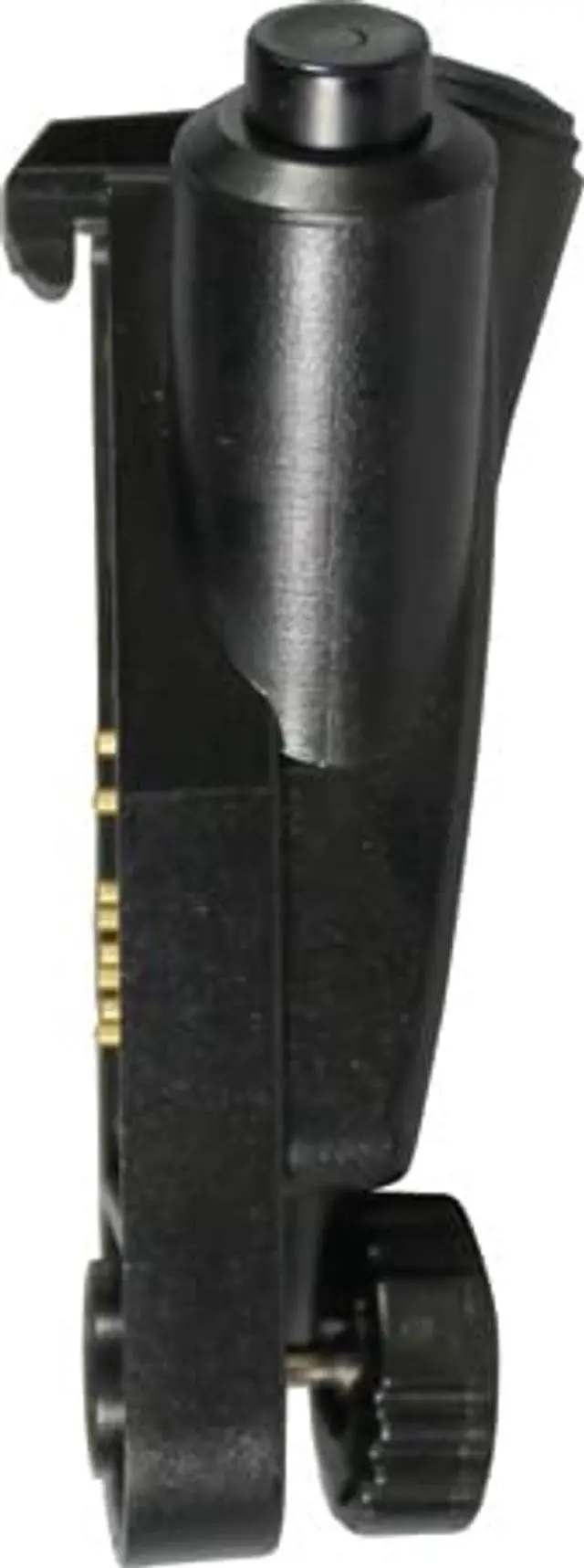
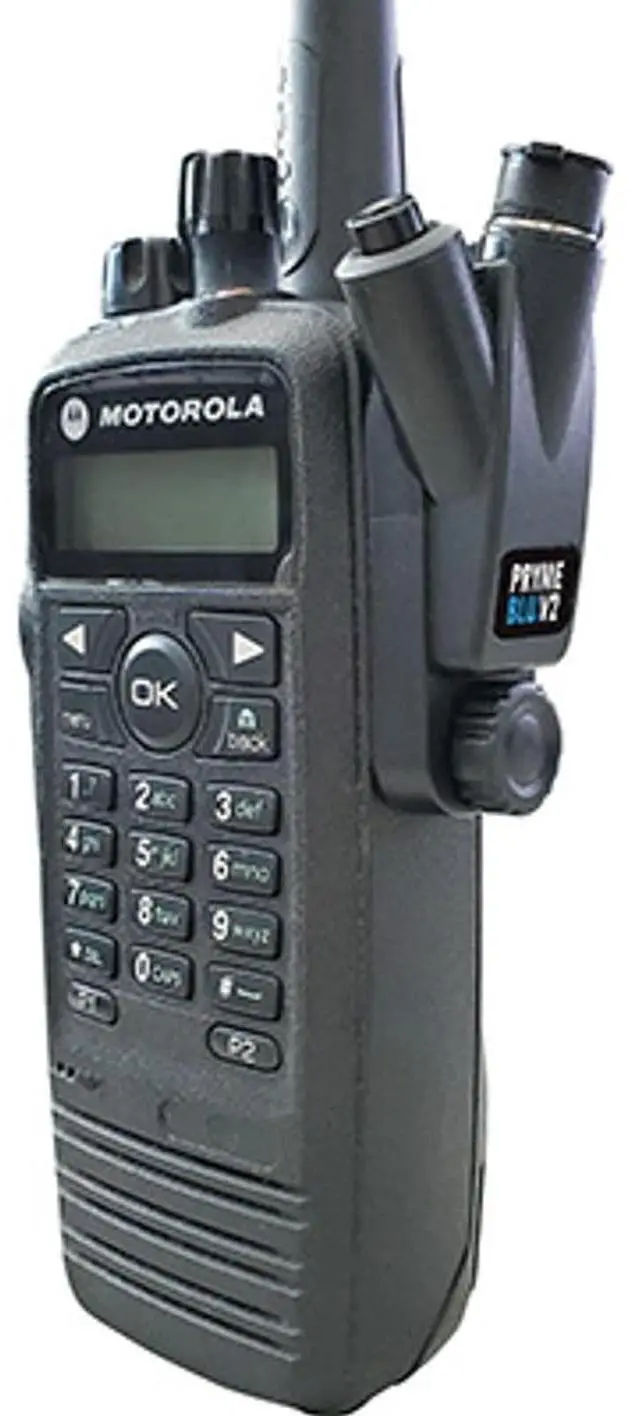


PRYMEBLU Wireless PTT Headset Adapter - Allows use of BT Headset (BT-583APX-V2 for APX XE Mobile Radios)
- Please view the PRYME Adapter User Guide Video below for directions on how to pair your wireless accessory with your radio using the PRYMEBLU Wireless Bluetooth Adapter. Should help be needed, please call PRYME Customer Service @ (800)-666-2654.
- Easy pairing process. Stores paired connection to the wireless headset even if the Radio is powered off or adapter is removed from the two-way radio
- Several Push-To-Talk options: use the PTT button on the PRYMEBLU adapter to initiate transmissions, or use one of 4 different optional PRYME LE (Low Energy) Wireless PTT Buttons or a Pryme PTT-5 Quick-Disconnect wired PTT switch
- Compatible with most Wireless Headsets and other audio accessories (audio accessories not included)
- Works with the Motorola APX700 & 7500 series compatible radios or MotoTRBO XPR6300, XPR6500, and XPR6550. Not compatible with XPR3300/3500 (Use BT-500-M11-V2 for these models)
- NOTICE: This model cannot use our patent pending Auto-switch feature so to operate th
+
+
Overview
Specs
Reviews

Any questions? Our AI mode will help you find out quickly.
Try me now
Please view the PRYME Adapter User Guide Video below for directions on how to pair your wireless accessory with your radio using the PRYMEBLU Wireless Bluetooth Adapter. Should help be needed, please call PRYME Customer Service @ (800) -666-2654. ^^ Easy pairing process. Stores paired connection to the wireless headset even if the Radio is powered off or adapter is removed from the two-way radio ^^
Several Push-To-Talk options: use the PTT button on the PRYMEBLU adapter to initiate transmissions, or use one of 4 different optional PRYME LE (Low Energy) Wireless PTT Buttons or a Pryme PTT-5 Quick-Disconnect wired PTT switch ^^ Compatible with most Wireless Headsets and other audio accessories (audio accessories not included) ^^ Works with the Motorola APX700 & 7500 series compatible radios or MotoTRBO XPR6300, XPR6500, and XPR6550. Not compatible with XPR3300/3500 (Use BT-500-M11-V2 for these models) ^^
NOTICE: This model cannot use our patent pending Auto-switch feature so to operate the radio normally (say if your BT headset fails) you must remove the adapter from the radio
Several Push-To-Talk options: use the PTT button on the PRYMEBLU adapter to initiate transmissions, or use one of 4 different optional PRYME LE (Low Energy) Wireless PTT Buttons or a Pryme PTT-5 Quick-Disconnect wired PTT switch ^^ Compatible with most Wireless Headsets and other audio accessories (audio accessories not included) ^^ Works with the Motorola APX700 & 7500 series compatible radios or MotoTRBO XPR6300, XPR6500, and XPR6550. Not compatible with XPR3300/3500 (Use BT-500-M11-V2 for these models) ^^
NOTICE: This model cannot use our patent pending Auto-switch feature so to operate the radio normally (say if your BT headset fails) you must remove the adapter from the radio
Warranty & Returns
Warranty, Returns, And Additional Information
Warranty
- Please contact the Seller directly for warranty information. Warranty information may also be found on the Manufacturer's website.
- CONTACT
Return Policies
- Return for refund within: 30 days
- Return for replacement within: 30 days
- This item is covered by Luhang Return Policy
Manufacturer Contact Info
- For a directory of all our manufacturers, please click below.
- Manufacturers Directory
LOADING...