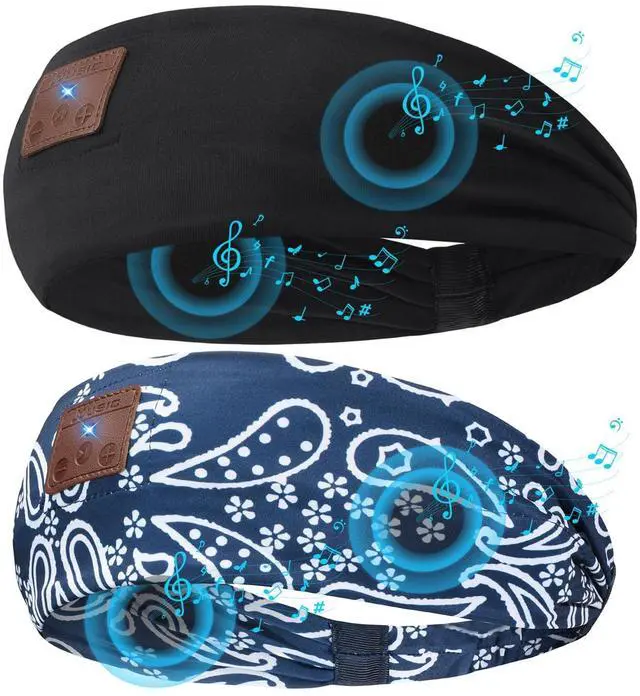
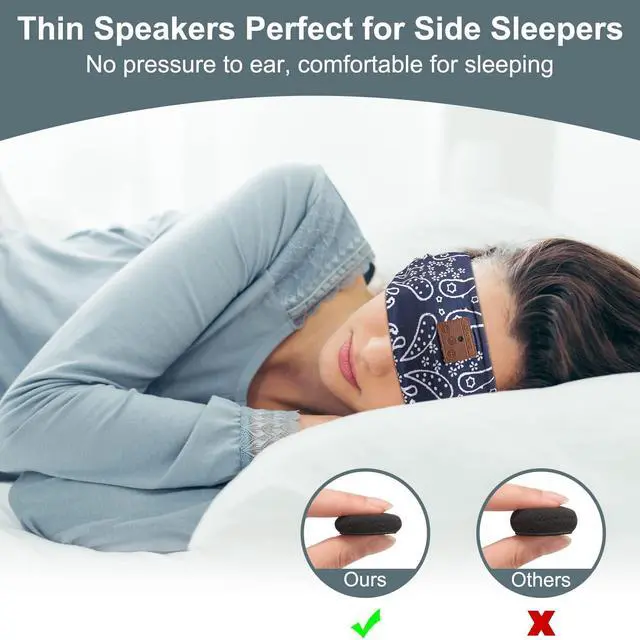
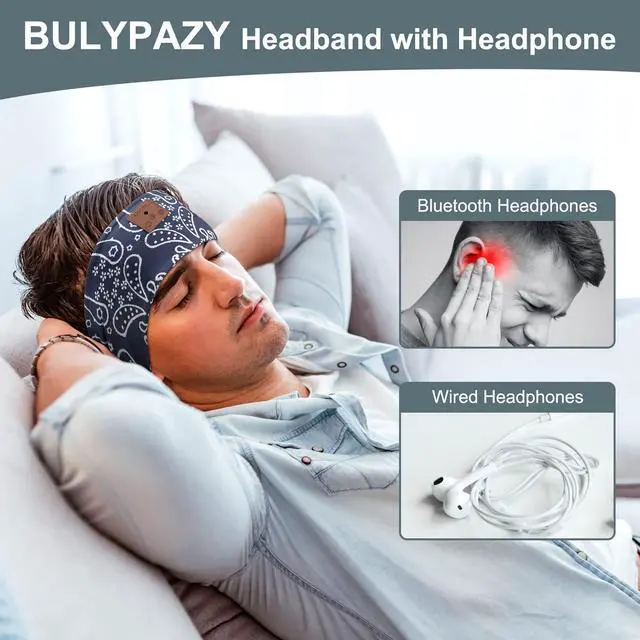
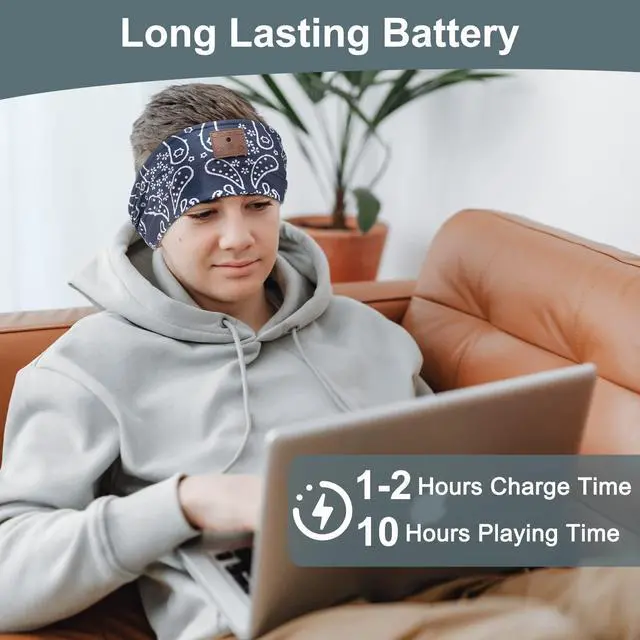
How to pair ASIILOVI Sleeping Headphones Bluetooth Headband on your device? 1. Confirm the Bluetooth of your phone has been turned off. (Make sure the Speakers of the Headband charged before using. ) 2. Long press Play/Pause button in the headband until the red/blue light flash. "pairing" 3. Turn on Bluetooth on your phone, find the Bluetooth named "Bluetooth Headband", then connect it.
Package Contents: 1* Sleeping Headphones Bluetooth Headband, 1*Type-C Charging Cable, 1*User
ManualNote: 1. Please use Mic USB charging cable to charge the Headband Headphones before you using it. 2. Please note that you MUST remove the control panel & speakers before washing The Bluetooth headband Sleeping Headphones.