

Your Browsing History

- Free 30-day Returns
$60.99


Meet Your Seller

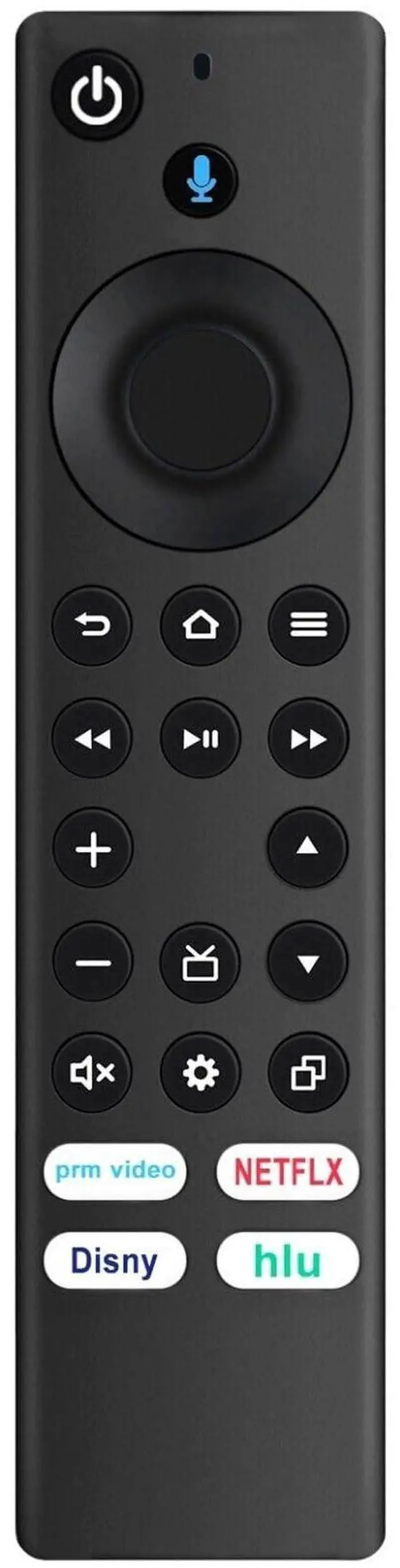
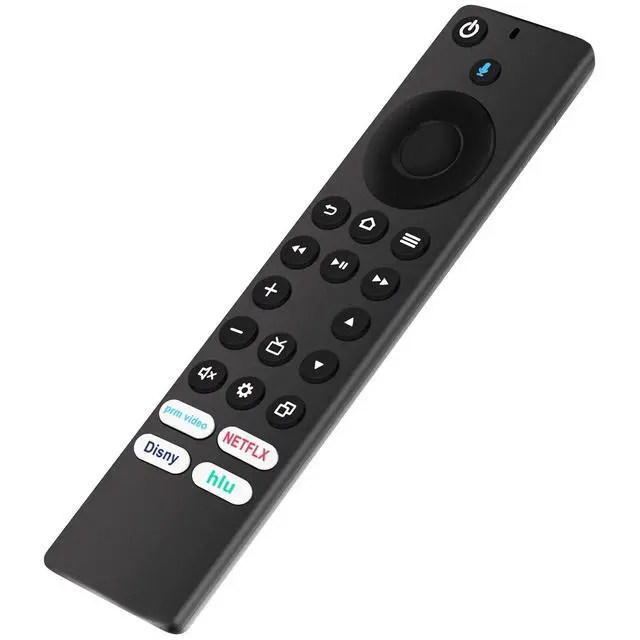
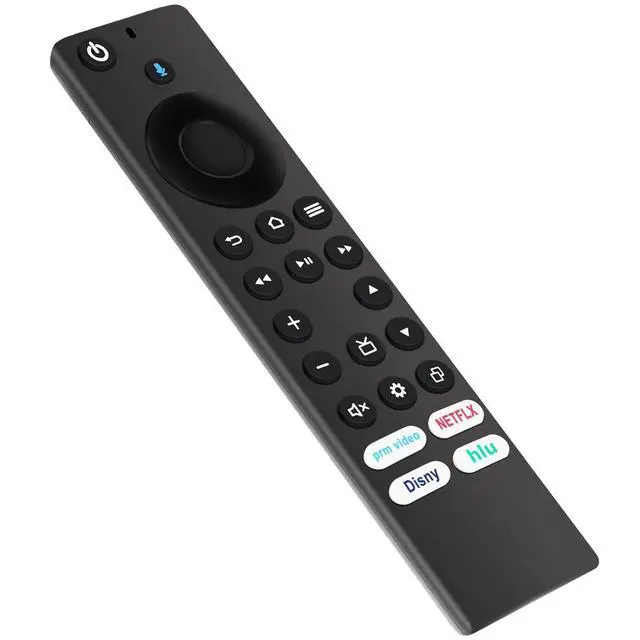


NTQinParts Replacement Voice TV Remote Control Controller for Hisense 43A7NF 43", 50A7NF 50", 55A7NF 55" Class A7 Series 4K UHD Smart TV
- Works For Hisense 43A7NF 43", 50A7NF 50", 55A7NF 55" Class A7 Series 4K UHD Smart TV
- Reset Your Remote: Having trouble with your remote, first remove and reinsert the new alkaline batteries in your remote. then Reset your remote as below: Place your remote within 10 feet of your TV. 1. Press the Left, Menu, and Back buttons simultaneously, and hold for 10 seconds. 2. Wait for 60 seconds. 3. Remove the batteries from your remote, unplug your TV, and wait 60 seconds. 4. Plug your TV back in, and wait for the Home Screen to display. 5. Hold the Home button on your remote for 40 seconds, then wait 60 seconds for setup to complete.
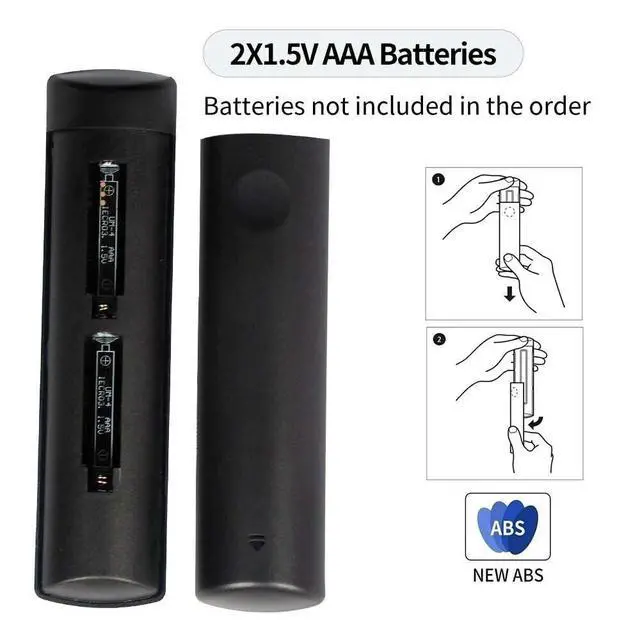
- Power Supply: 2X 1.5V AAA Alkaline Battery
- ***Battery and User Manual Not Included
- CTRC1US21 / NSRCFNA21
+
+
Overview
Specs
Reviews

Any questions? Our AI mode will help you find out quickly.
Try me now
Replaced Remote Control For Hisense 43A7NF 43", 50A7NF 50", 55A7NF 55" Class A7 Series 4K
UHD Smart TVReset Your Remote: Having trouble with your remote, first remove and reinsert the new alkaline batteries in your remote. then
Reset your remote as below: Place your remote within 10 feet of your TV device. 1. Press the Left, Menu, and Back buttons simultaneously, and hold for 10 seconds. 2. Wait for 60 seconds. 3. Remove the batteries from your remote, unplug your TV device, and wait 60 seconds. 4. Plug your TV device back in, and wait for the Home Screen to display. 5. Hold the Home button on your remote for 40 seconds, then wait 60 seconds for setup to complete. Compatible with 43A7NF, 50A7NF, 55A7NF 65A7NF, 75A7NFPower
Supply: 2X 1.5V
AAA Alkaline BatteryPackage Content: 1X Remote Control (Batteries and User Manual Not Included)
UHD Smart TVReset Your Remote: Having trouble with your remote, first remove and reinsert the new alkaline batteries in your remote. then
Reset your remote as below: Place your remote within 10 feet of your TV device. 1. Press the Left, Menu, and Back buttons simultaneously, and hold for 10 seconds. 2. Wait for 60 seconds. 3. Remove the batteries from your remote, unplug your TV device, and wait 60 seconds. 4. Plug your TV device back in, and wait for the Home Screen to display. 5. Hold the Home button on your remote for 40 seconds, then wait 60 seconds for setup to complete. Compatible with 43A7NF, 50A7NF, 55A7NF 65A7NF, 75A7NFPower
Supply: 2X 1.5V
AAA Alkaline BatteryPackage Content: 1X Remote Control (Batteries and User Manual Not Included)
Warranty & Returns
Warranty, Returns, And Additional Information
Warranty
- Please contact the Seller directly for warranty information. Warranty information may also be found on the Manufacturer's website.
- CONTACT
Return Policies
- Return for refund within: 30 days
- Return for replacement within: 30 days
- This item is covered by ApexDash Return Policy
Manufacturer Contact Info
- For a directory of all our manufacturers, please click below.
- Manufacturers Directory
LOADING...