Your Browsing History
- Free 30-day Returns
$138.99
Meet Your Seller
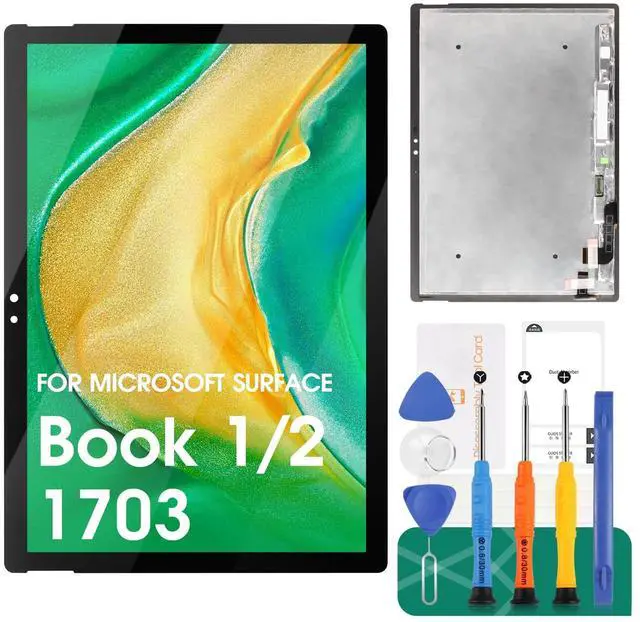
for Surface Book 2 Screen Replacement Digitizer for Surface Book 1/2 LCD Display for Microsoft Surface Book 2 1703 13.5" Touch Screen Repair 1704 1705 1706 1803 1804 1805 1806 (Not for 1793 15
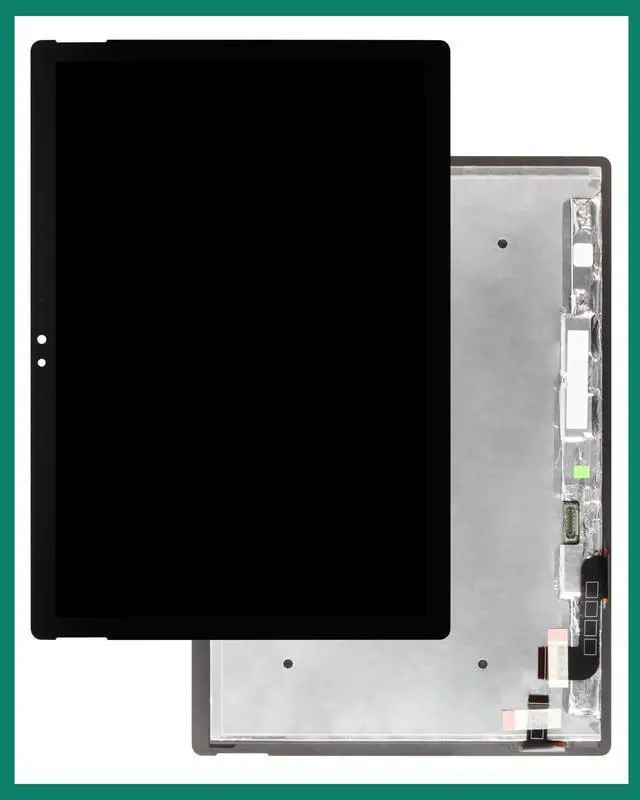
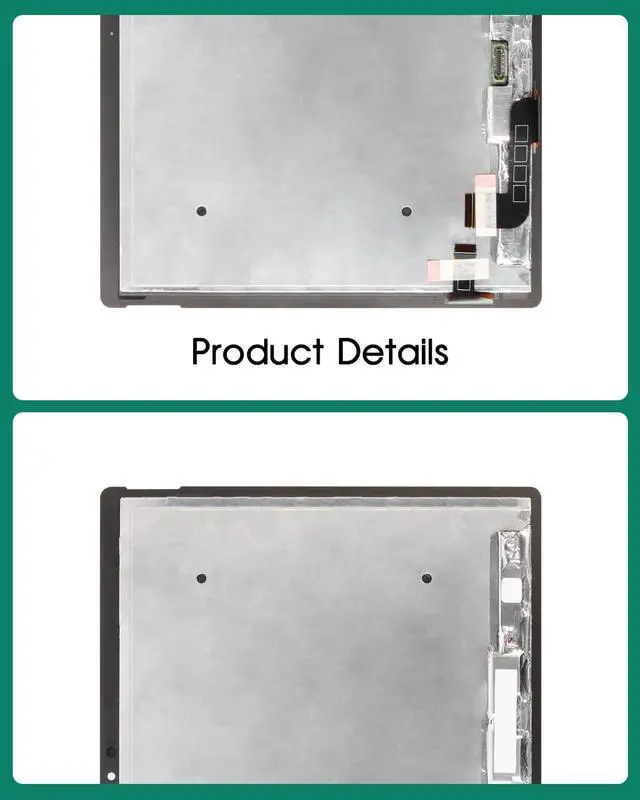
- ParametersFor Microsoft Surface Book 1/Book 2 1703 13.5" 1704 1705 1706 1803 1804 1805 1806 VVX14P048M00 TDM13056(F1) V1.0 LCD digitizer screen assembly replacement (Not fit for 1793 15"), please confirm your phone model before purchasing.
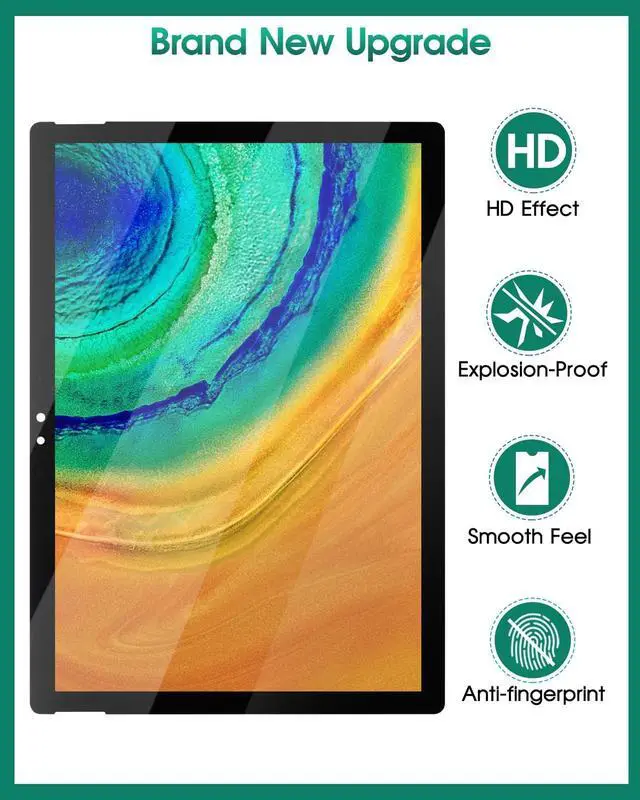
- Quality GuaranteeAll our products are strictly QC tested before shipment, 100% intact. Make sure there are no scratches, no dead zones, no dot pixels or lines on the screen. High color saturation, high resolution, wide color gamut and smooth hand feel.
- ApplicationUsed to replace the defective LCD display touch screen digitizer assembly for Surface Book 1/2. Examples include incorrect screen response, display issues, pixel distortion, cracked LCD screen, wrong colors, old or frozen LCD.
- Installation and Service Please test the screen before installation to ensure the normal use of the screen. Non-professional installation is not recommended. If you need help, please contact us and we will get back to you within 24 hours. (The screen d
+
+
Overview
Specs
Reviews
Any questions? Our AI beta will help you find out quickly.
Try me now
Our Screen Is High Quality LCD Display Touch Screen Digitizer Assembly Replacement For Microsoft Surface Book 1 Book 2 1703Product
Description:
-Size: 13.5
inches-Resolution: 3000
x 2000 pixels-Models: 1703, 1704, 1705, 1706, 1803, 1804, 1805, 1806, VVX14P048M00, TDM13056 (F1) V 1.0 -Suitable
For: For Microsoft Surface Book 1 Book 2 1703 LCD Display Touch Screen Digitizer Assembly Replacement-Package Including: 1x LCD Touch Screen Assembly Replacement1x Free Double-sides Adhesive Tape1x a set of install toolsInstallation
Precautions: 1. Check whether the product is in good condition and test it before installation. Do not remove protective film or labels during testing. Watch out for static issues. 2. The screen is glass, which is a very fragile product. Testing before installation is strongly recommended3. Do not bend the cable. During installation and testing, make sure the LCD cable is not bent. Curvatures greater than 90 degrees will result in a black view. 4. If your phone has a black screen during installation, press and hold the power key and volume key at the same time. If the phone vibrates, it's because the mainline is not installed properly. Then reinstall the product. 5. If you are not professional in maintenance, or have no experience in repairing electronic equipment, we do not recommend you to replace the screen by yourself. Take it to a repair shop for help to save you time and money. Or find the relevant installation video on the YouTube platform and follow the installation steps to install.

Description:
-Size: 13.5
inches-Resolution: 3000
x 2000 pixels-Models: 1703, 1704, 1705, 1706, 1803, 1804, 1805, 1806, VVX14P048M00, TDM13056 (F1) V 1.0 -Suitable
For: For Microsoft Surface Book 1 Book 2 1703 LCD Display Touch Screen Digitizer Assembly Replacement-Package Including: 1x LCD Touch Screen Assembly Replacement1x Free Double-sides Adhesive Tape1x a set of install toolsInstallation
Precautions: 1. Check whether the product is in good condition and test it before installation. Do not remove protective film or labels during testing. Watch out for static issues. 2. The screen is glass, which is a very fragile product. Testing before installation is strongly recommended3. Do not bend the cable. During installation and testing, make sure the LCD cable is not bent. Curvatures greater than 90 degrees will result in a black view. 4. If your phone has a black screen during installation, press and hold the power key and volume key at the same time. If the phone vibrates, it's because the mainline is not installed properly. Then reinstall the product. 5. If you are not professional in maintenance, or have no experience in repairing electronic equipment, we do not recommend you to replace the screen by yourself. Take it to a repair shop for help to save you time and money. Or find the relevant installation video on the YouTube platform and follow the installation steps to install.
Warranty & Returns
Warranty, Returns, And Additional Information
Warranty
- Please contact the Seller directly for warranty information. Warranty information may also be found on the Manufacturer's website.
- CONTACT
Return Policies
- Return for refund within: 30 days
- Return for replacement within: 30 days
- This item is covered by Detail Driven Return Policy
Manufacturer Contact Info
- For a directory of all our manufacturers, please click below.
- Manufacturers Directory
LOADING...