

Your Browsing History

Meet Your Seller


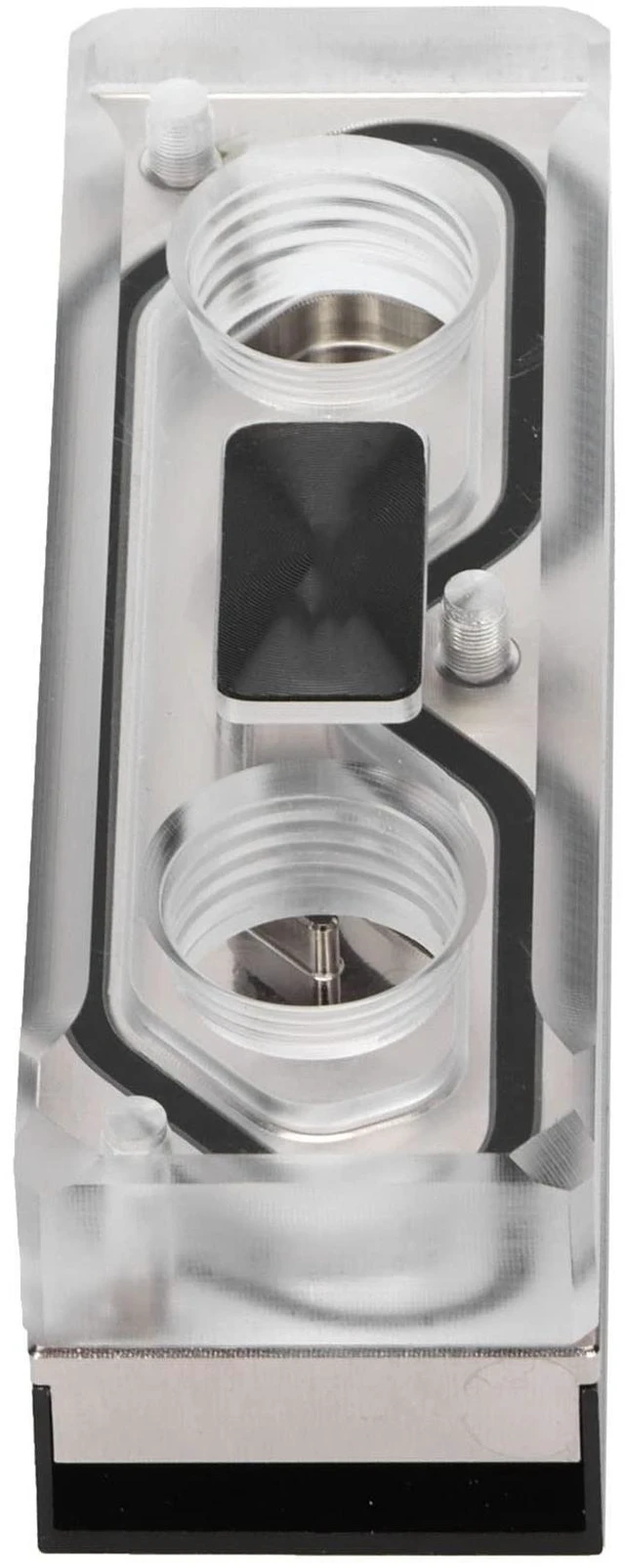
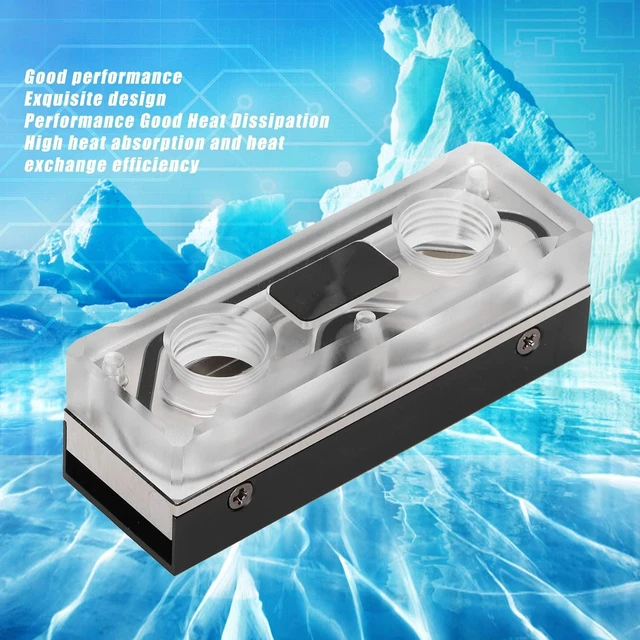
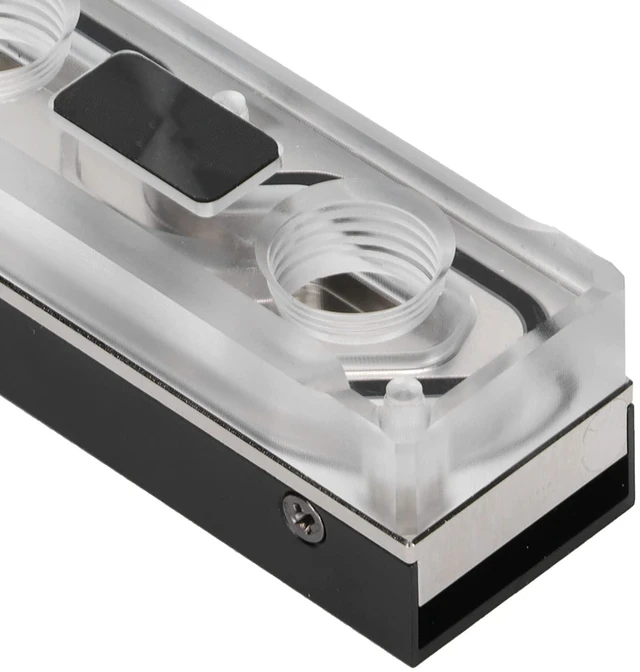
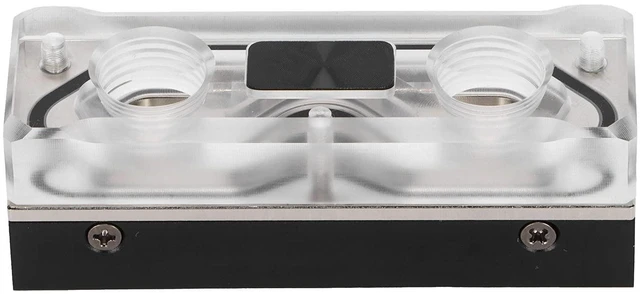
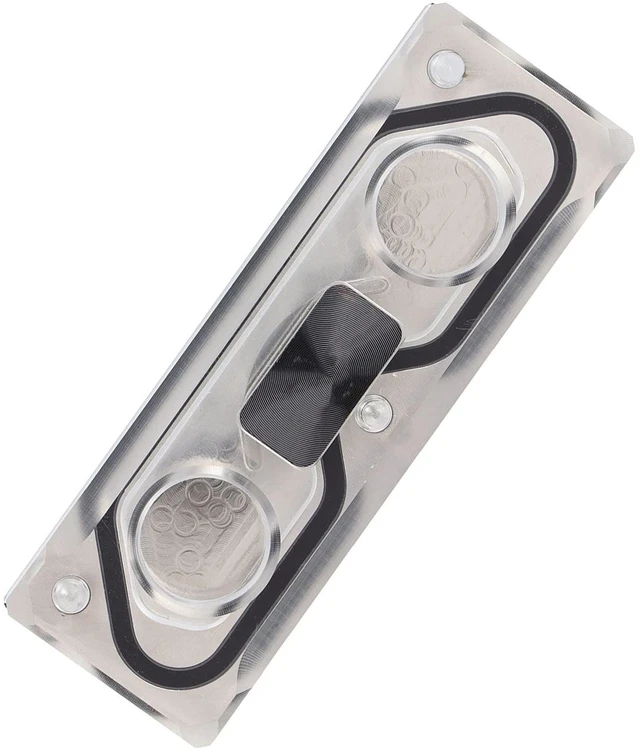


Acogedor M.2 NVME SSD Water Block, G1/4 Water Cooling Aluminum Heatsink Cooler with Silicone Thermal Pad for PC Custom Cooling System
- M.2 WATER-COOLED HARD DISK ENCLOSURE: B Key NVME SSD cooling enclosure, G1/4 size internal threaded water-cooling interface, Inline circulating water-cooled heat exchange, acrylic transparent material SSD cooling accessories.
- GOOD MATERIAL: Transparent acrylic water cooling and heat exchange, while using T2 high-purity copper plate to increase heat exchange efficiency, efficient heat exchange, and ensure that the SSD is not overheated.
- HIGH THERMAL CONDUCTIVITY STICKERS: the same size thermal conductivity stickers, memory particles are fully covered, to ensure that the memory particles heat exchange in time, to ensure that the SSD is always in high-performance data exchange.
- FASHION APPEARANCE: anodized aluminum alloy bottom plate, and high-purity CNC processed electroplated T2 copper water-cooled heat sink, transparent acrylic material, stylish appearance, high heat dissipation efficiency and beautiful appearance.
- EASY TO INSTALL: 1--Paste thermal paste on both sides of th
+
+
Overview
Specs
Reviews

Any questions? Our AI mode will help you find out quickly.
Try me now
Water Cooling Block, M. 2 SSD Cooler SSD Heat Sink Computer Water Cooling System Heat Exchanger Computer AccessoriesHow to
Use: Ready
to useInstallation steps: 1. Tear off the transparent film on the front and back of the provided heat conduction pad. 2. Cover the chip with a thermal pad. The label on the chip does not need to be torn off. 3. If there is no chip back, please stick 2 layers of heat dissipation pads; If there is a chip on the back, please paste a layer of cooling pad. 4. After covering the M2 SSD with the heat dissipation pad, place the SSD in the block on the side with the chip facing upwardSpecification: Item
Type: M.
2 SSD CoolerMaterial: Acrylic, Red Copper, Aviation
AluminumProcess: Electroplating or
AnodeThread:
G1/4Function: Water Cooling and Heat Dissipation of M. 2 SSD
Scope of
Application: M. 2 SSD for
Computer HostPackage List: 1 x Water Cooling Block2 x Cooling Pad
Use: Ready
to useInstallation steps: 1. Tear off the transparent film on the front and back of the provided heat conduction pad. 2. Cover the chip with a thermal pad. The label on the chip does not need to be torn off. 3. If there is no chip back, please stick 2 layers of heat dissipation pads; If there is a chip on the back, please paste a layer of cooling pad. 4. After covering the M2 SSD with the heat dissipation pad, place the SSD in the block on the side with the chip facing upwardSpecification: Item
Type: M.
2 SSD CoolerMaterial: Acrylic, Red Copper, Aviation
AluminumProcess: Electroplating or
AnodeThread:
G1/4Function: Water Cooling and Heat Dissipation of M. 2 SSD
Scope of
Application: M. 2 SSD for
Computer HostPackage List: 1 x Water Cooling Block2 x Cooling Pad
Warranty & Returns
Warranty, Returns, And Additional Information
Warranty
- Please contact the Seller directly for warranty information. Warranty information may also be found on the Manufacturer's website.
- CONTACT
Return Policies
- Return for refund within: 30 days
- Return for replacement within: 30 days
- This item is covered by SmartJoy Shop Return Policy
Manufacturer Contact Info
- For a directory of all our manufacturers, please click below.
- Manufacturers Directory
LOADING...