Your Browsing History
Meet Your Seller
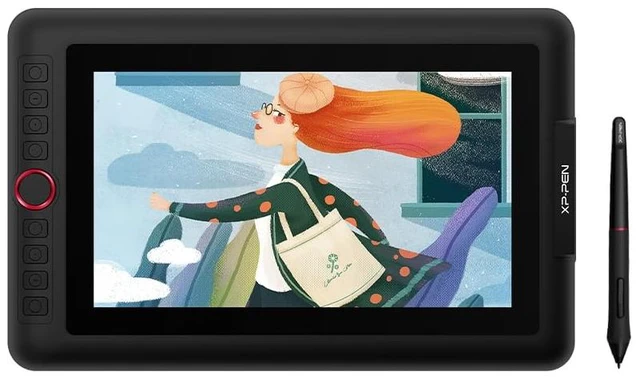
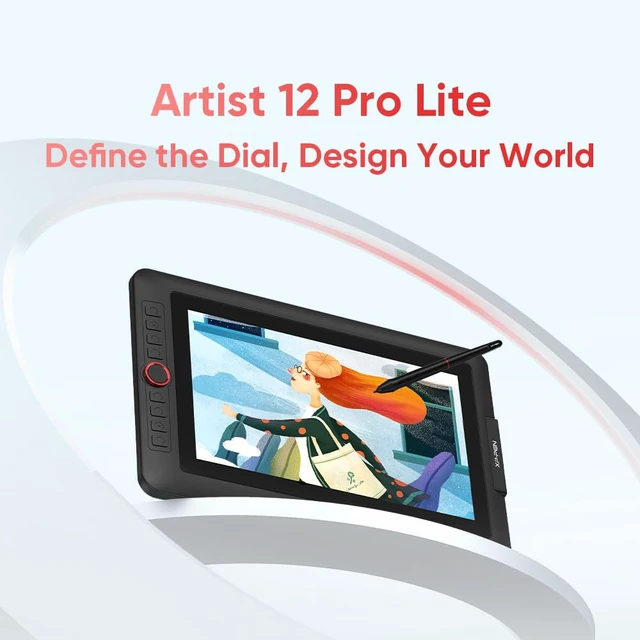
XPPen Artist 12 Pro Lite Version Drawing Tablet with Screen 8192 Stylus
- Full-laminated Display: Featuring a fully-laminated IPS display with 178 viewing angle and 19201080 resolution, the display virtually eliminates parallax, offering a paper-like feel and distraction-free working environment
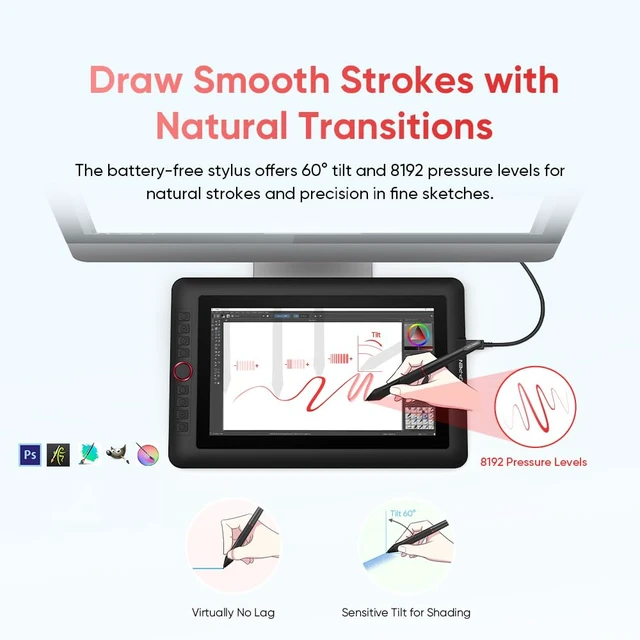
- Natural Tilt Support: With up to 60 tilt support, the stylus allows you to avoid frequent brush direction adjustment in the software. Simply tilt to add shading to your creation and enjoy smoother and more natural transitions between lines and strokes
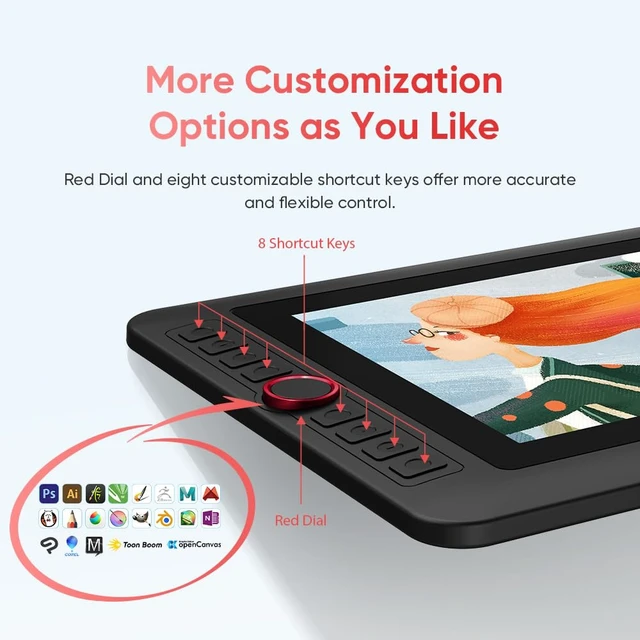
- Customizable Red Dial and Shortcut Keys: The programmable Red Dial is comfortable in the hand and convenient to control. You can also press the eight shortcut keys for more customization options at your fingertips
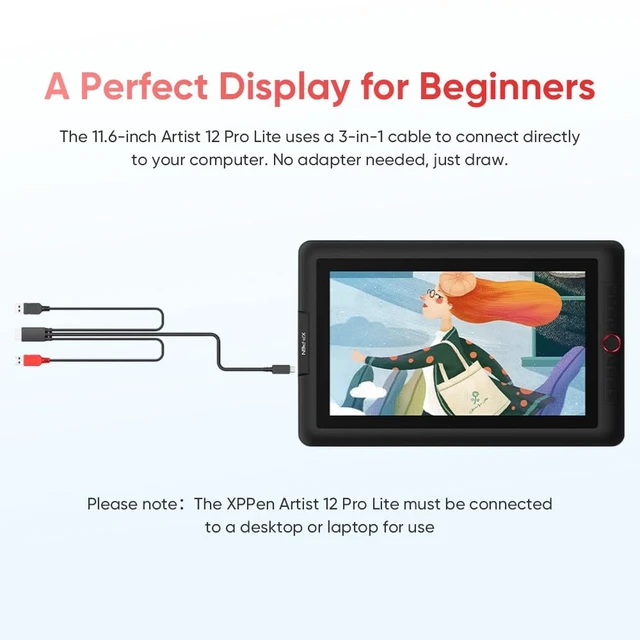
- 3-in-1 Cable Design: The portable11.6-inch drawing display features a 3-in-1 cable design. It does not need any adapter to connect to your computer. You can start sketching, doodling, and drawing directly on Artist 12 Pro Lite anywhere
- Smooth and Sensitive Strokes: The stylus features 8192 pressure
+
+
Overview
Specs
Reviews
Any questions? Ask CelesteSM will help you find out quickly.
Try me now
Full-laminated Display: Featuring a fully-laminated IPS display with 178 viewing angle and 19201080 resolution, the display virtually eliminates parallax, offering a paper-like feel and distraction-free working environment ^^ Natural
Tilt Support: With up to 60 tilt support, the stylus allows you to avoid frequent brush direction adjustment in the software. Simply tilt to add shading to your creation and enjoy smoother and more natural transitions between lines and strokes ^^ Customizable Red Dial and
Shortcut Keys: The programmable Red Dial is comfortable in the hand and convenient to control. You can also press the eight shortcut keys for more customization options at your fingertips ^^ 3-in-1
Cable Design: The portable 11.6 -inch drawing display features a 3-in-1 cable design. It does not need any adapter to connect to your computer. You can start sketching, doodling, and drawing directly on Artist 12 Pro Lite anywhere ^^ Smooth and
Sensitive Strokes: The stylus features 8192 pressure levels. It provides increased accuracy and enhanced performance to create the finest sketches ^^ Versatility and
Compatibility: Supports Windows 7 or later, MacOS 10.10 or later, ChromeOS 88 or later, Linux. Works perfectly with popular digital art software including Adobe Photoshop, llustrator, SAl, CDR, GIMP, Krita, Medibang, FireAlpaca, Blender 3D and more for diverse creation needs ^^ Turn Your Screen intoa
Live Canvas: Easily annotate and edit files in real time for online classes, meetings, live streams and presentations. Instant screen sharing helps you visualize ideas and explain solutions clearly for more engaging interactions
Tilt Support: With up to 60 tilt support, the stylus allows you to avoid frequent brush direction adjustment in the software. Simply tilt to add shading to your creation and enjoy smoother and more natural transitions between lines and strokes ^^ Customizable Red Dial and
Shortcut Keys: The programmable Red Dial is comfortable in the hand and convenient to control. You can also press the eight shortcut keys for more customization options at your fingertips ^^ 3-in-1
Cable Design: The portable 11.6 -inch drawing display features a 3-in-1 cable design. It does not need any adapter to connect to your computer. You can start sketching, doodling, and drawing directly on Artist 12 Pro Lite anywhere ^^ Smooth and
Sensitive Strokes: The stylus features 8192 pressure levels. It provides increased accuracy and enhanced performance to create the finest sketches ^^ Versatility and
Compatibility: Supports Windows 7 or later, MacOS 10.10 or later, ChromeOS 88 or later, Linux. Works perfectly with popular digital art software including Adobe Photoshop, llustrator, SAl, CDR, GIMP, Krita, Medibang, FireAlpaca, Blender 3D and more for diverse creation needs ^^ Turn Your Screen intoa
Live Canvas: Easily annotate and edit files in real time for online classes, meetings, live streams and presentations. Instant screen sharing helps you visualize ideas and explain solutions clearly for more engaging interactions
Warranty & Returns
Warranty, Returns, And Additional Information
Warranty
- Please contact the Seller directly for warranty information. Warranty information may also be found on the Manufacturer's website.
- CONTACT
Return Policies
- Return for refund within: 30 days
- Return for replacement within: 30 days
- This item is covered by kaipuda Return Policy
Manufacturer Contact Info
- For a directory of all our manufacturers, please click below.
- Manufacturers Directory
LOADING...