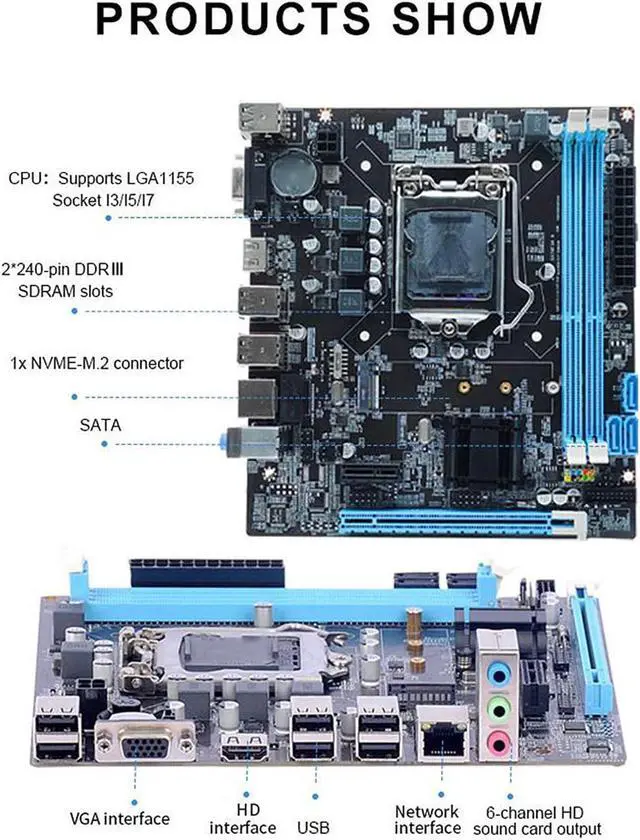
Description
Specification
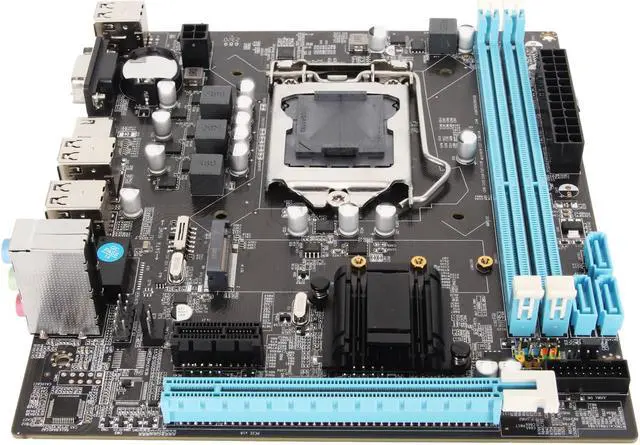
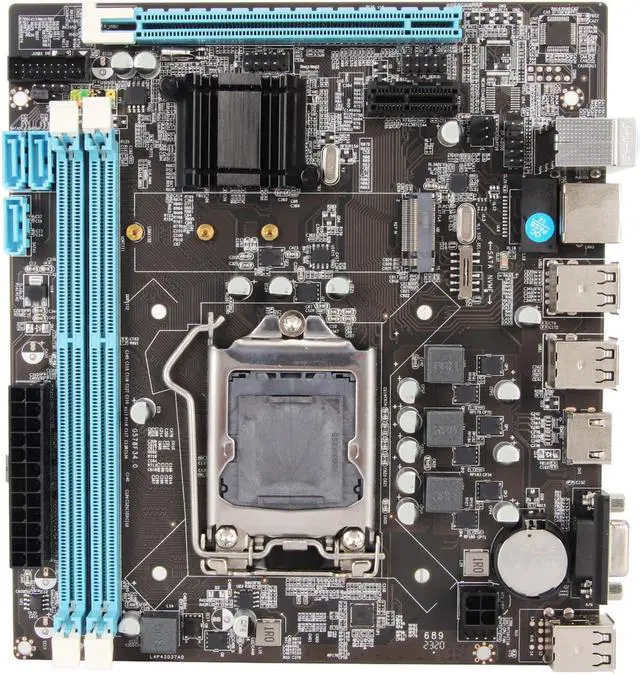
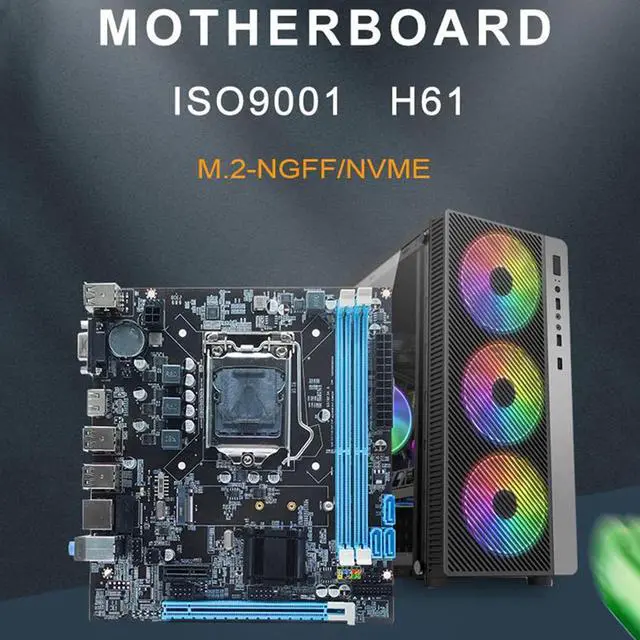
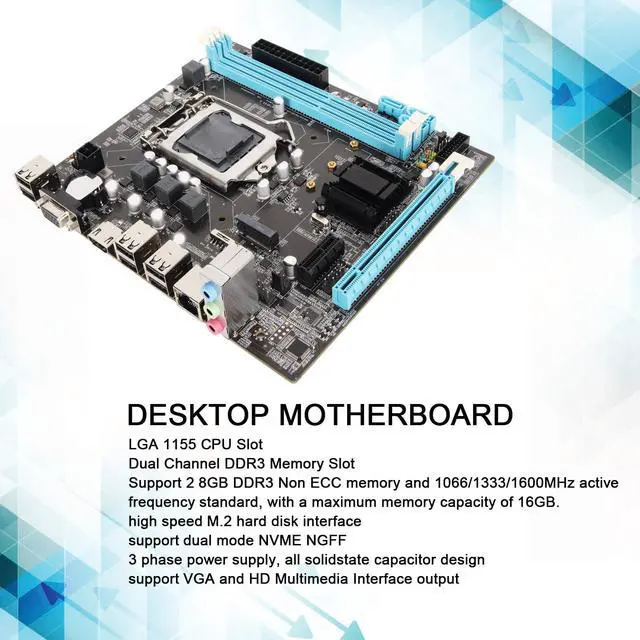
Item Type: Desktop Motherboard
Material: Printed Circuit Board
Battery: 240mAh CR2032 Battery (Inbuilt Battery Included)
CPU Slot Type: LGA 1155 I3/I5/I7/for Pentium/for Celeron Series CPU
Storage: 4 SATA 2.0 (3GB/s) Ports
LAN: 10/100Mbps LAN
Input and Output Interface: 6 x USB 2.0, 1 x VGA Port, 1 x HD Multimedia Interface Port, 1 x RJ45 Port, 1 x 3 in 1 Audio Port (Line Input/Line Output/Microphone Input)
Onboard Interface: 1 x 24Pin ATX Power Connector, 1 x 4Pin ATX 12V Power Connector, 2 x USB Port(Support 4 x USB 2.0 ), 1 x F Audio Connector, 1 x F Panel Connector, 1 x F Speaker Connector, 1 x Fan Connector, 1 x LPC Debug Connector
Expansion Slot: 1 x PCI Express X16 Slot, 1 x PCI Express X1 Slot, 1 x M. 2 NVMe/NGFF Slot
Integrated Audio: Onboard ALC 6 Channel HD Audio Codec, Provide Front Audio Interface, Front Stereo Mic
Structure: Micro ATX Structure (17 x 19cm / 6.7 x 7.5 in)
Package List
1 x Desktop Motherboard
Note
1.
Memory problems: Memory failure may also cause the motherboard to fail to boot. Try re inserting and re plugging the memory sticks to make sure they are making good contact. If there is more than one memory stick, try inserting each stick individually to determine if there is a bad stick.
2.
CPU problems: CPU failure may cause the motherboard to fail to boot. Check if the CPU is installed correctly and make sure the heatsink is working properly. Try re plugging the CPU and reconnecting the heatsink.
3.
BIOS problems: A corrupted motherboard BIOS may also cause failure to boot. If the BIOS is corrupted, you may need to re flash the BIOS.
4. Remove the battery from the product and discharge it before attempting to turn it on.
FAQ
Q: Why can't the product boot up?
A:
1.
Memory Problems: Memory failure may also cause the motherboard to fail to boot. Try reinserting and replugging the memory sticks to make sure they are making good contact. If there is more than one memory stick, try inserting each stick individually to determine if there is a bad memory stick. 2.
CPU Problems: A faulty CPU may cause the motherboard to fail to boot. Check that the CPU is properly installed and make sure the heatsink is working properly. Try replugging the CPU and then reconnecting the heatsink. 3.
BIOS Problem: A corrupted motherboard BIOS may also cause failure to boot. If the BIOS is corrupted, you may need to reflash the BIOS.