

Your Browsing History

Meet Your Seller

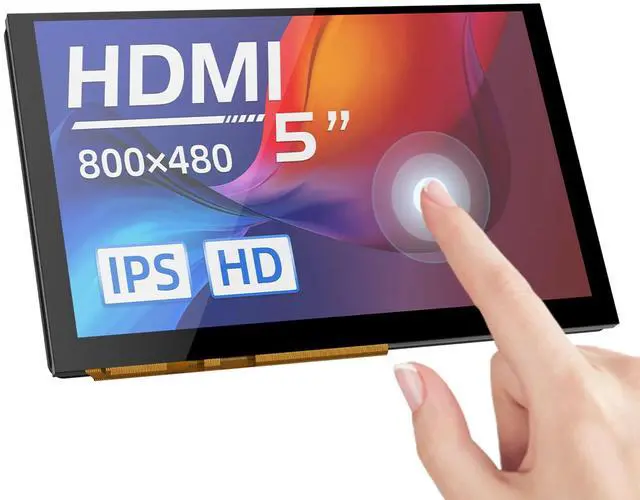
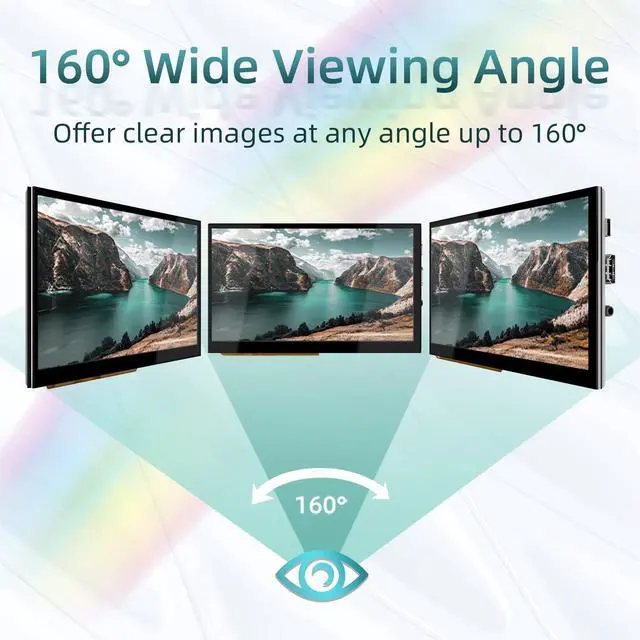


BIGTREETECH 5 inch HDMI Touch Screen Display 800x480, IPS 160° View Angle Monitor Compatible with Sovol-SV08 Raspberry-Pi 4B, 3B, Banana Pi, Windows 10 8 7
- HDMI input, can work compatible with Sovol-SV08/Raspberry-Pi
- Connect to a PC, it can be used as a PC monitor
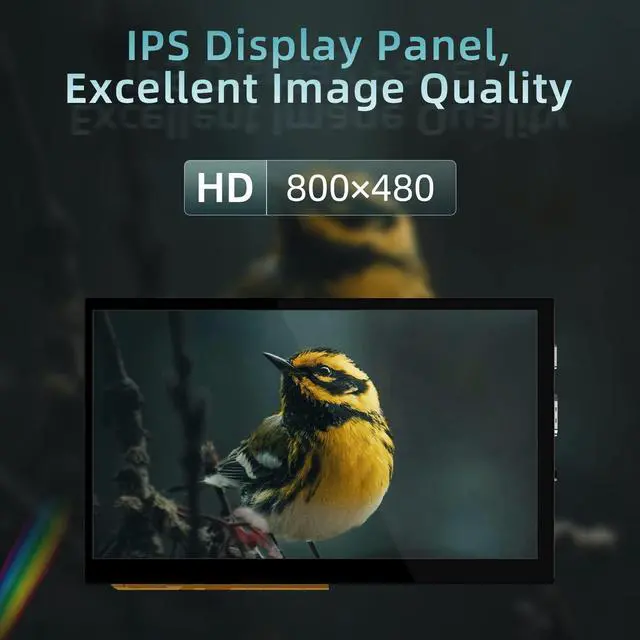
- The LCD adopts a 5-inch IPS capacitive touch screen with a resolution of 800x480
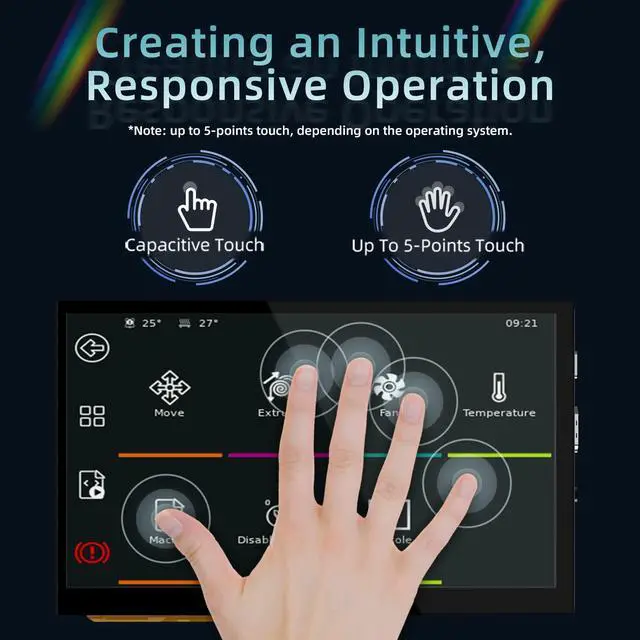
- Support 5-point touch. Support brightness and display direction adjustment
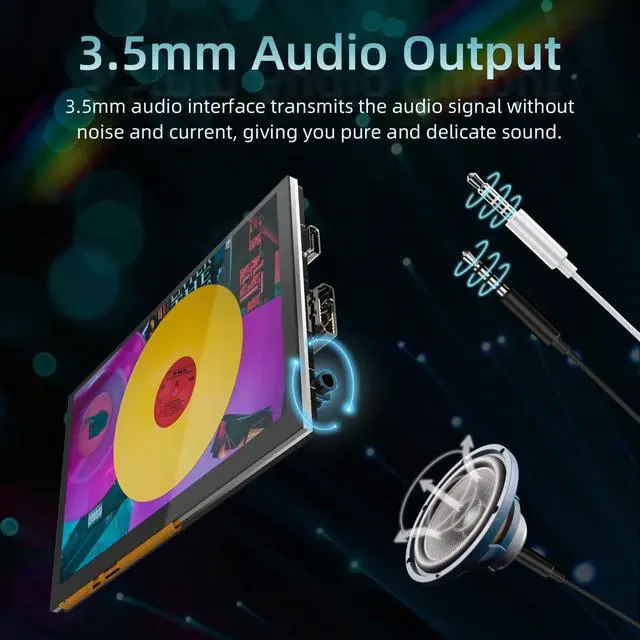
- Built-in audio decoding circuit, support 3.5mm headphone jack audio output
+
+
Overview
Specs
Reviews

Any questions? Our AI mode will help you find out quickly.
Try me now
1.
Product Parameters:
1.1 Product Dimension: 121 x 76mm
1.2 Power Input: DC 5V
1.3 Logic Voltage: DC 3.3V
1.4 Screen Size: 5-inch IPS Display
1.5 Screen Resolution: 800x480
1.6 Screen Viewing Angle: 160°
2.
Indicator Light:
When the motherboard is powered on:
The power indicator, D6 red light, lights up, indicating that the power supply is functioning normally.
The working status indicator, D7 green light, flashes, indicating that the screen is working normally.
3.
Product Functions:
3.1 Connecting to the Display Output Device:
3.1. 1 Use the Type C data cable to connect the HDMI5 to the display output device (compatible with Sovol-SV08 3d printer/Raspberry-Pi/PC/other devices that support HDMI display output). When connecting to the PC, the PC will automatically load the driver under normal circumstances. After the driver is loaded, the touch device can be recognized.
3.1. 2 Use the HDMI cable to connect HDMI5 to the display output device. Usually, after connecting the HDMI cable, the LCD can be displayed normally within 5 seconds.
3.2 Audio Out:
Plug the 3.5 mm earphone/speaker into the AUDIO interface to realize audio output.
3.3 Screen Brightness Adjustment:
BIGTREETECH HDMI5 V 1.0 supports brightness adjustment, you can increase the brightness via the Ks1 button, and decrease the brightness via the Ks3 button.
3.4 Display Direction Adjustment:
BIGTREETECH HDMI5 V 1.0 supports horizontal display direction adjustment via the Ks2 button.
Product Parameters:
1.1 Product Dimension: 121 x 76mm
1.2 Power Input: DC 5V
1.3 Logic Voltage: DC 3.3V
1.4 Screen Size: 5-inch IPS Display
1.5 Screen Resolution: 800x480
1.6 Screen Viewing Angle: 160°
2.
Indicator Light:
When the motherboard is powered on:
The power indicator, D6 red light, lights up, indicating that the power supply is functioning normally.
The working status indicator, D7 green light, flashes, indicating that the screen is working normally.
3.
Product Functions:
3.1 Connecting to the Display Output Device:
3.1. 1 Use the Type C data cable to connect the HDMI5 to the display output device (compatible with Sovol-SV08 3d printer/Raspberry-Pi/PC/other devices that support HDMI display output). When connecting to the PC, the PC will automatically load the driver under normal circumstances. After the driver is loaded, the touch device can be recognized.
3.1. 2 Use the HDMI cable to connect HDMI5 to the display output device. Usually, after connecting the HDMI cable, the LCD can be displayed normally within 5 seconds.
3.2 Audio Out:
Plug the 3.5 mm earphone/speaker into the AUDIO interface to realize audio output.
3.3 Screen Brightness Adjustment:
BIGTREETECH HDMI5 V 1.0 supports brightness adjustment, you can increase the brightness via the Ks1 button, and decrease the brightness via the Ks3 button.
3.4 Display Direction Adjustment:
BIGTREETECH HDMI5 V 1.0 supports horizontal display direction adjustment via the Ks2 button.
Warranty & Returns
Warranty, Returns, And Additional Information
Warranty
- Please contact the Seller directly for warranty information. Warranty information may also be found on the Manufacturer's website.
- CONTACT
Return Policies
- Return for refund within: 30 days
- Return for replacement within: 30 days
- This item is covered by LingGo Return Policy
Manufacturer Contact Info
- For a directory of all our manufacturers, please click below.
- Manufacturers Directory
LOADING...