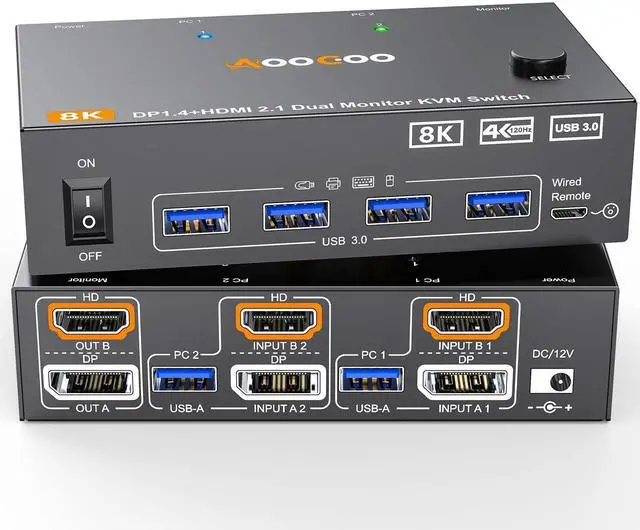
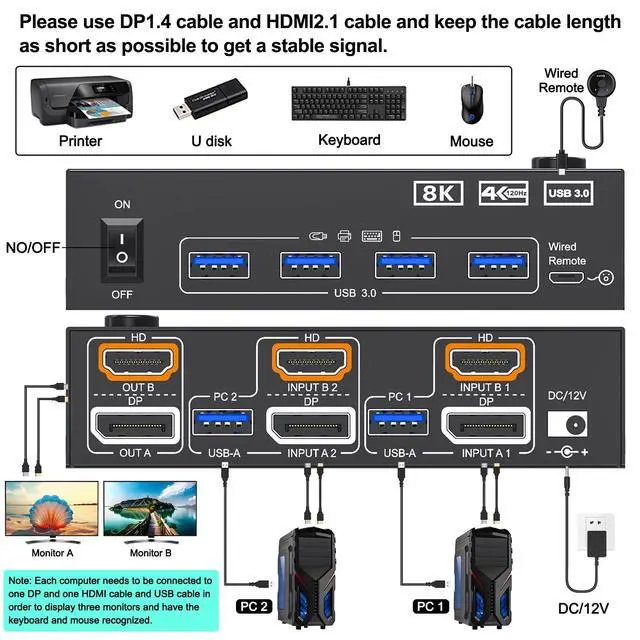
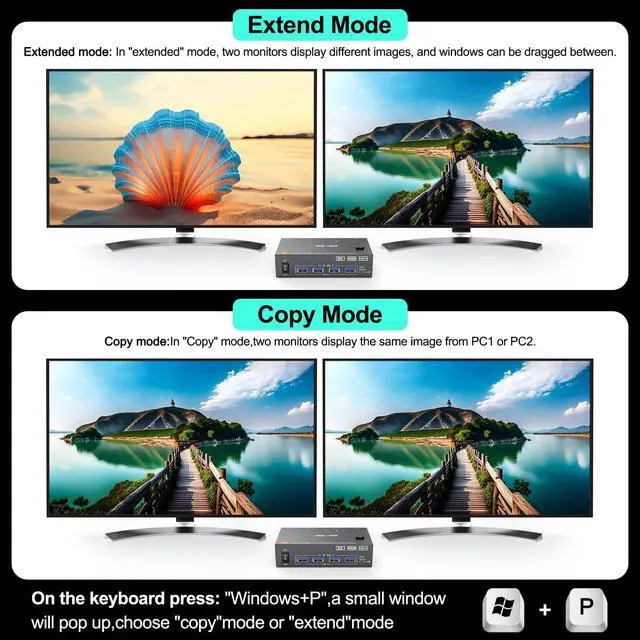
Dual Monitor KVM Switch 2 In 2 OutThis Dual Monitor KVM HDMI+DP Switch allows to control 2 computers by 1 set of keyboard & mouse and 2 monitors (Extend display mode or Copy display mode)
Note: Press "Window+P", a small window will pop up, in which to choose "Copy" Mode or "Extend" Mode.
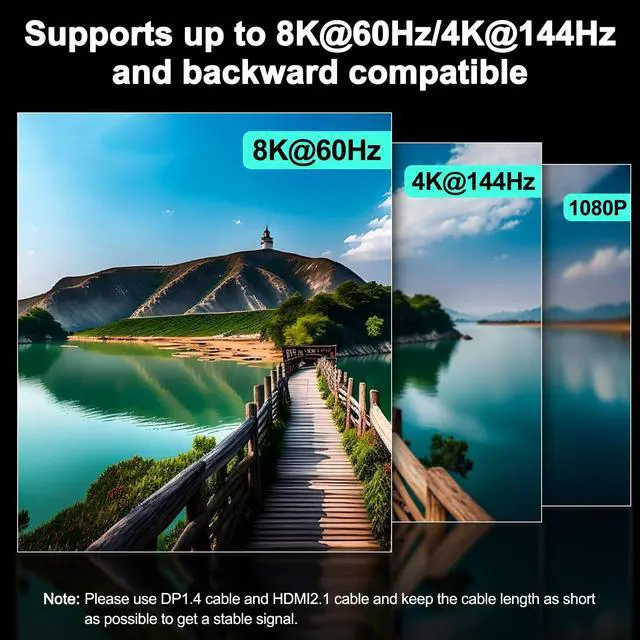
Note: Please use high-quality HDMI cables and DP cables for a better experience. ^^ Support up to 8K@60Hz/4K@144Hz USB 3.0 dual monitor KVM switch supports resolution up to 8K@60Hz/4K@144Hz. The dual monitor KVM HDMI 2.1 +DP 1.4 switch supports 2 computers that with different resolutions, such as 1 computer is 4K@60Hz, the other is 4K@30Hz, 1440P@60HZ, 3D 1080P@60HZ or lower resolution. We recommend using computers with the same resolution. ^^ Dual Monitor KVM Switches with 4 USB 3.0 PortsDual monitor kvm switch with 4 USB 3.0 ports which can recognize keyboard, mouse, printer, scaner and other USB devices. USB 3.0 offers data transfer speeds of up to 5Gbps, while USB 2.0 offers data transfer speeds of only 480Mbps.
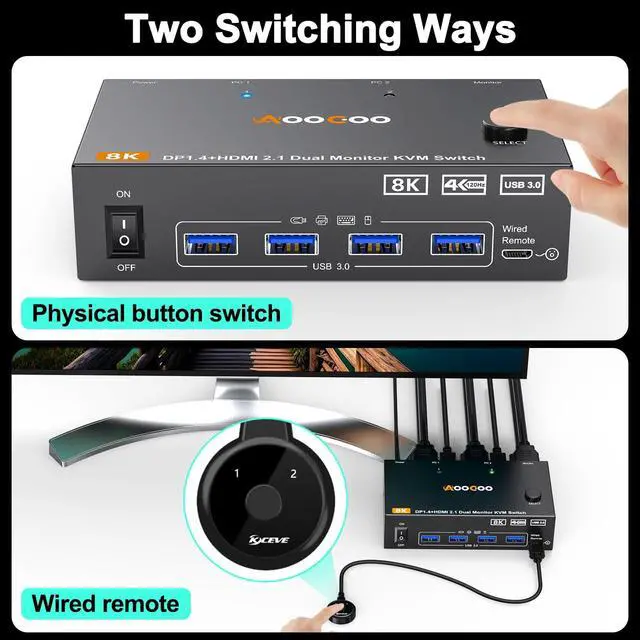
Note: If the input USB 3.0 ports are not connected to the KVM or connected incorrectly, the output USB device will not be recognized. ^^ 2 Switching Mode&LED IndicatorThis KVM Switch with 2 swtich methdos that are pressing the button on the panel and the wired controllerincluded). The two color indicator light will show which computer is the active computer. ^^ Extended Mode&Copy ModeDual display KVM switches require HDMI+DP connections per computer, and for computers with discrete and integrated graphics cards require the HDMI and DP port to be belong of the discrete graphics card.
Note: MAC M1/M2 only supports one external screen, no multi-screen output. If using the MST multi-screen docking station, the computer CPU requires support for 11th generation. ^^ Wide Compatibility and Easy to UseThis dual monitor KVM switch is driver-free, plug and play. It is required that each connected computer hhave HDMI and DP port, but there may be many computers, especially laptops, which may not have HDMI and DP port, then an adapter is required, such as USB-C to HDMI, USB-C to DP. ^^ Power SwitchWhen you dont need to use KVM, you only need one-key switch to avoid re-plugging and saving power. ^^ Packing list1*Dual Monitor USB 3.0 HDMI + DP KVM Switch+2*USB 3.0 Cable( 1.5 m)+1*Wired Controller+1*User Manual+1*DC12V Power Adapter.