

Your Browsing History

Meet Your Seller

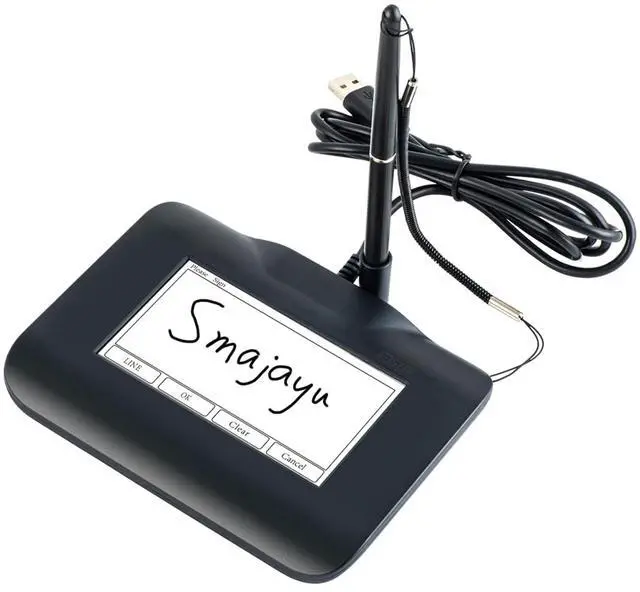
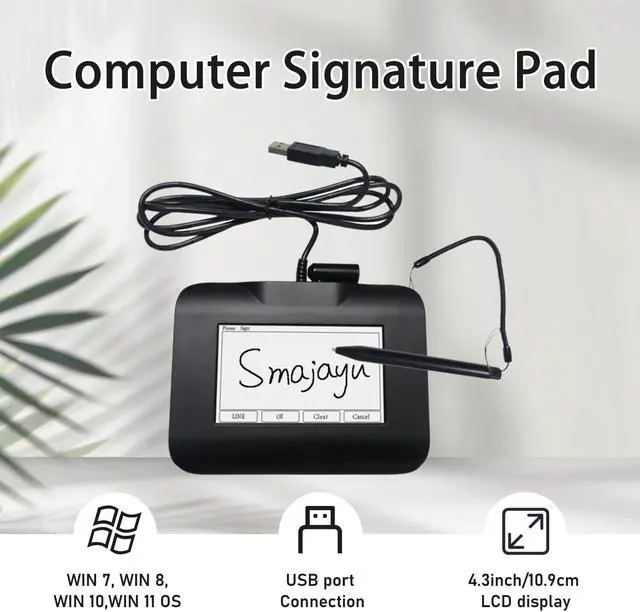


FP430S Electronic Signature Pad USB Signature Capture Pads for Computer Laptop with Windows 7,8,10,11,Signature Stylus Included,4.3inch LCD Color Display with LCD Backlits
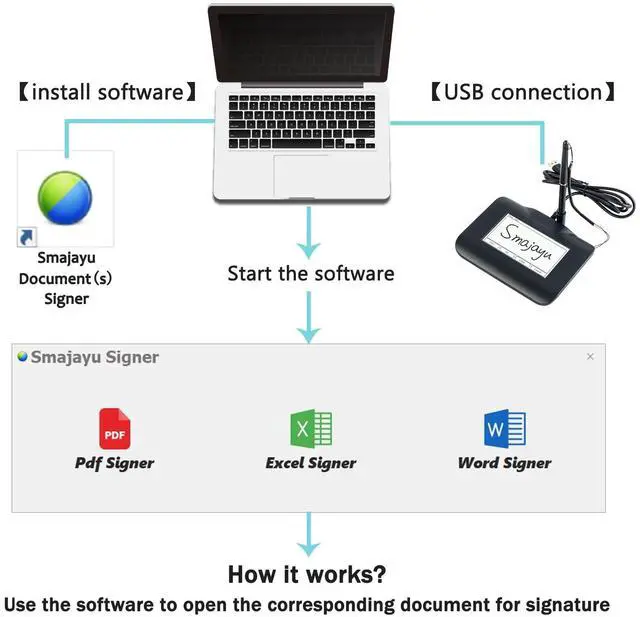
- Signature tool 1: SMAJAYU electronic signature pad works with SMAJAYU document(s) Signer a Sign Tool for pdf,word,excel documents digital signature. Pdf,Excel,word documents will be save as pdf after signature on sign tool.
- Signature tool 2: Second sign tool named demo tool which is for getting signature picture to past on excel,word.edited files.
- Signature tool 3: 430S SDK is available to integrate with programmable flatform, like website, app. Contact SMAJAYU support team for support.
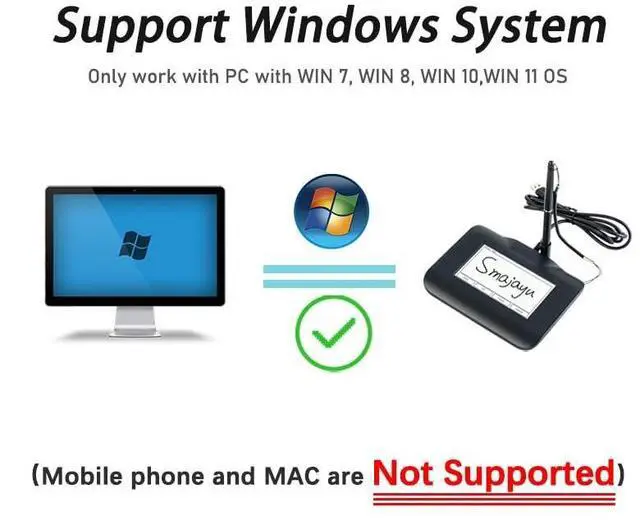
- Apply Windows OSSMAJAYU Signature pad and Signer tool only compatible with Windows OS, Windows 7,8,10,11, dont support apple PC.
- How to sign documentsInstall SMAJAYU document(s) Signer on computer, run this app and create certification for first installation which for signature encryption and safety. Then insert Signature pad by USB and open files to start sign.
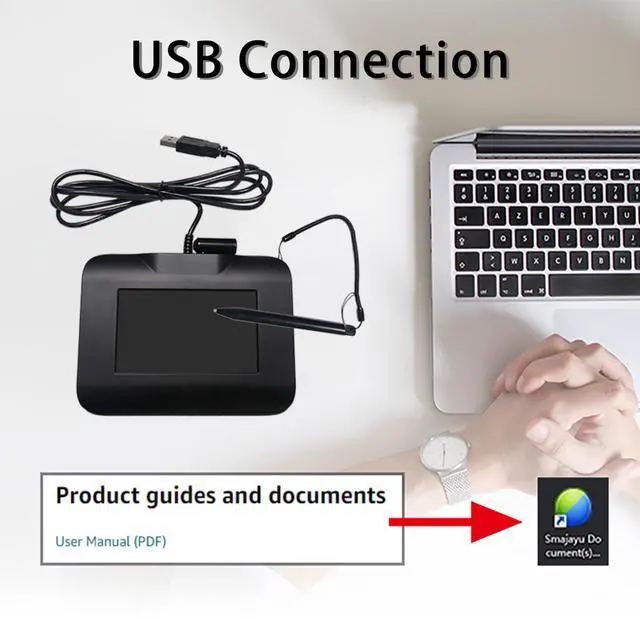
- DOWNLOADSMAJAYU document(s) Signer is available to be downloaded from DROPBOX. Downloading link is available in user manual und
+
+
Overview
Specs
Reviews

Any questions? Our AI mode will help you find out quickly.
Try me now
Signature tool 1: SMAJAYU electronic signature pad works with SMAJAYU document (s) Signer a Sign Tool for pdf, word, excel documents digital signature. Pdf, Excel, word documents will be save as pdf after signature on sign tool.
^^ Signature tool 2: Second sign tool named demo tool which is for getting signature picture to past on excel, word. edited files. ^^ Signature tool 3: 430 S SDK is available to integrate with programmable flatform, like website, app. Contact SMAJAYU support team for support. ^^ Apply Windows OSSMAJAYU Signature pad and Signer tool only compatible with Windows OS, Windows 7, 8, 10, 11, dont support apple PC. ^^ How to sign documentsInstall SMAJAYU document (s) Signer on computer, run this app and create certification for first installation which for signature encryption and safety. Then insert Signature pad by USB and open files to start sign. ^^ DOWNLOADSMAJAYU document (s) Signer is available to be downloaded from DROPBOX. Downloading link is available in user manual under product guides and documents on this page. "Signature Pad Operation Video" is also available. ^^ About 430SSMAJAYU Signature pad is for get digital signature, USB port connection, 4.3 inch LCD display with backlit. SMAJAYU Signature pad 430S is not compatible with any other brand signature tool.
^^ Signature tool 2: Second sign tool named demo tool which is for getting signature picture to past on excel, word. edited files. ^^ Signature tool 3: 430 S SDK is available to integrate with programmable flatform, like website, app. Contact SMAJAYU support team for support. ^^ Apply Windows OSSMAJAYU Signature pad and Signer tool only compatible with Windows OS, Windows 7, 8, 10, 11, dont support apple PC. ^^ How to sign documentsInstall SMAJAYU document (s) Signer on computer, run this app and create certification for first installation which for signature encryption and safety. Then insert Signature pad by USB and open files to start sign. ^^ DOWNLOADSMAJAYU document (s) Signer is available to be downloaded from DROPBOX. Downloading link is available in user manual under product guides and documents on this page. "Signature Pad Operation Video" is also available. ^^ About 430SSMAJAYU Signature pad is for get digital signature, USB port connection, 4.3 inch LCD display with backlit. SMAJAYU Signature pad 430S is not compatible with any other brand signature tool.
Warranty & Returns
Warranty, Returns, And Additional Information
Warranty
- Please contact the Seller directly for warranty information. Warranty information may also be found on the Manufacturer's website.
- CONTACT
Return Policies
- Return for refund within: 30 days
- Return for replacement within: 30 days
- This item is covered by LANMEll Return Policy
Manufacturer Contact Info
- For a directory of all our manufacturers, please click below.
- Manufacturers Directory
LOADING...