

Your Browsing History
- Free 30-day Returns
- $5.99 Shipping ()
$113.99
Most customers receive within 5-9 days.

Meet Your Seller

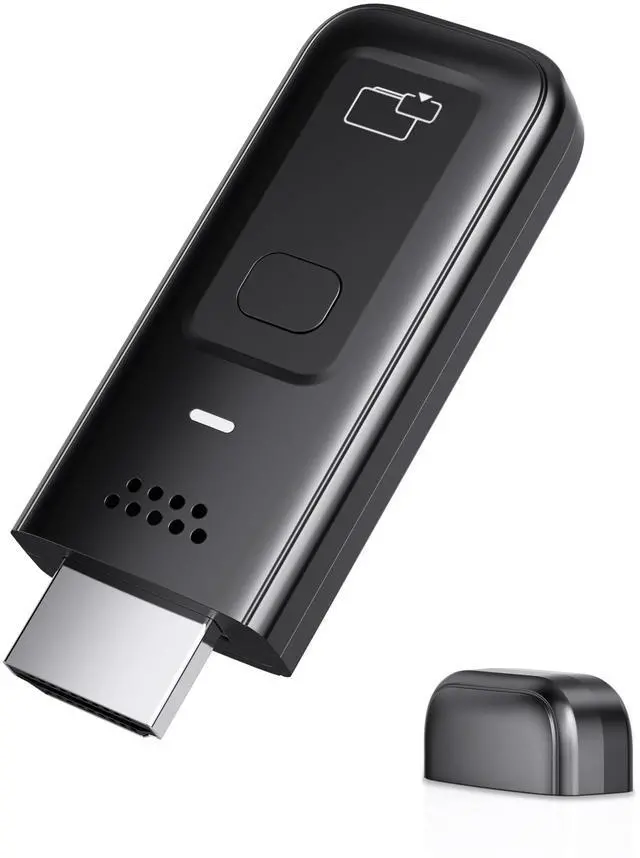


Wireless HDMI Display Dongle Adapter, 4K Decode 1080P@60Hz HDMI Wireless Plug & Play Extender for Smartphone Laptop to TV/Monitor/Projector, Support Airplay & Miracast, for Conference Room
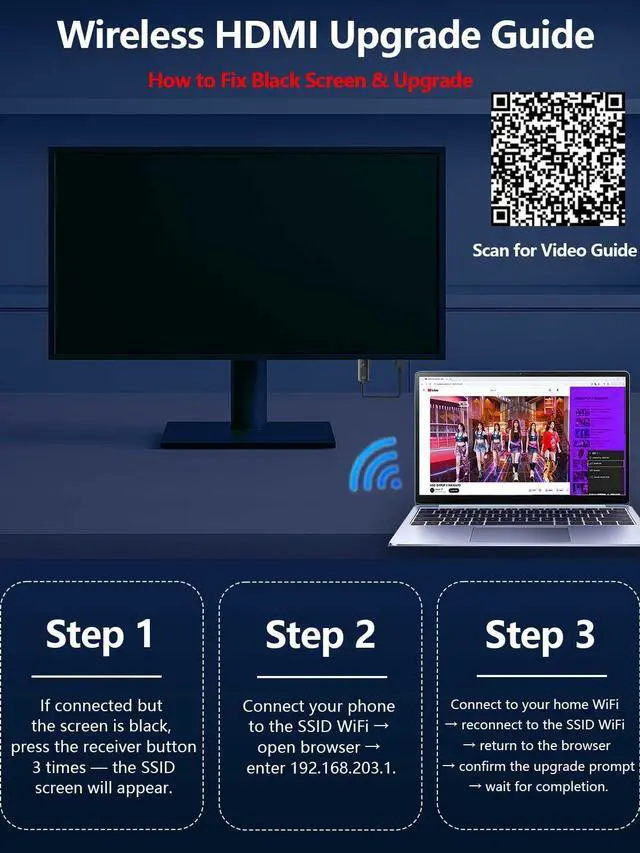
- Tips: A firmware update may be required if a black screen appears on Windows 10/11 or iPhone 17.
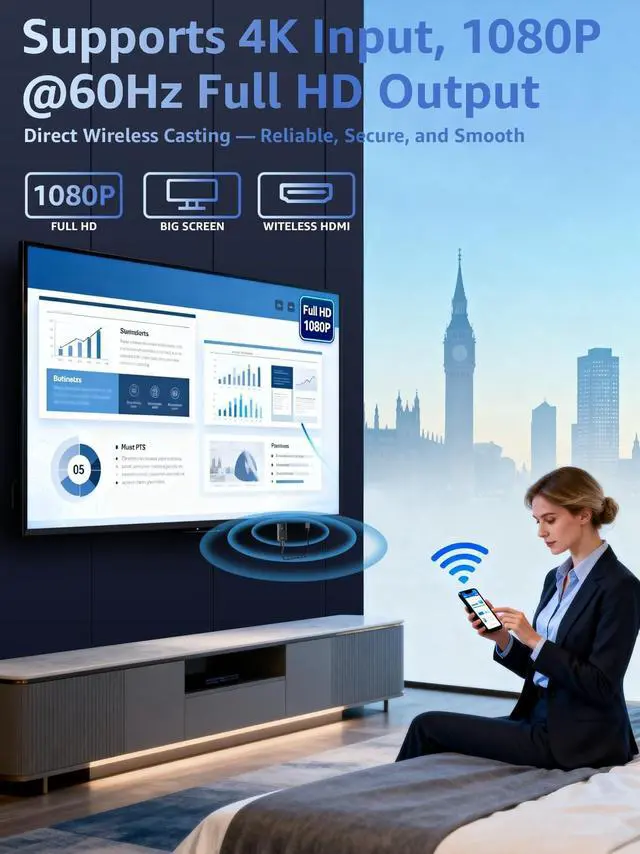
- 4K Decoding & 1080P Full HD Output at 60Hz: Experience crystal-clear visuals with 4K decoding and 1080P Full HD output at a smooth 60Hz refresh rate. Whether youre watching movies, gaming, or delivering professional presentations, enjoy vibrant, high-quality visuals with zero interruptions. Supports HDMI 1.3 and HDCP 1.2 standards with wireless compatibility for Miracast and AirPlay. Netflix, Prime Video, Hulu, Xfinity, Vudu, Sky Go, and BT Sport may not be supported due to HDCP copyright restrictions. Optimal for personal media and web content.
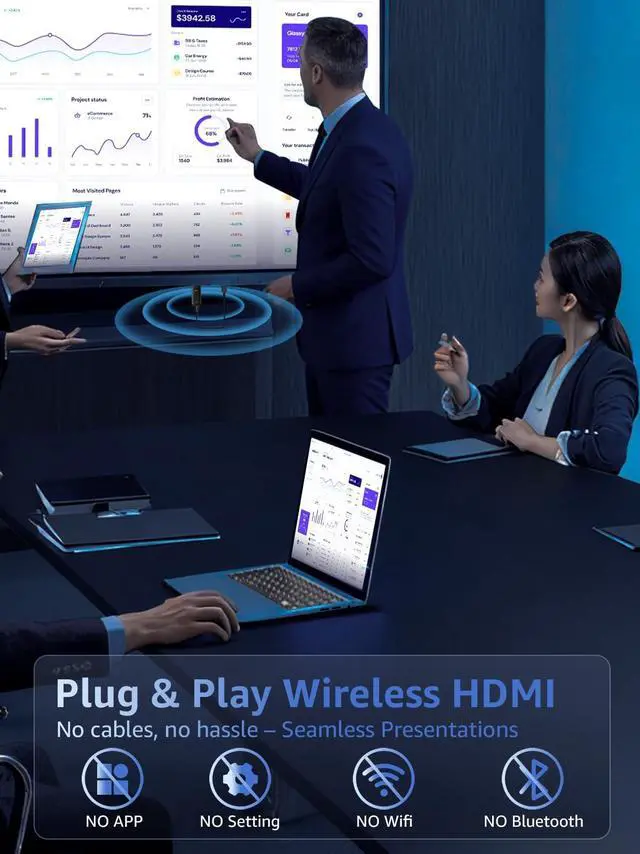
- Plug & Play, Hassle-Free Connectivity: The Wireless HDMI Receiver offers an effortless plug-and-play experiencesimply plug the device into your TV, projector, or monitor and activate the casting function on your phone, tablet, or laptop. No apps, Bluetooth, or Wi-Fi setup is needed, allowing you to connect in seconds and enjoy smooth, cable-f
+
+
Overview
Specs
Reviews

Any questions? Our AI mode will help you find out quickly.
Try me now
Tips: A firmware update may be required if a black screen appears on Windows 10/11 or iPhone 17. ^^ 4K Decoding & 1080P Full HD
Output at 60Hz: Experience crystal-clear visuals with 4K decoding and 1080P Full HD output at a smooth 60Hz refresh rate. Whether youre watching movies, gaming, or delivering professional presentations, enjoy vibrant, high-quality visuals with zero interruptions. Supports HDMI 1.3 and HDCP 1.2 standards with wireless compatibility for Miracast and AirPlay. Netflix, Prime Video, Hulu, Xfinity, Vudu, Sky Go, and BT Sport may not be supported due to HDCP copyright restrictions. Optimal for personal media and web content. ^^ Plug & Play, Hassle-Free
Connectivity: The Wireless HDMI Receiver offers an effortless plug-and-play experiencesimply plug the device into your TV, projector, or monitor and activate the casting function on your phone, tablet, or laptop. No apps, Bluetooth, or Wi-Fi setup is needed, allowing you to connect in seconds and enjoy smooth, cable-free streaming. Ideal for home theater, business meetings, and educational presentations.
(Tips: Your laptops and tablets can only function as transmitters to send a signal, not as receivers to display content from another device. ) ^^ Dual-Band 2.4G /5G
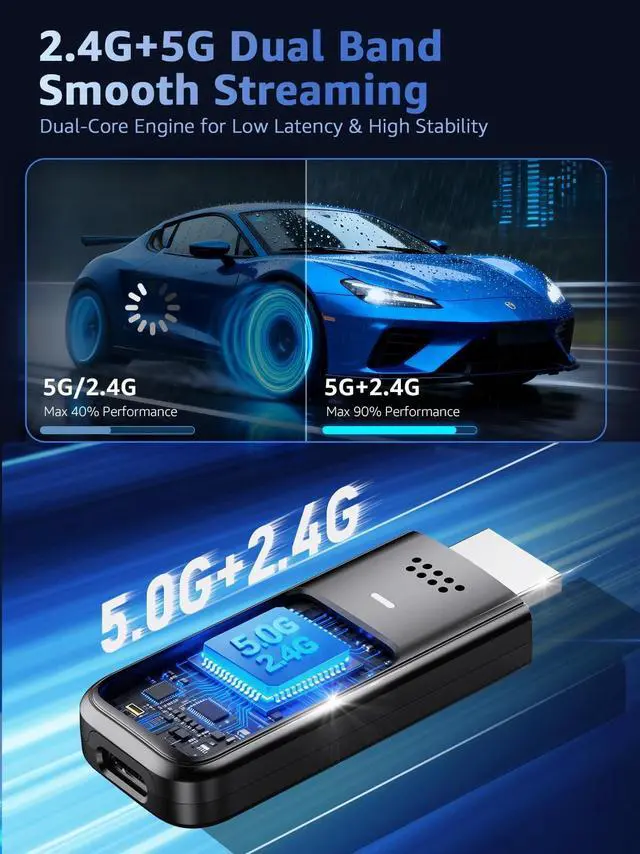
Wireless Transmission: Equipped with 2.4G /5G dual-band technology, this Wireless HDMI Adapter offers stable and fast data transmission with a range of up to 33ft (10m). The signal easily passes through walls and obstacles, ensuring uninterrupted streaming with low latency ( <0.01s) for smooth, seamless video and audio performance. ^^ Portable & Wide Compatibility Across Devices: Weighing only 0.1 lbs, the Wireless HDMI is compact and lightweight, making it perfect for travel, business meetings, and creative work. Enjoy seamless, high-quality wireless HDMI connectivity across a variety of devices, including PCs, laptops, cameras, TVs, TV boxes, projectors, monitors, and HDT
Vswherever you go. ^^ Cross-Platform Compatibility: This portable Wireless HDMI Dongle Adapter supports Airplay for iOS/macOS and Miracast for Android/Windows, eliminating the need for a traditional receiver. This feature allows seamless device switching during presentationssimply disconnect one device and let another easily project without needing to pass the transmitter. Perfect for business presentations and classroom settings, it ensures hassle-free connectivity for multiple users. ^^ Update Steps for Black Screen (Win 10/11 or iPhone 17): 1.Triple-press receiver button to display SSID. 2.Connect phone to the SSID, then visit 192.168.203.1. 3.Select first option to connect to your home Wi-Fi > Reconnect phone to SSID > Return to the address > Confirm upgrade > Wait for completion.
Output at 60Hz: Experience crystal-clear visuals with 4K decoding and 1080P Full HD output at a smooth 60Hz refresh rate. Whether youre watching movies, gaming, or delivering professional presentations, enjoy vibrant, high-quality visuals with zero interruptions. Supports HDMI 1.3 and HDCP 1.2 standards with wireless compatibility for Miracast and AirPlay. Netflix, Prime Video, Hulu, Xfinity, Vudu, Sky Go, and BT Sport may not be supported due to HDCP copyright restrictions. Optimal for personal media and web content. ^^ Plug & Play, Hassle-Free
Connectivity: The Wireless HDMI Receiver offers an effortless plug-and-play experiencesimply plug the device into your TV, projector, or monitor and activate the casting function on your phone, tablet, or laptop. No apps, Bluetooth, or Wi-Fi setup is needed, allowing you to connect in seconds and enjoy smooth, cable-free streaming. Ideal for home theater, business meetings, and educational presentations.
(Tips: Your laptops and tablets can only function as transmitters to send a signal, not as receivers to display content from another device. ) ^^ Dual-Band 2.4G /5G
Wireless Transmission: Equipped with 2.4G /5G dual-band technology, this Wireless HDMI Adapter offers stable and fast data transmission with a range of up to 33ft (10m). The signal easily passes through walls and obstacles, ensuring uninterrupted streaming with low latency ( <0.01s) for smooth, seamless video and audio performance. ^^ Portable & Wide Compatibility Across Devices: Weighing only 0.1 lbs, the Wireless HDMI is compact and lightweight, making it perfect for travel, business meetings, and creative work. Enjoy seamless, high-quality wireless HDMI connectivity across a variety of devices, including PCs, laptops, cameras, TVs, TV boxes, projectors, monitors, and HDT
Vswherever you go. ^^ Cross-Platform Compatibility: This portable Wireless HDMI Dongle Adapter supports Airplay for iOS/macOS and Miracast for Android/Windows, eliminating the need for a traditional receiver. This feature allows seamless device switching during presentationssimply disconnect one device and let another easily project without needing to pass the transmitter. Perfect for business presentations and classroom settings, it ensures hassle-free connectivity for multiple users. ^^ Update Steps for Black Screen (Win 10/11 or iPhone 17): 1.Triple-press receiver button to display SSID. 2.Connect phone to the SSID, then visit 192.168.203.1. 3.Select first option to connect to your home Wi-Fi > Reconnect phone to SSID > Return to the address > Confirm upgrade > Wait for completion.
Warranty & Returns
Warranty, Returns, And Additional Information
Warranty
- Please contact the Seller directly for warranty information. Warranty information may also be found on the Manufacturer's website.
- CONTACT
Return Policies
- Return for refund within: 30 days
- Return for replacement within: 30 days
- This item is covered by StarDragon Return Policy
Manufacturer Contact Info
- For a directory of all our manufacturers, please click below.
- Manufacturers Directory
LOADING...