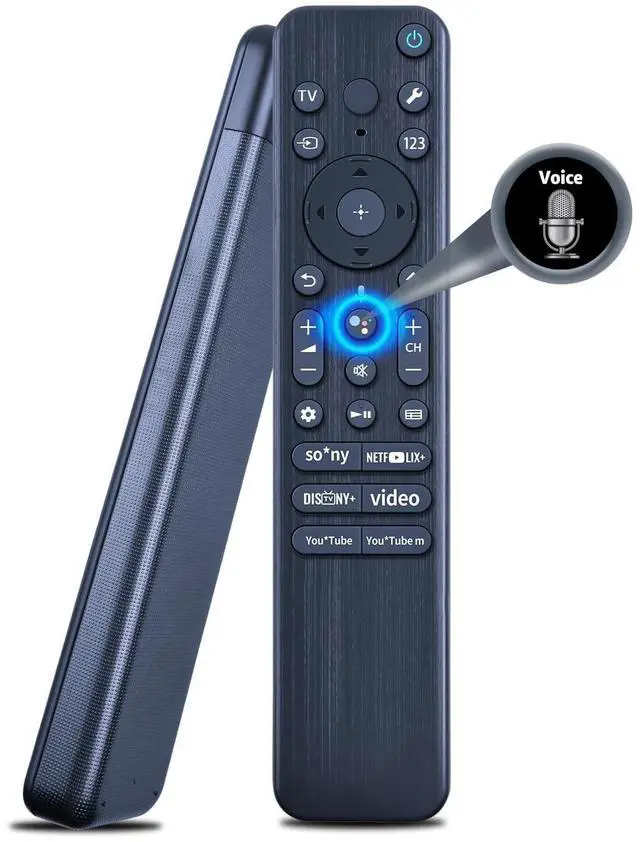
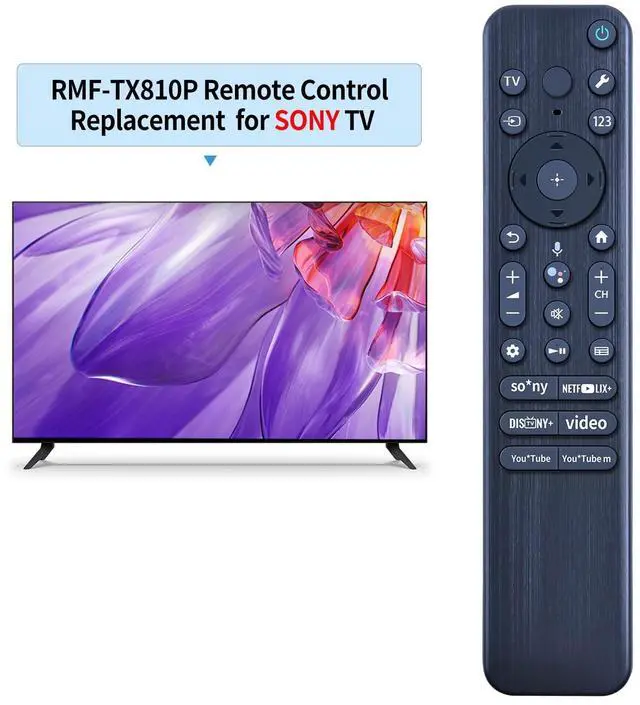
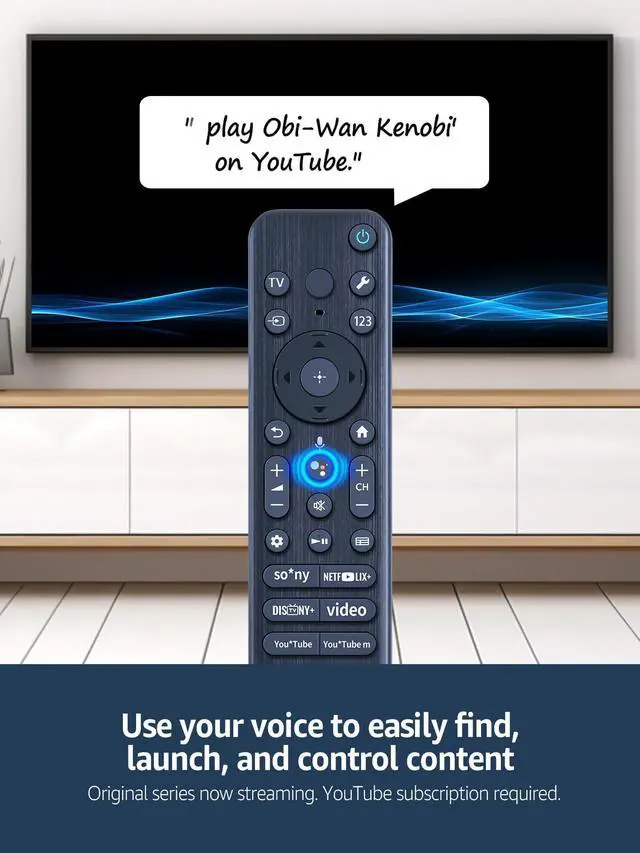
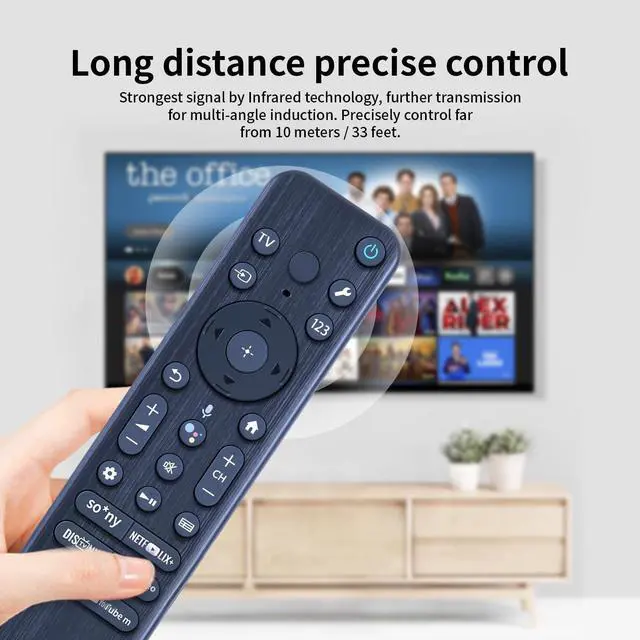
Alternative RMF-TX810P Remote Control For Sony Series TVThis New RMF-TX810P Remote Control with Google Voice Function Compatible for Sony Bravia Google Smart TV.
How To Pairing1) Press the power button to turn on your tv.2) Hold VOL- button and google assistant button for 2 seconds to initiate pairing.3) All pairing transaction is behind the scene and no setup is required.
How To Conected New Remote With A Paired Remote1press "HOME" buttons, then select "SETTING - Remote accessories. 2)Select Add accessory the Press "OK" buttons to confirm to pair. 3) Press and Hold"VOL- " buttons and "google assistant voice" buttons together for 3-5 seconds , the indicator light flashes and enters the pairing status, after the pairing is successful, the indicator light will go out.
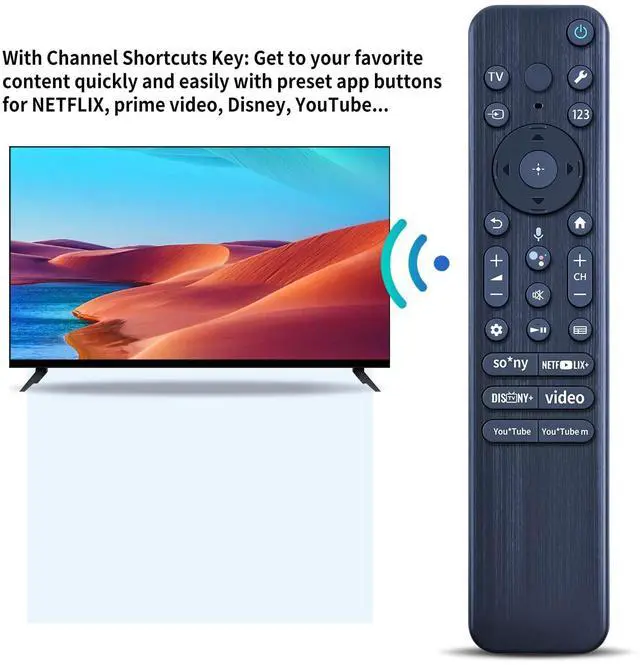
Easy to UseNew ABS material. Better craftsmanship. The keys feel comfortable and responsive, with no lag. The control for Sony tv remote distance exceeds 26 feet and the control angle is more than 120 degrees, whi
+
+
Overview
Specs
Reviews
Any questions? Our AI beta will help you find out quickly.
Try me now
RETROSUN RMF-TX810P Replacement Remote Control with Google Voice Serach Function Compatible for Sony Bravia Google Smart TV.
Learn more about the Detailed Specifications
Additional Information
First Listed on Newegg
March 21, 2026
There are no reviews yet.
Do you own this product?
Warranty & Returns
Warranty, Returns, And Additional Information
Warranty
Please contact the Seller directly for warranty information. Warranty information may also be found on the Manufacturer's website.