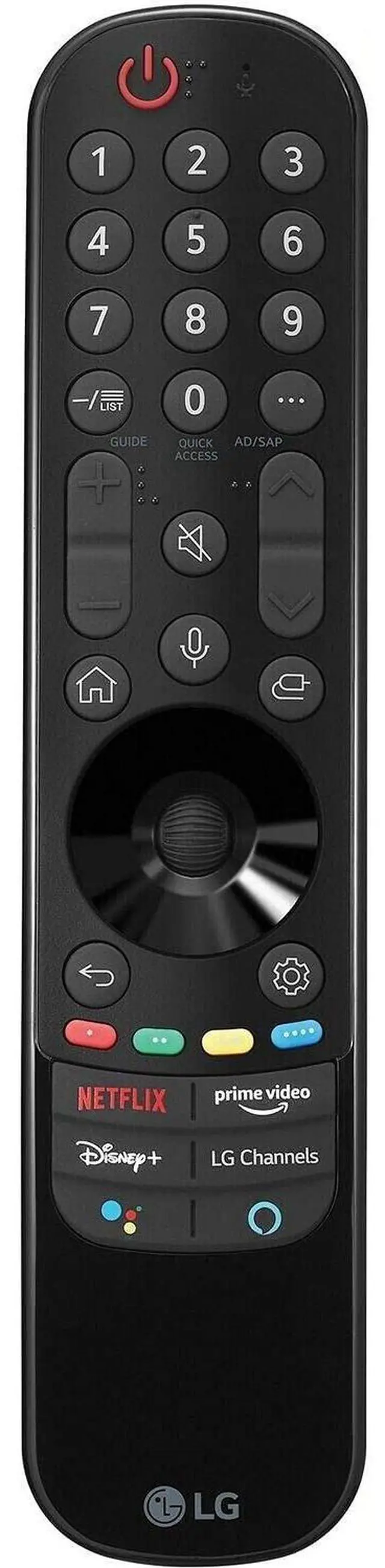
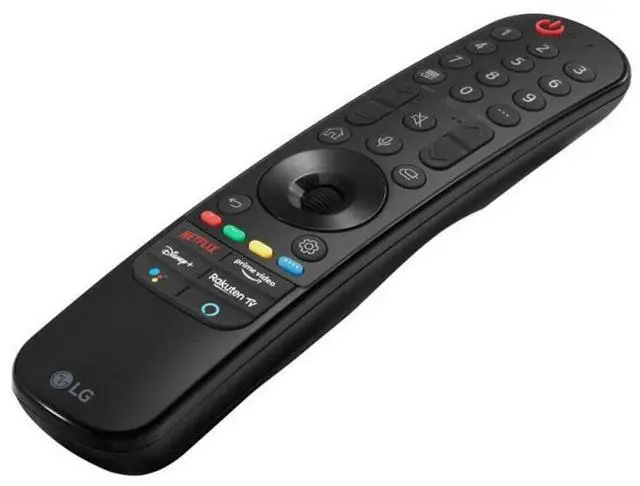
Replacement Remote Control Controller For LG 70UP7070PUE 70, 75UP7070PUD 75 LED 4K UHD Smart webOS TV (2021 Model) Compatible with LG 4K Smart
OLED TV models: OLED48A1AUA OLED48A1PUA OLED48C1AUB OLED48C1PUB OLED55A1AUA OLED55A1PUA OLED55B1PUA OLED55C1AUB OLED55C1PUA OLED55C1PUB OLED55G1PUA OLED65A1AUA OLED65A1PUA OLED65B1PUA OLED65C1AUA OLED65C1AUB OLED65C1PUB OLED65G1PUA OLED77A1AUA OLED77A1PUA OLED77B1PUA OLED77C1AUA OLED77C1AUB OLED77C1PUB OLED77G1PUA OLED83C1AUA OLED83C1PUA
Power Supply: 2X 1.5V AA Alkaline
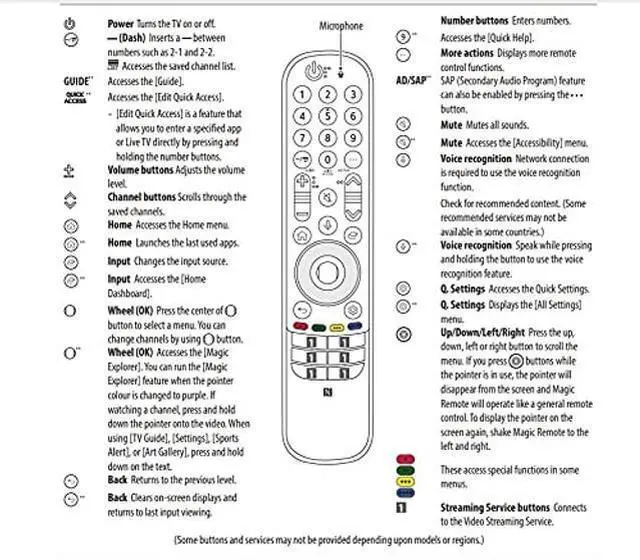
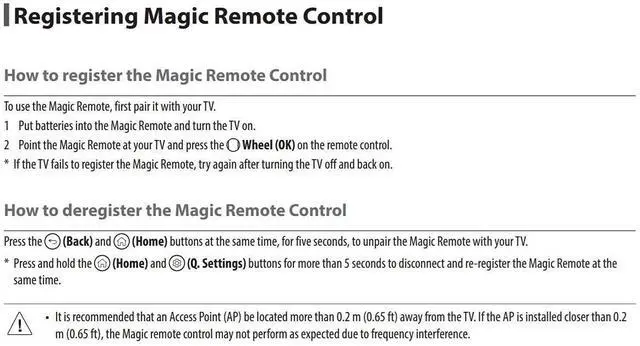
Battery Package Content: 1X Remote Control (Battery and User Manual Not Included) How to register the Magic Remote Control To use the Magic Remote, first pair it with your TV. 1 Put batteries into the Magic Remote and turn the TV on. 2 Point the Magic Remote at your TV and press the Wheel (OK) on the remote control. If the TV fails to register the Magic Remote, try again after turning the TV off and back on. How to deregister the Magic Remote Control Press the (Back) and (Home) buttons at the same time, for five seconds, to unpair the Magic Remote with your TV. Press and hold the (Home) and (Q. Settings) buttons for more than 5 seconds to disconnect and re-register the Magic Remote at the same time.





 here!
here!