

Your Browsing History

Meet Your Seller

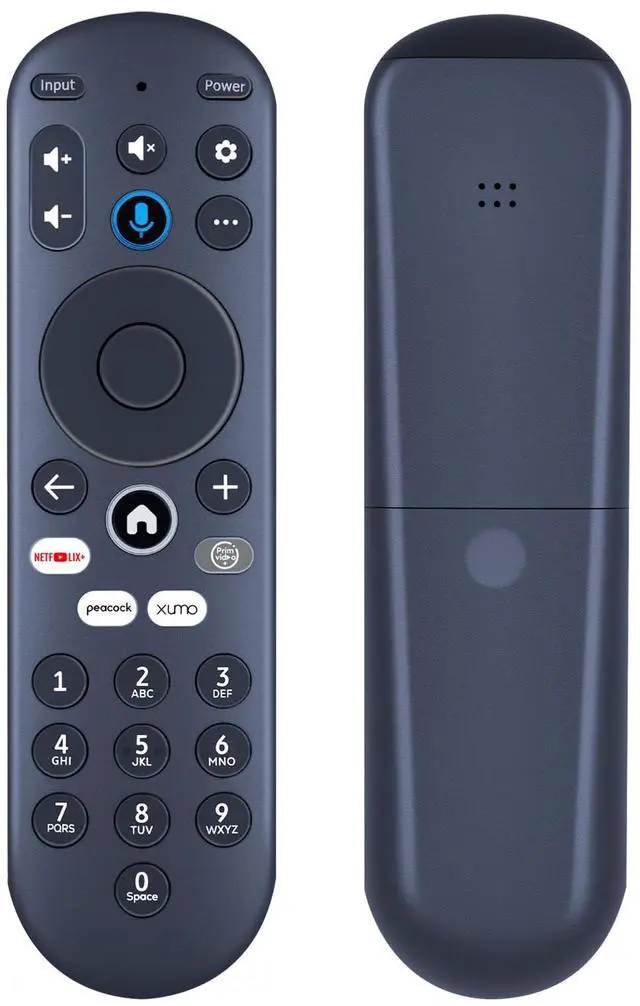
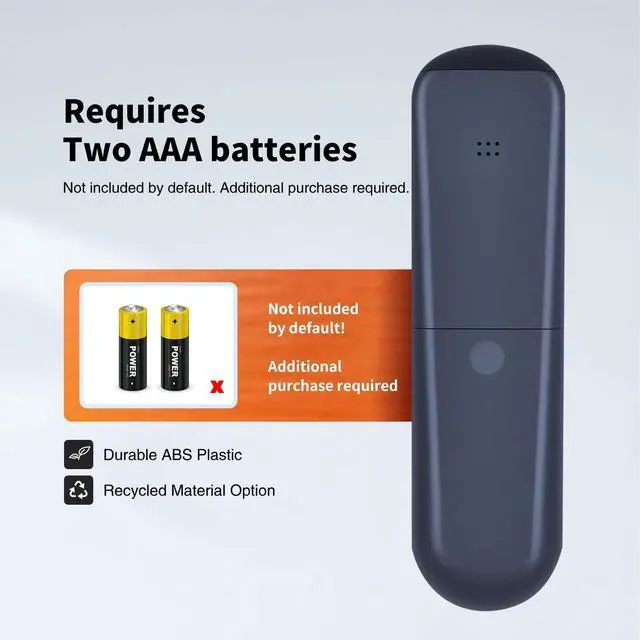
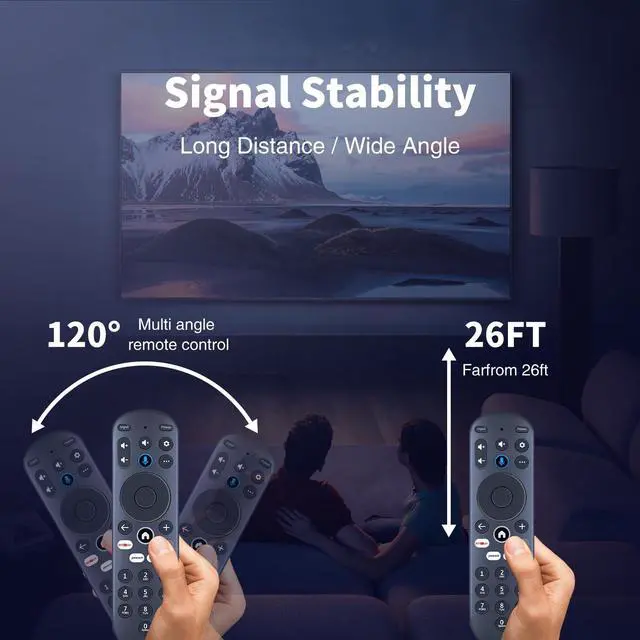


Snrigw Replacement Remote Control for Element Electronics 65" 4K UHD HDR Smart Xumo TV (Model E500AC65C) Compatible with MG3-R34010 Stream Box
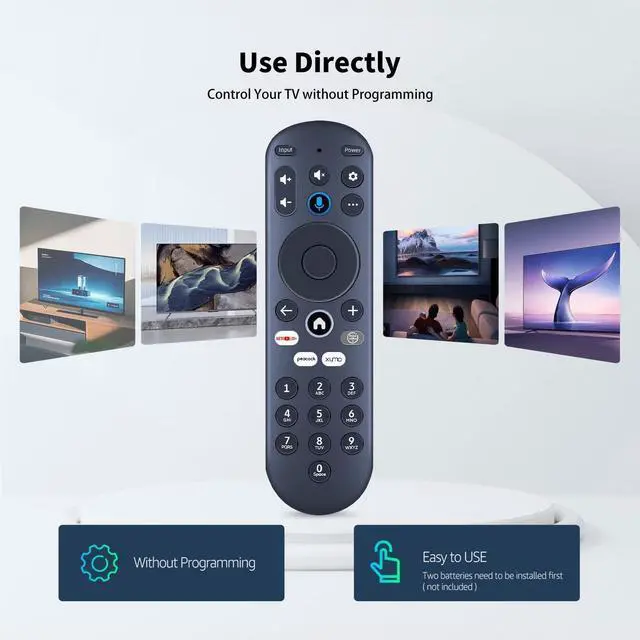
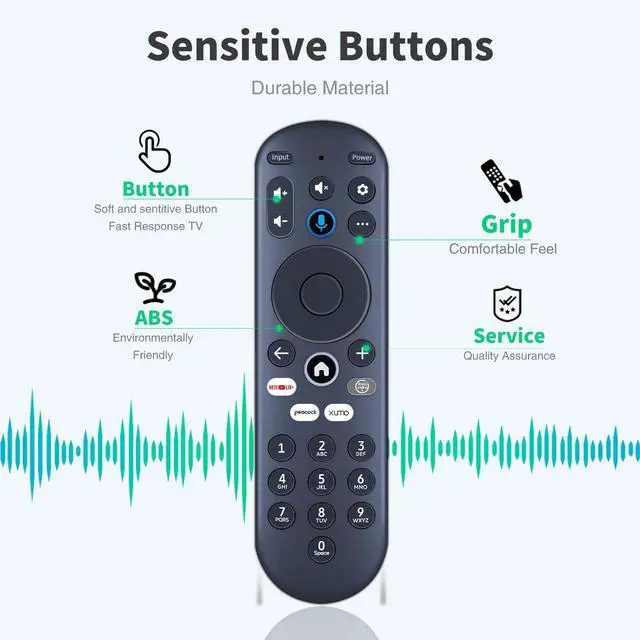
- Precision TV & Streaming Box Compatibility:Designed exclusively for 65" 4K UHD HDR Smart TV (Model E500AC65C) and streaming box (MG3-R34010). Replicates remote functions - controls power, volume, input selection, and dedicated Xumo/Netflix/Prime Video buttons. Guaranteed seamless replacement for lost/damaged originals!
- Pairing your remote to an existing TV: 1. Press the (Settings) button,in the upper right corner 2. Select Remote > Pair your remote to your TV 3. Follow the on-screen instructions 4. lf pairing fails, turn off your TV and unplug fromthe power source. Plug TV back in, power on,and try steps 1-3 again.
- How to reset your remote: 1. Hold the (and () buttons for 3 seconds until the light at the top of the remote turns solid green 2. Press 9, then 8, then 4 (the light will blinkred a few times) 3. Hold the () and () buttons for 3 seconds again 4. Press 9, then 8, then 1 5. Wait for the light at the top of the remote to flash red again 6. With your remote control pointed
+
+
Overview
Specs
Reviews

Any questions? Our AI mode will help you find out quickly.
Try me now
Snrigw Replacement Remote Control for Element Electronics 65" 4K UHD HDR Smart Xumo TV (Model E500AC65C) Compatible with MG3-R34010 Stream Box
Warranty & Returns
Warranty, Returns, And Additional Information
Warranty
- Please contact the Seller directly for warranty information. Warranty information may also be found on the Manufacturer's website.
- CONTACT
Return Policies
- Return for refund within: 30 days
- Return for replacement within: 30 days
- This item is covered by LingGo Return Policy
Manufacturer Contact Info
- For a directory of all our manufacturers, please click below.
- Manufacturers Directory
LOADING...