

Your Browsing History
- $45.99
- Free 30-day Returns

Meet Your Seller

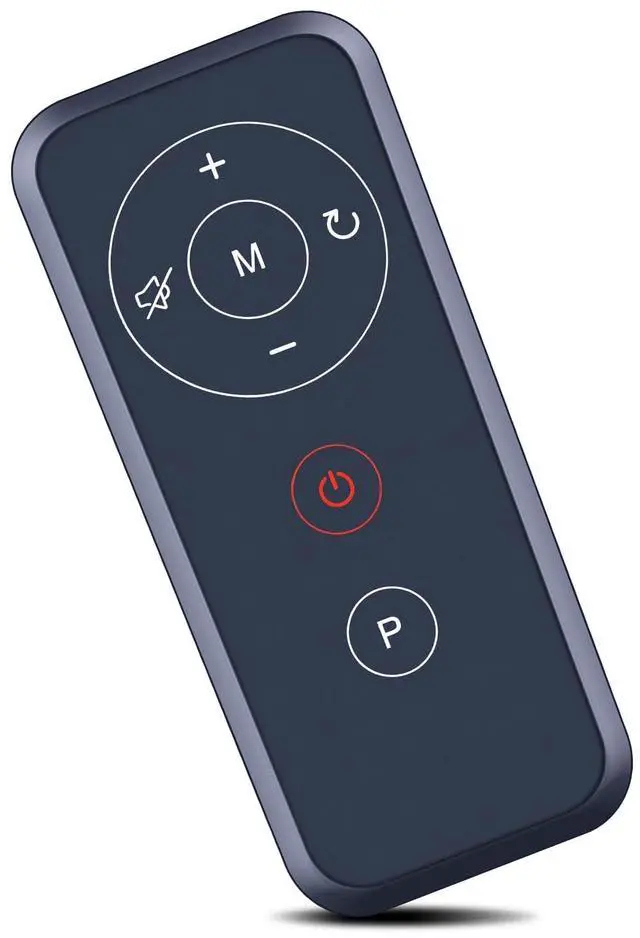
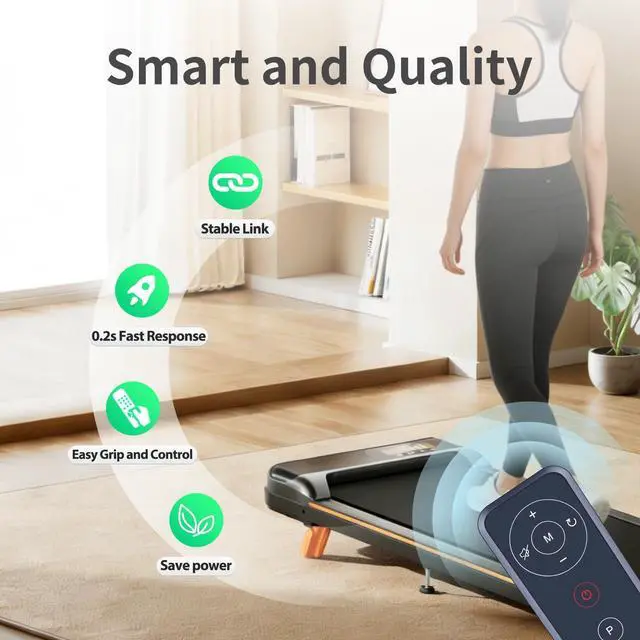
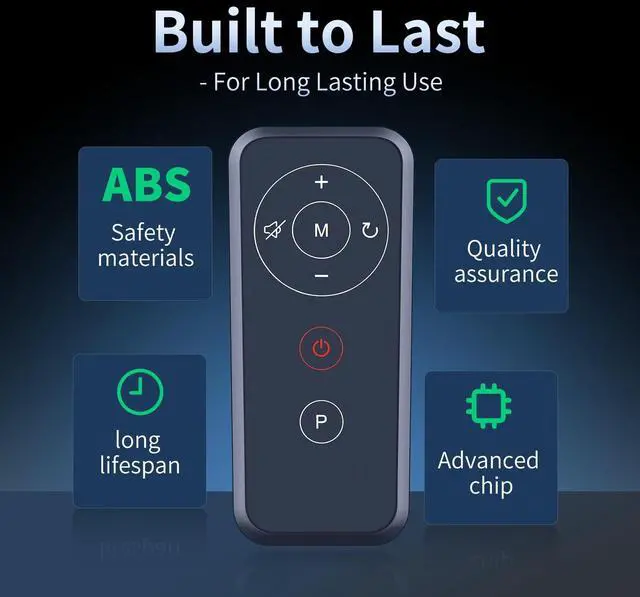
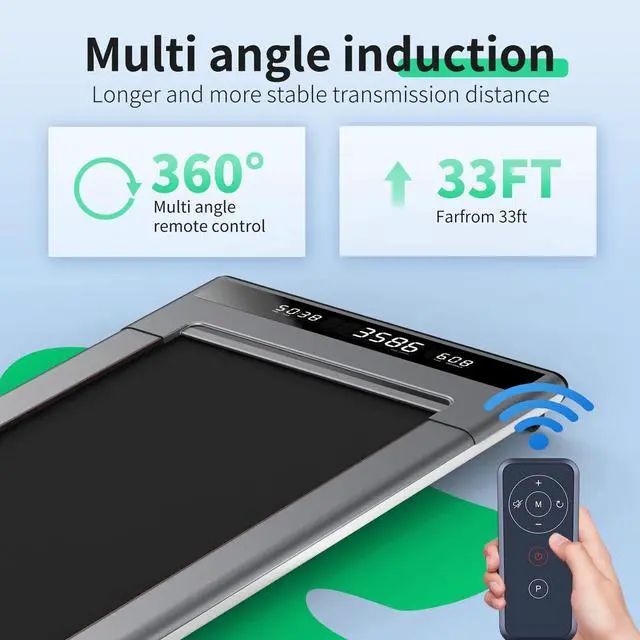


MOVHEIYL Y-08 Replacement Remote Control Fit for REDLIRO Walking Pad Treadmill, Under Desk Treadmill JK1608E-2, JK1608P, 30H-9, Q20, JK04W, JK04W-T, for StrideFlex Q20, LIVIVOX 32-9P Q20-4
Limited time offer, ends 08/24 By Ceelys Store
- Compatible with REDLIRO JK1608E-2 (orders from August 2023 onwards), JK1608P, 30H-9 (white digital display version), Q20, JK04W, JK04W-T Treadmill.for StrideFlex Q20 LIVIVOX 32-9P Q20-4,GOYOUTH JK31-9, CIIHI C Treadmill
- Pairing:Press and hold "Mute" + "back" keys simultaneously, or "M" + " _" keys simultaneously for 3 seconds. The indicator light on the remote control will stay on for 10 seconds as it begins sending the pairing signal. Successful pairing will be indicated by the key value AA.
- Cancel Pairing:Press and hold the " M" key and "+" key simultaneously for 3 seconds. The indicator light on the remote control will remain on, signaling the cancellation of pairing.which will last for 10 seconds. Successful pairing will send a key value of 55.Pairing and unpairing operations must be performed within 10 seconds of the treadmill being powered on.
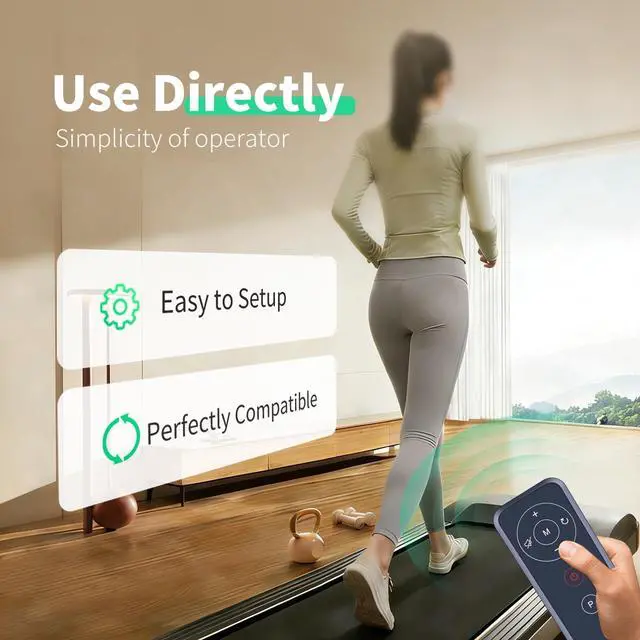
- Easy to useEasy to Pairing or setup, After inserting the battery(Not included), Simply follow the pairing steps until successful,
+
+
Overview
Specs
Reviews

Any questions? Our AI mode will help you find out quickly.
Try me now
Pairing: Press and hold "Mute" + "back" keys simultaneously, or "M" + " _" keys simultaneously for 3 seconds. The indicator light on the remote control will stay on for 10 seconds as it begins sending the pairing signal. Successful pairing will be indicated by the key value AA.
Cancel Pairing: Press and hold the " M" key and "+" key simultaneously for 3 seconds. The indicator light on the remote control will remain on, signaling the cancellation of pairing. which will last for 10 seconds. Successful pairing will send a key value of 55. Pairing and unpairing operations must be performed within 10 seconds of the treadmill being powered on.
Cancel Pairing: Press and hold the " M" key and "+" key simultaneously for 3 seconds. The indicator light on the remote control will remain on, signaling the cancellation of pairing. which will last for 10 seconds. Successful pairing will send a key value of 55. Pairing and unpairing operations must be performed within 10 seconds of the treadmill being powered on.
Warranty & Returns
Warranty, Returns, And Additional Information
Warranty
- Please contact the Seller directly for warranty information. Warranty information may also be found on the Manufacturer's website.
- CONTACT
Return Policies
- Return for refund within: 30 days
- Return for replacement within: 30 days
- This item is covered by Ceelys Store Return Policy
Manufacturer Contact Info
- For a directory of all our manufacturers, please click below.
- Manufacturers Directory
LOADING...
LOADING...