

Your Browsing History

Meet Your Seller


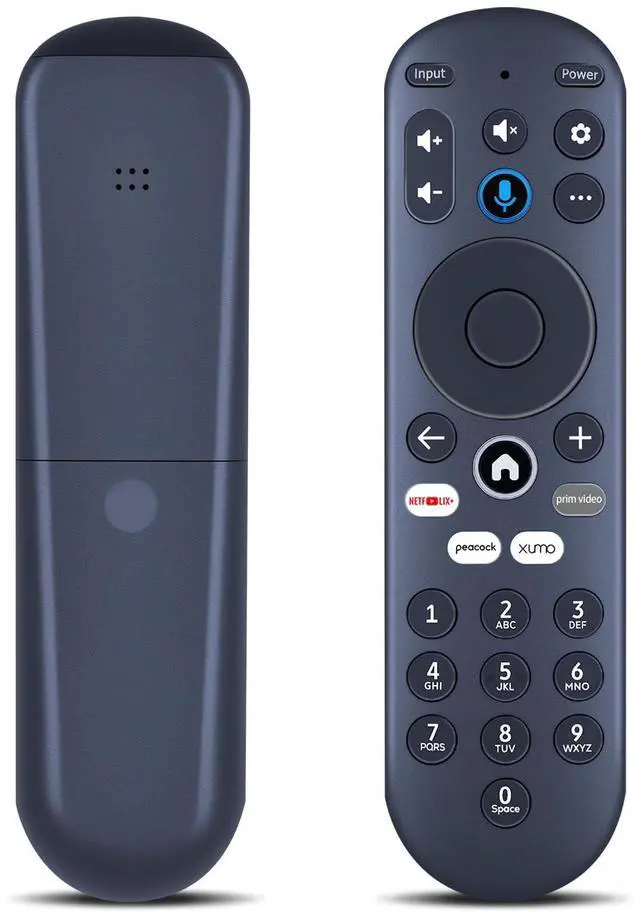
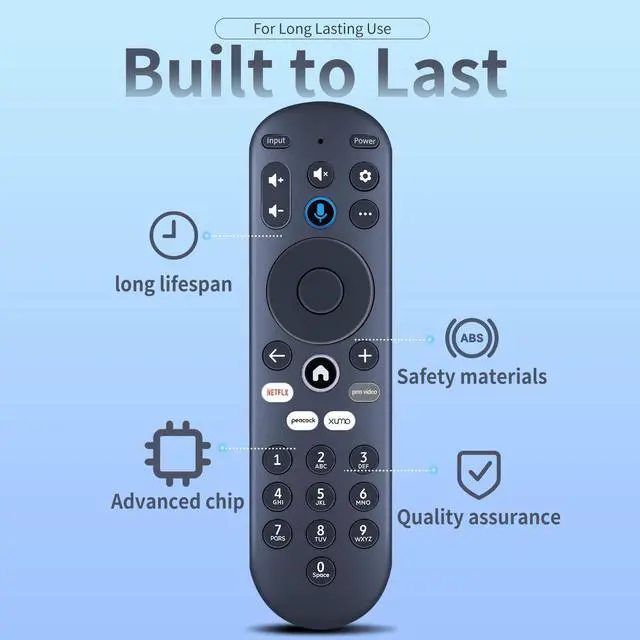
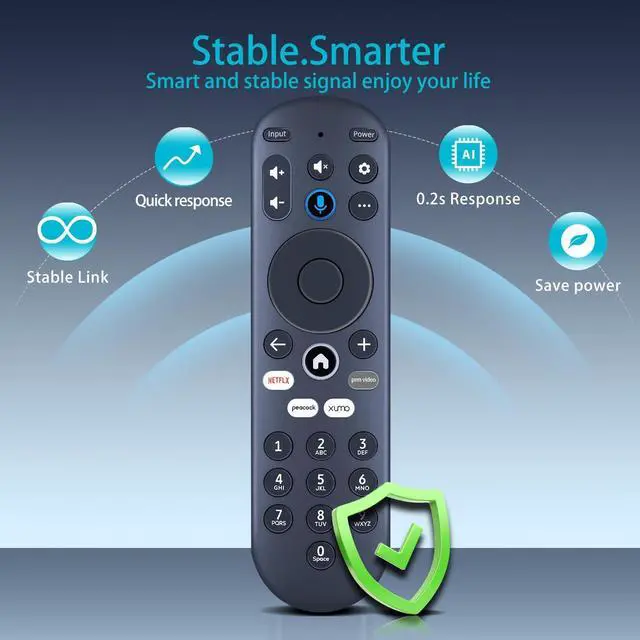
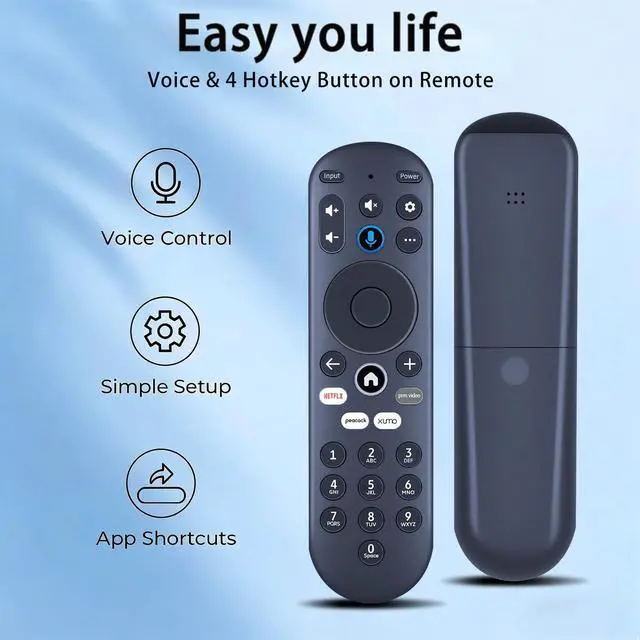


MOVHEIYL Replacement Voice Remote Control for Xumo XiOne Stream Box SCXI11BEI XiOne-SC(B), Compatible with Hisense/Pioneer/Element XClass Xumo TV's - XUMORC-PR1
- Compatible with Stream Box 4K, XiOne, XiOne-SC(B), Hisense XClass TVs, Pioneer XClass TVs, Element XClass TVs Spectrum 4k Stream Box, 43A6GX, 43A6GX3, 50A6G, 50A6GX, 50A6GX3, E300AE24C, E300AE32C, E300AE40C, E500AC43C, E500AC50C, E500AC55C, E500AC65C, E550AE43C, E550AE50C, E550AE55C, E550AE65C, E550AE75C, E550AE86C, ES1, ESST11AEI, PN4375124U, PN50-751-24U, PN5075124U, PN5575124U, PN6575124U, PR3, SCXI11BEI,EP500AE65C, E500AE98C, E300AE24C, E550AE86C, E550AE75C, E550AE65C, E550AE55C, E550AE50C, E550AE43C, E300AE40C, E300AE32C
- Pairing your remote to an existing Xumo TVBefore using your remote, you'll need to pair it with your TV. If you put batteries in your remote within 15 minutes of plugging in your TV for the first time, your remote will automatically pair to your TV. If unpaired, please follow the below instructions: Step 1, Press the Setting Button. Step 2, Select Remote > Pair your remote to your TV. Step 3, Follow the on-screen instructions. Step 4, If pairing fails, turn of
+
+
Overview
Specs
Reviews

Any questions? Our AI mode will help you find out quickly.
Try me now
Compatible with Stream Box 4K, XiOne, XiOne-SC (B), Hisense XClass TVs, Pioneer XClass TVs, Element XClass TVs Spectrum 4k Stream Box, 43A6GX, 43A6GX3, 50A6G, 50A6GX, 50A6GX3, E300AE24C, E300AE32C, E300AE40C, E500AC43C, E500AC50C, E500AC55C, E500AC65C, E550AE43C, E550AE50C, E550AE55C, E550AE65C, E550AE75C, E550AE86C, ES1, ESST11AEI, PN4375124U, PN50-751-24U, PN5075124U, PN5575124U, PN6575124U, PR3, SCXI11BEI, EP500AE65C, E500AE98C, E300AE24C, E550AE86C, E550AE75C, E550AE65C, E550AE55C, E550AE50C, E550AE43C, E300AE40C, E300AE32C ^^ Pairing your remote to an existing Xumo TVBefore using your remote, you'll need to pair it with your TV.
If you put batteries in your remote within 15 minutes of plugging in your TV for the first time, your remote will automatically pair to your TV. If unpaired, please
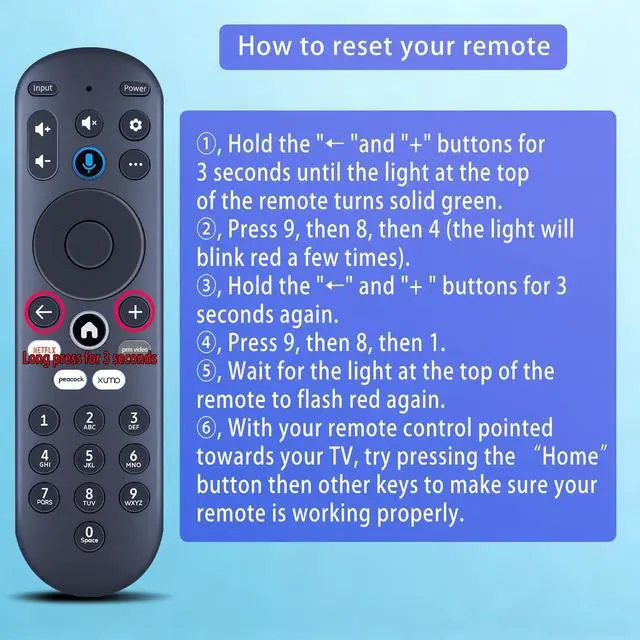
follow the below instructions: Step 1, Press the Setting Button. Step 2, Select Remote > Pair your remote to your TV. Step 3, Follow the on-screen instructions. Step 4, If pairing fails, turn off your TV and unplug from the power source. Plug TV back in, power on, and try steps 1-3 again. ^^ Pairing your remote to a sound systemStep 1, Press the Setting Button. Step 2, Select Remote > Pair your remote and sound system. Step 3, Follow the on-screen instructions. ^^ How to reset your remoteStep 1. Hold the " "and "+" buttons for 3 seconds until the light at the top of the remote turns solid green. Step 2, Press 9, then 8, then 4 (the light will blink red a few times). Step 3, Hold the "" and "+ " buttons for 3 seconds again. Step 4, Press 9, then 8, then 1. Step 5, Wait for the light at the top of the remote to flash red again. Step 6, With your remote control pointed towards your TV, try pressing the Home button then other keys to make sure your remote is working properly.
Note: Voice control will not work until your remote is paired. ^^ Premium After-saleWe provide a 1 year warranty return service. If you have any questions about your order, please feel free to contact us directly and we will get back to you within 12 hours.
If you put batteries in your remote within 15 minutes of plugging in your TV for the first time, your remote will automatically pair to your TV. If unpaired, please
follow the below instructions: Step 1, Press the Setting Button. Step 2, Select Remote > Pair your remote to your TV. Step 3, Follow the on-screen instructions. Step 4, If pairing fails, turn off your TV and unplug from the power source. Plug TV back in, power on, and try steps 1-3 again. ^^ Pairing your remote to a sound systemStep 1, Press the Setting Button. Step 2, Select Remote > Pair your remote and sound system. Step 3, Follow the on-screen instructions. ^^ How to reset your remoteStep 1. Hold the " "and "+" buttons for 3 seconds until the light at the top of the remote turns solid green. Step 2, Press 9, then 8, then 4 (the light will blink red a few times). Step 3, Hold the "" and "+ " buttons for 3 seconds again. Step 4, Press 9, then 8, then 1. Step 5, Wait for the light at the top of the remote to flash red again. Step 6, With your remote control pointed towards your TV, try pressing the Home button then other keys to make sure your remote is working properly.
Note: Voice control will not work until your remote is paired. ^^ Premium After-saleWe provide a 1 year warranty return service. If you have any questions about your order, please feel free to contact us directly and we will get back to you within 12 hours.
Warranty & Returns
Warranty, Returns, And Additional Information
Warranty
- Please contact the Seller directly for warranty information. Warranty information may also be found on the Manufacturer's website.
- CONTACT
Return Policies
- Return for refund within: 30 days
- Return for replacement within: non-replaceable
- This item is covered by VersaCom Return Policy
Manufacturer Contact Info
- For a directory of all our manufacturers, please click below.
- Manufacturers Directory
LOADING...