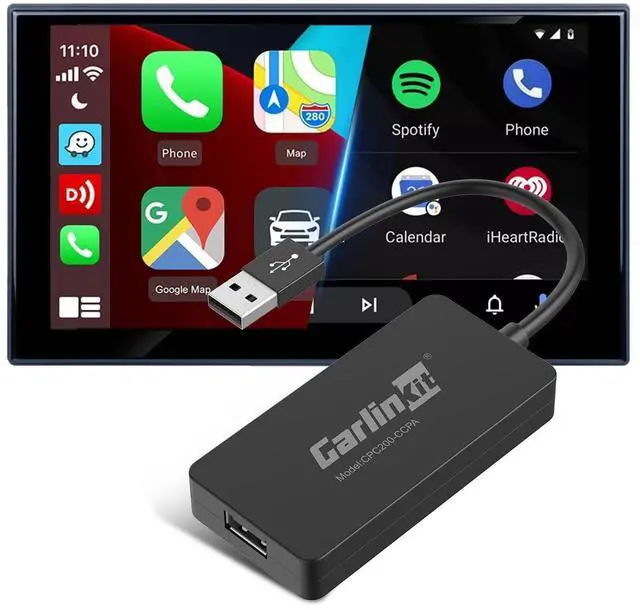
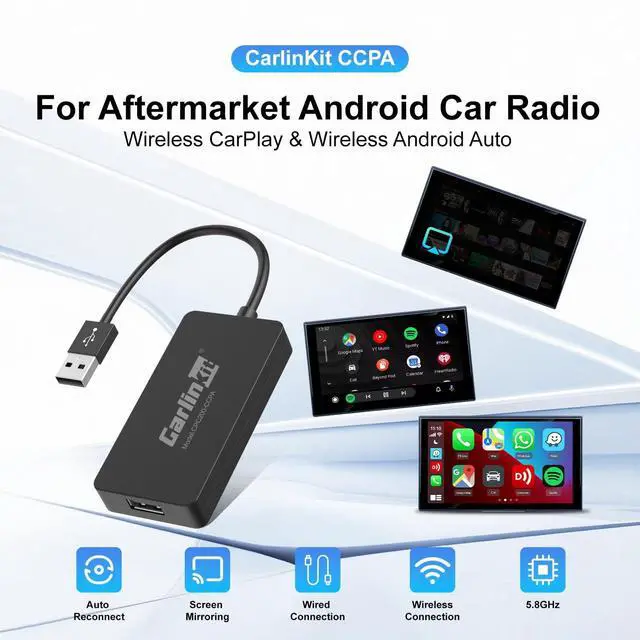
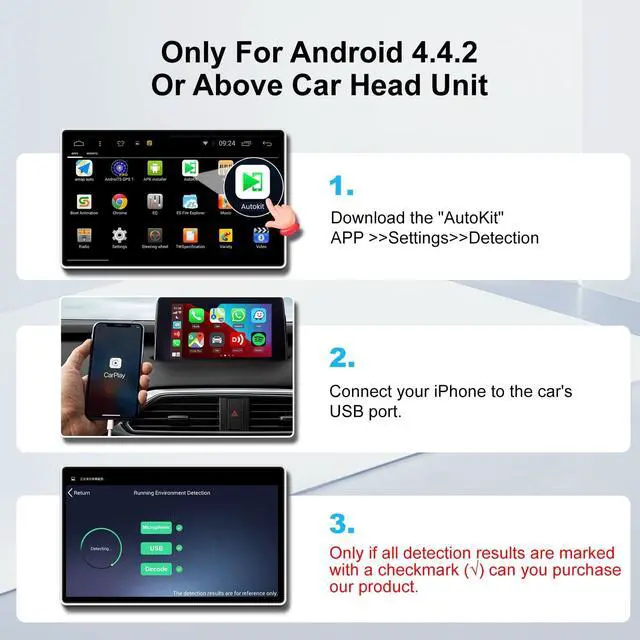
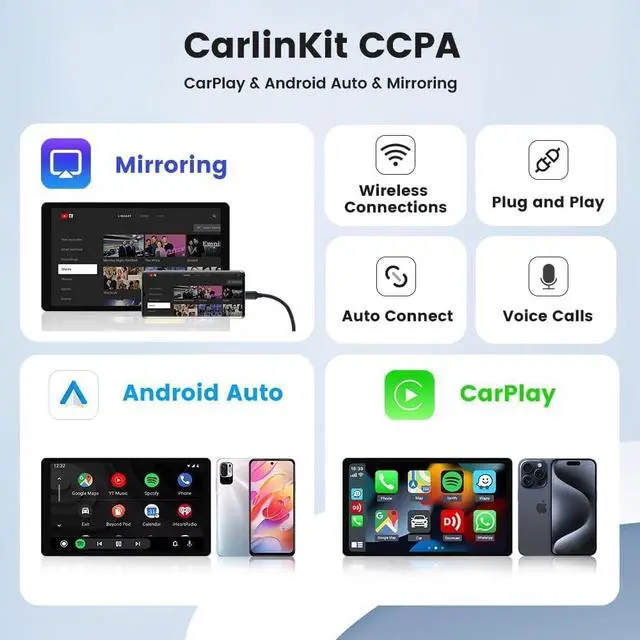
Compatible Car models: Car radio an Android head unit with system 4.4. 0 or above.
(Note: Cars with factory wired CarPlay are not supported, this CarPlay only works Car with Android system 4.4. 0 or above. Please install APK in the car before purchasing. If you can't install successfully, please don't choose it. )Pre-use conditionsThe APK Must be Successfully Installed Before Using USB.
APK Installation Method 1: (1) Insert the product into the car's USB port (2) Wait for the U disk mode to appear on the screen, and pop up "Storage01" (3) Open the ES File Browser or File Manager (4) Click to open APK installer and install APK (5) The AutoKit" icon appears on the screen after the
installation is completedNote: 1. The above operations need to ensure that the car is connected to the network. 2. lf the U disk mode does not appear after the product is plugged in for about 30 seconds, connect the mobile phone to the product WiFi (signal with the prefix auto), input
password: 12345678, enter 192.168. 43.1 with the browser that comes with the phone, enter the background - restore factory settings.
APK Installation Method 2: Apk
download link:
http: // 121.40.
123.198: 8080/AutoKit/Autokit. apkEnter the download link on your computer browser, download the APK on your computer, and copy it to a U disk (The U disk needs to be formatted as FAT32). Insert the U disk into the USB port of the car, find the U disk directory in the "File Manager", and click the APK file to install it.
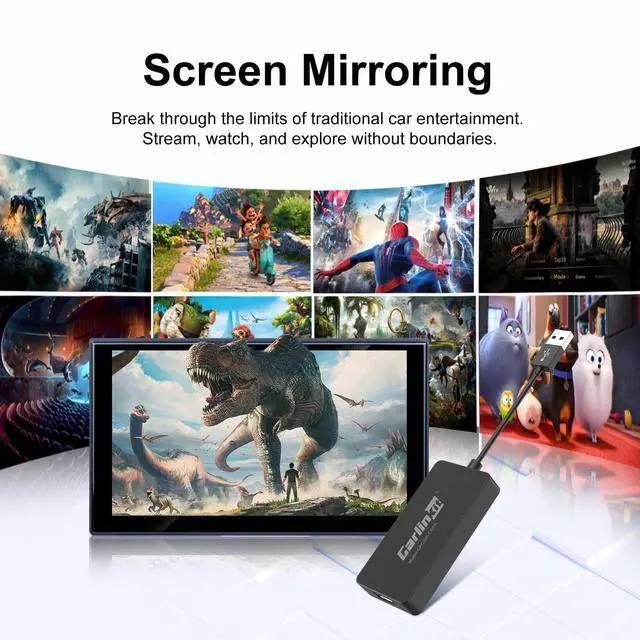
Wired Screen Mirroring Connection: Insert the product into the car's USB port, click into the APK. click the "Settings" icon in the upper left cornerSelect "Mirror" in "iPhone Mode"/"Android Mode". Use the data cable to connect the mobile phone and the product to realize the screen mirroring function.
Wireless CarPlay Connection Description: Insert the product into the car's USB port, click into the APK. Turn on your iPhone's WiFi and Bluetooth, and find AutoKit signal on the Bluetooth interface. Please click and confirm to use CarPlay. Wireless Android Auto
Connection Description: From the Google Play to download and install Android Auto. Check the Android Auto operating environment. And Update Google services. Insert the product into the car's USB port, click into the APK. Turn on your phone's WiFi and Bluetooth, and find Autokit signal on the Bluetooth interface to connect.
(Note: Check if your phone supports wireless Android Auto)