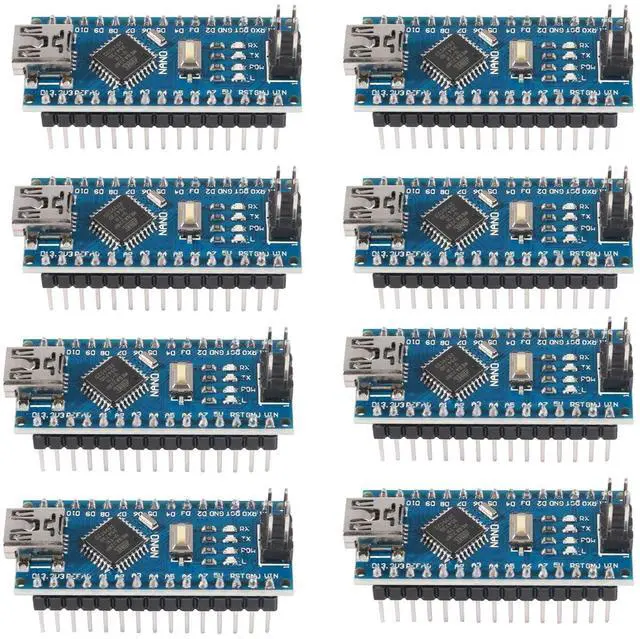
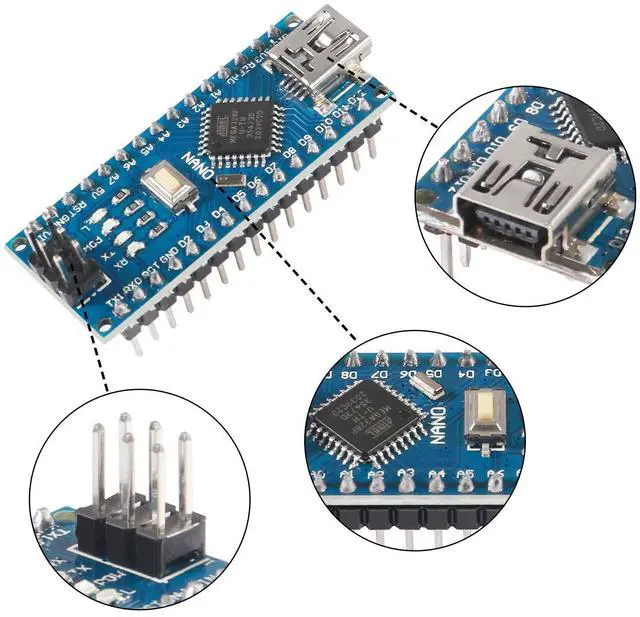
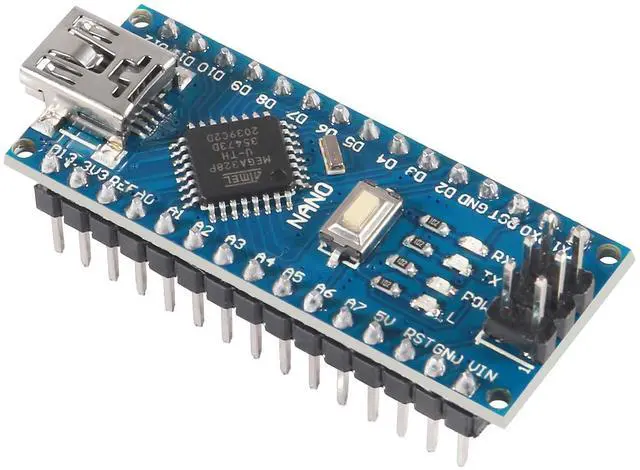
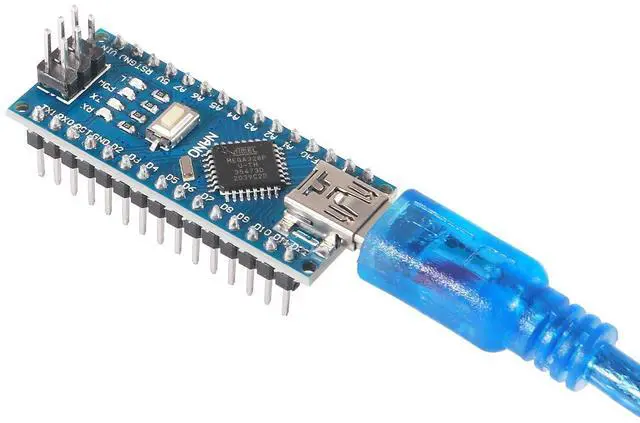
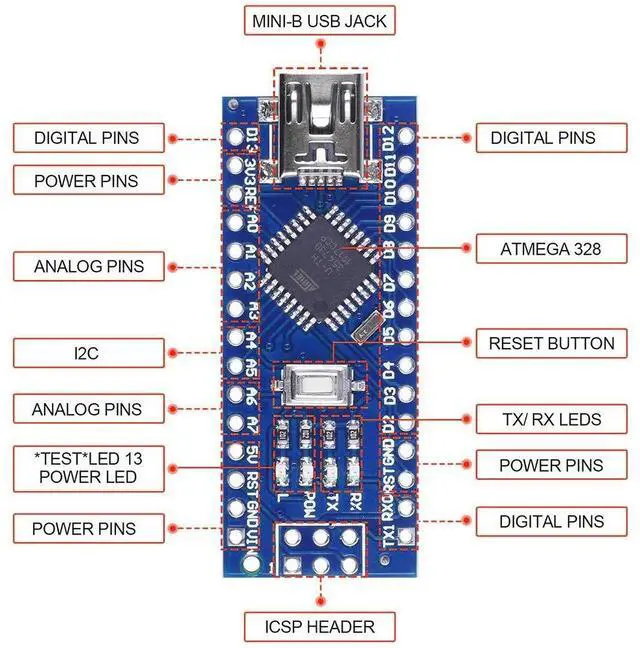
12 digital input/output ports D2-D138 analog input ports A0-A7A pair of TTL level serial transceiver ports RX/TX6 PWM ports, D3, D5, D6, D9, D10, D11Utilizes the Atmel Atmega328P-AU microcontrollerSupports USB download and power supplySupports external 3.3V -12V DC power supplySupports lithium battery and 9V battery power supplySupports
ISP downloadUsage instructions: 1.
Download the IDE: Download
link:
[http: //arduino.
cc/en/Main/Software](http: //arduino. cc/en/Main/Software) (Copy and open in browser) 2. Download the
USB Chip Driver: Download
link (International):
[http: //www. wch-ic. com/download/list.
asp?
id=126](http: //www. wch-ic. com/download/list. asp? id=126)3.
Connect the Nano Board: The driver will install automatically upon connecting the Nano development board. 4. In the IDE, Select the
Board: Choose 'NANO'. 5.
Select the COM Port: This can be found in 'My Computer', under the port your Uno development board is connected to. 6. Choose and Upload a
Sample Program: Use an Arduino's built-in example program and upload it.
Package include: 8 x Nano V 3.0 controller board





 here!
here!