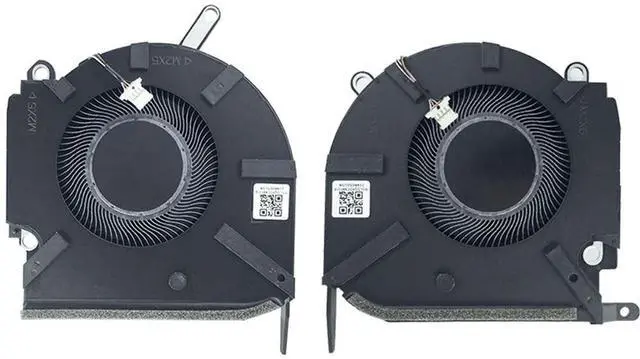
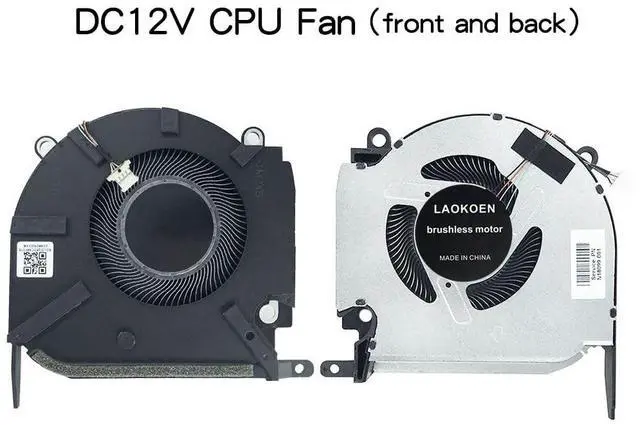
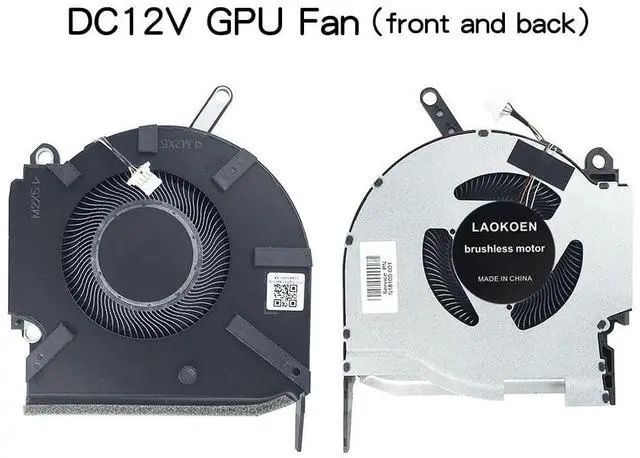
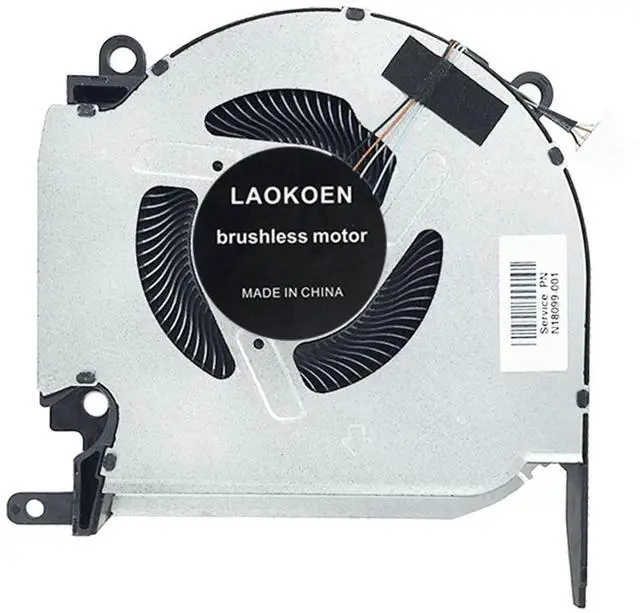
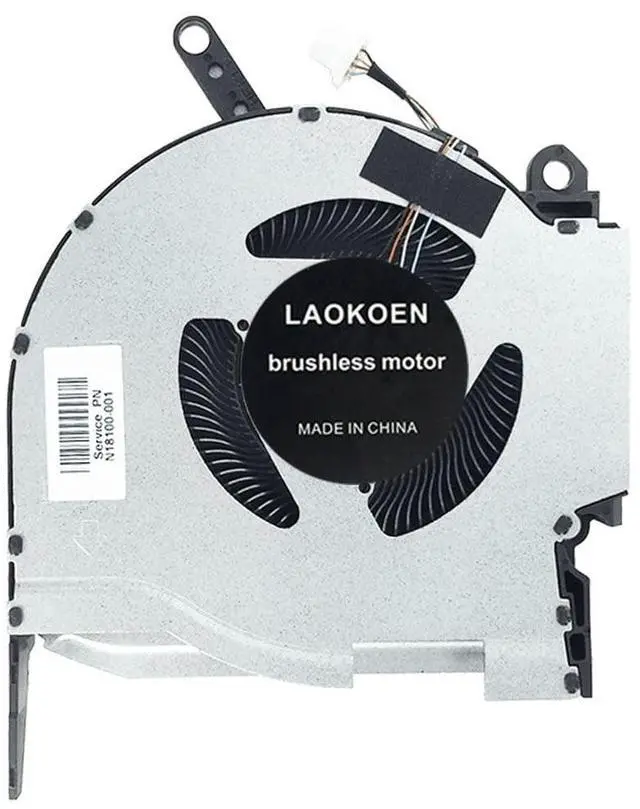
Please check the compatible model and compare the sample pictures, make sure this is the correct Cooling Fans you need! Please contact us if you have any issue! *Parameter: DC 12V.
*Package Include: 1* CPU Fan 1*GPU Fan.
*Compatible Models: for HP OMEN 16-K 16-N
RTX3060 RTX3070 Series: 16-k0007na, 16-k0007nk, 16-k0008nk, 16-k0008nm, 16-k0009nb, 116-k0009nk, 16-k0009nl 16-k0009nn, 16-k0010nk, 16-k0014nia, 16-k0014nl, 16-k0021TX, 16-k0050nc, 16-k0051TX, 16-k0054TX, 16-k0057nf, 16-k0058TX, 16-k0059TX, 16-k0061nf, 16-k0068TX, 16-k0075TX, 16-k0078TX, 16-k0081TX, 16-k0008nl, 16-k0082TX16-k0010nl, 16-k0010nl, 16-k0011nb, 16-k0011nl, 16-k0012nl, 16-k0015nl, 16-k0022TX, 16-k0042TX, 16-k0052TX, 16-k0053TX, 16-k0061TX, 16-k0065TX, 16-k0068no, 16-k0069TX, 16-k0073TX, 16-k0074TX, 16-k0077ng, 16-k0077TX, 16-k0080nv, 16-n0079ax, 16-n0797nr, 16-n0309nf, TPN-Q280 TPN-Q281, EG75071S1-C220-S9A EG75071S1-C230-S9A, DC 12V Fan, (*
Note: NOT for RTX3050 DC 5V Fan! ).
*Applicable scenarios: Solve the error, abnormal noise, and high temperature of your laptop fan, so that your laptop fan can operate normally again! *Special attention: 1. Before replacing the laptop fan, remember to shut down the laptop, remove the plug of the external battery or internal battery of the laptop, and then press the switch button several times to release the static electricity and surplus electricity of the motherboard, so as to avoid damage to the motherboard caused by static electricity. In addition, please be sure to pay attention to the direction of the fan plug, do not plug the anti-fan plug, so as to avoid burning the fan. 2. Please pay attention to check whether the voltage of your laptop CPU&GPU fan is consistent with our product description fan voltage, because the same model of computer may have different voltage notebook cooling fans. 3. Disassembly is risky, and installation needs to be cautious. If you cant install it yourself, its best to ask a professional to help install it. You can also find the installation tutorial on the Internet for reference.