• $129.99
  • Free 30-day Returns
  • Ships from China.
    Price alert
    Shop it at NeweggBusiness.

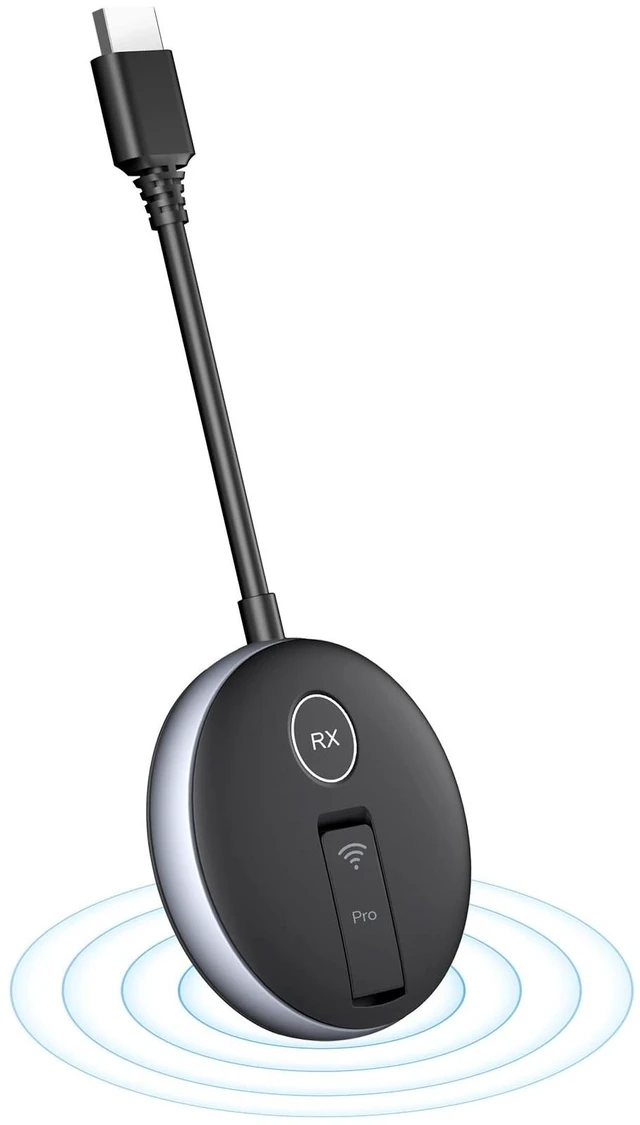
    Wireless HDMI G9R PRO Receiver Only, Must Be Paired with G9R Pro Transmitter, Ideal for Extra RX or Replacement Use

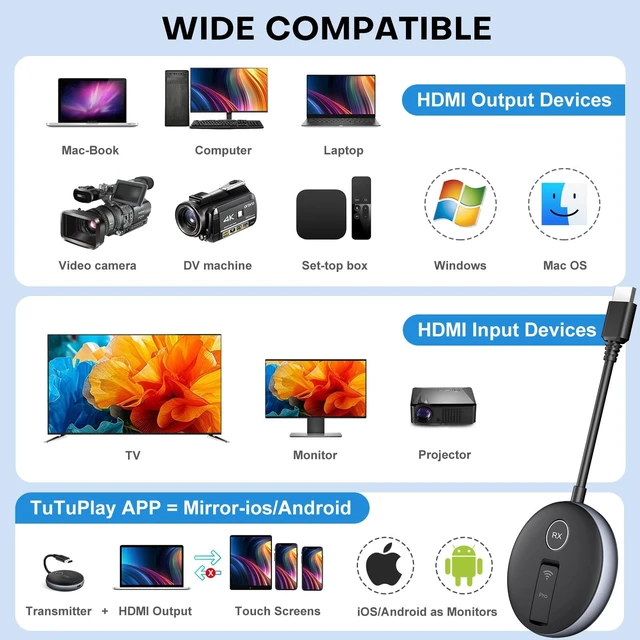
    • Extra G9R PRO Receivers UnitsG9R PRO Replacement Receiver only, Must be matched with G9R PRO Transmitter to function. It cannot be used alone. It cannot be used with G9R Trasnmitter.
    • First-time UseAll Separately RX or TX needs manual-pairing at first-time use. Once manual-pairing/Re-Pair is successful, they will be auto-pair in future use.
    • How To Re-Pair/Manual-PairFirst Connect the RX to the Display Device, then TX to the HDMI Output Device. Once the Connection Interface Appears on Screens, Long Press the RX Buttons Until RX Stras Flashing. then Long Press the TX Buttons Until TX Stars Flashing
    • Wait for SyncRelease the buttons and wait for 3-30 seconds for Synchronize, pairing complete. Another way of Re-Pair: Simultaneously press the TX and RX buttons until the Both TX and RX starts flashing for connection.
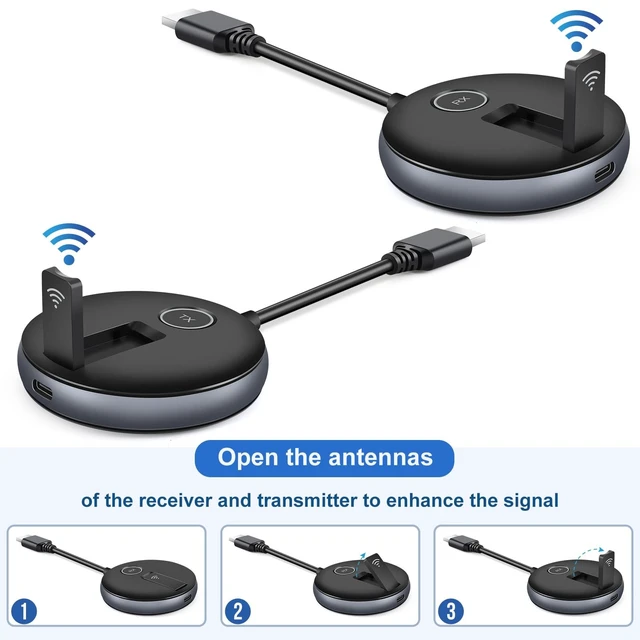
    • Unfold Antennas Open the antennas on both the RX and TX surfaces to ensure a strong and stable connection.
    • USB 5V/1A Power Supply Note Utilize a USB 5V/1A power sup
    +
    +
    Overview
    Specs
    Reviews
    avatar

    Any questions? Our AI mode will help you find out quickly.

    Extra G9R PRO Receivers UnitsG9R PRO Replacement Receiver only, Must be matched with G9R PRO Transmitter to function. It cannot be used alone. It cannot be used with G9R Trasnmitter. ^^ First-time UseAll Separately RX or TX needs manual-pairing at first-time use. Once manual-pairing/Re-Pair is successful, they will be auto-pair in future use. ^^ How To Re-Pair/Manual-PairFirst Connect the RX to the Display Device, then TX to the HDMI Output Device. Once the Connection Interface Appears on Screens, Long Press the RX Buttons Until RX Stras Flashing. then Long Press the TX Buttons Until TX Stars Flashing ^^ Wait for SyncRelease the buttons and wait for 3-30 seconds for Synchronize, pairing complete.

    Another way of
    Re-Pair: Simultaneously press the TX and RX buttons until the Both TX and RX starts flashing for connection. ^^ Unfold Antennas Open the antennas on both the RX and TX surfaces to ensure a strong and stable connection. ^^ USB 5V/1A Power Supply Note Utilize a USB 5V/1A power supply for stable connectivity. Low battery on a Laptop/TV or insufficient USB interface power may cause interruptions.

    Warranty & Returns

    Warranty, Returns, And Additional Information

    Warranty

    • Please contact the Seller directly for warranty information. Warranty information may also be found on the Manufacturer's website.
    • CONTACT

    Return Policies

    Manufacturer Contact Info

    LOADING...