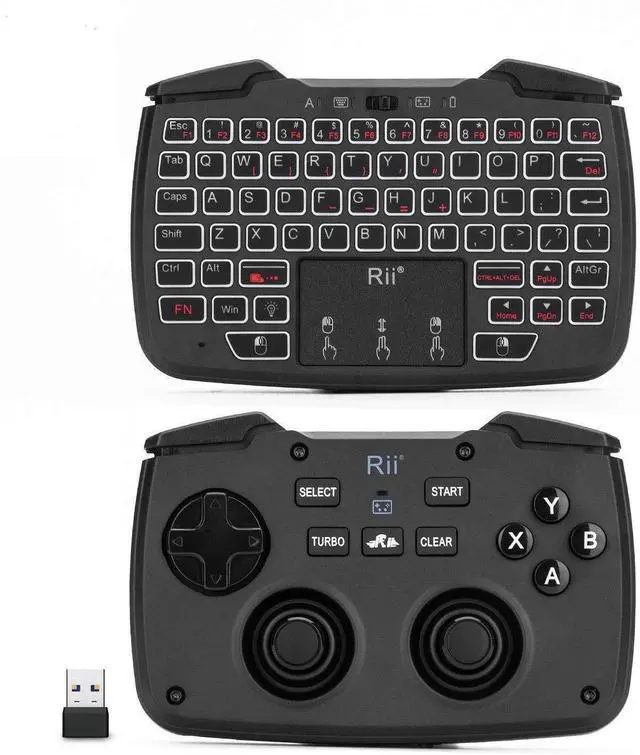
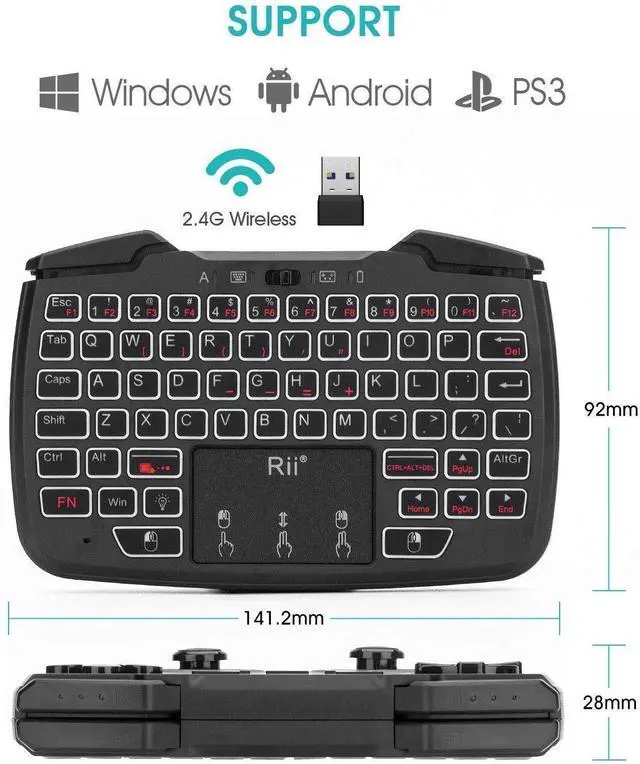
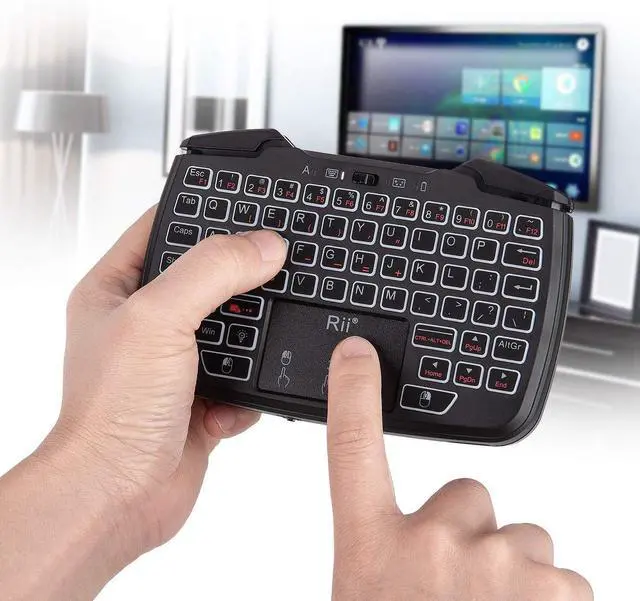
Product description: Rii RK707 2.4GH z wireless game controller keyboard mouse combo canbe used for playing games, email, chat, remote control, message inputand more, it is plug and play, simple and smooth, compatible withPC, Laptop, HTPC, Smart TV, Android TV Box, for PS3, for Mac, Linux and so on.
System requirement: Terminal with USB portFor windows 2000/XP/Vista/7/8/10For LinuxFor Android OS (with standard USB interface )
For PS3Specifications: Brand
name: RiiModel
number: RK707Transmission
Mode: GFSK 2.4GH z wirelessRemote control
Distance: Up
to 10 metersBattery: Rechargeable
Lithium Polymer BatteryOperating Current: <70mASleeping
Current: 65uA (keyboard); 15uA (gamepad)
Operating Voltage: 3.7VC harging
Voltage: 4.4V
- 5.25VC olor: BlackProduct
weight: 168gProduct
Size: 164g / 5.78 ozPackage
Size: 17.8 * 11.6 * 4.0 cm / 7.00 * 4.56 * 1.57 inWhats in the box? 1* Wireless game controller keyboard1* USB Receiver1* USB Charging cable1* Hanging rope1* English User manualTrouble shooting steps1. the connectivity issues; -the customer do not familiar with the modelsconnectivity, this model is 3 in 1 2.4GHZ wireless Game controller andkeyboard, touchpad combo, please
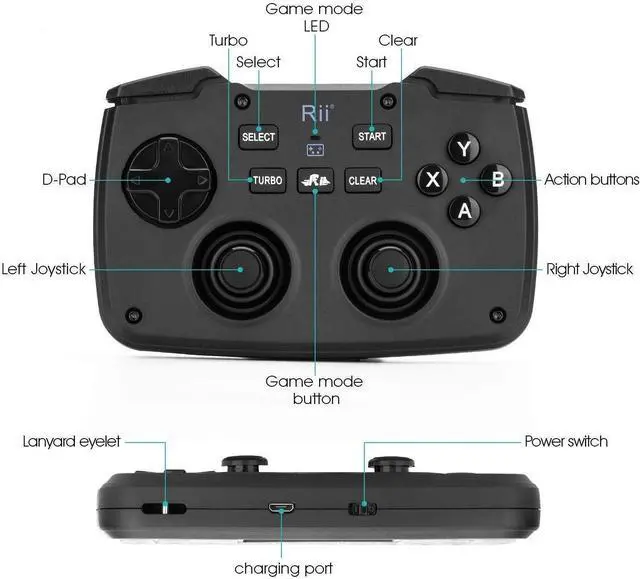
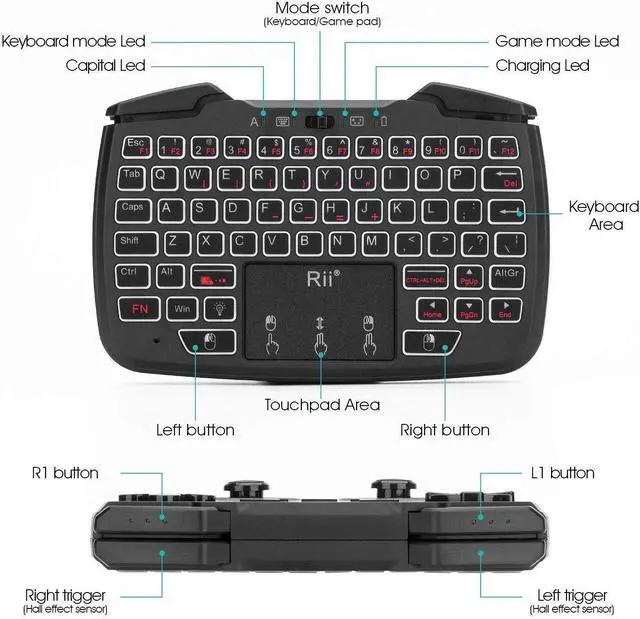
install as below steps: 1. take out of the receiverfrom the accessories box; 2. plug the USB receiver into your devices USBport; then turn on this model; Please note that this model have two side, one side is for keyboard, the otherside is for game controller, there is a mode switch, push mode switch to the rightside is the game mode, push mode switch to the left side is the keyboard mode; wehave enclosed the user manual to explain how to use the model in detail; 2. The malfunctioning features like the trackpad.; -the Insufficient productdescription lead the customer can not use the trackpad, please make sure that themodel have been charged fully, if yes, then note one finger click is leftmouse, the two finger click is right mouse, the Two fingers slide up and down isscroll; 3. The other hardware problems like keyboard issues and overheating; -the customerdo not familiar with the pair, please
do repair as below: 1. press the ESC button and turn on the keyboard at the same time, then releasethe ESC button and the white LED will flash fast, 2. plug in the USB dongle, the flashing white LED will become solid on oncepaired with success within 60 seconds, if it fails for the first time, you canrepeat step1-2 again, please make sure the keyboard is fully charged before pairing.
The overheating: the over charging will lead the battery overheating, please stop charge when is charged fully.





 here!
here!