Your Browsing History
- Free 30-day Returns
$77.99
Meet Your Seller
Hilitand Folding Bluetooth Keyboard, Ultra?Thin Foldable Keypad Full?Size Typewriter for iOS for Android for Laptop Tablet Smartphone()
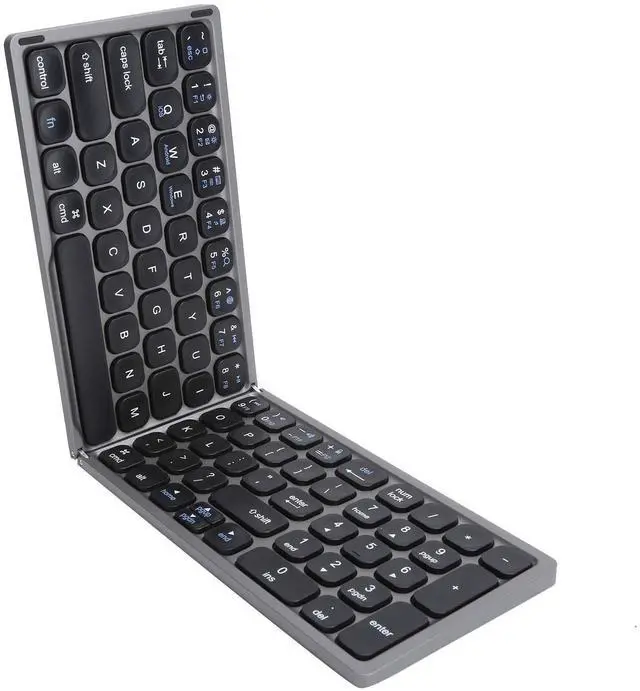
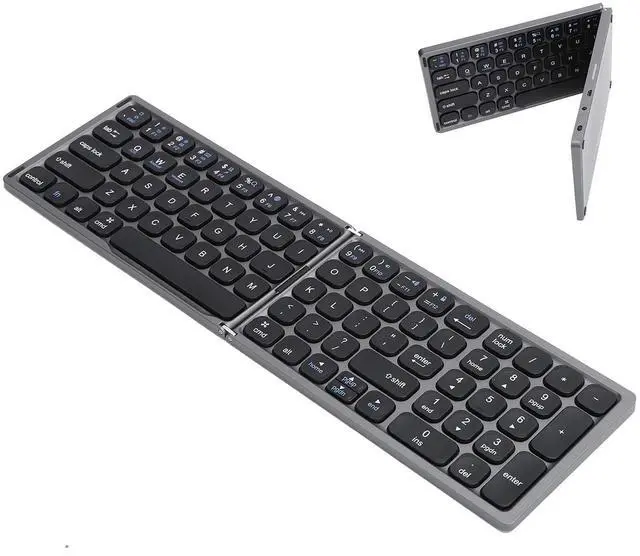
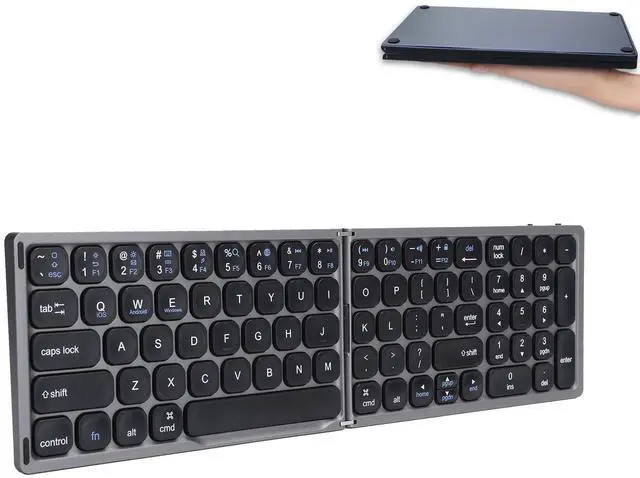
- ultra-thin Bluetooth full-size portable folding keyboard with independent numeric keypad area.
- There is a standard keyboard keycap size, smoothly input and input, and a standard small numeric keyboard, which meets people's needs for digital input and processing.
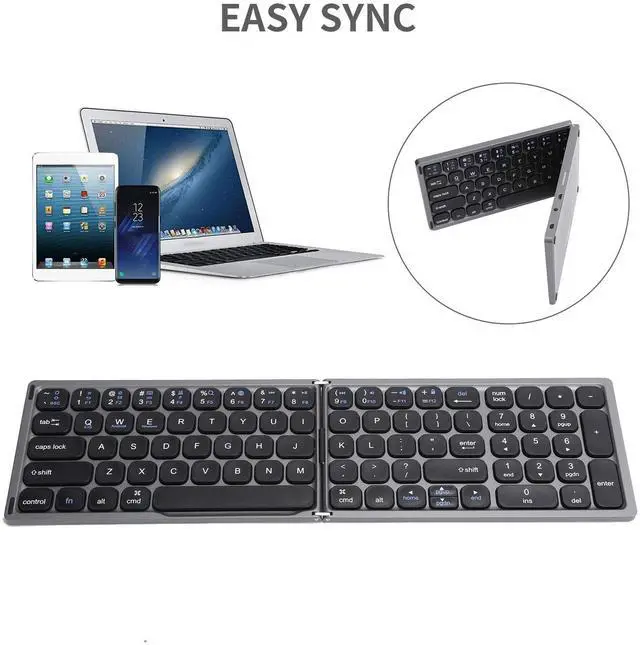
- Supporting for IOS / for Android / for 3 systems smart phones and tablets.
- Maintain business-level efficiency through smartphones or tablets, and bid farewell to the compact mobile phone screen keyboard.
- Strict quality control and quality assurance, high safety factor, can be used with peace of mind.
+
+
Overview
Specs
Reviews
Any questions? Our AI beta will help you find out quickly.
Try me now
Specification:
Item Type: Folding Bluetooth Keyboard
Working Distance: Approx. 10meter / 32.8 ft
Built-in Battery: 180mAh
Working Voltage: 3.2 - 4.2V
Working Current: < 3mA
Standby Current: < 0.5mA
Sleep State: About 20 minutes
How to Use:
1. Turn on the power switch, the blue indicator light will light up, press the, the Bluetooth keyboard will enter the pairing condition, and the blue indicator light will keep flashing.
2. Turn on the power of the device and select the settings on the screen, click it to enter the system preference list.
3. Click the Bluetooth to enter the device Bluetooth search criteria.
4. In the device Bluetooth search, you can find keyboard, click it to connect.
5. After the device is successfully connected to the Bluetooth keyboard, you can start typing with the keyboard for.
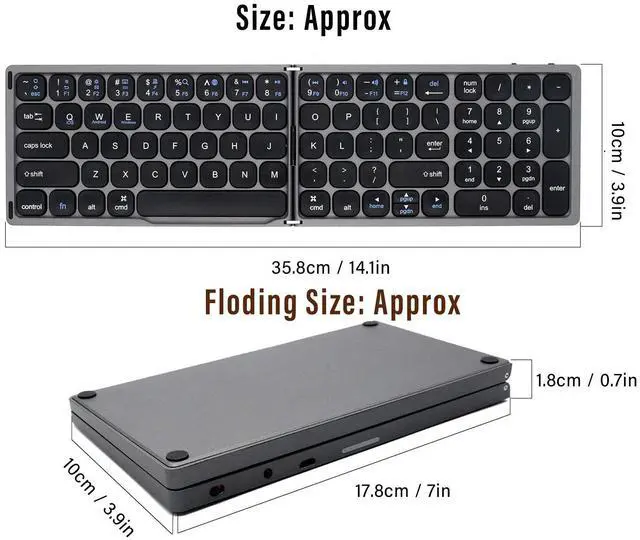
Size: Approx. 35.8 x 10cm / 14.1 x 3.9 in
Floding Size: Approx. 10 x 17.8 x 1.8 cm / 3.9 x 7 x 0.7 in
Package List:
1 x Keyboard
1 x User Manual
1 x Charging Cable

Item Type: Folding Bluetooth Keyboard
Working Distance: Approx. 10meter / 32.8 ft
Built-in Battery: 180mAh
Working Voltage: 3.2 - 4.2V
Working Current: < 3mA
Standby Current: < 0.5mA
Sleep State: About 20 minutes
How to Use:
1. Turn on the power switch, the blue indicator light will light up, press the, the Bluetooth keyboard will enter the pairing condition, and the blue indicator light will keep flashing.
2. Turn on the power of the device and select the settings on the screen, click it to enter the system preference list.
3. Click the Bluetooth to enter the device Bluetooth search criteria.
4. In the device Bluetooth search, you can find keyboard, click it to connect.
5. After the device is successfully connected to the Bluetooth keyboard, you can start typing with the keyboard for.
Size: Approx. 35.8 x 10cm / 14.1 x 3.9 in
Floding Size: Approx. 10 x 17.8 x 1.8 cm / 3.9 x 7 x 0.7 in
Package List:
1 x Keyboard
1 x User Manual
1 x Charging Cable
Warranty & Returns
Warranty, Returns, And Additional Information
Warranty
- Please contact the Seller directly for warranty information. Warranty information may also be found on the Manufacturer's website.
- CONTACT
Return Policies
- Return for refund within: 30 days
- Return for replacement within: 30 days
- This item is covered by JMDesign Return Policy
Manufacturer Contact Info
- For a directory of all our manufacturers, please click below.
- Manufacturers Directory
LOADING...