Welcome to JOTACT
JOTACT provides laptop power products, including batteries, adapters, network equipment, etc.
We are passionate about excellence, so every customer who buys our products in our store, you can expect to find quality materials, reliable performance, affordable prices and excellent customer service!
Specifications
:
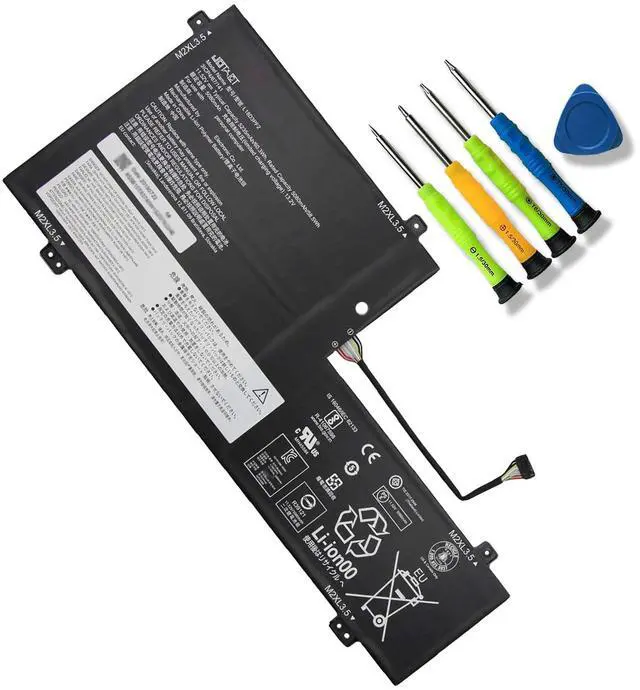
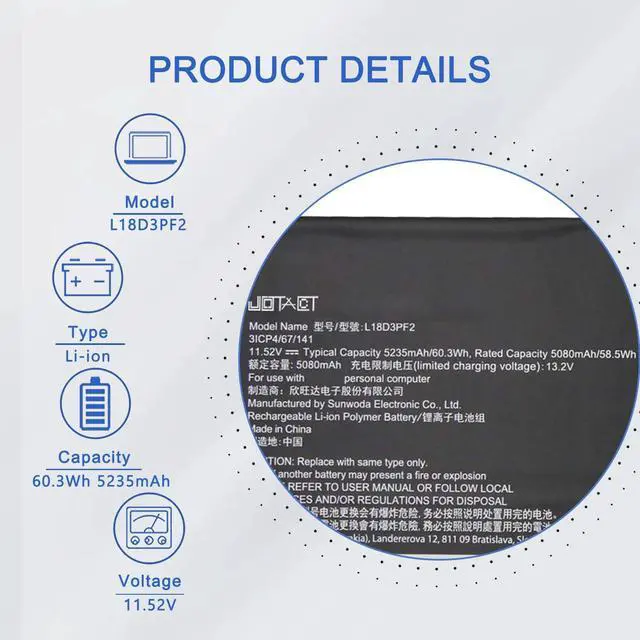
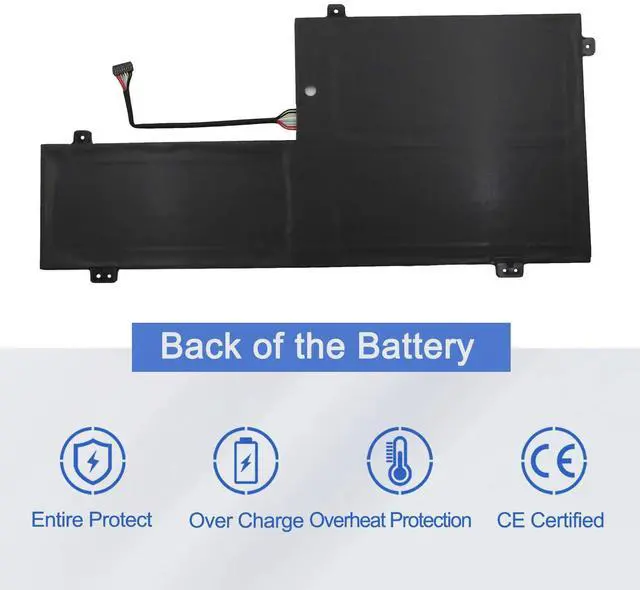
Item Model: L18D3PF2
Battery Type: Li-ion
Voltage: 11.52V
Capacity: 60.3W h/5235mAh
Color: Black
Warranty: 12 Months Long
Replacement Part Numbers:
L18D3PF2 5B10T83740 5B10W67402 L18M3PFA 5B10T83739 5B10W67258
Compatible Laptop Models(use "Ctrl+F to find your model quickly"):
Yoga C740-15IML
Package List:
1X L18D3PF2 battery
1X Instruction manual
Notes:
1After installing the battery, you can try to calibrate the power management system. Discharge the new battery to 10% (not 0%), then charge and cycle 3-4 times to wake up the new battery.
2During the use of the battery, it is best not to discharge to less than 6% or turn off the computer power, otherwise it may be easily damaged and may not be fully charged.
3Do not connect the adapter for a long time when using the battery. Otherwise, the battery may be damaged.
4Avoid man-made impact, disassembly, squeeze or puncture. Do not throw it into fire or water. Avoid using the battery in an environment where the temperature is too high or too low.
5If you do not use the battery for a long time, make sure to charge the battery more than 80% per month.
It is important to perform a complete discharge every two months to extend battery life.