"How to Connect Keyboard
1. Switch Power switch ON to turn your keyboard on. The Power indicator will light up for 2-3 seconds.
2. Press the "Fn+C" keys together to enter pairing mode. The Bluetooth indicator will flash blue.
3. Turn on your Surface's Bluetooth function, then search for ""Bluetooth Keyboard""and click to connect.
Warm Tips:
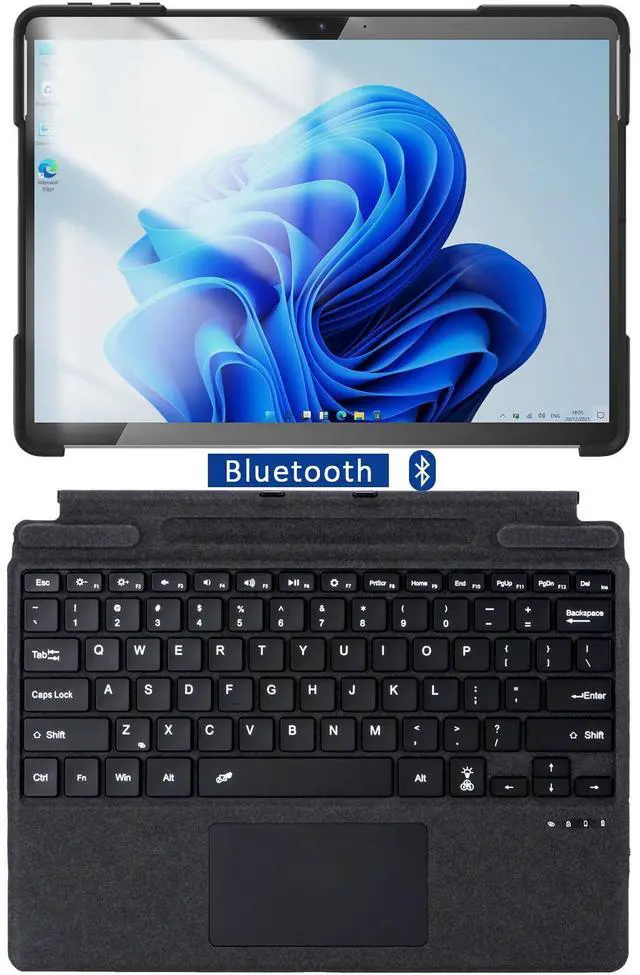
1. This keyboard is physically attached to Surface Pro 11/10/9 via magnetic and the connection is through Bluetooth, it wouldn't charge via pins.
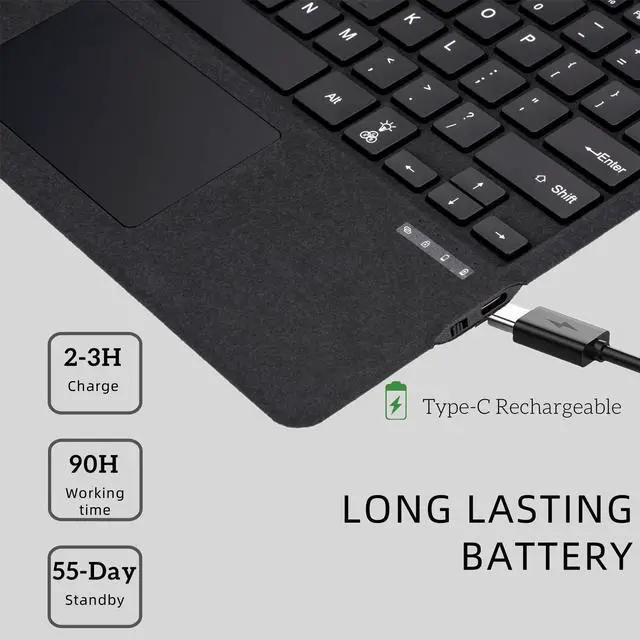
2. This Surface Pro 9 keyboard needs to be charged separately, and it comes with a USB-C to Type C plug for charging.
"