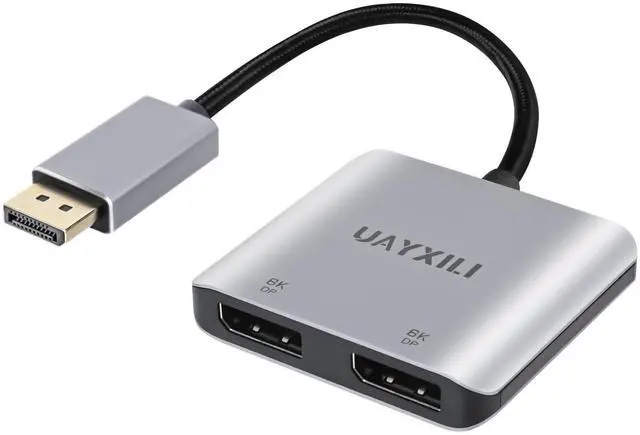
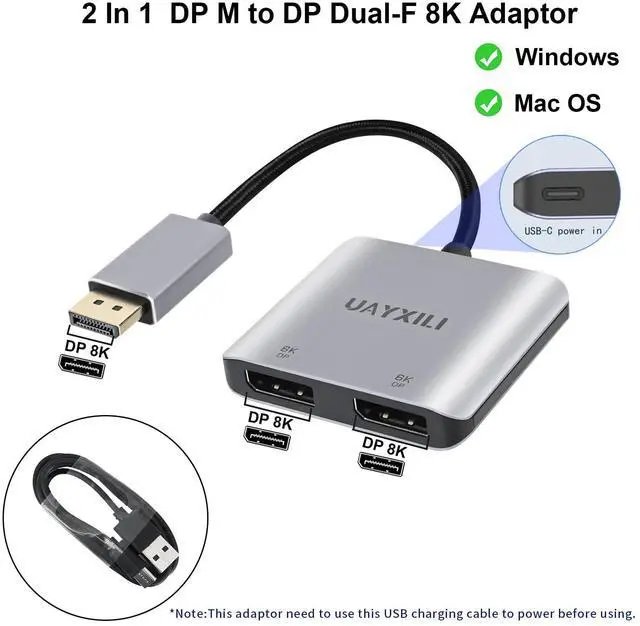
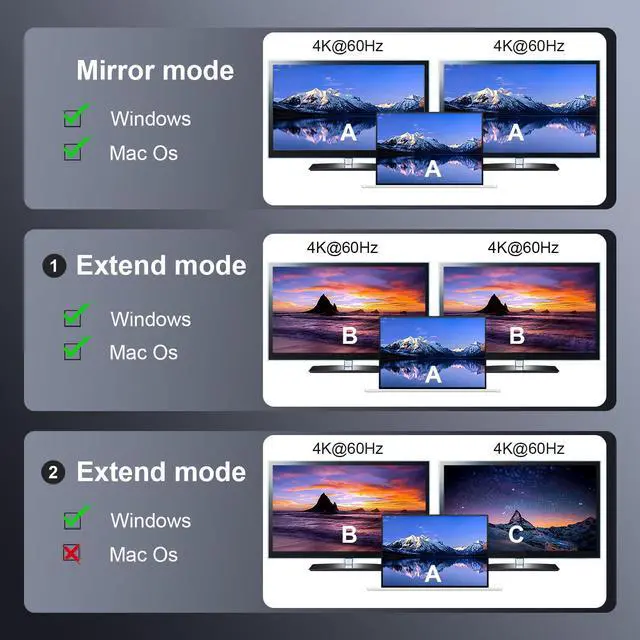
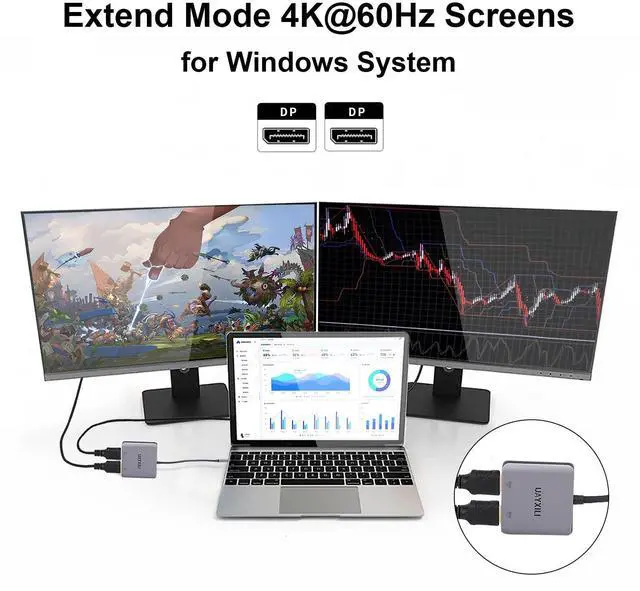
This DisplayPort to Dual DisplayPort Adapter is plug and play, no drivers to install.When in use, it is essential to strictly follow the sequence of operation steps; otherwise, it cannot be used.Usage Step: 1,Plug the male DP connector into the source device (PC, laptop, graphics card); Step 2,connect the included power cable to provide 5V/1A current; Step 3,Connect the 2 HDMI females to the monitor via HDMI cable range.The usage step must be Note:Before using it must connect the USB-C power cable first,or else with out power it can't work.
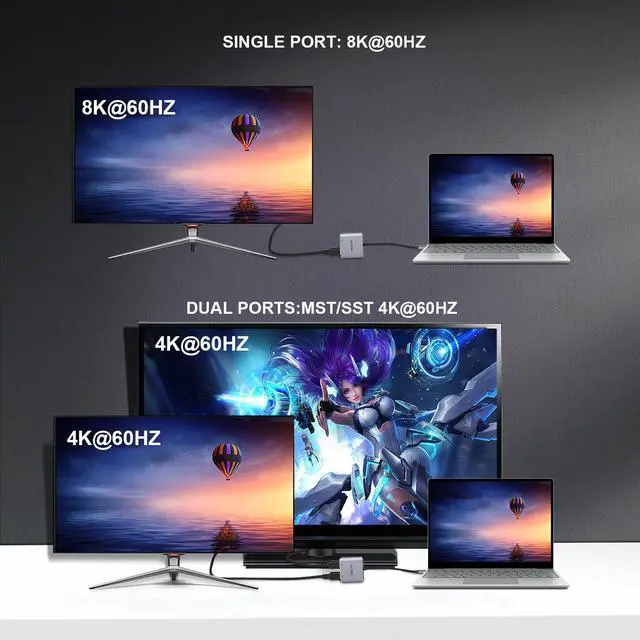
8K60Hz UHD Resolution/Audio & Video Sync Transmissiom:UAYXILI DP to Dual DP adapter for dual monitor extended Display, DP1.4 for single displayport screen resolution up to 8K@60Hz and dual display port screen resolution up to 4K@60Hz.(Note: To achieve single 8K resolution, make sure that the input device ports are at a minimum of the DP 1.4 version that support 8K at the same time).Ideal for multi-stream displays in schools, conference
+
+
Overview
Specs
Reviews
DisplayPort to Dual DP Adapter 8K@60Hz, DP Splitter 1 in 2 Out Extended Display MST for Dual Monitors, Compatible with PC, Graphic Card, NVIDIA, AMD
Learn more about the Detailed Specifications
Additional Information
First Listed on Newegg
November 07, 2025
There are no reviews yet.
Do you own this product?
Warranty & Returns
Warranty, Returns, And Additional Information
Warranty
Please contact the Seller directly for warranty information. Warranty information may also be found on the Manufacturer's website.