Your Browsing History
- Free 30-day Returns
$42.99
Meet Your Seller
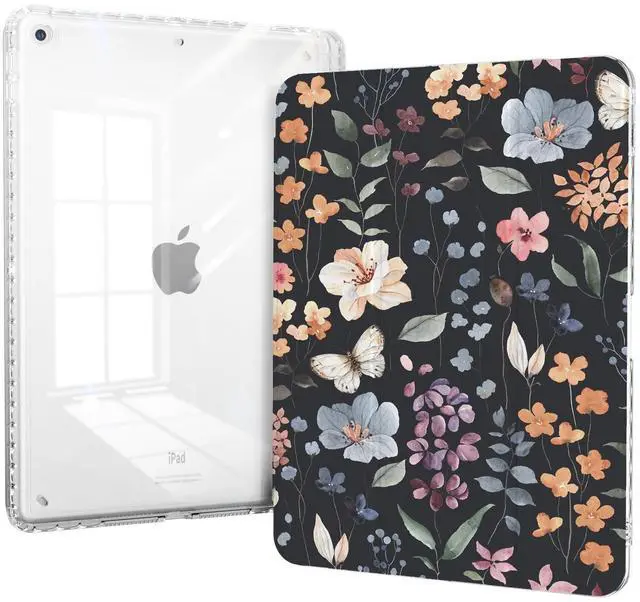
Piznernico Case for iPad 9th Generation, iPad 10.2 Inch 9th/8th/7th Generation Case with Pencil Holder, Slim Shockproof Clear Back Cover, Auto Sleep, Black&Flower
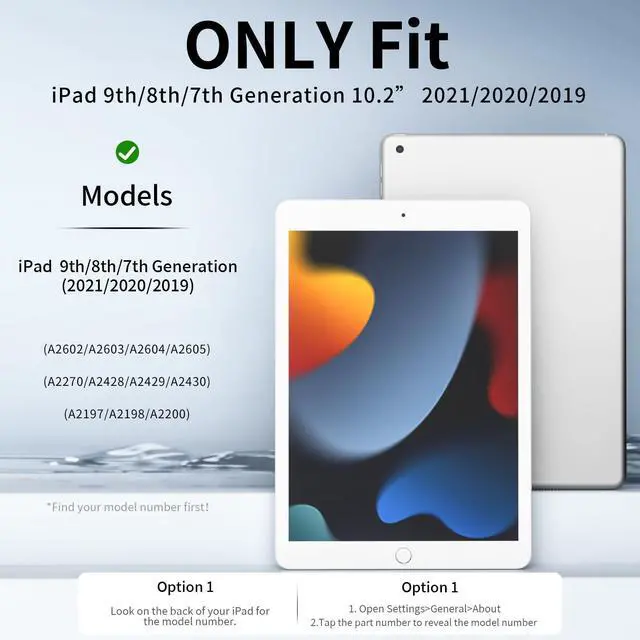
- COMPATIBILITY - Case for iPad 9th Generation 2021 (A2602/A2603/A2604/A2605), iPad 8th Generation 2020 (A2270/A2428/A2429/A2430), iPad 7th Generation 2019 (A2197/A2200/A2198), Note: Not compatible with other ipad models. Please check the back bottom of your iPad to find the model number
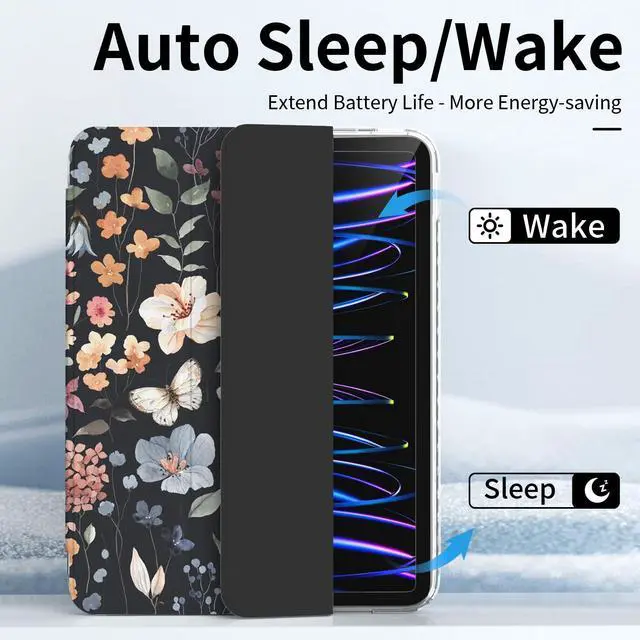
- AUTO WAKE/SLEEP - Triggers your iPad to wake up upon opening and sleep when closed, extending battery life and enhancing your ipad experience with a touch of smart convenience. (Please SET your iPad: to find settings--generals--lock/unlock to slid the lock and unlock button to make it green then the smart function is enabled. Otherwise the screen could not shut down.)
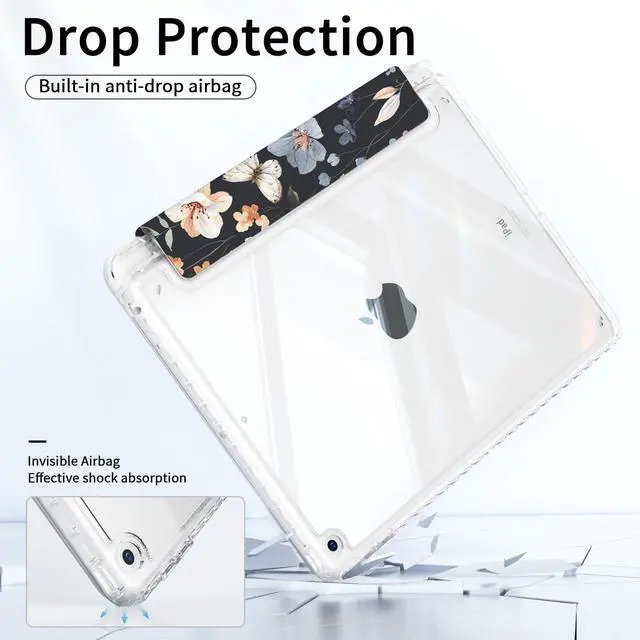
- RELIABLE SHIELD FOR YOUR IPAD - Offers robust protection against drops, shocks, and scratches, keeping your iPad safe and scratch-free through everyday adventures.
- BUILT-IN PENCIL HOLDER - Includes a convenient, built-in slot designed to securely hold your Apple Pencil, preventing loss and ensuring your stylus is always at hand for
+
+
Overview
Specs
Reviews
Any questions? Our AI beta will help you find out quickly.
Try me now
Compatible Devices: Case Compatible with iPad 9th Generation 2021 (A2602/A2603/A2604/A2605). iPad 8th Generation 2020 (A2270/A2428/A2429/A2430). iPad 7th Generation 2019 (A2197/A2200/A2198). How to Find Your iPad
Model?
Method: Check in iPad Settings (Easiest) Unlock your iPad and open the Settings app (looks like a gray gear icon). Tap General (usually near the top of the menu). Select About youll see a list of device details.
Look for Model Number: First, youll see a number starting with ME or MD (this is the internal part number). Tap this number once, and it will switch to an A-series number (e. g., A2602) this is the model you need for case compatibility.

Model?
Method: Check in iPad Settings (Easiest) Unlock your iPad and open the Settings app (looks like a gray gear icon). Tap General (usually near the top of the menu). Select About youll see a list of device details.
Look for Model Number: First, youll see a number starting with ME or MD (this is the internal part number). Tap this number once, and it will switch to an A-series number (e. g., A2602) this is the model you need for case compatibility.
Warranty & Returns
Warranty, Returns, And Additional Information
Warranty
- Please contact the Seller directly for warranty information. Warranty information may also be found on the Manufacturer's website.
- CONTACT
Return Policies
- Return for refund within: 30 days
- Return for replacement within: 30 days
- This item is covered by JMDesign Return Policy
Manufacturer Contact Info
- For a directory of all our manufacturers, please click below.
- Manufacturers Directory
LOADING...