• $48.99
  • Free 30-day Returns
  • Price alert
    Sold by DSKL
    4 (7 seller ratings)

    Shipped by DSKL

    Shop it at NeweggBusiness.

    Meet Your Seller

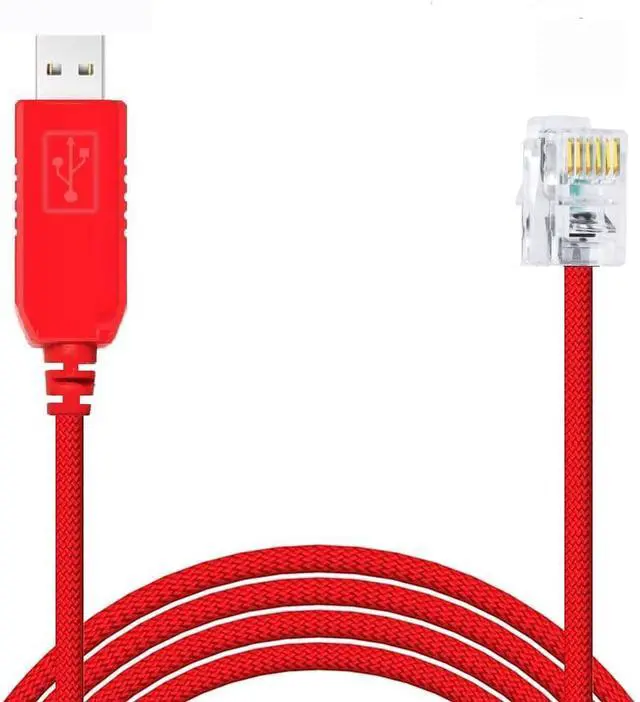
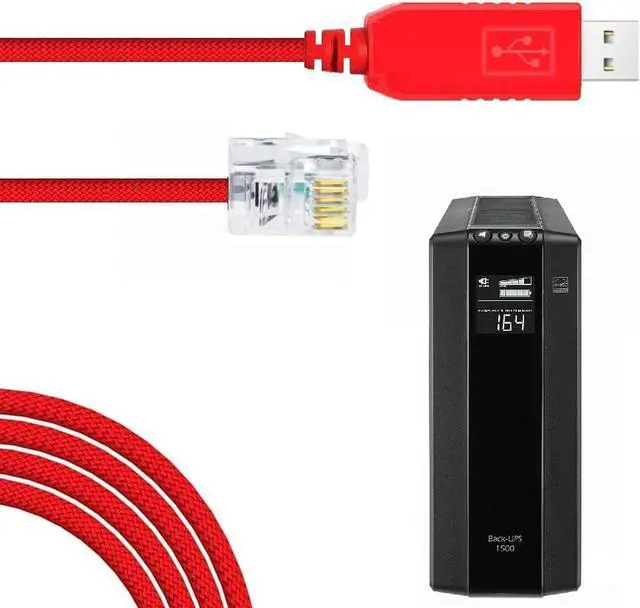
    Feanteek USB to RJ12 Console Cable APC Serial Cable 940-0144b for APC PDU Meter and Switch AP78xx,AP79xx,AP86xx,AP88xx,AP89xx (3 Meters)

    • USB version conveniently replaces APC PDU cable APC 940-0144
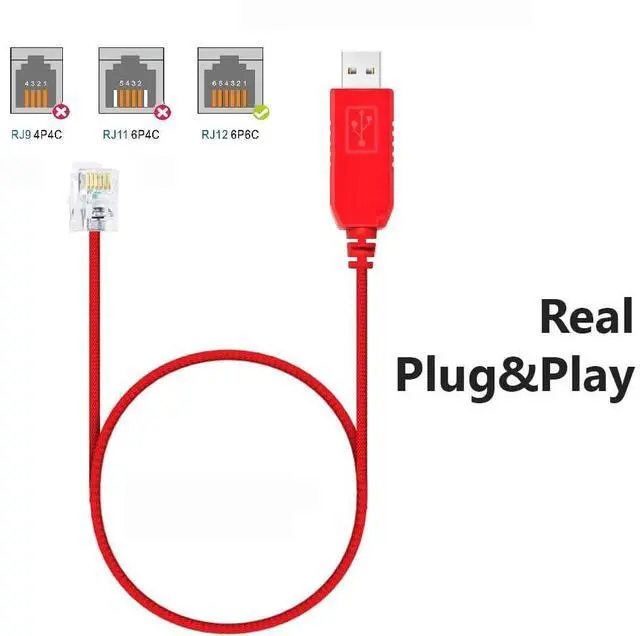
    • USB to RJ-12 PDU is a fully compatible replacement cable for APC 940-0144 and 940-0144a in a USB version
    • Compatible with APC metered and switched PDU AP78xx, AP79xx, AP86xx, AP88xx, AP89xx, etc
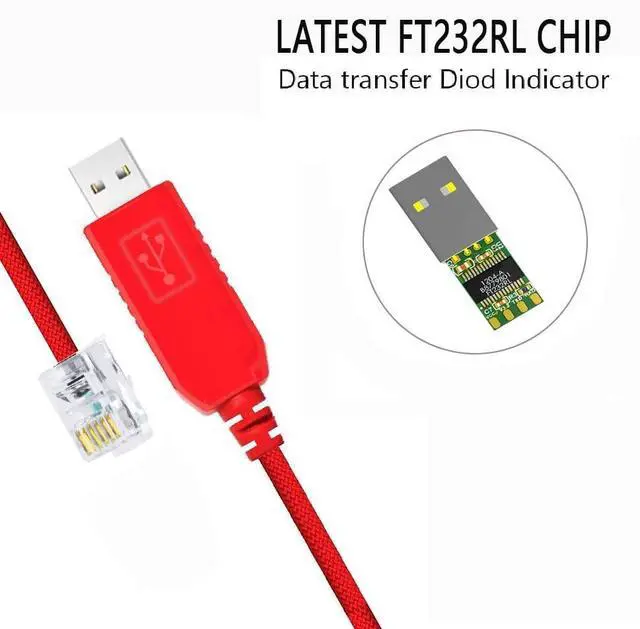
    • FTDI chipset allows for easy installation on Windows, MacOS, and Linux. Linux has driver installed by default. Windows automatically downloads the driver from windows update Drivers are available for download if needed
    • WARRANTY:Made by Feanteek with 12 months warranty. If you meet any question, please contact us, we will fix your issue with in 24 hours.
    +
    +
    Overview
    Specs
    Reviews
    avatar

    Any questions? Our AI beta will help you find out quickly.

    Specification: Main
    chip: FTDI
    FT232RL Pin Definition: TXD, RXD, GND
    USB interface: 2.0
    The maximum speed: 3Mbps List of supported systems Windows xp, 7, 8, 10 2, Ubuntu 11.10, kernel 3.0. 0-19 3, Mac OS X 10.3 to 10.8 (32 &64 bit) 4, Mac OS X 10.9 and above (64 bit) You can download the driver directly from FTDI's website
    Packing list: 1 X FTDI FT232RL USB to RJ12 Cable Feanteek offers a 1-year and technical support for this USB adapter. If you meet any question, Please contact us, We will fix your issue with in 24 hours.
    Feantue: 1. APC Rack PDU (AP78xx, AP79xx, AP86xx, AP88xx, AP89xx) and 2G Rack Automatic Transfer Switches (AP7752, AP7752, AP7730, AP7732, AP7721, AP7723) 2patible with APC part 940-0144A 3. RJ12 to usb. Compatible with Rack PDU (AP78xx, AP79xx, AP86xx, AP88xx, AP89xx) and 2G Rack Automatic Transfer Switches (AP7752, AP7752, AP7730, AP7732, AP7721, AP7723). APC part 940-0144A 4. Set 9600 bps, 8 data bits, no parity, 1 stop bit, and no flow control to communicate Apply the port settings to establish the connection. 5. Press 3-5 times to display the username prompt. Use the default username and password of apc.

    Warranty & Returns

    Warranty, Returns, And Additional Information

    Warranty

    • Please contact the Seller directly for warranty information. Warranty information may also be found on the Manufacturer's website.
    • CONTACT

    Return Policies

    • Return for refund within: 30 days
    • Return for replacement within: 30 days
    • This item is covered by DSKL Return Policy

    Manufacturer Contact Info

    LOADING...