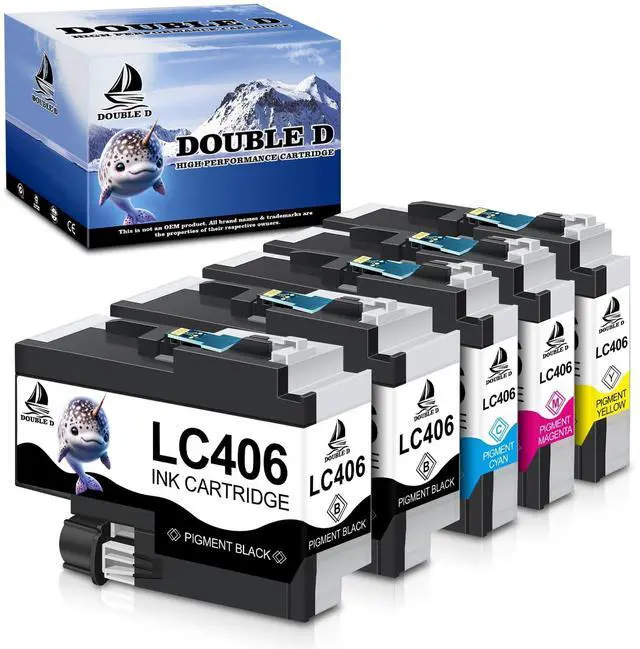
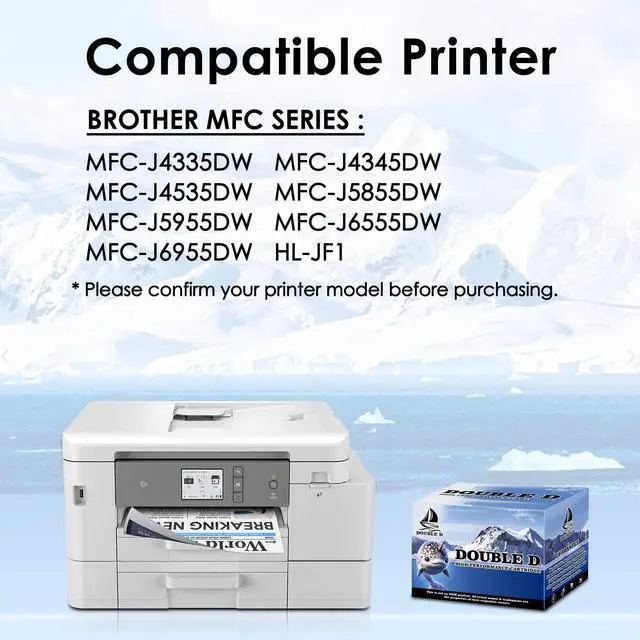
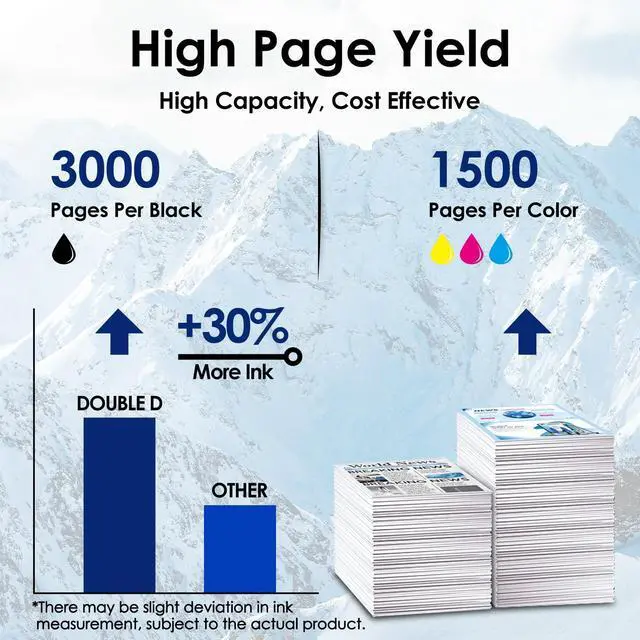
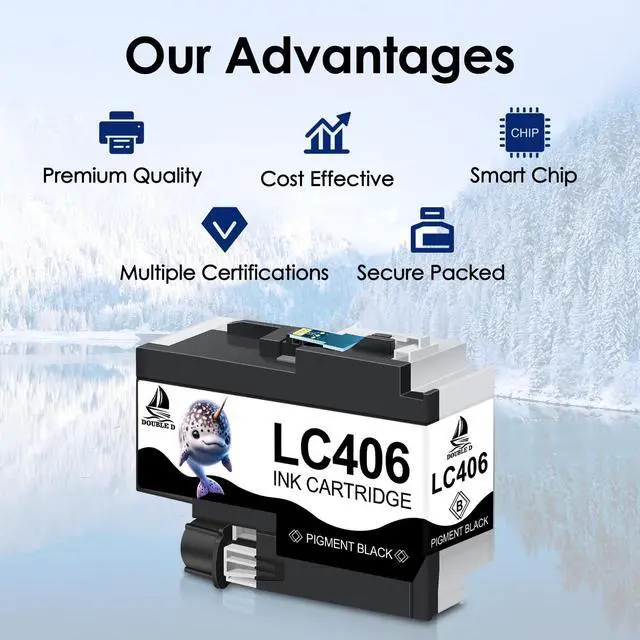
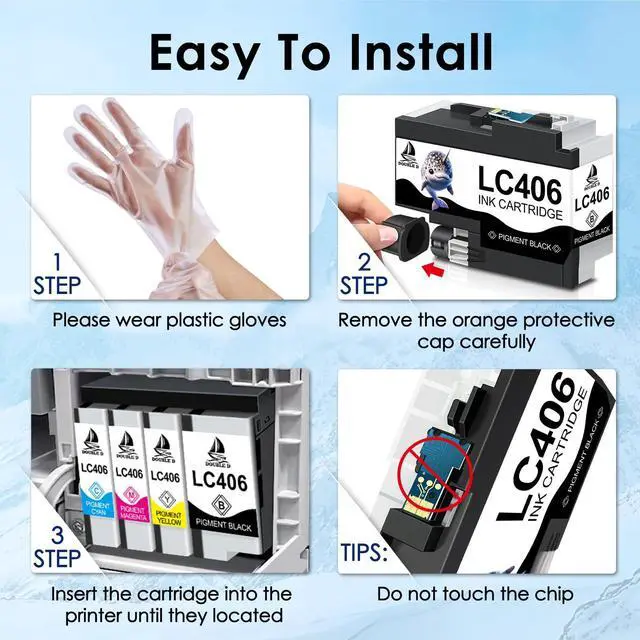
Compatible PrintersBrother MFC-J4335DW, MFC-J4345DW, MFC-J4535DW, MFC-J5855DW, MFC-J5955DW, MFC-J6555DW, MFC-J6955DW, and HL-JF1 printers ^^ Packag Contents2 x LC406BK, 1 x LC406 Cyan, 1 x LC406 Magenta, 1 x LC406 Yellow, 1 x User Guide ^^ Extra High YieldApprox. 3000 pages per LC406 Black, 1500 pages per LC406 Color, at 5% coverage of A4 paper ^^ Advantages Multiple Certifications, Premium Print Quality, Cost Effective, Newest Chip, Secure Packed ^^ Your Printing HelperEasy to install, providing clear text and graphics. It's your good assistant for printing ^^ Product Quality Control Certified by ISO9001and MSDS.
Strictly tested with industry quality control processes for compatibility, performance, print quality and page yield. All compatible printers instantly recognize the ink cartridges and work flawlessly ^^ Tips It is normal if the printer screenshot in the ink level page shows after you insert compatible ink cartridges. Please disregard and keep printing, it will not effect the function of printer, you can check the ink level on the computer that connect with your printer