

Your Browsing History
- Free 30-day Returns
$57.99

Meet Your Seller


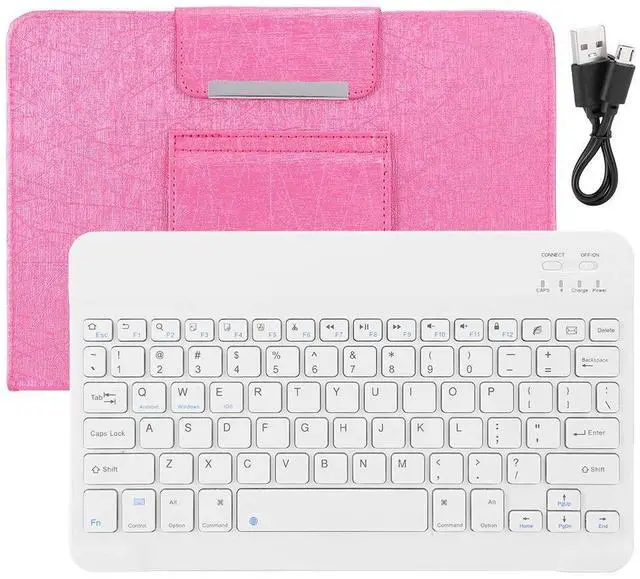
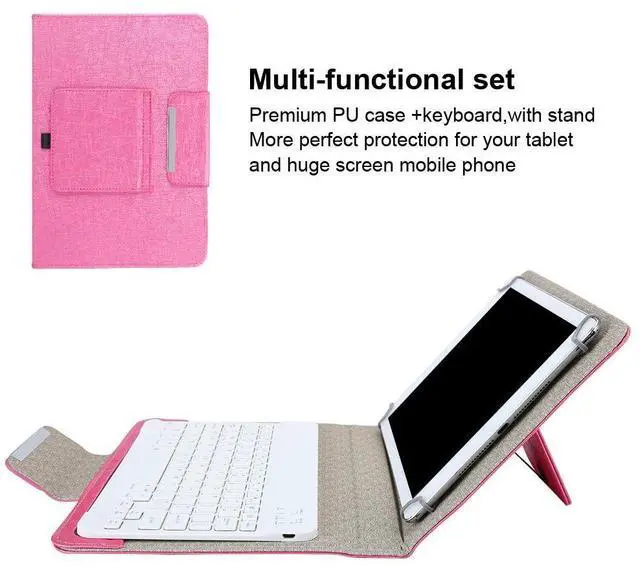
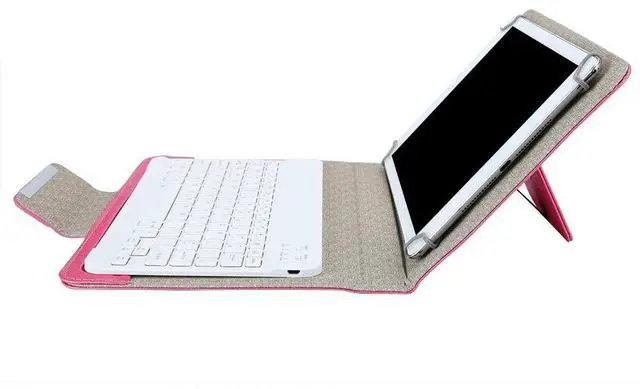


070 Keyboard Bluetooth Portable 10 inch Keyboard+PU Leather Case W/Stand Bluetooth Tablet Huge Screen Mobile Phone Waterproof Keyboard(10 inch)
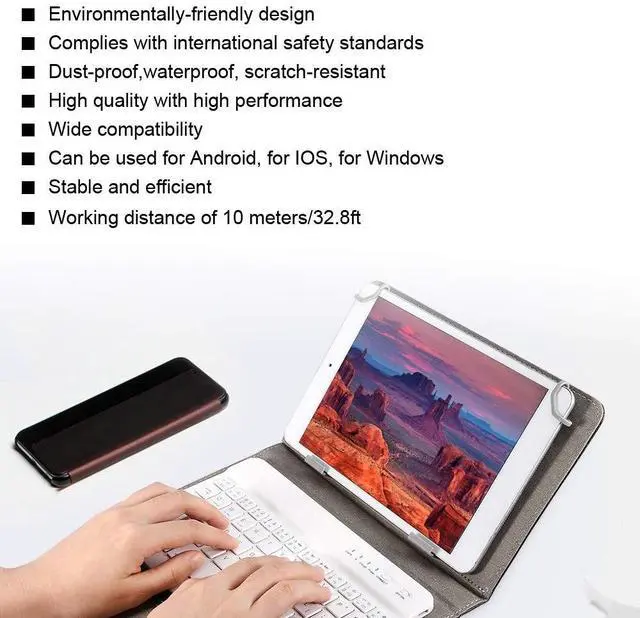
- Excellent quality and durabilityBluetooth 3.0 is stable and efficient, working distance of 10 meters/32.8ft.
- Easy to carryOur keyboard is small and light, does not occupy space, easy to carry, and has wide compatibility can be used for Android, for IOS, for Windows.
- Powerful Function Environmentallyfriendly, complies with international safety standards, which is dustproof,waterproof, scratchresistant, high quality with high performance.
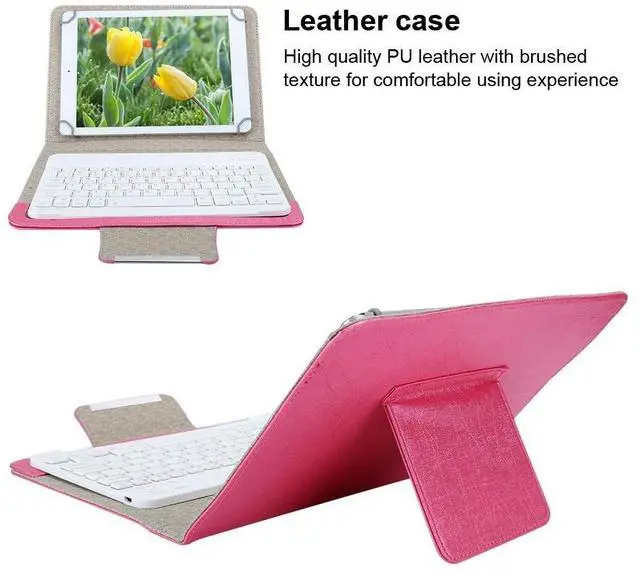
- BEST GIFT CHOICES Leather case, high quality PU leather with brushed texture for comfortable using experience. It will be the best gift choice to show your care to your families, lover, or friends on Valentine's Day, Thanksgiving, Christmas, New Year,etc.
- SATISFACTION GUARANTEE We care for every customers feeling.If this product does not meet or exceed your expectations,please send it back for a 100% refund no questions asked.
+
+
Overview
Specs
Reviews

Any questions? Our AI mode will help you find out quickly.
Try me now
Specification:
Conditon: 100%
Brand NewItem Type: Tablet
KeyboardMaterial:
ABS+PUColor: As
Pictures ShownApplicable System: Fit for Android, for IOS, for
WindowsBluetooth Version: Bluetooth 3.0E ffective
Distance: Approx. 10 Meters/ 32.8 ftUse
Tutorial: 1. Push the [OFF switch to ON] in the upper right corner of the Bluetooth keyboard, the blue light will light up, and the keyboard will start. 2. Turn on the tablet, find-Settings-Turn on wireless and network-Turn on Bluetooth-Search nearby devices-[Search Bluetooth keyboard name (Bluetooth keyboard) ] and click to connect. 3. The tablet screen prompts [Bluetooth pairing request (input Bluetooth password XXXX to pair " Bluetooth keyboard")], enter the number displayed on the screen on the Bluetooth keyboard and press the Enter key, the connection is successful.
Package List: 1 x Data Cable1 x PU Leather Case1 x Keyboard
Conditon: 100%
Brand NewItem Type: Tablet
KeyboardMaterial:
ABS+PUColor: As
Pictures ShownApplicable System: Fit for Android, for IOS, for
WindowsBluetooth Version: Bluetooth 3.0E ffective
Distance: Approx. 10 Meters/ 32.8 ftUse
Tutorial: 1. Push the [OFF switch to ON] in the upper right corner of the Bluetooth keyboard, the blue light will light up, and the keyboard will start. 2. Turn on the tablet, find-Settings-Turn on wireless and network-Turn on Bluetooth-Search nearby devices-[Search Bluetooth keyboard name (Bluetooth keyboard) ] and click to connect. 3. The tablet screen prompts [Bluetooth pairing request (input Bluetooth password XXXX to pair " Bluetooth keyboard")], enter the number displayed on the screen on the Bluetooth keyboard and press the Enter key, the connection is successful.
Package List: 1 x Data Cable1 x PU Leather Case1 x Keyboard
Warranty & Returns
Warranty, Returns, And Additional Information
Warranty
- Please contact the Seller directly for warranty information. Warranty information may also be found on the Manufacturer's website.
- CONTACT
Return Policies
- Return for refund within: 30 days
- Return for replacement within: non-replaceable
- This item is covered by FoundationSurge Return Policy
Manufacturer Contact Info
- For a directory of all our manufacturers, please click below.
- Manufacturers Directory
LOADING...
LOADING...