Your Browsing History
- Free 30-day Returns
$58.79
Ships from China.
Best Sellers
- $58.99
- + $5.99 Shipping
Meet Your Seller
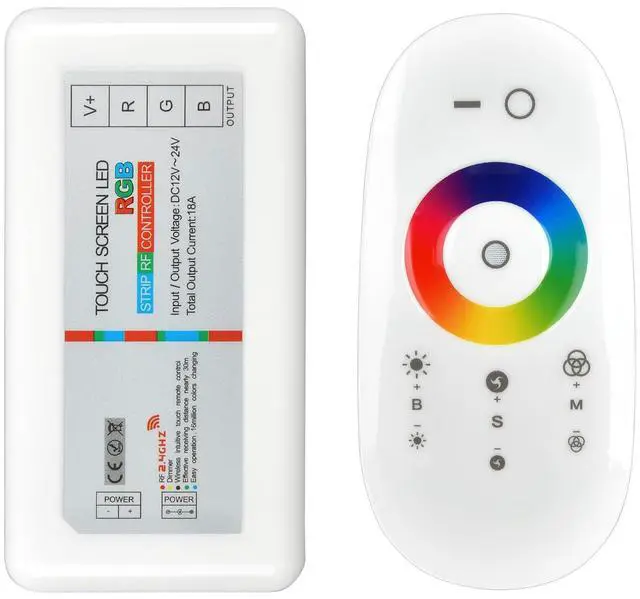
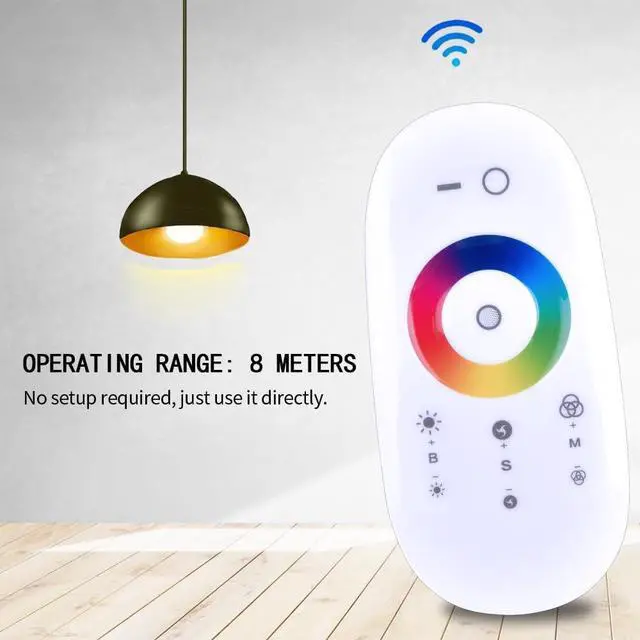
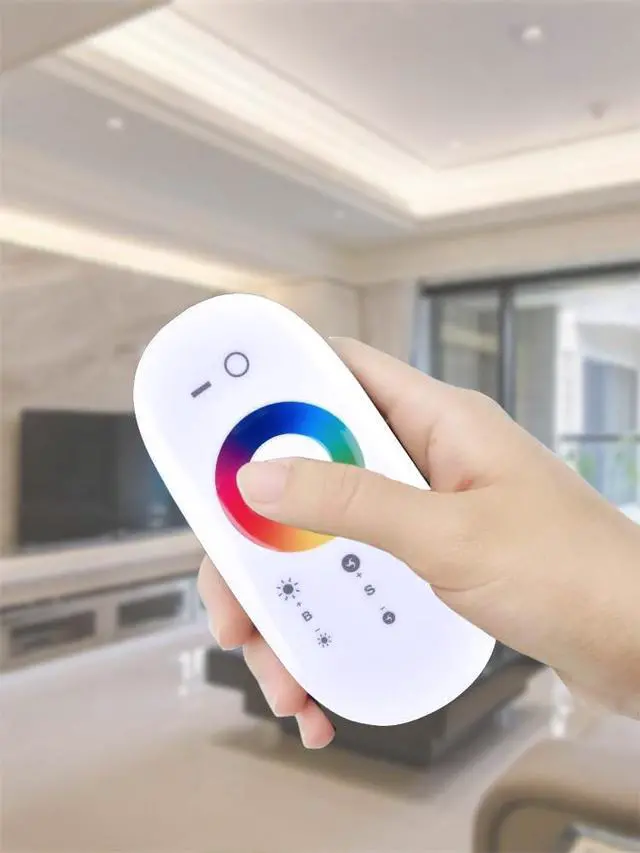
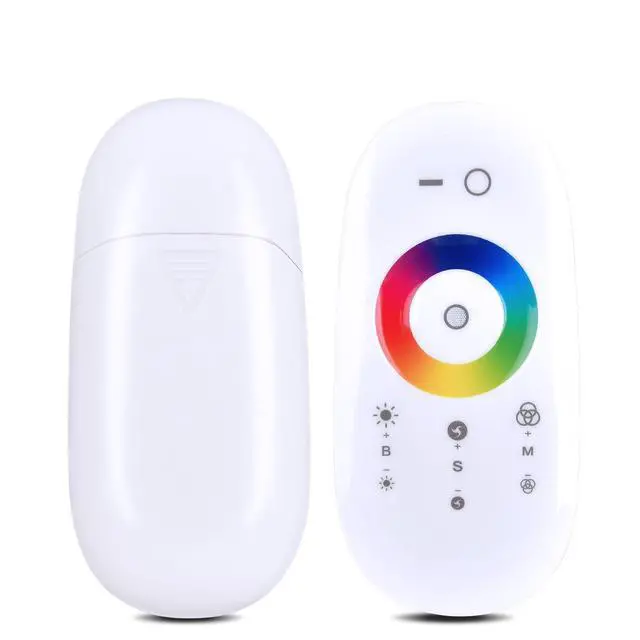
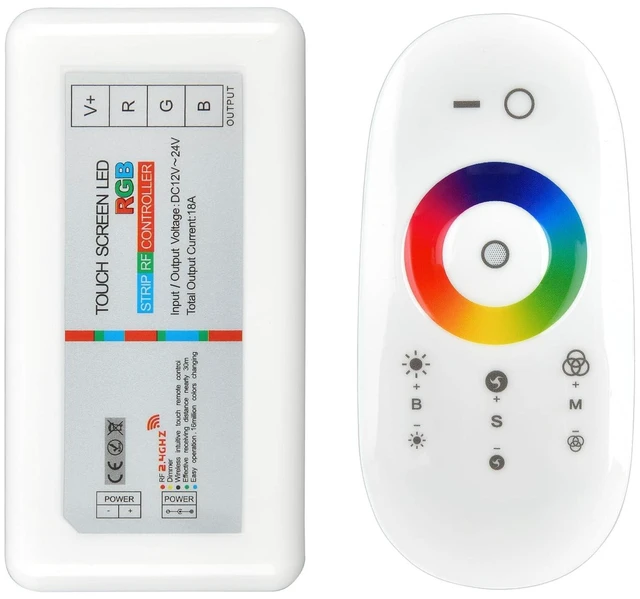
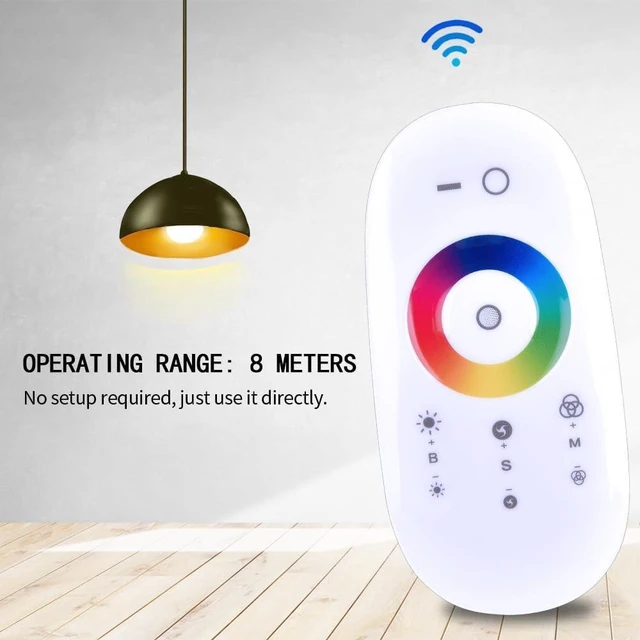
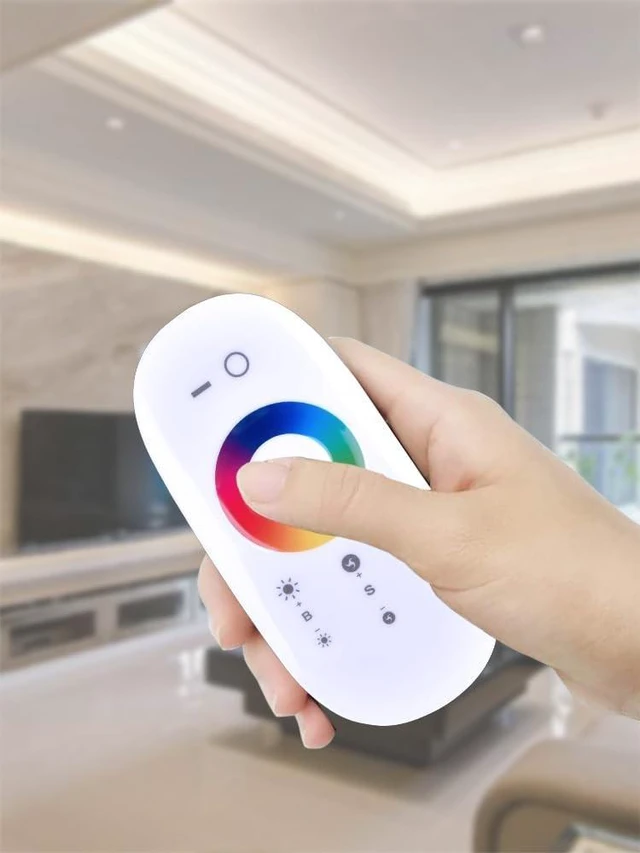
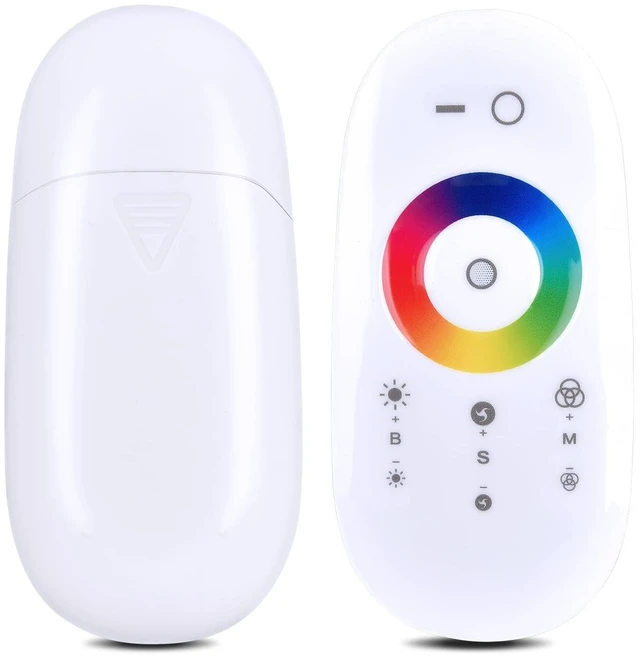
2.4GHz RF Touch Remote RGB LED Controller and Phone Adapter Touch Screen Dimmer for 5050 3528 RGB Flexible LED Strip Light (Support DC12V~24V)
- Compatibility - the 2.4GHz RF Remote Control for DC12V -24V, MAx.6 amps per channel at 12V to 24V DC for 12V&24V rgb led light strip
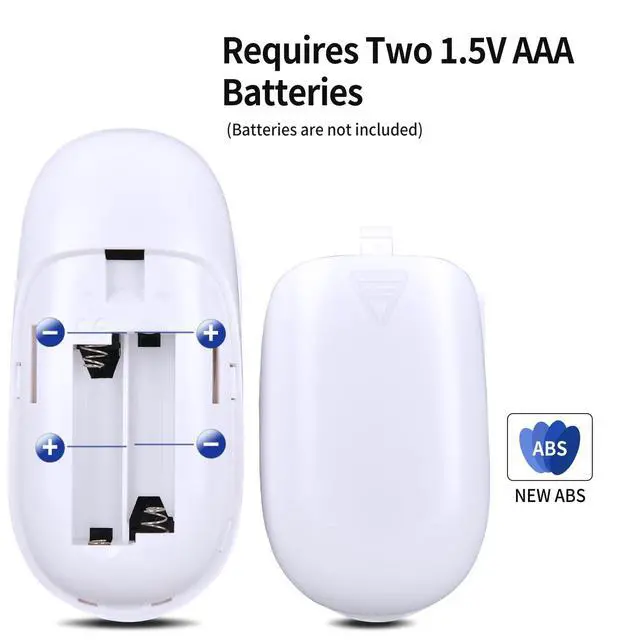
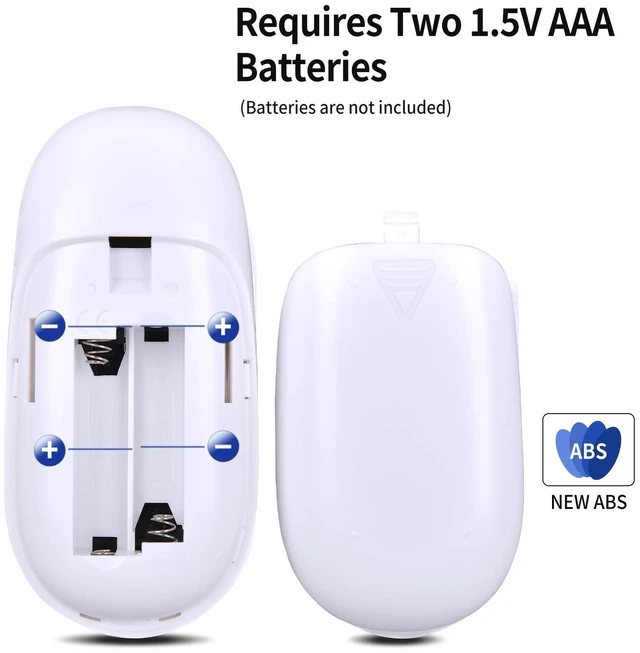
- Before any action, setup the controller correctly: 1)Load the Batteries into the remote. 2)Connect LED to the Receiver. 3)Connect the Receiver to the Power Supply
- Pairing the Receiver to the Remote: 1)Switch off the main power supply to the Receiver. 2)Restore power, and within 6 seconds, sync depress the [LIGHT ON] and [MODE -] two buttons more than 2 second. 3)If the LED flash, that mean the successful pairing process. 4)If the LED don't flash, repeat the step1 to the step2
- A Single RF remote controller can control an unlimited number of receivers
- Package List - 1 * Remote Control and Touch Screen LED (Use ManualNo 2pcs AAA Batteries
+
+
Overview
Specs
Reviews
Any questions? Our AI beta will help you find out quickly.
Try me now
Compatibility - the 2.4GH z RF Remote Control for DC12V -24V, MAx. 6 amps per channel at 12V to 24V DC for 12V&24V rgb led light strip ^^ Before any action, setup
the controller correctly: 1)Load the Batteries into the remote. 2)Connect LED to the Receiver. 3)Connect the Receiver to the Power Supply ^^ Pairing the Receiver to the
Remote: 1)Switch off the main power supply to the Receiver. 2)Restore power, and within 6 seconds, sync depress the [LIGHT ON] and [MODE -] two buttons more than 2 second. 3)If the LED flash, that mean the successful pairing process. 4)If the LED don't flash, repeat the step1 to the step2 ^^ A Single RF remote controller can control an unlimited number of receivers ^^ Package List - 1 * Remote Control and Touch Screen LED (Use ManualNo 2pcs AAA Batteries

the controller correctly: 1)Load the Batteries into the remote. 2)Connect LED to the Receiver. 3)Connect the Receiver to the Power Supply ^^ Pairing the Receiver to the
Remote: 1)Switch off the main power supply to the Receiver. 2)Restore power, and within 6 seconds, sync depress the [LIGHT ON] and [MODE -] two buttons more than 2 second. 3)If the LED flash, that mean the successful pairing process. 4)If the LED don't flash, repeat the step1 to the step2 ^^ A Single RF remote controller can control an unlimited number of receivers ^^ Package List - 1 * Remote Control and Touch Screen LED (Use ManualNo 2pcs AAA Batteries
Warranty & Returns
Warranty, Returns, And Additional Information
Warranty
- Please contact the Seller directly for warranty information. Warranty information may also be found on the Manufacturer's website.
- CONTACT
Return Policies
- Return for refund within: 30 days
- Return for replacement within: non-replaceable
- This item is covered by meimeiliangshipindian Return Policy
Manufacturer Contact Info
- For a directory of all our manufacturers, please click below.
- Manufacturers Directory
LOADING...
LOADING...