Your Browsing History
Meet Your Seller
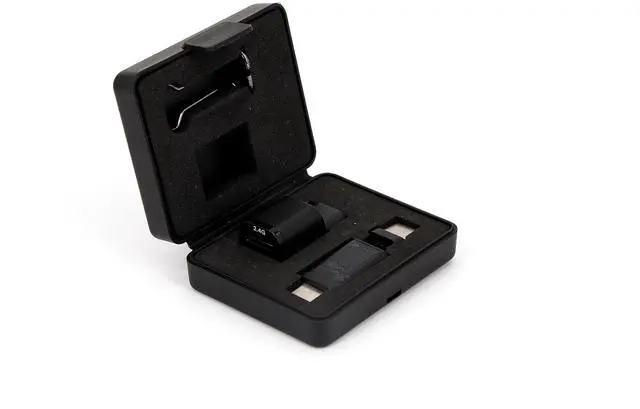
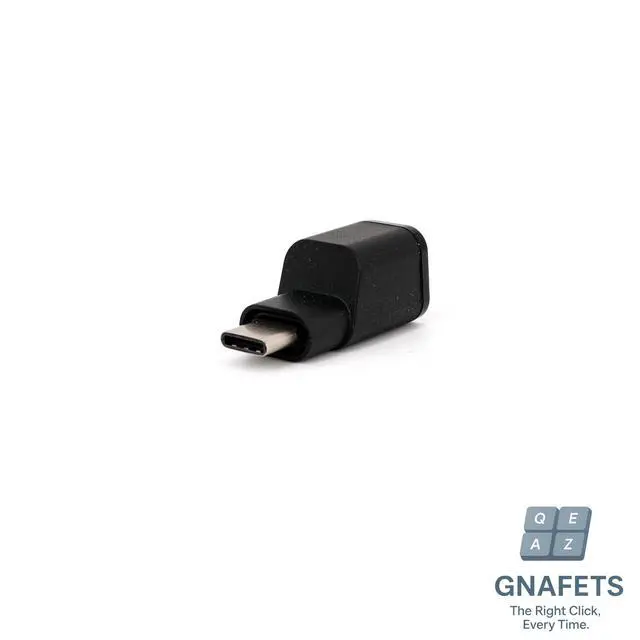
GNAFETS Magnetic Dock, 2-in-1 Hub with 2.4GHz Receiver Slot & Charging Port, Detachable Adapter Compatible with Alienware AW720M Gaming Mouse
- Dedicated Mouse Docking Station: This hub provides a permanent, organized home for your wireless mouse's 2.4GHz receiver and cable. Eliminates the hassle of plugging and unplugging, and ensures you never lose the tiny dongle.
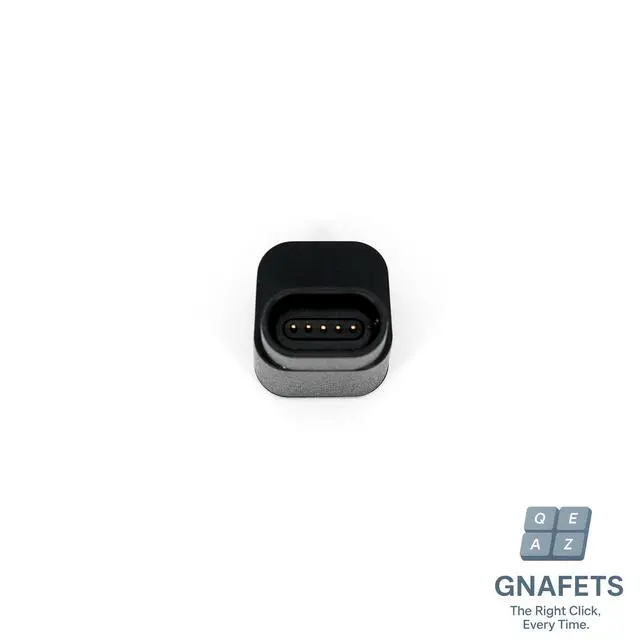
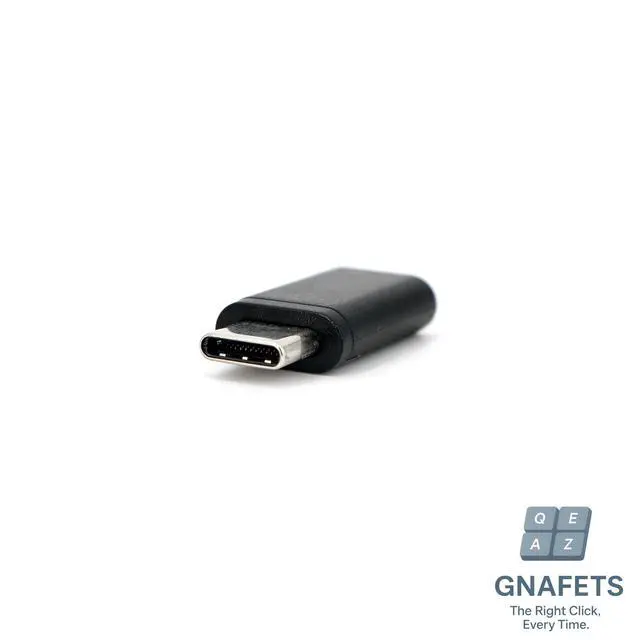
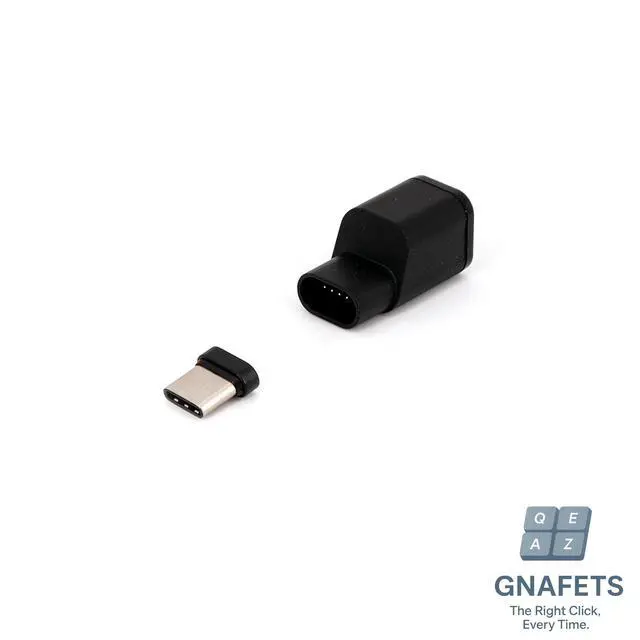
- Secure Magnetic Quick-Release: The base plugs into your PC's USB-C port. The hub itself attaches to this base via a strong magnetic connection, allowing for easy snap-on attachment and quick detachment when you need to travel.
- Dual USB-C Port Hub: Features two female ports: one dedicated slot for your 2.4GHz nano receiver and a second full-function USB-C port for passthrough charging, data transfer, or connecting other peripherals.
- Reduces Port Wear & Tear: By leaving the low-profile base plugged into your laptop, you prevent physical damage and wear from repeatedly inserting and removing cables. Simply snap the hub on to connect.
+
+
Overview
Specs
Reviews
Any questions? Our AI beta will help you find out quickly.
Try me now
The Ultimate Organized Connection for Your Wireless MouseThis innovative magnetic docking hub is designed to streamline your workspace and protect your device's ports, keeping your mouse's dongle and cable neatly managed and always connected.
How It Works: Install the
Base: Plug the low-profile magnetic base adapter into your computer's USB-C port. It can stay there permanently.
Load the Hub: Insert your mouse's 2.4GH z receiver into its dedicated slot on the hub.
Connect & Dock: Connect your USB-C cable to the hub's second port. Then, snap the entire hub onto the magnetic base attached to your PC for a secure connection.
Quick Detach: Need to move? Gently pull the hub off the magnetic base for easy travel. Your dongle and cable stay organized within the hub.
Package Includes: 1x Magnetic Docking Hub (with two female USB-C ports) 1x Detachable Magnetic USB-C Base Adapter 1x User Manual

How It Works: Install the
Base: Plug the low-profile magnetic base adapter into your computer's USB-C port. It can stay there permanently.
Load the Hub: Insert your mouse's 2.4GH z receiver into its dedicated slot on the hub.
Connect & Dock: Connect your USB-C cable to the hub's second port. Then, snap the entire hub onto the magnetic base attached to your PC for a secure connection.
Quick Detach: Need to move? Gently pull the hub off the magnetic base for easy travel. Your dongle and cable stay organized within the hub.
Package Includes: 1x Magnetic Docking Hub (with two female USB-C ports) 1x Detachable Magnetic USB-C Base Adapter 1x User Manual
Warranty & Returns
Warranty, Returns, And Additional Information
Warranty
- Please contact the Seller directly for warranty information. Warranty information may also be found on the Manufacturer's website.
- CONTACT
Return Policies
- Return for refund within: 30 days
- Return for replacement within: 30 days
- This item is covered by kaipuda Return Policy
Manufacturer Contact Info
- For a directory of all our manufacturers, please click below.
- Manufacturers Directory
LOADING...