Display port Splitter for
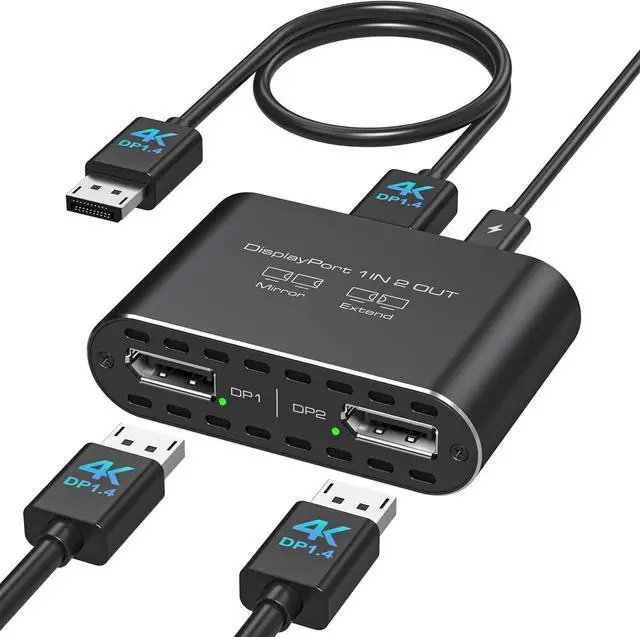
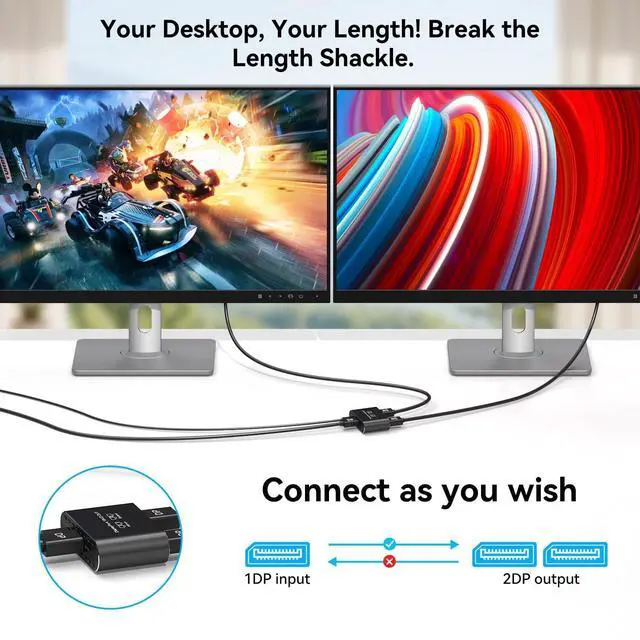
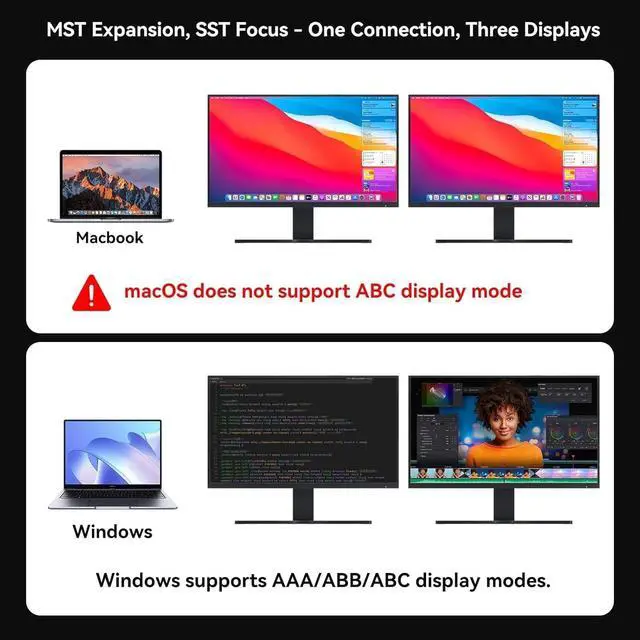
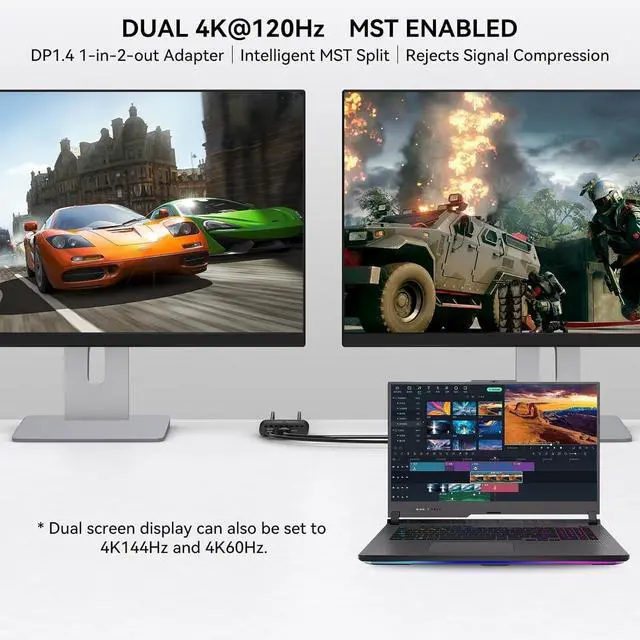
Dual Monitors: This DisplayPort splitter converts one DisplayPort signal into two DisplayPort outputs, supporting one-way transmission only from a single DP source to two DP displays. Your computer must have a DP 1.2 or higher compatible graphics card and use a DP 1.4 (or above) standard cable no longer than 3.3 ft. Windows systems support both extended and mirror modes, while Mac only supports mirror mode ^^
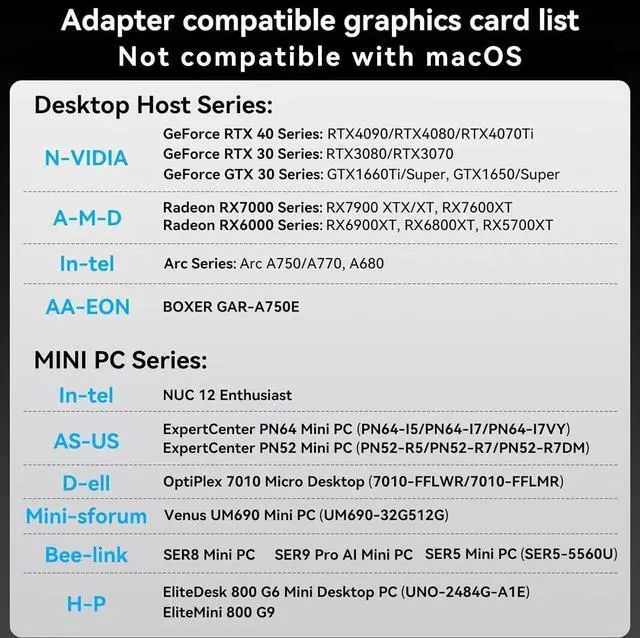
Please Check Compatibility: The DP splitter dual monitor requires your computer has a DP port, or your mini pc and desktop graphics card is one of the following models.
mini PC: A-SUS ExpertCenter, Beelink SER8/SER9/SER5, D-ell OptiPlex, H-P EliteDesk, In-tel NUC 12 Enthusiast, Minisforum Venus.
Graphics Card: AM-D Radeon RX7000/6000, AAEO-N GAR-A750E, In-tel Arc A750/A770/A680, NVI-DIA GeForce RTX/GTX. Please check the second picture and the second Product Description picture for compatible models ^^ 4K Ultra HD VideoDisplay Port splitter 1 in 2 out supports up to 4K120Hz (3840X2160P120Hz) resolution to extend your display to multiple monitors. Single DisplayPort output resolution up to 4K@60Hz, backward compatible with 2K120Hz/60Hz, 1080P120Hz/60Hz; Dual screen resolution up to 4K60Hz/30Hz. (Make sure your input and output devices both support the same resolution), bringing you more stunning picture color and contrast.
Note: Please use DP 1.4 of the cable with a length of not more than 6Ft ^^
Mirror & Extended Modes: Windows systems support both mirror and extended modes, while Mac systems only support mirror mode. A DisplayPort 1.4 compatible graphics card is required to achieve 4K60+4K144Hz or 4K120Hz+4K120Hz output.
Note: Some computers require manual resolution adjustment and configuration to extended or mirror mode. Ensure your DisplayPort cables meet the DP 1.4 standard to prevent any degradation in video signal quality ^^ Plug and
Play: The dual Display Port adapter features a flexible input design without attached cables, allowing connection of different DP cable lengths based on your needs. No drivers are required for quick dual-screen setup. Simply connect the DP interface to your signal source (computer/graphics card) and power the splitter using the included USB-C cable.
Important: You must use the device's native DP port (no docking stations/adapters/converter cables allowed) ^^ Stable PerformanceThe aluminum alloy casing ensures excellent heat dissipation. Your computer must be equipped with a native DisplayPort and connected directly to the splitter's DP input port. Please note that DP cables are not included and must be provided by the user connect the USB-C power cable for proper operation. We offer replacement service within 12 months. Please contact us promptly if you have any questions