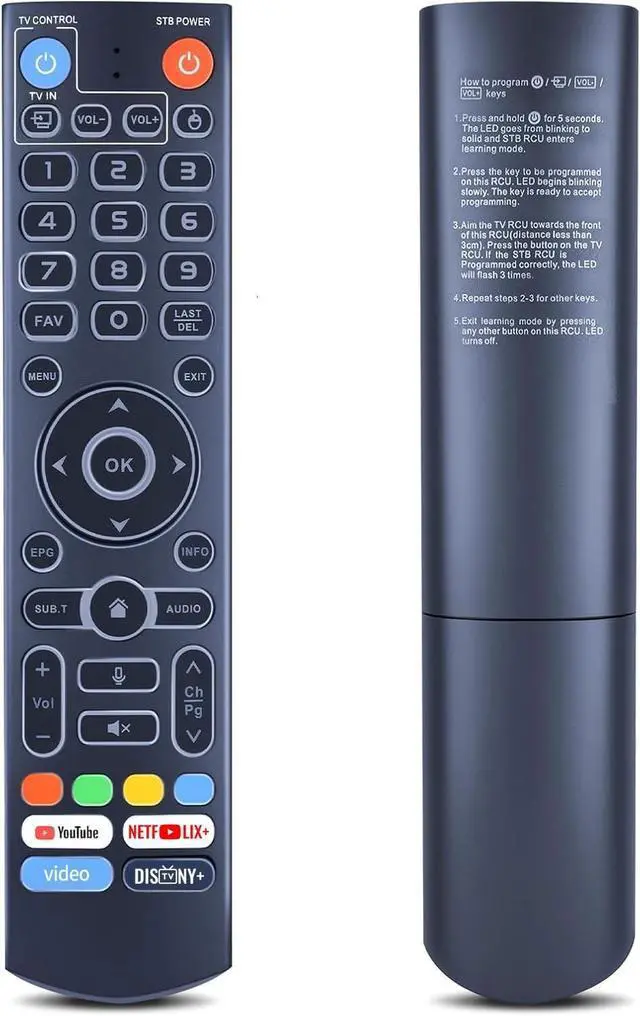
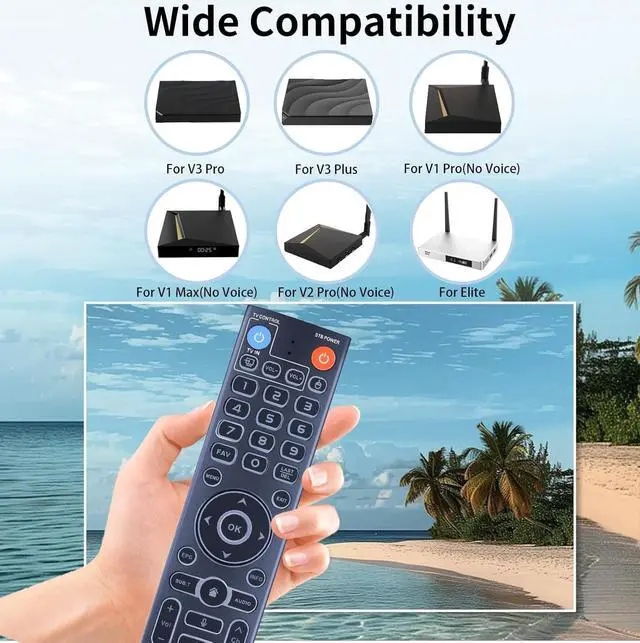
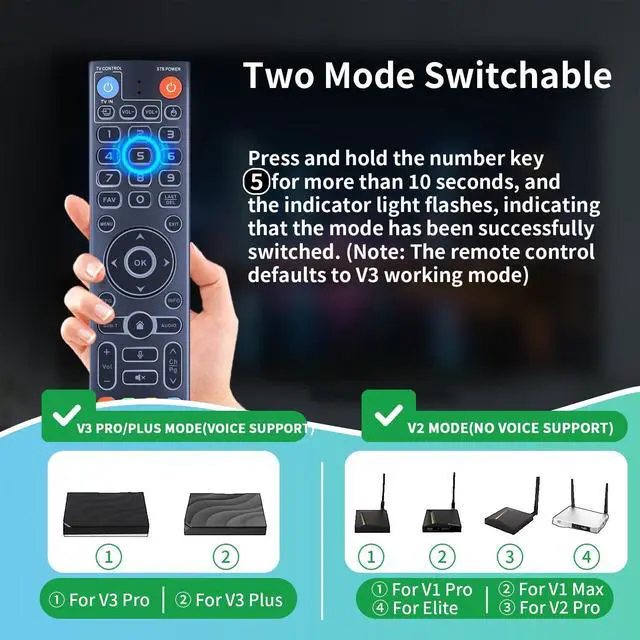
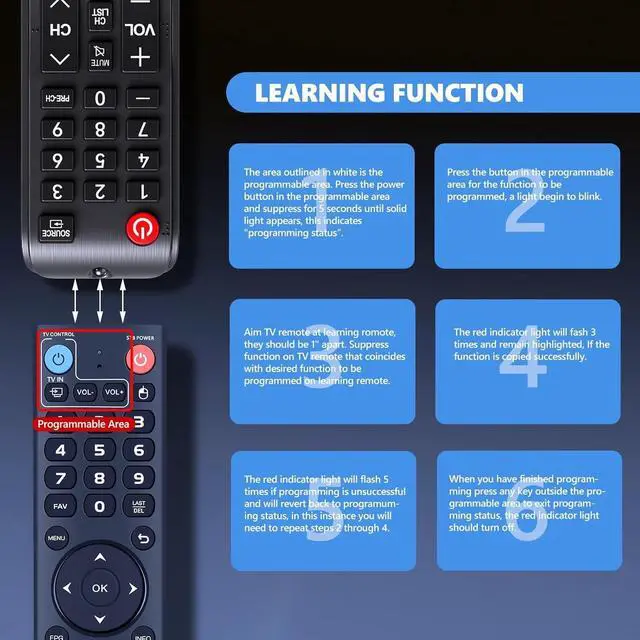
Universally CompatibilityThis new upgraded replacement remote control is compatible with all vSeeBox streaming box, Including V3 Pro, V2 Pro, V1 Pro, V5 Pro, V1 Max, V3 Plus, Elite, WE 2USAT. ^^ Two Working ModeV3 working mode and V2 working mode. Press and hold the number key 5 for more than 10 seconds and the indicator light flashes, indicating that the mode switch is successful. V3 Pro working mode is applicable to V3 Pro; V2 Pro working mode is applicable to V1 Pro/V2 Pro/Max/Elite.
Note: Vseebox V3 remote control defaults to V3 working mode ^^ How to Use the V3 Remote Control On V1 Pro/V2 Pro/Max/Elite? Press and hold the OK and vol- keys simultaneously (about five seconds) until the remote control indicator light continues to flash, which means the Bluetooth of the V3 remote control is enabled. Pair the remote control under System Settings - Bluetooth - Pair New Device, find the vseebox remote control, and connect to the vseebox. (If it is not found, it may be that Bluetooth is not turned on. Please press and hold the OK and vol- keys on the remote control at the same time to turn on Bluetooth) ^^ Backlit ButtonWhen you can't see the buttons on the remote control at night, touch any button on the remote control and the backlit buttons on the remote control make it easier for you to see. ^^ Package Content1 * Replacement Voice
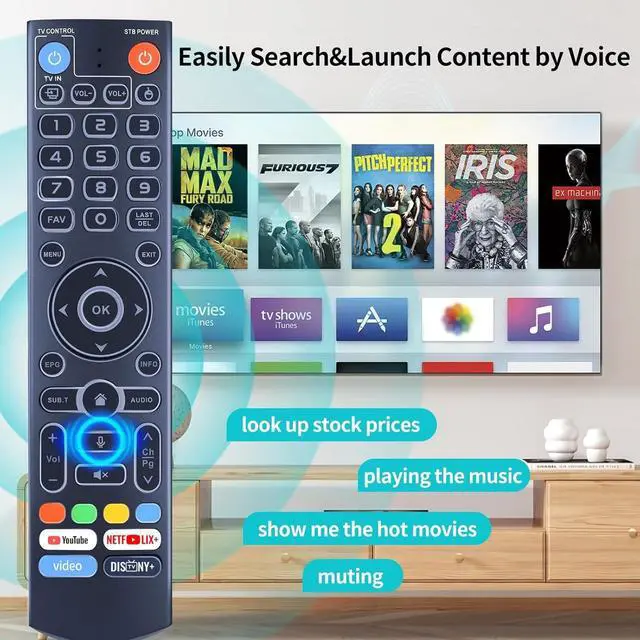
Remote (
Tips: 2pcs AAA Use Manual not included)





 here!
here!