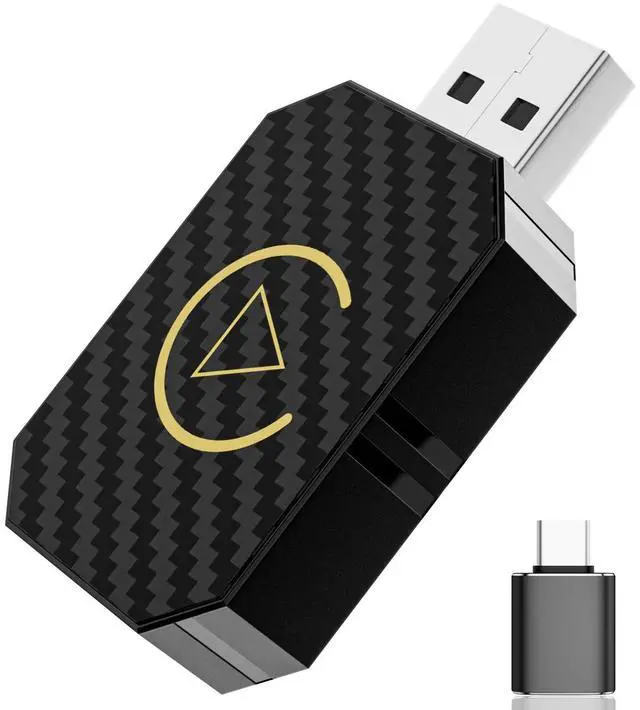
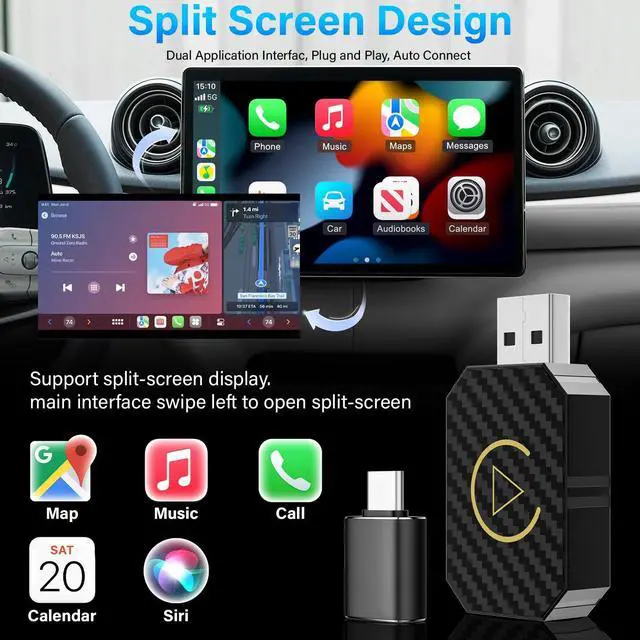
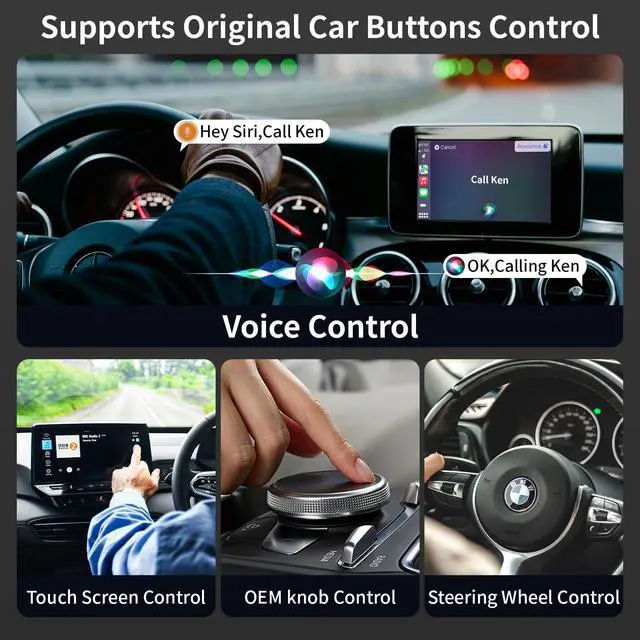
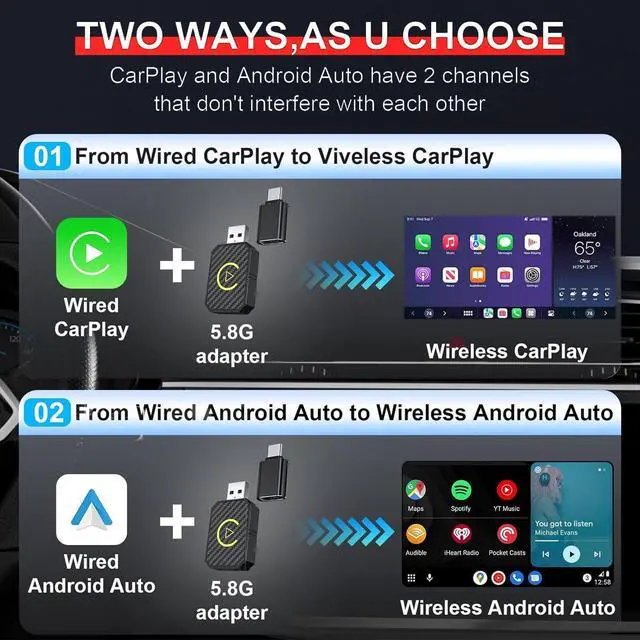
The CarPlay Ai Box Supports Wireless CarPlay/Wireless Android AutoEquipped with Apple CarPlay and Android Auto wireless! Whether your family members have different devices or you use multiple phones yourself, this carplay wireless adapter allows you to seamlessly switch between CarPlay and Android Auto.
SpecificationsInput interface: USB-A Male/Equipped with USB-A to Type C externall adapterInput
Voltage: 5VWi-Fi
Bluetooth module frequency: Bluetooth 2.4GH z, Wi-Fi 2.4 - 5.8GH zSupport
Bluetooth Version: Bluetooth 2.1 +EDR/ 3.0 /4.
X/5Wi-Fi Format: WEP/WPA2/WPA3-SAE PERSONAL MFP
Applicable
System Version: iOS 10+Support
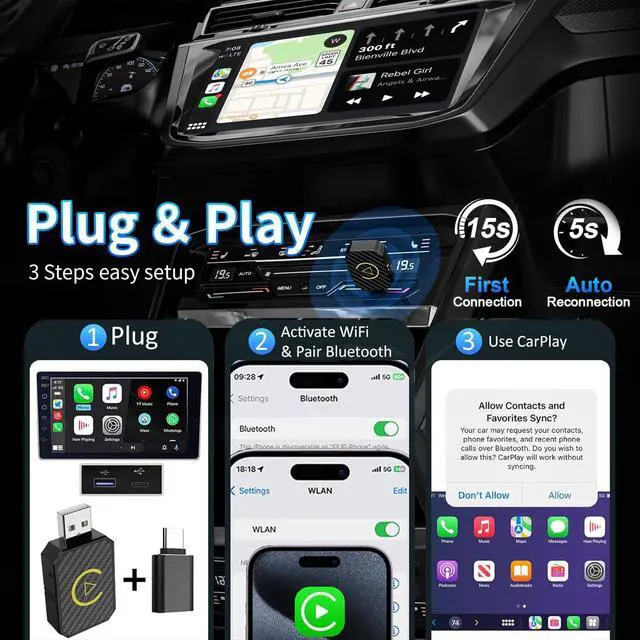
Mobile Phone: iPhone 6 & later iPhone models and Android devicesSetup Step1. Start the car and open phone's Bluetooth and WiFi. 2. Connect the Wireless Carplay Adapter to your vehicle's USB or USB-C port. 3. Wait for 15 secinds (some cars need to select the Carplay icon on the display screen), a connection window will pop up. 4. Open the Bluetooth interface of the mobile phone, find the Bluetooth signal of the Wireless Carplay Adapter, click pairing, the phone will prompts "Bluetooth pairing request", click all prompts "allow", wait a few seconds to connect successfully. (Most will automatically access whether the phone matches, no need to manually click)5. When the car screen switches to the carplay control interface, it means that the connection has been successful. 6. After the intial pairing, when you use the Wireless Carplay Adapter again, it will automatically connect to your iPhone(ensure that your phone's WiFi and Bluetooth are enabled). In certain cars, you may need to tap the Carplay icon on your car's display to initiate the connection. Android Auto link methodWireles Android Auto
Connection steps: 1. Make sure your phone is connection Bluetooth. 2. Turn on Bluetooth and WiFi on your phone. 3. Search for Bluetooth on your phone for pairing. 4. After connecting to Bluetooth, it will automatically recognize and connect to Android Auto. Important Instructions1. This product is suitable for iPhone and overseas versions of Android Auto Wireless CarPlay Adapter. 2. Before use, ensure your car has wired Carplay function. 3. Ensure your iPhone is iPhone 6 or later models, operating system is iOS 10 or higher. (Mobile phone with Carplay function) 4. If car has customized features (such as front-facing camera monitoring, car 360 surround monitoring, etc. ), After a successful connection, black screen may appear. This is not a product issue. 5. When connect, esure iPhone connect Wireless CarPlay Adapter instead of car. What's in the Box1 * Wireless CarPlay Adapter1 * USB to USB-C adapter1 * User ManualWe also provide 24 months of worry-free after-sales customer service. If you have any questions, please leave us a message through, we will reply within 24 hours and provide a satisfactory solution.