• $113.99
  • Free 30-day Returns
  • Price alert
    Shop it at NeweggBusiness.

    Meet Your Seller

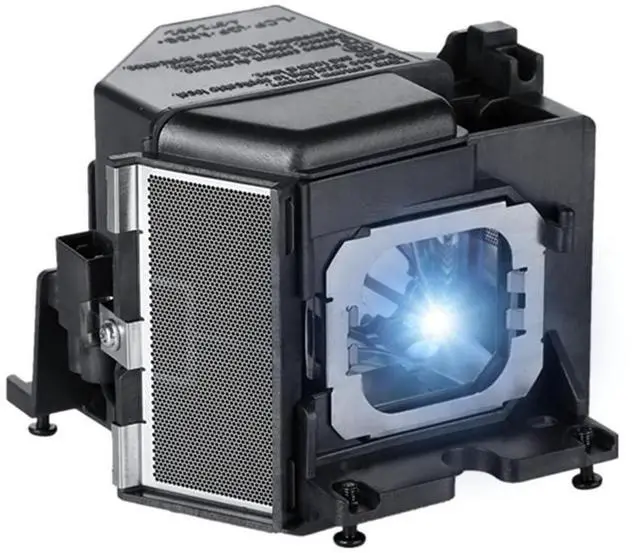
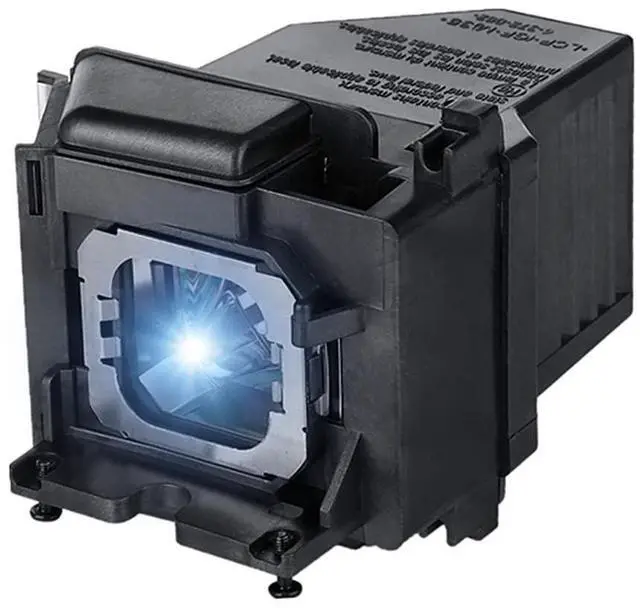
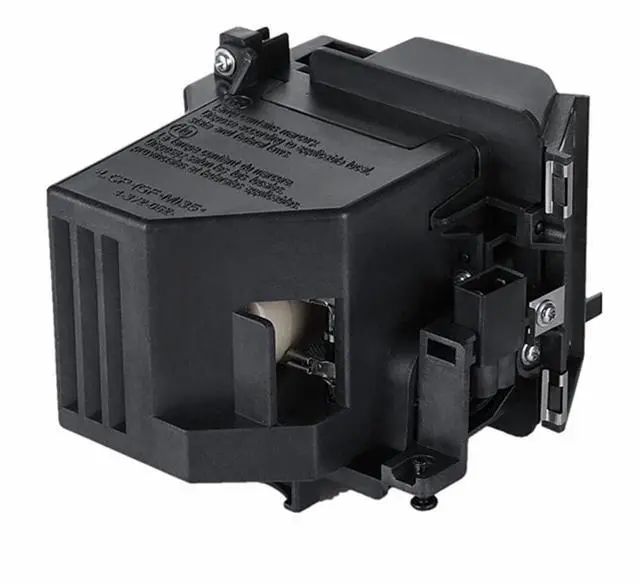
    AOERUOW LMP-H220 Replacement Lamp Bulb with Housing for Sony VPL-VW285ES,VPL-VW385ES,VPL-VW295ES,VPL SX630,VPL SX631,VPL-SW630C,VPL-SW630M,VPL-SW635C,VPL-EX435,VPL-EX450,VPL-EX455,VPL-EX575

    • Suitable for LMP-H220 Replacement Lamp Bulb with Housing
    • Compatible for Sony VPL-VW385ES,VPL-VW365ES,VPL-VW360ES,VPL-VW320ES,VPL-VW315N,VPL-VW295ES,VPL-VW285ES,VPL-VW270ES,VPL-VW260ES,VPL-SW620,VPL-SW620C,VPL-SW630,VPL-SW630C,VPL-SW630M,VPL-SW635C,VPL SW-631,VPL SW631C,VPL SW636,VPL SW636C,VPL SX630,VPL SX631,VPL EW315,VPL EW435,VPL EX315,VPL-EW300,VPL-EW345,VPL-EW348,VPL-EW455,VPL-EW575,VPL-EW578,VPL-EX300,VPL-EX310,VPL-EX340,VPL-EX345,VPL-EX430,VPL-EX435,VPL-EX450,VPL-EX455,VPL-EX570,VPL-EX575 Projectors
    • It is Easy to Install The Lamp Into Your Projector as The Ways You Are Taking Out Your Old Lamp,Be Aware of The Connector Make Sure it Connected Well
    • All Projector Lamps Will be Tested Strictly Before Shipment to Ensure That The Lamps Can Work Normally and Effectively
    • Our Projector Lamp Coming With 180 Days Warranty and Excellent Customer Service,If You Have Any Questions About The Product Please Feel Free to Contact Us
    +
    +
    Overview
    Specs
    Reviews
    avatar

    Any questions? Our AI beta will help you find out quickly.

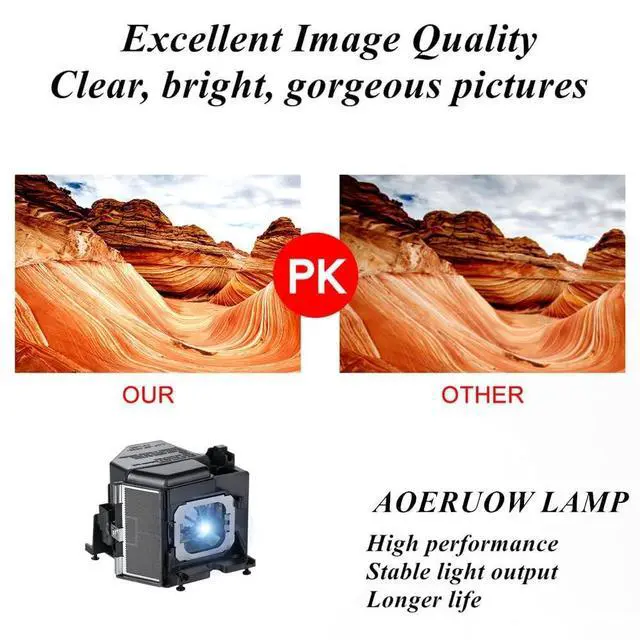
    AOERUOW Replacement Projector LampWe are a Professional manufacture and supplier of light source for projection and stage with more than 10 years experience. we apply advanced optical technology to the projector light source. we are eager to take you into a high-definition bright and dynamic world. Easy to Install1. Turn off the power and wait for the projector to cool down at least 30 minutes. 2. Loosen the screws on the back cover of the projector and remove the cover. 3. Loosen the screws of the bulb, grab the handle and take out the bulb.

    4. Clean the dust inside the projector and install the new bulb and tighten the screws. 5. Close the back cover and tighten the screws then enter the menu setting to restart the lamp usage time. Extend the Life of the Lamp1. Do not disconnect the power directly during use. 2. Each use lasts at least 3 minutes and do not exceed 4 hours each time. 3. Regularly clean the dust inside the projector and around the lamp, and replace the filter. 4. After turning off the projector, wait at least 60 minutes or the projector has cooled down before restartingLamp Part NumberLMP-H220Compatible Projector Modelfor Sony VPL-VW385ES, VPL-VW365ES, VPL-VW360ES, VPL-VW320ES, VPL-VW315N, VPL-VW295ES, VPL-VW285ES, VPL-VW270ES, VPL-VW260ES, VPL-SW620, VPL-SW620C, VPL-SW630, VPL-SW630C, VPL-SW630M, VPL-SW635C, VPL SW-631, VPL SW631C, VPL SW636, VPL SW636C, VPL SX630, VPL SX631, VPL EW315, VPL EW435, VPL EX315, VPL-EW300, VPL-EW345, VPL-EW348, VPL-EW455, VPL-EW575, VPL-EW578, VPL-EX300, VPL-EX310, VPL-EX340, VPL-EX345, VPL-EX430, VPL-EX435, VPL-EX450, VPL-EX455, VPL-EX570, VPL-EX575 Projectors

    Warranty & Returns

    Warranty, Returns, And Additional Information

    Warranty

    • Please contact the Seller directly for warranty information. Warranty information may also be found on the Manufacturer's website.
    • CONTACT

    Return Policies

    • Return for refund within: 30 days
    • Return for replacement within: 30 days
    • This item is covered by LingGo Return Policy

    Manufacturer Contact Info

    LOADING...