

Your Browsing History
- Free 30-day Returns
$170.99


Meet Your Seller

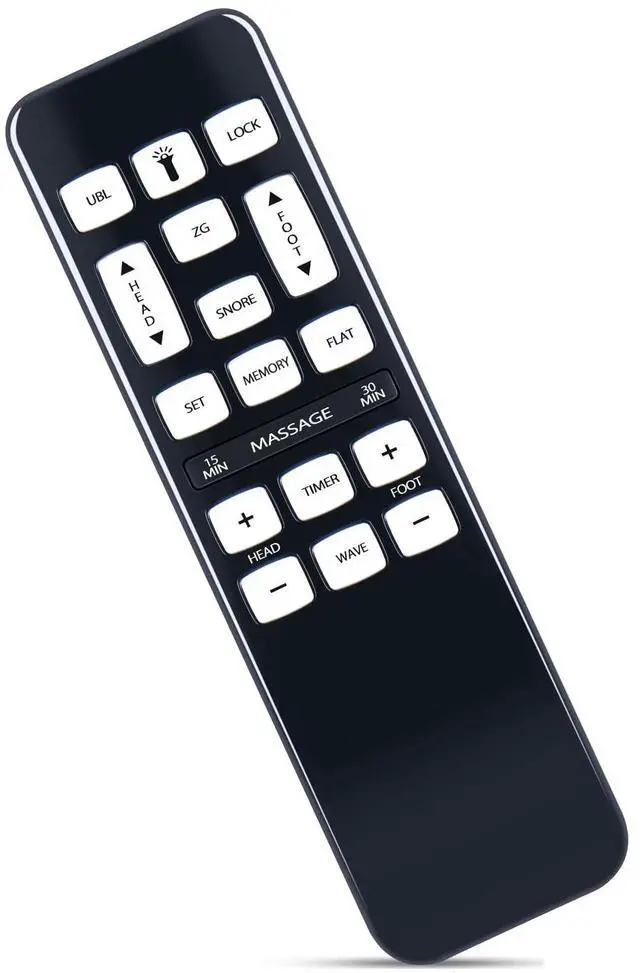
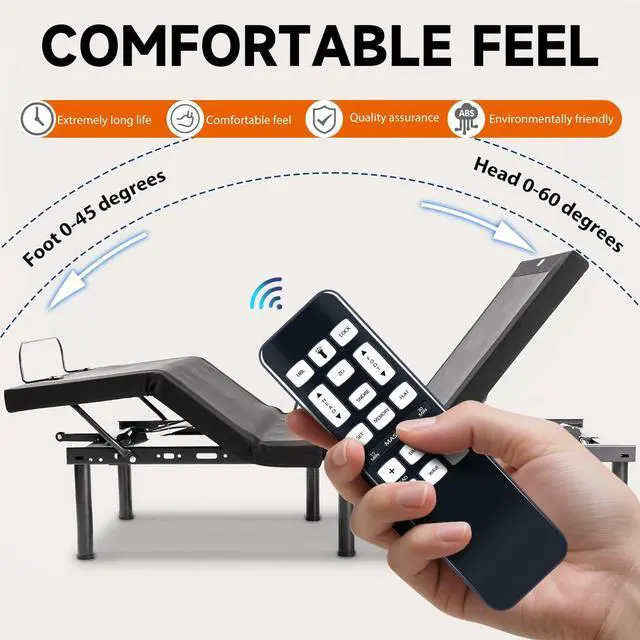
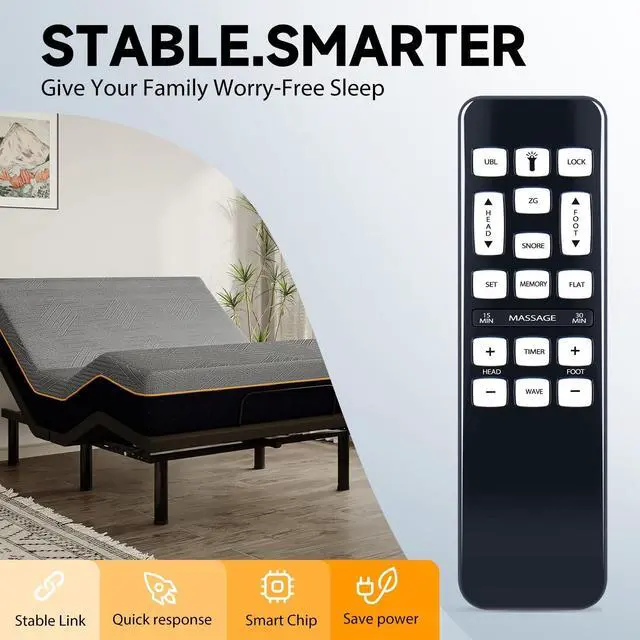
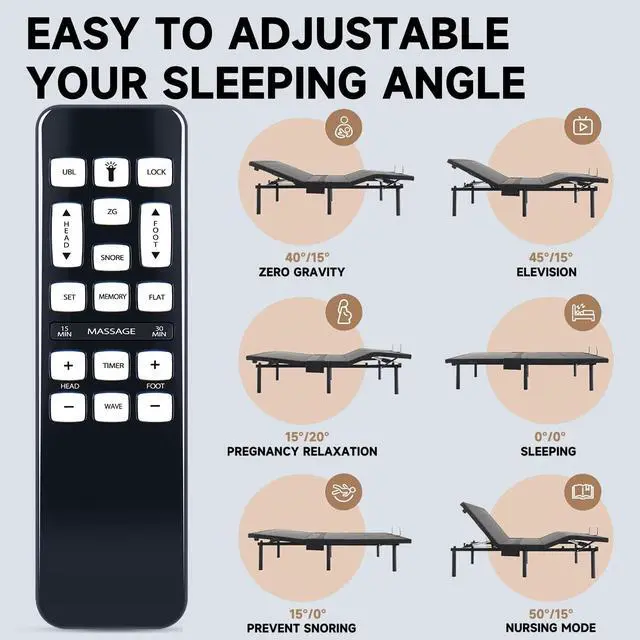


ZWP Replacement Remote Control fit for iDealBed iEscape Adjustable Bed Base 4AW110 4AW112 4AW113
- Compatible with Models:iEscape 4AW110 4AW112 4AW113 Adjustable Bed Base (not include the battery)
- PAIRING Method 1: Press and hold the remote's "Head Down" and "Foot Up" buttons for 10 seconds, At the same time, press and hold the Reset Coding button on the side of the control box (Sometimes it's on the power cord). You will hear a beep. That means it's paired.
- PAIRING Method 2: Press and hold the remote's "Head Up" and "Foot Up" for 10 seconds, At the same time, press and hold the Reset Coding button on the side of the control box (Sometimes it's on the power cord). You will hear a beep. That means it's paired.
- PAIRING Method 3: Press and hold the remote's "Head Up" and "Foot Down buttons for 10 seconds, At the same time, press and hold the Reset Coding button on the side of the control box (Sometimes it's on the power cord). You will hear a beep. That means it's paired.
- NOTE: Test all remote functions. If the remote buttons do not impact the adjustable base movements, ple
+
+
Overview
Specs
Reviews

Any questions? Our AI mode will help you find out quickly.
Try me now
PAIRING Method 1: Press and hold the remote's "Head Down" and "Foot Up" buttons for 10 seconds, At the same time, press and hold the Reset Coding button on the side of the control box (Sometimes it's on the power cord). You will hear a beep. That means it's paired.
PAIRING Method 2: Press and hold the remote's "Head Up" and "Foot Up" for 10 seconds, At the same time, press and hold the Reset Coding button on the side of the control box (Sometimes it's on the power cord). You will hear a beep. That means it's paired.
PAIRING Method 3: Press and hold the remote's "Head Up" and "Foot Down buttons for 10 seconds, At the same time, press and hold the Reset Coding button on the side of the control box (Sometimes it's on the power cord). You will hear a beep. That means it's paired.
NOTE: Test all remote functions. If the remote buttons do not impact the adjustable base movements, please repeat the process again or try the steps to Disable the Child Lock because the remote may be locked.
PAIRING Method 2: Press and hold the remote's "Head Up" and "Foot Up" for 10 seconds, At the same time, press and hold the Reset Coding button on the side of the control box (Sometimes it's on the power cord). You will hear a beep. That means it's paired.
PAIRING Method 3: Press and hold the remote's "Head Up" and "Foot Down buttons for 10 seconds, At the same time, press and hold the Reset Coding button on the side of the control box (Sometimes it's on the power cord). You will hear a beep. That means it's paired.
NOTE: Test all remote functions. If the remote buttons do not impact the adjustable base movements, please repeat the process again or try the steps to Disable the Child Lock because the remote may be locked.
Warranty & Returns
Warranty, Returns, And Additional Information
Warranty
- Please contact the Seller directly for warranty information. Warranty information may also be found on the Manufacturer's website.
- CONTACT
Return Policies
- Return for refund within: 30 days
- Return for replacement within: 30 days
- This item is covered by GoBeRotie Return Policy
Manufacturer Contact Info
- For a directory of all our manufacturers, please click below.
- Manufacturers Directory
LOADING...