

Your Browsing History
- Free 30-day Returns
$170.99


Meet Your Seller

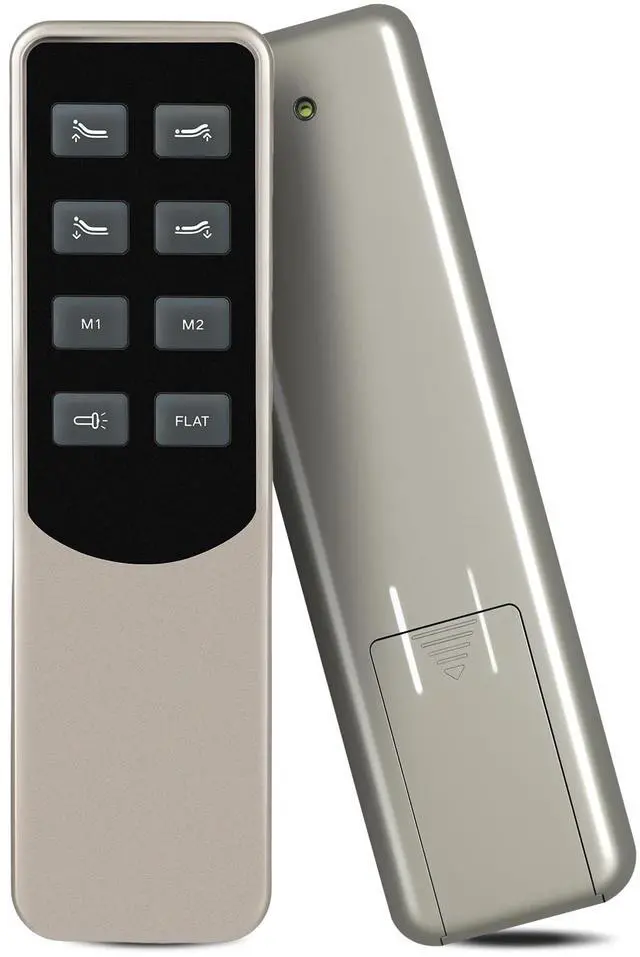
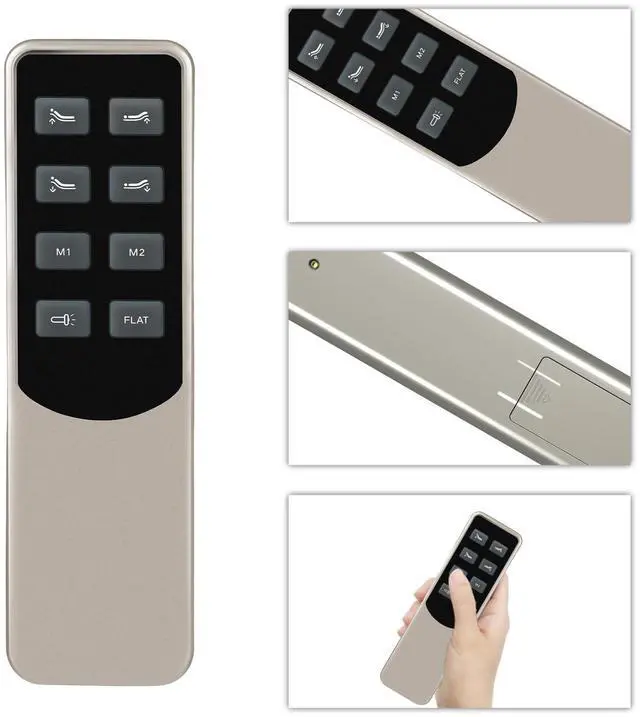


PZL Replacement Remote Control for Mattress Firm EN300 MF300 300 Series Richmat Adjustable Bed Base, for Enso
- Note: Before purchasing, please ensure your remote control is identical to this one
- How to Pair: Specific pairing instructions are provided in the product description
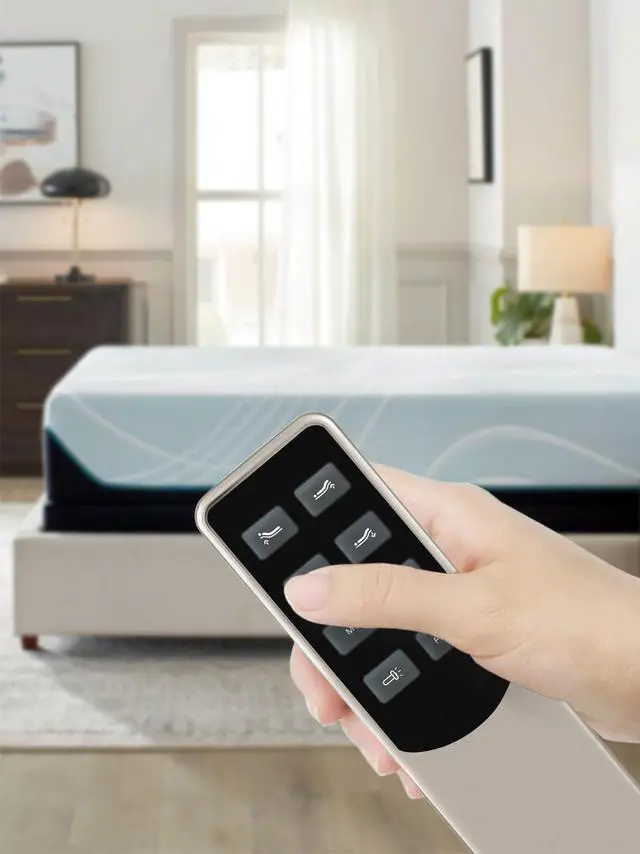
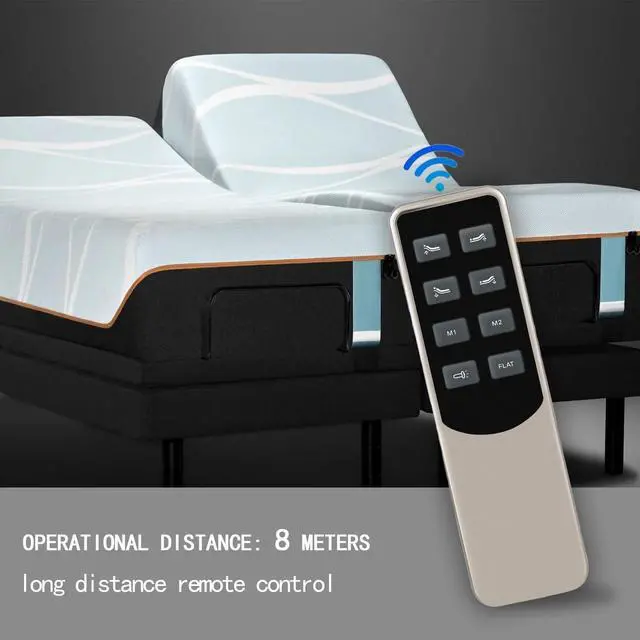
- Easy To Use: New ABS material, better craftsmanship, and ergonomic arc design ensure easy to hold. The keys are responsive and feel great to touch. With a control distance of over 26 feet and an angle of more than 120 degrees, you'll have a better and free remote control experience.
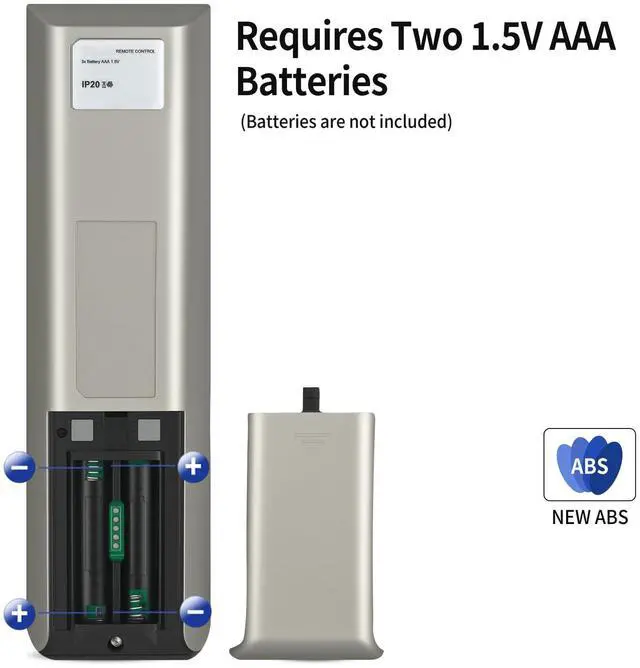
- Package Included: 1 x IR remote control (Batteries and Instructions are Not Included). It can solve the problem when your home remote control doesn't work and becomes your backup remote control.
- After-sales service: If you have any questions about your order or model, we will provide timely service within 24 hours.
+
+
Overview
Specs
Reviews

Any questions? Our AI mode will help you find out quickly.
Try me now
1.
Install Batteries: Open the battery compartment on the back of the remote and insert the required batteries, ensuring correct polarity. 2.
Locate Pairing Button: On your adjustable bed base, locate the pairing button. This button is typically found on the control box attached to the bed frame, often near the power cord. It may be labeled 'Pair', 'Learn', or 'Sync'. 3.
Initiate Pairing: Press and hold the pairing button on the bed base for approximately 3-5 seconds until you hear a beep or see an indicator light flash. 4.
Pair Remote: Within 10 seconds of activating the pairing mode on the bed base, press and hold the 'FLAT' button on your new remote control for 3-5 seconds. The remote's indicator light (if present) may flash, and the bed base may beep again or show a solid light to confirm successful pairing.
Install Batteries: Open the battery compartment on the back of the remote and insert the required batteries, ensuring correct polarity. 2.
Locate Pairing Button: On your adjustable bed base, locate the pairing button. This button is typically found on the control box attached to the bed frame, often near the power cord. It may be labeled 'Pair', 'Learn', or 'Sync'. 3.
Initiate Pairing: Press and hold the pairing button on the bed base for approximately 3-5 seconds until you hear a beep or see an indicator light flash. 4.
Pair Remote: Within 10 seconds of activating the pairing mode on the bed base, press and hold the 'FLAT' button on your new remote control for 3-5 seconds. The remote's indicator light (if present) may flash, and the bed base may beep again or show a solid light to confirm successful pairing.
Warranty & Returns
Warranty, Returns, And Additional Information
Warranty
- Please contact the Seller directly for warranty information. Warranty information may also be found on the Manufacturer's website.
- CONTACT
Return Policies
- Return for refund within: 30 days
- Return for replacement within: 30 days
- This item is covered by FortressTek Return Policy
Manufacturer Contact Info
- For a directory of all our manufacturers, please click below.
- Manufacturers Directory
LOADING...