Your Browsing History
- Free 30-day Returns
$76.99
Meet Your Seller
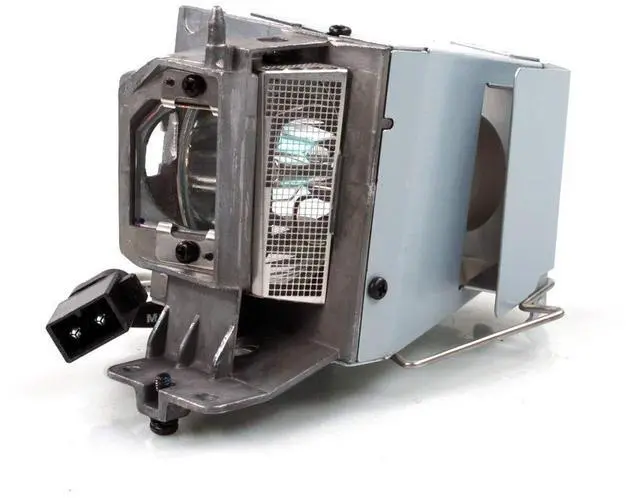
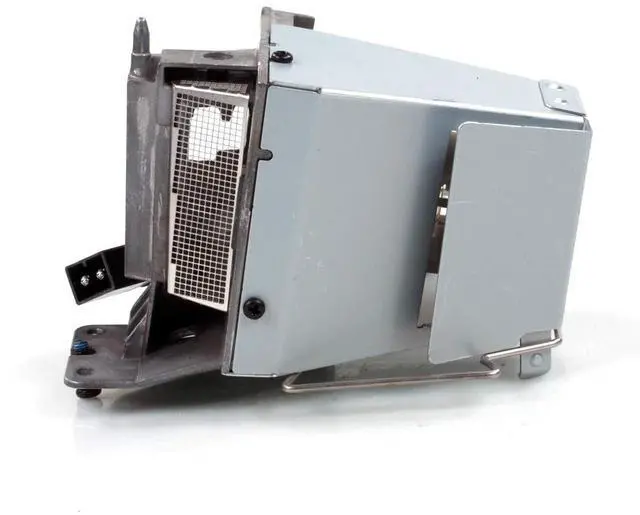
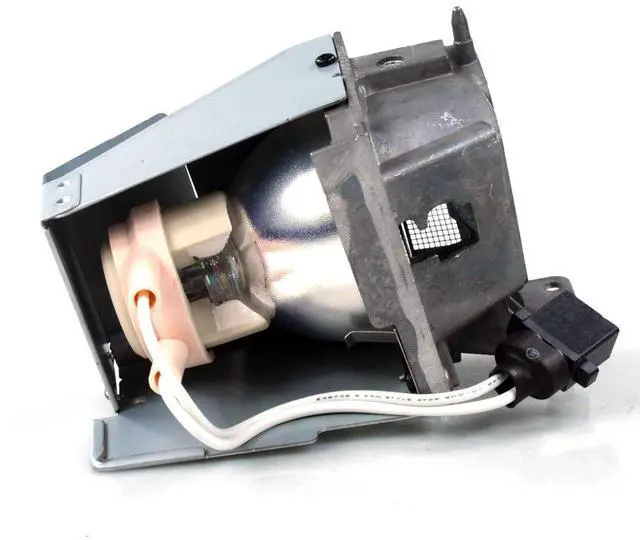
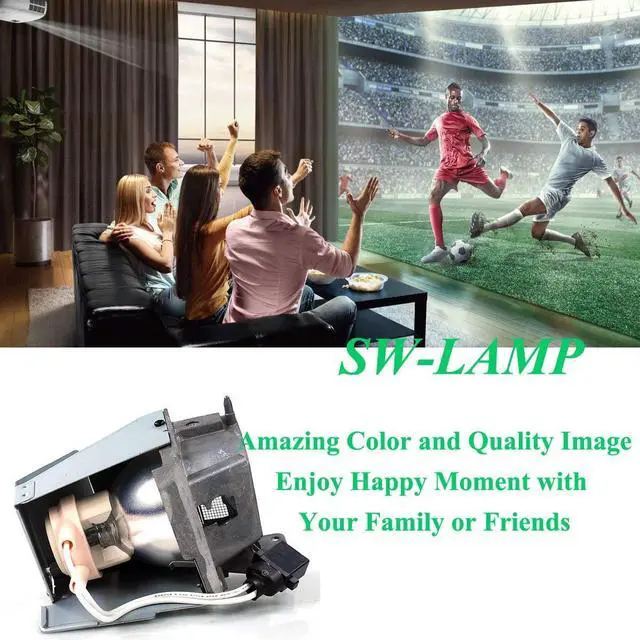
SW-LAMP SP.8VH01GC01 / SP.73701GC01 / BL-FP190D Projector Lamp Bulb for Optoma HD141X HD26 GT1080 W316 DH1009 H182X S316 X316 GT1080darbee Lamp Bulb Replacement
- SP.8VH01GC01 / SP.73701GC01 / BL-FP190D Projector Lamp Bulb for Optoma HD141X HD26 GT1080 W316 DH1009 H182X S316 X316 GT1080darbee Lamp Bulb Replacement
- Quality A++ level lampwick offer better brightness and performance
- Easy install: Housing included, minimize installation time to make sure your device is back in action
- All Lamps will be test before delivery, all messages will be respond within 24hours
- Excellent return policy, 30-Day money back guarantee and 150-Day warranty included
- This projector lamp will give you a crystal clear image!
+
+
Overview
Specs
Reviews
Any questions? Our AI beta will help you find out quickly.
Try me now
Lamp Model: Replacement Lamp Bulb SP. 8VH01GC01 / SP. 73701GC01 / BL-FP190D with
HousingCompatible with following projectors: BR323 BR326 DH1008 DH1009 DS340E DS345 DW333 DW345 DX342 DX345 DX346 EH200ST GT1070X GT1080 GT1080E H182X HD141X HD26 PX3166 S310E S315 S316 W300 W310 W312 W316 X312 X315 X316Steps to
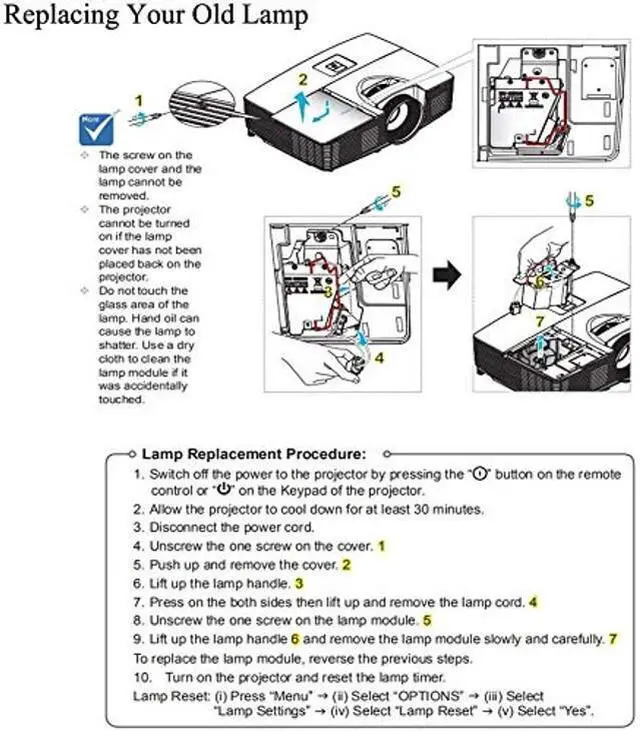
Replacement Your Old Projector Lamp: 1- Turn off the power before replacing the lamp. 2- Clean the fan and surrounding dust before replacing the lamp to avoid abnormal temperature and cause the projector to malfunction. 3- After replacing the new lamp, clear the lamp usage time. 4- After turning off the projector, wait for the cooling to complete before unplugging the power cord. 5- Avoid other objects blocking the projector, which will cause abnormal heat dissipation, so as not to affect the life of the lamp and other faults. Customer ServicesWe're always here to offer you 7x24hrs customers services for any of your inquiries before buying and also after-sales. You are welcomed to offer us your ideas and suggestions

HousingCompatible with following projectors: BR323 BR326 DH1008 DH1009 DS340E DS345 DW333 DW345 DX342 DX345 DX346 EH200ST GT1070X GT1080 GT1080E H182X HD141X HD26 PX3166 S310E S315 S316 W300 W310 W312 W316 X312 X315 X316Steps to
Replacement Your Old Projector Lamp: 1- Turn off the power before replacing the lamp. 2- Clean the fan and surrounding dust before replacing the lamp to avoid abnormal temperature and cause the projector to malfunction. 3- After replacing the new lamp, clear the lamp usage time. 4- After turning off the projector, wait for the cooling to complete before unplugging the power cord. 5- Avoid other objects blocking the projector, which will cause abnormal heat dissipation, so as not to affect the life of the lamp and other faults. Customer ServicesWe're always here to offer you 7x24hrs customers services for any of your inquiries before buying and also after-sales. You are welcomed to offer us your ideas and suggestions
Warranty & Returns
Warranty, Returns, And Additional Information
Warranty
- Please contact the Seller directly for warranty information. Warranty information may also be found on the Manufacturer's website.
- CONTACT
Return Policies
- Return for refund within: 30 days
- Return for replacement within: 30 days
- This item is covered by DuronTechnologies Return Policy
Manufacturer Contact Info
- For a directory of all our manufacturers, please click below.
- Manufacturers Directory
LOADING...