

Your Browsing History
- Free 30-day Returns
$60.99


Meet Your Seller


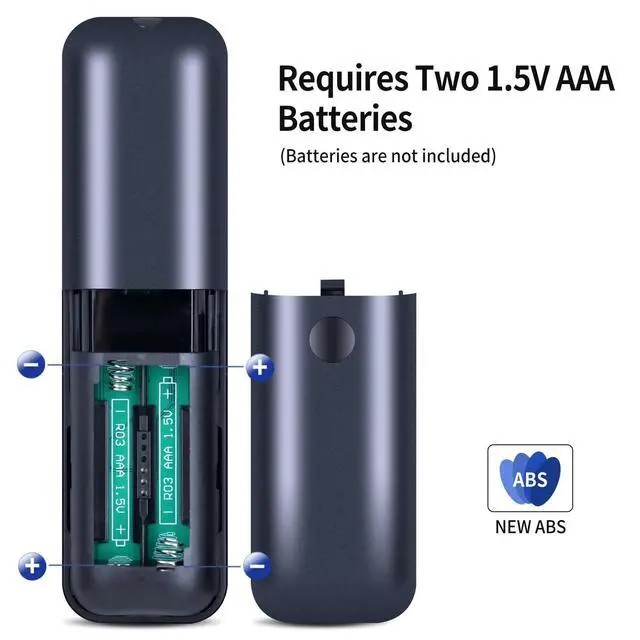
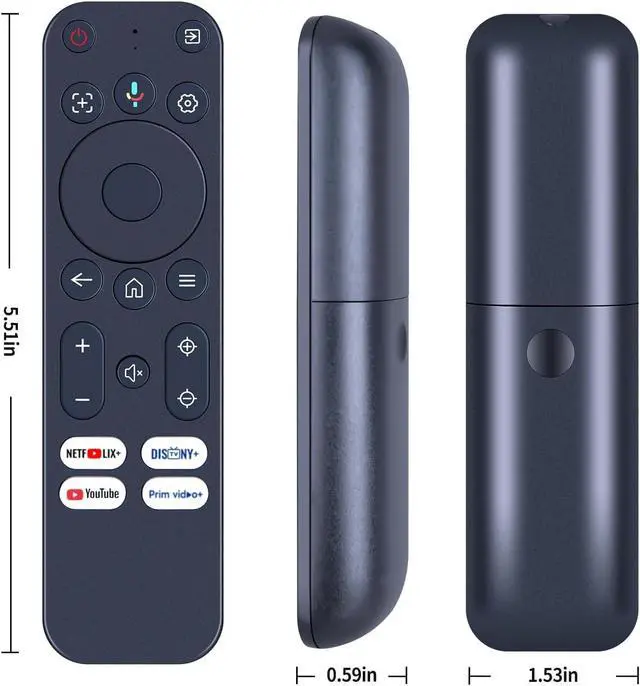
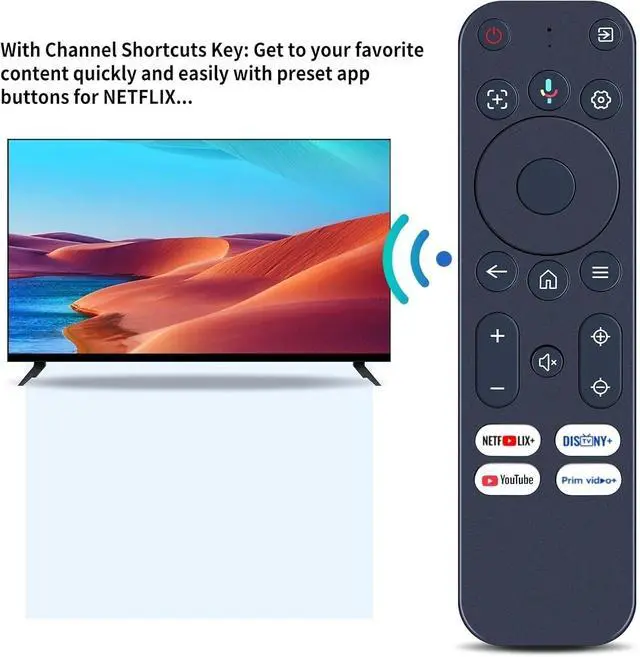


SJUIF Replacement Remote Control for Yaber K3/ K3 pro/ K2s/ T2/ T2 Plus Projector
- Compatible Models: This New Replacement Remote Control Compatible with Yaber K3/ K3 pro/ K2s/ T2/ T2 Plus Projector
- NOTENot compatible with other brands or types. Before ordering, please ensure your original remote control matches the buttons and appearance shown in the illustration. Otherwise, it may not function properly
- How to pair a New Remote : 1) Press [Power] key to turn on the TV box 2) Press and Hold [] key and [Home] key together for 3-5 seconds, the indicator light flashes and enters the pairing status. After the pairing is successful, the indicator light will go out
- How to Connected New Remote with A Paired Remote: 1)Press [Home] key, then select SETTING-Remotes & Accessories 2) Selcect Add accessory then Press [OK] key to confirm to pair 3) Press and Hold [] key and [Home] key together for 3-5 seconds, the indicator light flashes and enters the pairing status. After the pairing is successful, the indicator light will go out
- Package included After-Sales Service
+
+
Overview
Specs
Reviews

Any questions? Our AI mode will help you find out quickly.
Try me now
SJUIF Replacement Remote Control for Yaber K3/ K3 pro/ K2s/ T2/ T2 Plus Projector
Warranty & Returns
Warranty, Returns, And Additional Information
Warranty
- Please contact the Seller directly for warranty information. Warranty information may also be found on the Manufacturer's website.
- CONTACT
Return Policies
- Return for refund within: 30 days
- Return for replacement within: 30 days
- This item is covered by GoBeRotie Return Policy
Manufacturer Contact Info
- For a directory of all our manufacturers, please click below.
- Manufacturers Directory
LOADING...