• $97.99
  • Free 30-day Returns
  • Price alert
    Shop it at NeweggBusiness.

    Meet Your Seller

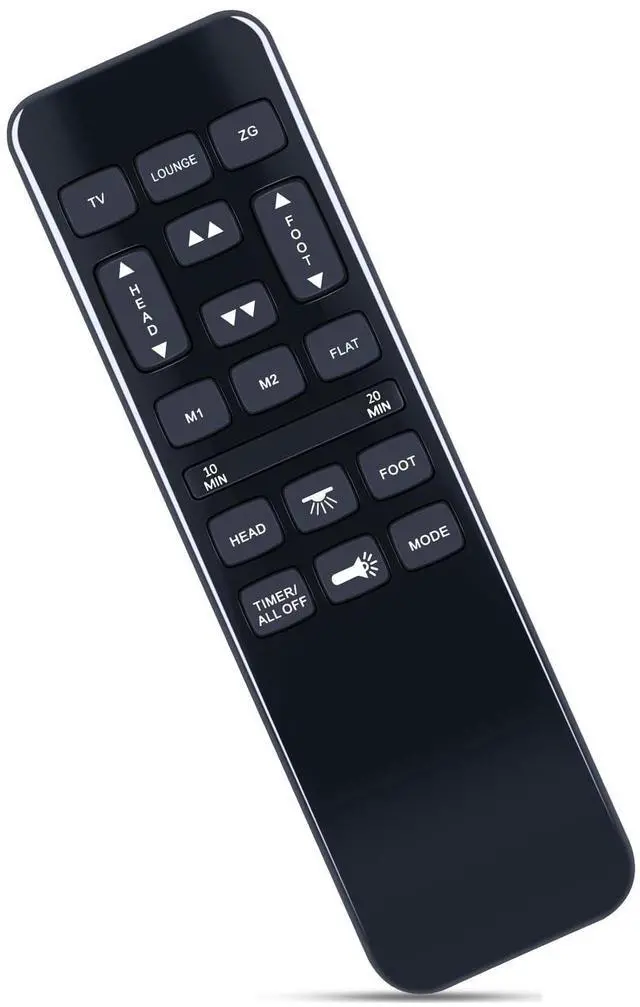
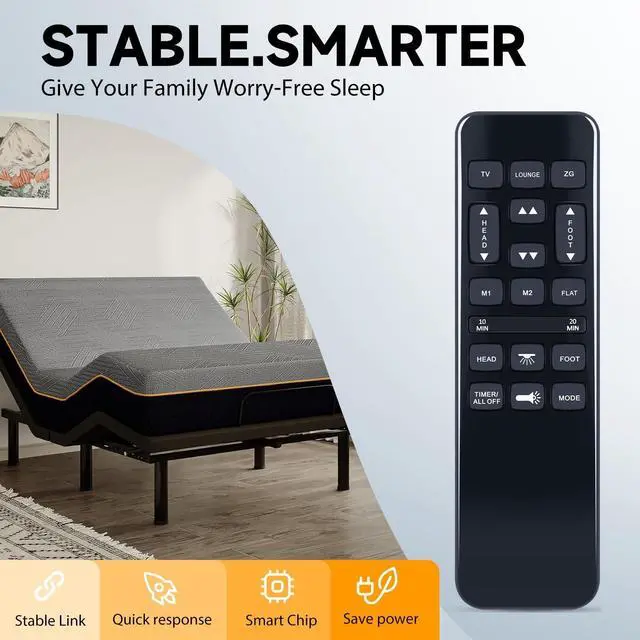
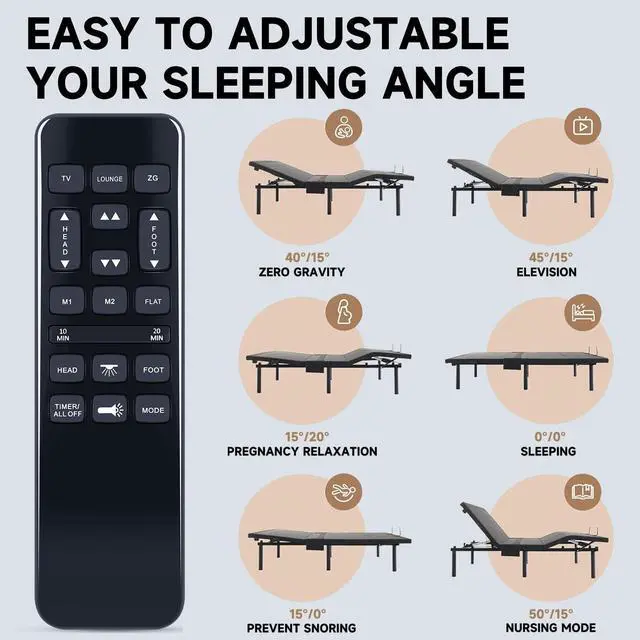
    ZWP HJH55 Replacement Remote Control for Richmat HJH92S Ble HJH55/ GhostBed, for Best Choice Products BCP SKY5671 SKY8064 SKY5671 SKY5679 Adjustable Bed

    • Compatible with models HJH92S HJH55 SKY5671 SKY5671 SKY8064 SKY5671 SKY5679 (not include the battery)
    • PAIRING Method 1: Step 1) Press and hold the [HEAD UP] and [FOOT UP] buttons on the remote at the same time for 10 seconds; Step 2) Push the button on the side of thecontrol box underneath the bed where is indicates reset coding (usually it isthe button indicated by the word "Learn" or "Reset Coding".Do not press and hold the side button, just press and release. Step 3) Once you hear beeps that willindicate that the remote is synced.

    • PAIRING Method 2: Step 1) Press and hold the [HEAD DOWN] and [FOOT UP] buttons on the remote at the same time for 10 seconds; Step 2) Push the button on the side of thecontrol box underneath the bed where is indicates reset coding (usually it isthe button indicated by the word "Learn" or "Reset Coding".Do not press and hold the side button, just press and release. Step 3) Once you hear beeps that willindicate that the remote is synced.
    • PAIRING Met
    +
    +
    Overview
    Specs
    Reviews
    avatar

    Any questions? Our AI mode will help you find out quickly.

    PAIRING Method 1: Step 1) Press and hold the [HEAD UP] and [FOOT UP] buttons on the remote at the same time for 10 seconds; Step 2) Push the button on the side of thecontrol box underneath the bed where is indicates reset coding (usually it isthe button indicated by the word "Learn" or "Reset Coding". Do not press and hold the side button, just press and release. Step 3) Once you hear beeps that willindicate that the remote is synced.
    PAIRING Method 2: Step 1) Press and hold the [HEAD DOWN] and [FOOT UP] buttons on the remote at the same time for 10 seconds; Step 2) Push the button on the side of thecontrol box underneath the bed where is indicates reset coding (usually it isthe button indicated by the word "Learn" or "Reset Coding". Do not press and hold the side button, just press and release. Step 3) Once you hear beeps that willindicate that the remote is synced.
    PAIRING Method 3: Step 1) Press and hold the [HEAD UP] and [FOOT DOWN] buttons on the remote at the same time for 10 seconds; Step 2) Push the button on the side of thecontrol box underneath the bed where is indicates reset coding (usually it isthe button indicated by the word "Learn" or "Reset Coding". Do not press and hold the side button, just press and release. Step 3) Once you hear beeps that willindicate that the remote is synced.

    Warranty & Returns

    Warranty, Returns, And Additional Information

    Warranty

    • Please contact the Seller directly for warranty information. Warranty information may also be found on the Manufacturer's website.
    • CONTACT

    Return Policies

    Manufacturer Contact Info

    LOADING...