

Your Browsing History

Meet Your Seller

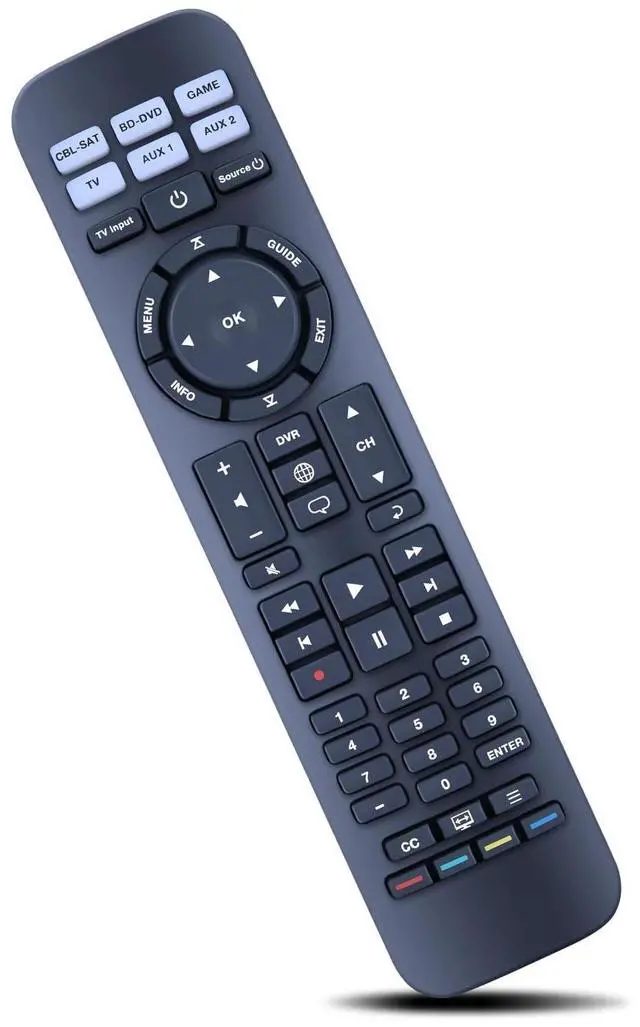
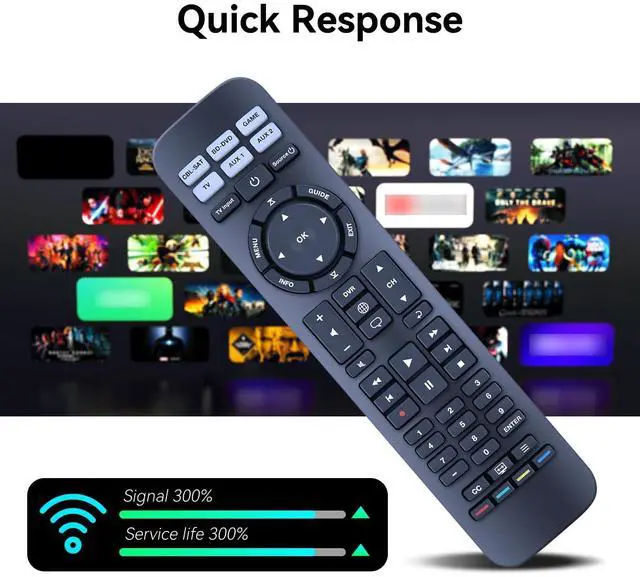


New RC-PWS II Universal Replacement Remote Control for Bose Solo CineMate Series II GS Series II, Solo TV Sound Systems, for Bose CineMate 15 Home Theater Speaker System 626596-1100
- Compatible With Models:ZWP RC-PWS II Replacement Remote for Bose Solo CineMate Series II GS Series II,CineMate 15 626596-1100
- Audio device default keys: POWER, device key (signal input source switch key), VOL+, VOL-, BASS, TAIK(dialog key) EXiT: lf the current device has a code, send a frame of the current device's code followed by the BOSE audio de -vice's code Brand search mode.
- 1. Hold down the device key for about 3S and release the indicator after it is steady on.2. Enter the 4-digit brand code and the indicator flashes once.3. Press VOL+/- to switch the previous or next group of codes of the current brand, press the EXlT indicator to blink three times for saving, press the non-Bose audio key, and send the current key code of the current code.Note: lf no operation is performed in steps 1 and 2 for 30 seconds, all indicators blink three times to exit the search mode.
- Step 3 Times out The current standby indicator blinks three times to save and exit.One-click shutd
+
+
Overview
Specs
Reviews

Any questions? Our AI mode will help you find out quickly.
Try me now
Compatible With Models: ZWP RC-PWS II Replacement Remote for Bose Solo CineMate Series II GS Series II, CineMate 15 626596-1100 ^^
Audio device default keys: POWER, device key (signal input source switch key), VOL+, VOL-, BASS, TAIK (dialog key)
EXiT: lf the current device has a code, send a frame of the current device's code followed by the BOSE audio de -vice's code Brand search mode. ^^ 1. Hold down the device key for about 3S and release the indicator after it is steady on. 2. Enter the 4-digit brand code and the indicator flashes once. 3. Press VOL+/- to switch the previous or next group of codes of the current brand, press the EXlT indicator to blink three times for saving, press the non-Bose audio key, and send the current key code of the current code.
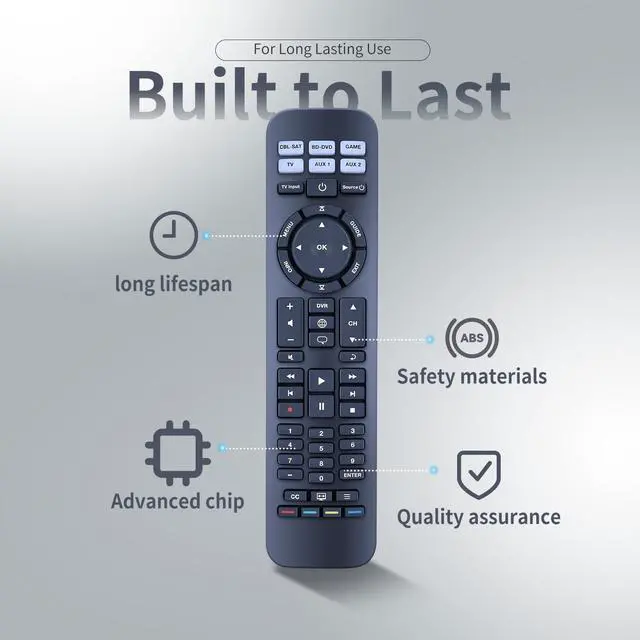
Note: lf no operation is performed in steps 1 and 2 for 30 seconds, all indicators blink three times to exit the search mode. ^^ Step 3 Times out The current standby indicator blinks three times to save and exit. One-click shutdown 1. Press the "CPL-SAT" + "TV" button for 10S. The TV/ CPL-SAT indicator blinks for three times at the same ti-me. After setting 3 frames TV electrical source code three frames CPL-SAT electrical source code + BOSE audio el-ectrical source code. ^^ Brand new Remote Control Made of high-quality ABS, which is wear-resisting and durable, comfortable hand feeling. Any question, Please do not hesitate to contact us before leaving Feedback, We will help you resolve it, Thank you
Audio device default keys: POWER, device key (signal input source switch key), VOL+, VOL-, BASS, TAIK (dialog key)
EXiT: lf the current device has a code, send a frame of the current device's code followed by the BOSE audio de -vice's code Brand search mode. ^^ 1. Hold down the device key for about 3S and release the indicator after it is steady on. 2. Enter the 4-digit brand code and the indicator flashes once. 3. Press VOL+/- to switch the previous or next group of codes of the current brand, press the EXlT indicator to blink three times for saving, press the non-Bose audio key, and send the current key code of the current code.
Note: lf no operation is performed in steps 1 and 2 for 30 seconds, all indicators blink three times to exit the search mode. ^^ Step 3 Times out The current standby indicator blinks three times to save and exit. One-click shutdown 1. Press the "CPL-SAT" + "TV" button for 10S. The TV/ CPL-SAT indicator blinks for three times at the same ti-me. After setting 3 frames TV electrical source code three frames CPL-SAT electrical source code + BOSE audio el-ectrical source code. ^^ Brand new Remote Control Made of high-quality ABS, which is wear-resisting and durable, comfortable hand feeling. Any question, Please do not hesitate to contact us before leaving Feedback, We will help you resolve it, Thank you
Warranty & Returns
Warranty, Returns, And Additional Information
Warranty
- Please contact the Seller directly for warranty information. Warranty information may also be found on the Manufacturer's website.
- CONTACT
Return Policies
- Return for refund within: 30 days
- Return for replacement within: 30 days
- This item is covered by Qiangsheng kuajing (Hong Kong) Co., Limi Return Policy
Manufacturer Contact Info
- For a directory of all our manufacturers, please click below.
- Manufacturers Directory
LOADING...