Your Browsing History
Meet Your Seller
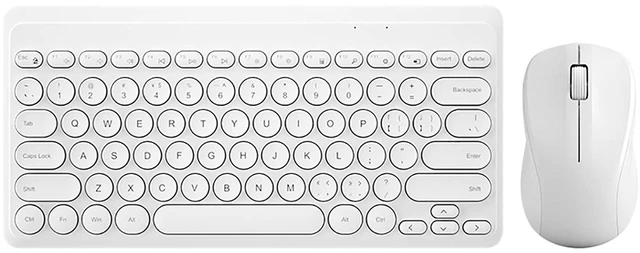
Compact Keyboard MouseCombo,JieruiDeng 79-Key Retro Mini Cute Computer Keyboard 2.4G USB Wireless and Silent Mice Set for Laptop Desktop PC iPad (White)
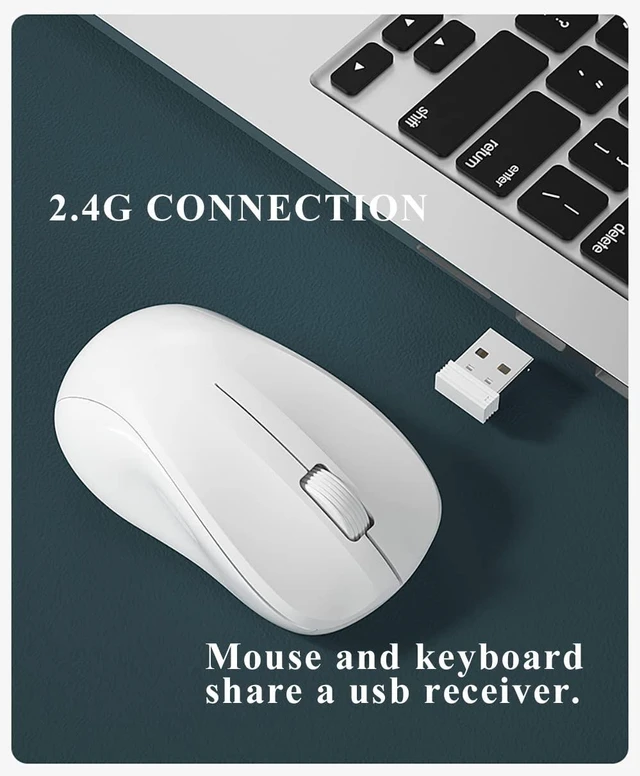
- 2.4G Wireless Connection: Keyboard and mouse combo share a usb receiver,plug and play,no need any drivers or software.The wireless connection up to 10m/33ft
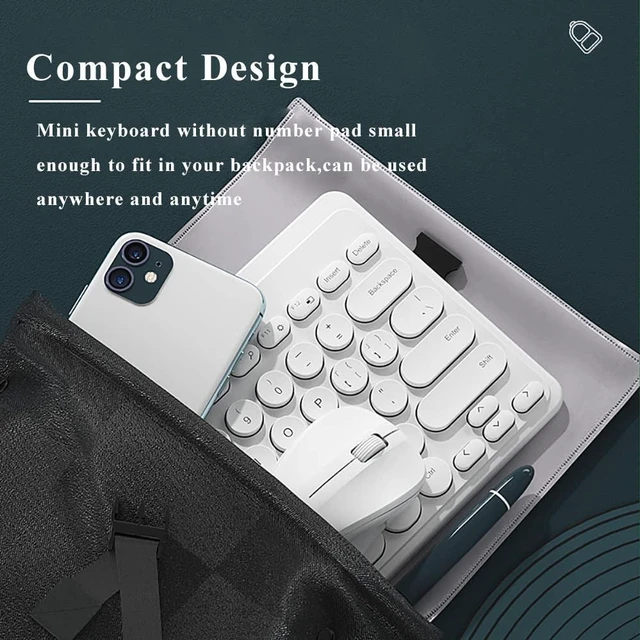
- Ultra-thin Compact Design: Mini keyboard without number pad small enough to fit in your backpack,can be used anywhere and anytime.At the same time,79-key layout is a space-saving design providing more place on your desk
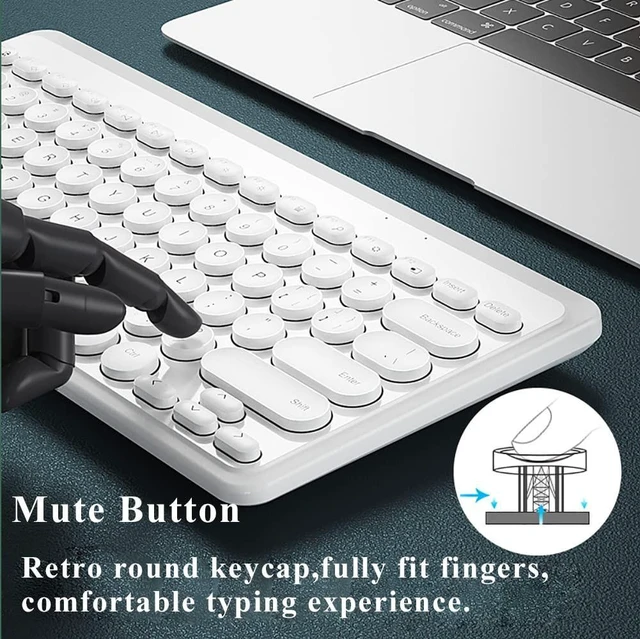
- Noiseless Keyboard and Mouse: Noise-reducing keys on the small keyboard and silent clicks of the mute mouse will allow you to complete your work silently. Also,the keyboard has 13 convenient hotkeys that control a range of multimedia and work-related activities
- Long Battery Life: This cute keyboard mouse powered by one AA and one AAA battery(Note:Batteries are not include). It ensures their battery life up to 3 months. you can use it for months without having to worry about replacing the battery.It is perfect for entertainment, school and work
- Wide Compatibility: Compatible with Windows 200
+
+
Overview
Specs
Reviews
Any questions? Our AI mode will help you find out quickly.
Try me now
Thanks very much for your visiting in our store, this portable retro keyboard and mouse may be your good choiceClassic
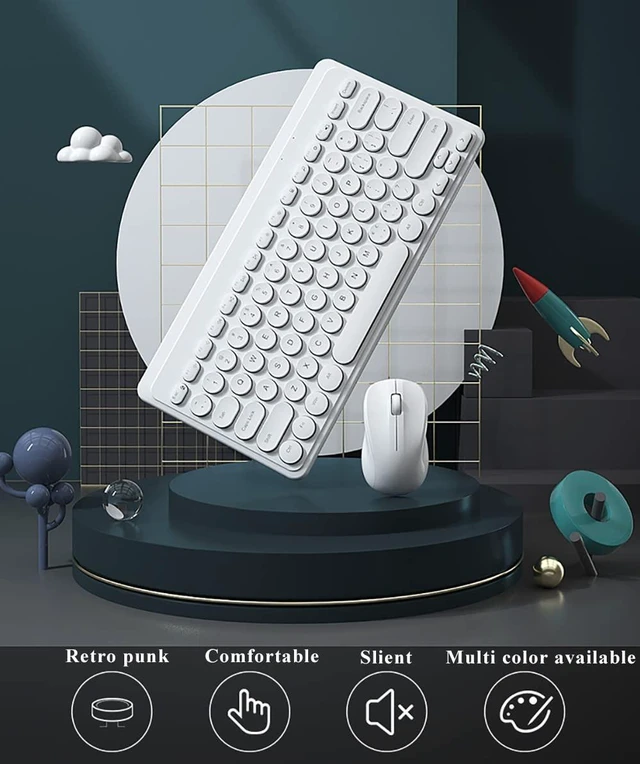
Retro Minimal Aesthetic Design: -Vintage type-writer style 79 round keycaps with glossy and smooth edge technology-Fresh retro style colors brighten up your computer and help you to keep in a good mood-The keyboard has 13 convenient hotkeys that control a range of multimedia and work-related activities (up to your activities). -The keys are springy and comfy, and doesnt take much pressure to press down, working all day with EaseEasy to use, Plug and
Play: Step
1: Put one AA and one AAA battery respectively in keyboard and mouse;
Step 2: Take out the USB receiver from the mouse, plug it into computer USB 2.0 port;
Step 3: Then you can use both mouse and keyboard. How to re-paring if the the mouse keyboard combo can not wotk (Generally the keyboard mouse can work directly) -Keyboard Paring1. Put batteries into keyboard, press and hold ESC plus +, indicator starts flashing and enter into paring mode2. Plug USB receiver into your device. Indicator stays on for 3 seconds and pairing completed-Mouse Paring1. Put battery into mouse, switch power button on, press and hold Left, Middle, Right buttons for 5 seconds2. Plug USB receiver into your device. Paring is completedAfter-Sales ServiceEvery products in our shop has undergone several strict quality tests, please purchase it at easeBut if meet any questions or suggestions, please feel free to Contact Us, Our JieruiDeng team will do our best to provide you right solutions

Retro Minimal Aesthetic Design: -Vintage type-writer style 79 round keycaps with glossy and smooth edge technology-Fresh retro style colors brighten up your computer and help you to keep in a good mood-The keyboard has 13 convenient hotkeys that control a range of multimedia and work-related activities (up to your activities). -The keys are springy and comfy, and doesnt take much pressure to press down, working all day with EaseEasy to use, Plug and
Play: Step
1: Put one AA and one AAA battery respectively in keyboard and mouse;
Step 2: Take out the USB receiver from the mouse, plug it into computer USB 2.0 port;
Step 3: Then you can use both mouse and keyboard. How to re-paring if the the mouse keyboard combo can not wotk (Generally the keyboard mouse can work directly) -Keyboard Paring1. Put batteries into keyboard, press and hold ESC plus +, indicator starts flashing and enter into paring mode2. Plug USB receiver into your device. Indicator stays on for 3 seconds and pairing completed-Mouse Paring1. Put battery into mouse, switch power button on, press and hold Left, Middle, Right buttons for 5 seconds2. Plug USB receiver into your device. Paring is completedAfter-Sales ServiceEvery products in our shop has undergone several strict quality tests, please purchase it at easeBut if meet any questions or suggestions, please feel free to Contact Us, Our JieruiDeng team will do our best to provide you right solutions
Warranty & Returns
Warranty, Returns, And Additional Information
Warranty
- Please contact the Seller directly for warranty information. Warranty information may also be found on the Manufacturer's website.
- CONTACT
Return Policies
- Return for refund within: 30 days
- Return for replacement within: 30 days
- This item is covered by Hanbo Supply Store Return Policy
Manufacturer Contact Info
- For a directory of all our manufacturers, please click below.
- Manufacturers Directory
LOADING...