• $69.99
  • Free 30-day Returns
  • Ships from China.
    Sold by SmartJoy Shop

    Shipped by SmartJoy Shop

    Price alert
    Shop it at NeweggBusiness.

    Meet Your Seller

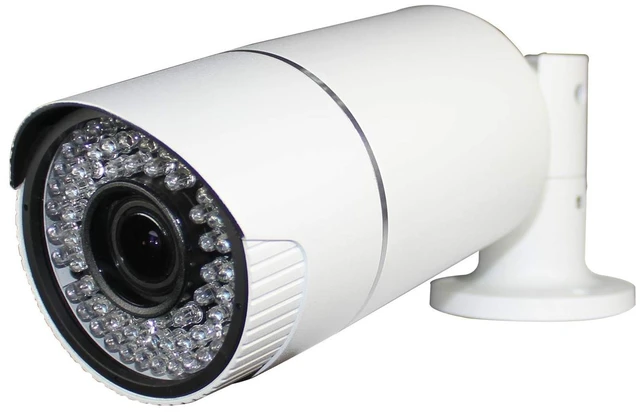
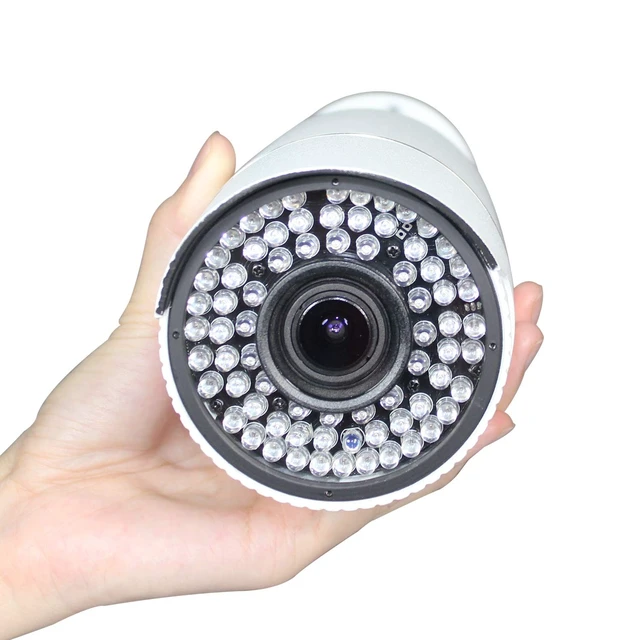
    SINIS 2MP Analog Security Camera, Outdoor Bullet with 165ft IR Night Vision

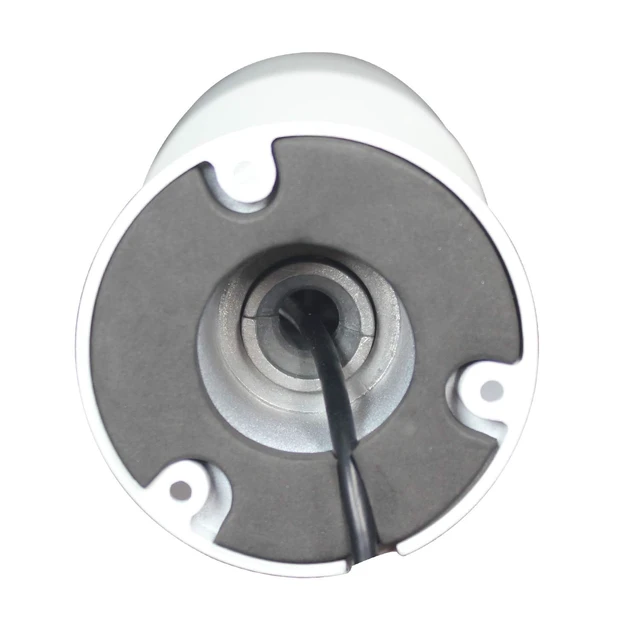
    • * 2MP Analog Bullet Security Camera features 192x1080P (2160TVL resolution in 1080p @30fps.varifocal 2.8-12mm lens F1.4 aperture bring exceptional video qualityeven in super low light conditions. Heavy duty metal outdoor IP67 Weatherproof enclosure. This is an analog camera that connects to a DVR via coaxial BNC cables and requires a power supply (not included). This is NOT an IP/POE camera.
    • * 1/2.7" CMOS Sensor,Max 1920 x 1080 Resolution (2MP TVI/ CVI/ AHD),960H for Analog, 2.8mm-12 8mm Varifocal Lens,Viewing angle Can Reach 125.
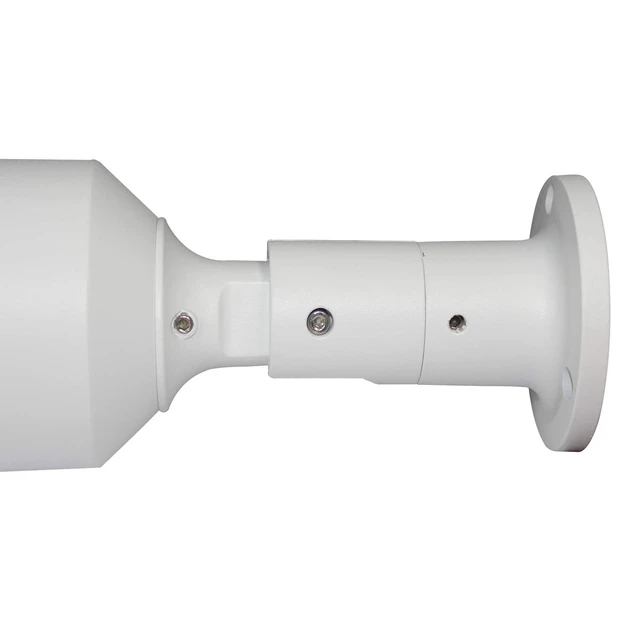
    • *Full Metal housing whtie , Indoor/ outdoor,IP67 Waterproof big Bullet Camera
    • *72 IR Leds Super IR leds and Superior F1.6 aperture for exceptional video quality even in low light conditions, IR up to 50 metres.
    • * Support UTC Function,4 in 1 2MP/30fps analog Output TVI Default
    • * OSD KEY Switch Easy switch of your camera video output format (TVI/CVI/AHD/CVBS).
    +
    +
    Overview
    Specs
    Reviews
    avatar

    Any questions? Our AI mode will help you find out quickly.

    The TVI / HD-CVI / HD-AHD interface allows to transmission of analog video signal via coaxial cable in 1080p resolution. It enables the transmission of HD resolution images for even 500 m distance with keeping the low costs of the installation. During transmission there are no delays and is maintained the original, high quality image. The used varifocal lens with 2.8... 12 mm focal length. Defualt output is HD-TVI. The appropriate signal format selection is done by tilting and holding the joystick for 5s without entering to the OSD menu.

    Changing the signal to the NTSC in the camera causes loss of image in connected HD-AHD/HD-CVI/Analog recorder.
    Switch to TVI: Press Rightward for 3 SecondsSwitch to
    AHD: Press leftward for 3 SecondsSwitch to
    CVBS: Press Upward for 3 SecondsSwitch to
    CVI: Press Downward for 3 SecondsAttention! After connecting the power supply, you can change the standard with a joystick only once. To re-change the standard with the joystick, reconnect the power to the camera. After changing the standard, the joystick controls the camera lens (up, down).

    Warranty & Returns

    Warranty, Returns, And Additional Information

    Warranty

    • Please contact the Seller directly for warranty information. Warranty information may also be found on the Manufacturer's website.
    • CONTACT

    Return Policies

    Manufacturer Contact Info

    LOADING...