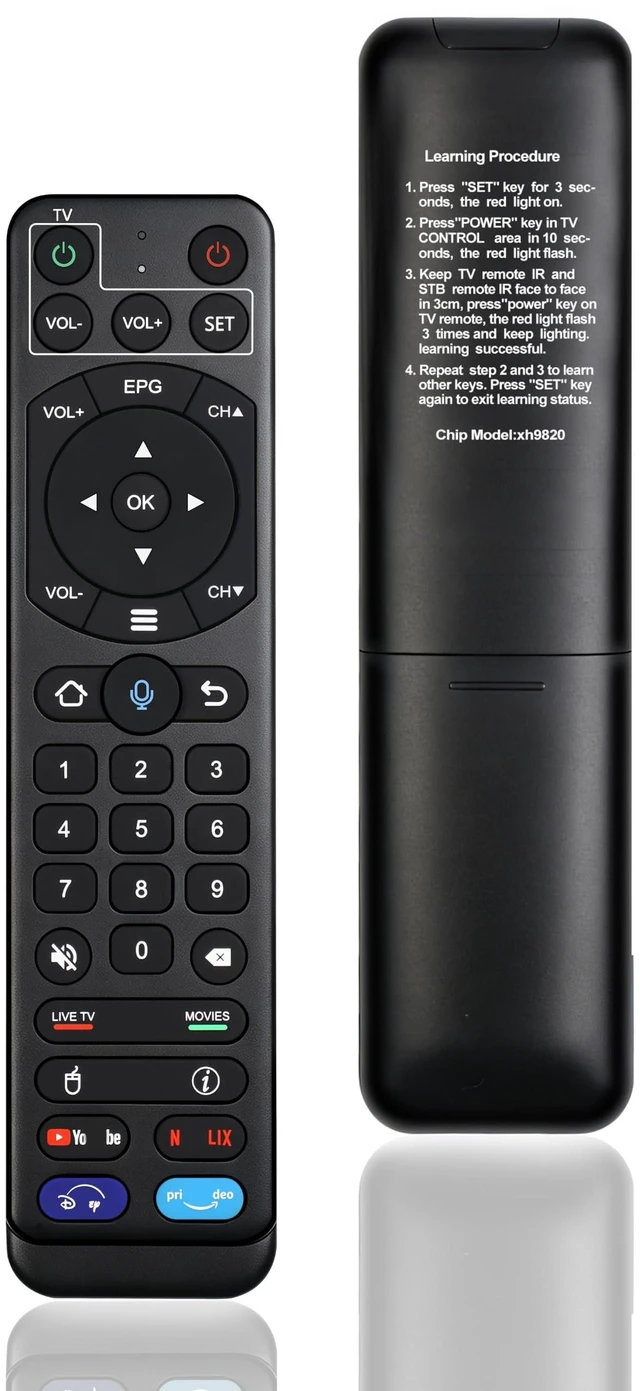
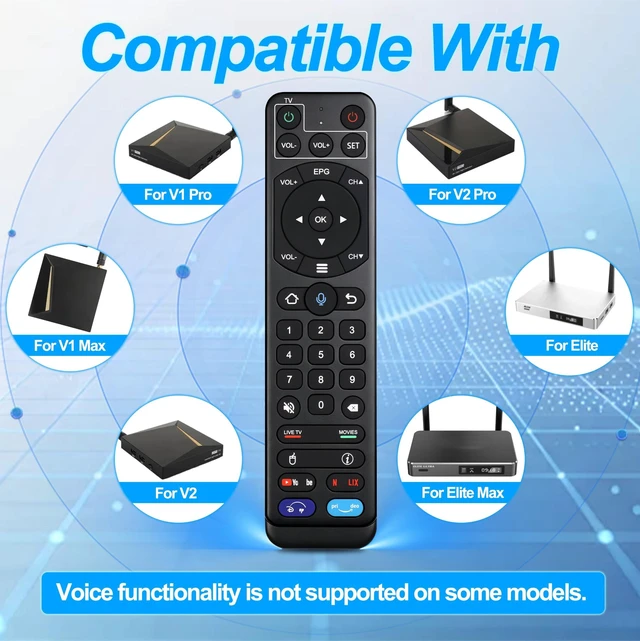
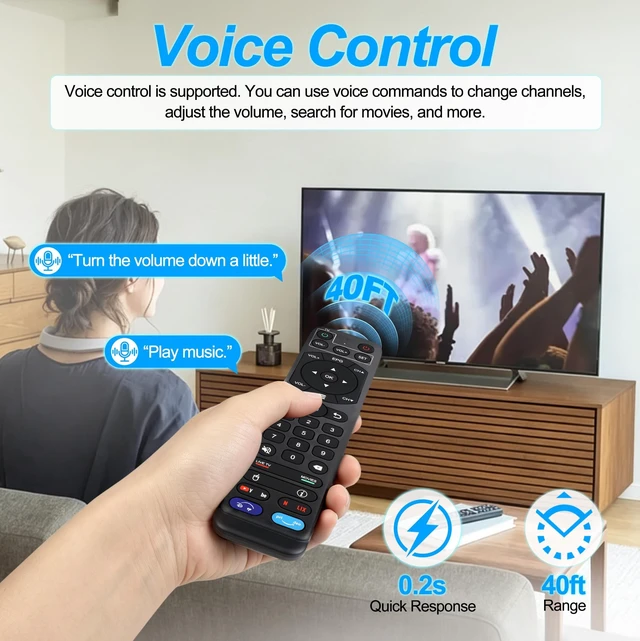
Broad compatibility: The V2pro remote control is compatible with vSeeBox V2 Pro, V1, V1 Pro, V1 Max, Elite, Elite Max, OctaStream Elite and OctaStream Max models.
**Important note: Among them, vSeeBox V1, V1 Pro, V1 Max and V2 only support infrared control. These models do not support the voice search function.
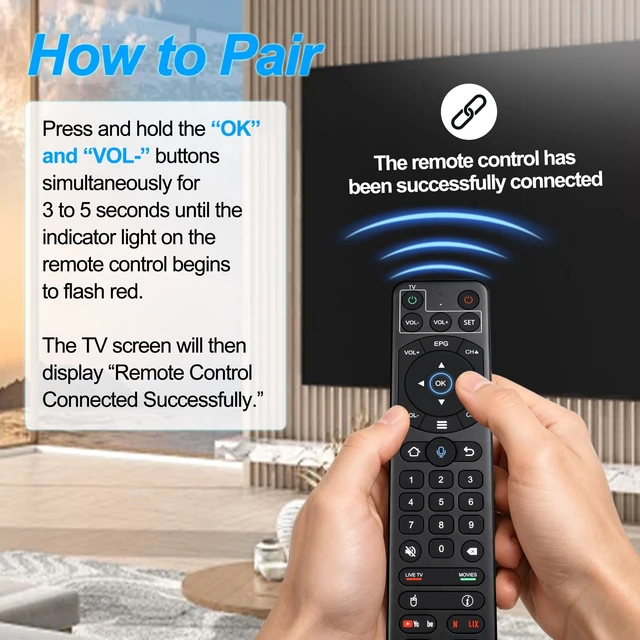
** ^^ Simple pairing: Press and hold the [OK] and [VOL-] buttons until the red light on the remote control flashes, and the TV displays "Remote control successfully connected". You must complete the pairing process before using the voice function. If the pairing fails, please remove the old device from the system and try again.
^^ Learning method:
1. Press the "SET" button for 3 seconds, and the red light will turn on.
2. After 10 seconds, press the "Power" button in the TV CONTROL area, and the red light will flash.
3. Keep the TV remote control and the set-top box remote control within 3 centimeters facing each other, press the "Power" button on the TV remote control, and the red light will flash 3 times and remain illuminated, indicating successful learning.
4. Repeat steps 2 and 3 to learn other buttons. Press the "SET" button again to exit the learning state.
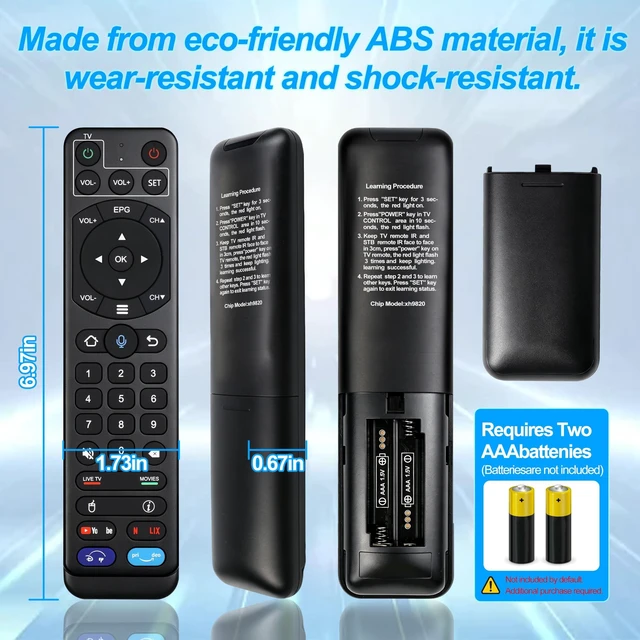
^^ Advanced features: The V2 Pro remote control is made of ABS plastic and silicone, providing excellent comfort and durability. Using infrared technology, it has an ultra-long transmission distance (over 40 feet), a fast response time (fastest 0.2 seconds), and key durability tested for over 120, 000 key presses. It offers high-quality performance, eliminating the need to worry about finding a durable remote control.
^^ After-sales support: If you encounter pairing issues or have questions about the V2 Pro voice remote control, log in to your buyer account > click "Account" > "Orders" > "Contact Seller" to get the fastest response. We guarantee to solve the problem within 24 hours until your questions are resolved! (The V2 Pro voice remote control requires 2 AAA batteries, which are not included. )





 here!
here!