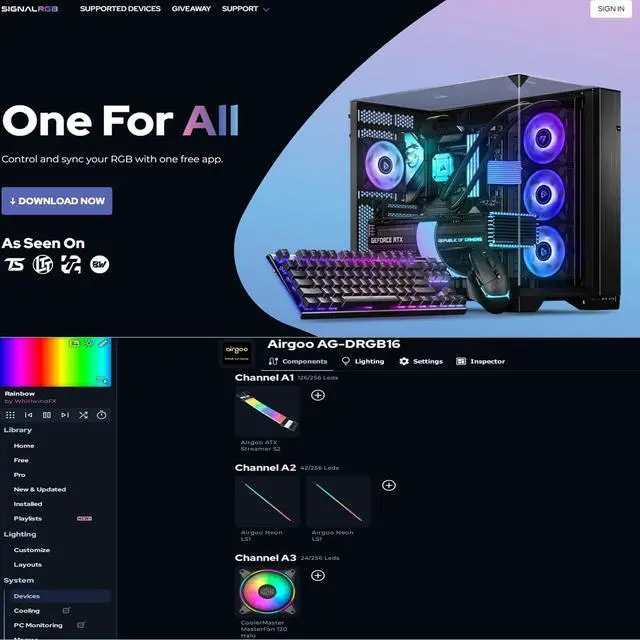
IMPORTANT: MUST DOWNLOAD SOFTWARE FIRST. First, you need to download the SignalRGB or OpenRGB software. Only then can you configure the controller via SignalRGB or OpenRGB software.
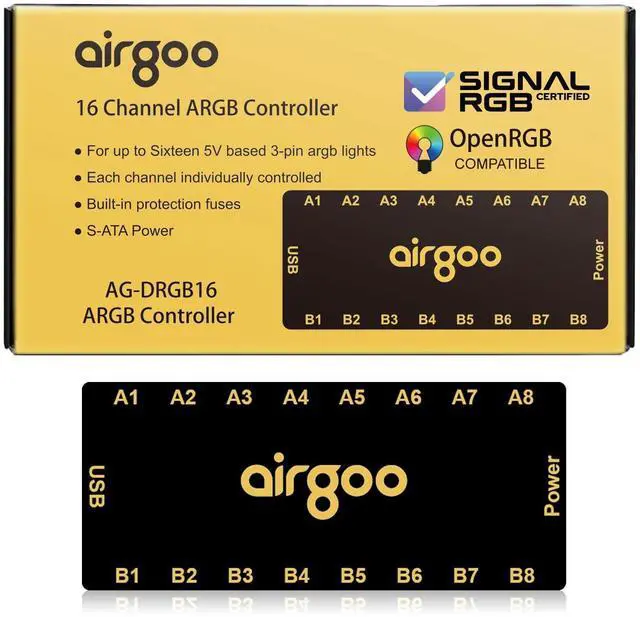
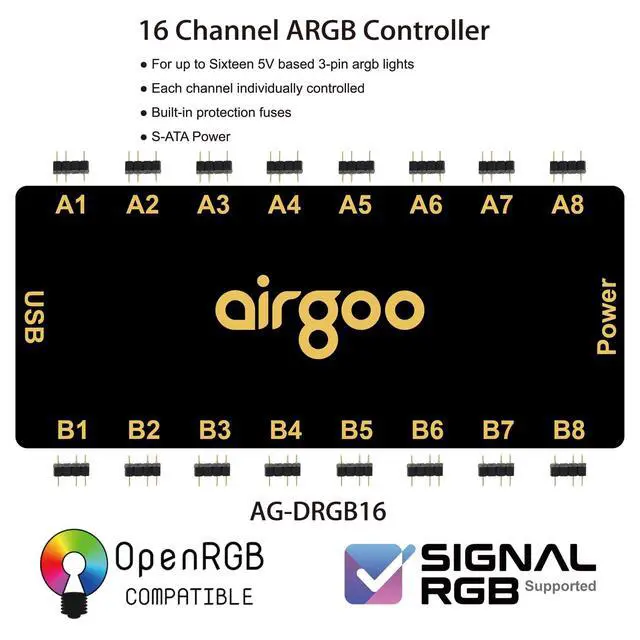
^^ 16-Port RGB Expandability: Control up to 16 RGB devices (for LEDs of fans, strips, LEDs of AIO coolers or other ARGB lights) simultaneously, each channel can support up to 256 LEDs, independent channel control for complex layered lighting setups, eliminating motherboard header limits and unifying multi-brand lighting setups effortlessly. Internal use in the chassis.
^^ SignalRGB Software Supported: Sync lighting effects across games, music, and apps with granular customization, create dynamic patterns, gradients, and hardware-reactive animations in one intuitive interface via SignalRGB. ^^
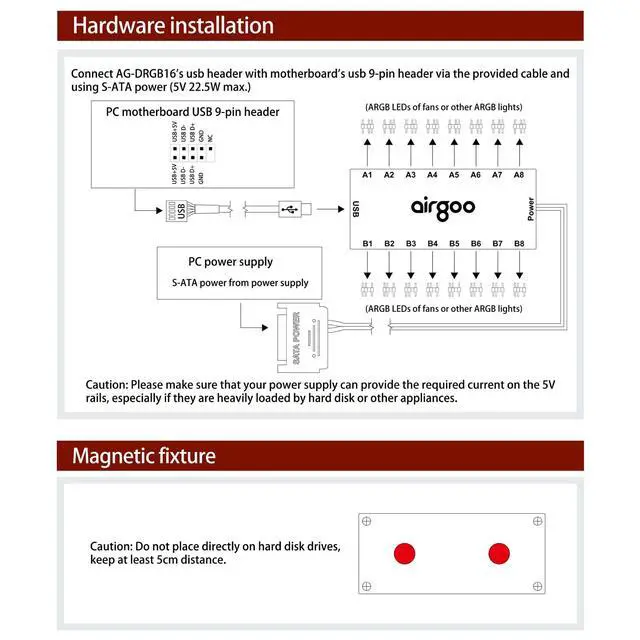
Real-Time Sync & Low Lag: USB 2.0 ensures instant SignalRGB commands execution, S-ATA power prevents flickering even at max load.
^^ Built-in Safety Assurance: Auto-resetting fuse safeguards against overloads and short circuits, ensuring long-term protection for your RGB components.
^^ Plug-and-Play Flexibility: Thanks to its magnetic fixture, installing the AG-DRGB16 inside a PC case or on any other steel surface is a breeze; it supports Windows for SignalRGB and Windows, Linux, and macOS for OpenRGB, ensuring broad cross-platform compatibility.
^^ PACKAGE INCLUDES: 1 x USB 2.0 to Motherboard 9-pin Cable, 1 x S-ATA Power Cable, 1 x 16-Port ARGB Controller





 here!
here!