• $64.99
  • Free 30-day Returns
  • Price alert
    Sold by DSKL
    4 (7 seller ratings)

    Shipped by DSKL

    Shop it at NeweggBusiness.

    Meet Your Seller

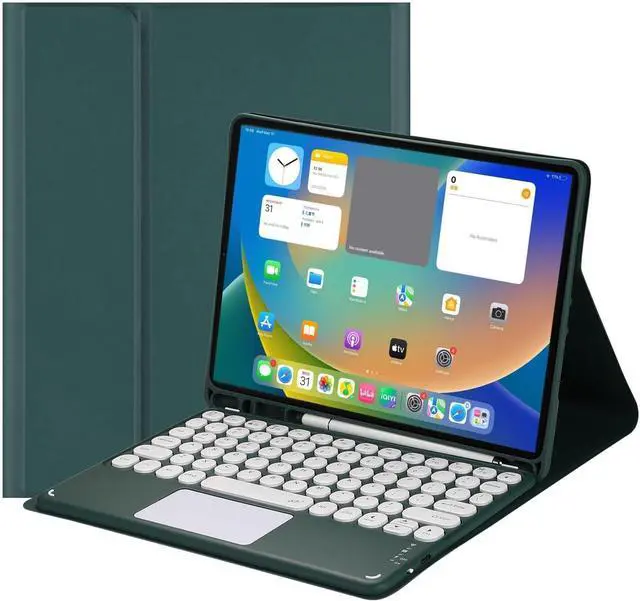
    NUWONAYA Touchpad Keyboard Case for Galaxy Tab A8 10.5 Inch 2022 SM-X200/X205/X207 with S Pen Holder, Candy Color Round Keys Magnetic Detachable Trackpad Keyboard,Teal

    • [(Compatibility)] this keyboard case is for Galaxy Tab A8 10.5 Inch 2022 (Model: SM-X200/SM-X205, SM-X207). Not work for other models. Please check the model before purchasing.
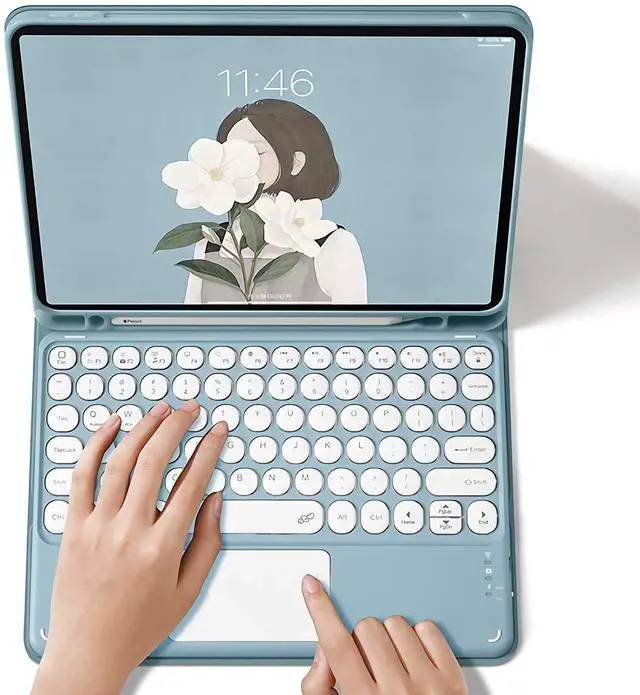
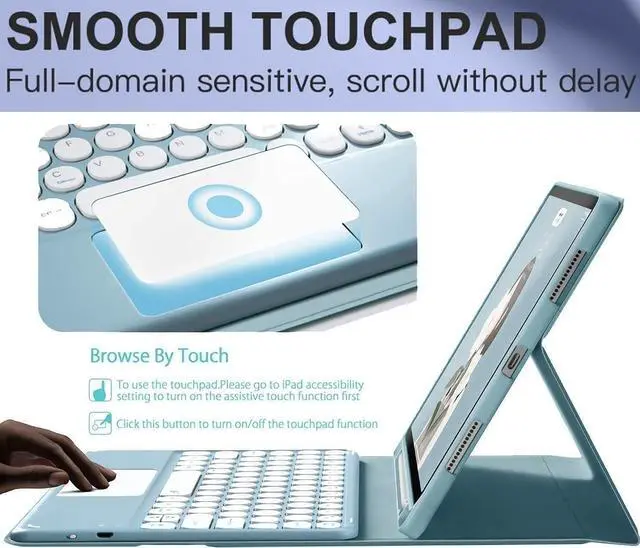
    • [(MULTI-TOUCH TRACKPAD)] - This keyboard case has an integrated multi-touch trackpad that perfectly adapts to the IOS system, with various trackpad gestures, providing a comfortable usage experience while clicking, scrolling, and swiping through content effortlessly. Allows you to turn your tablet into a real laptop and is very convenient for your typing, watching, working, and carrying without a mouse needed.
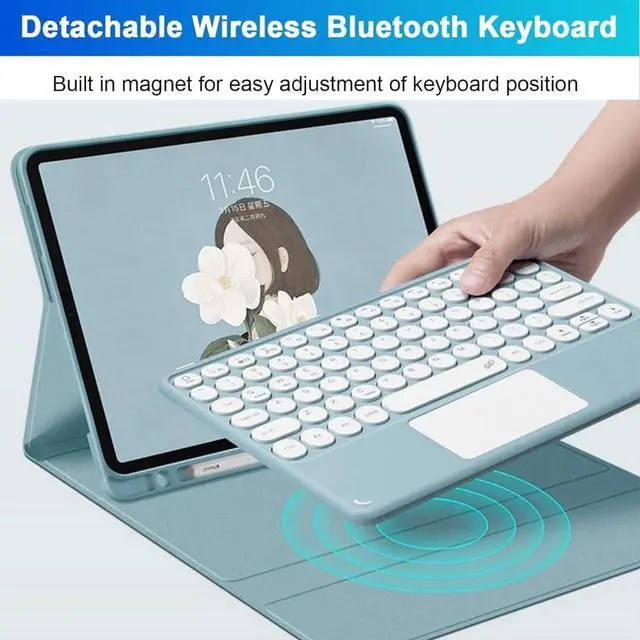
    • [(Magnetically Detachable Bluetooth Keyboard)] - The intelligent keyboard Case comes with a Detachable Wireless Bluetooth magnetic keyboard that lets you switch between a lightweight laptop and tablet.
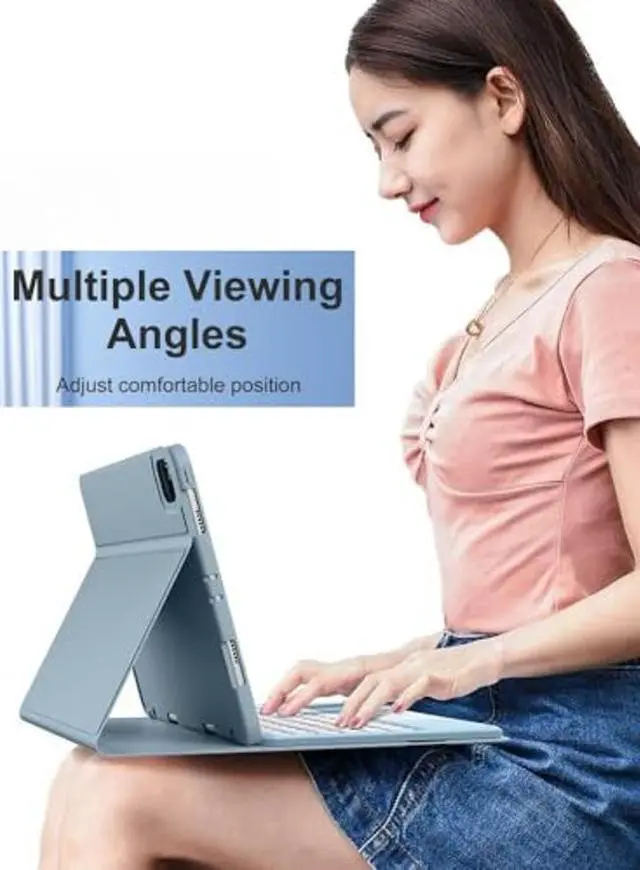
    • [(Multiple Viewing Angles)] your tablet screen will have multiple viewing angles. You can display your work presentation, watch your favorite show or read a new book. It's also a great helper
    +
    +
    Overview
    Specs
    Reviews
    avatar

    Any questions? Our AI beta will help you find out quickly.

    *NO. 1
    All-Around Protective Keyboard Case:

    1. Built-in S Pen Holder (Pen not included)
    2. Detachable Wireless Touchpad Keyboard
    3. Rechargeable Bluetooth Trackpad Keyboard
    4. Multiple Viewing Angles
    5. Precision Cutting
    6. Bluetooth Keyboard for 3 Systems
    *NO. 2
    Packing List:

    1 * Folding High-Grade Protective Case (tablet not included)
    1 * Removable Wireless Keyboard with Touchpad
    1 * USB Charging Cable (ONLY for the keyboard, NOT for tablet)
    1 * User Manual
    *NO. 3 Wireless Keyboard Bluetooth Connection Method

    1, Set the power button to the ""ON"" position.
    2, Long press the ""FN+C"" button on the keyboard, and the Bluetooth indicator will keep twinkling.
    NOTE: press ""Fn""""C""together, it will opne keyboard bluetooth.
    3, Click the ""Settings"" icon on your Pad.
    4, Click""Bluetooth"", and then turn on the Bluetooth.
    5, Select""Bluetooth Keyboard"" on your pad bluetooth interface.
    6, If your touchpad can't work-----Please follow the steps: ""Settings"">""Accessibility"">""Touch"">""Auxiliary Touch"">""Open"".
    *NO. 4

    Last, The USB Charging Cable in the package, ONLY for the keyboard, NOT for iPad.
    8, Charge the keyboard for about 3-4 hours before first use.

    Warranty & Returns

    Warranty, Returns, And Additional Information

    Warranty

    • Please contact the Seller directly for warranty information. Warranty information may also be found on the Manufacturer's website.
    • CONTACT

    Return Policies

    • Return for refund within: 30 days
    • Return for replacement within: 30 days
    • This item is covered by DSKL Return Policy

    Manufacturer Contact Info

    LOADING...