

Your Browsing History
- Free 30-day Returns
$180.99

Meet Your Seller

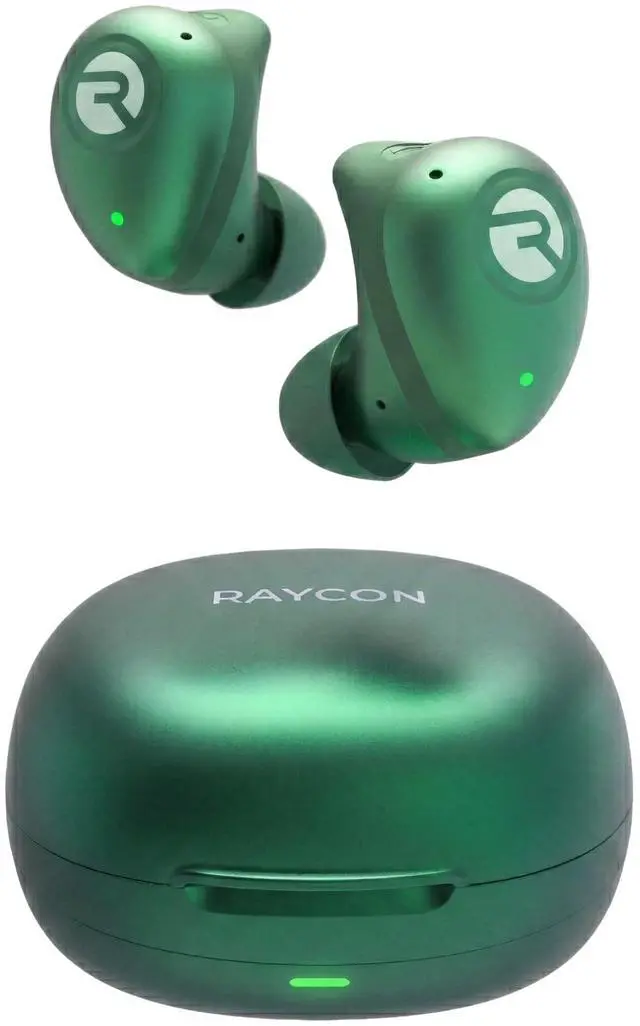
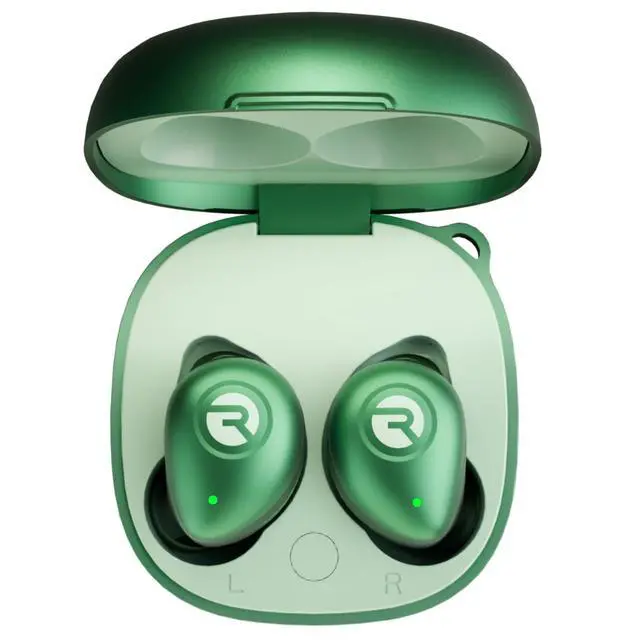


Raycon Fitness Bluetooth Wireless Earbuds + Microphone with Active Noise Canceling, Sweat & Water-Resistant Earphones, Running Headphones, Ear Buds Wireless Bluetooth 56 Hours Playtime (Green)
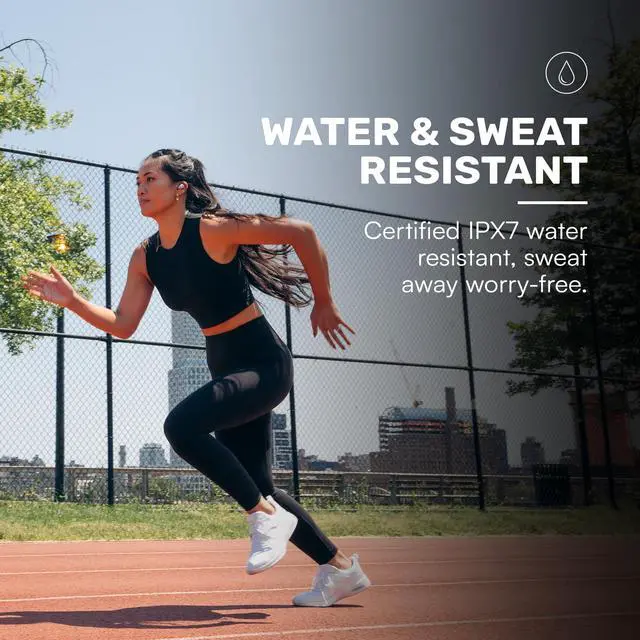
- DURABLE, WATER-RESISTANT DESIGN FOR ANY WORKOUT
- Built with IPX7 protection, these wireless earbuds are made to handle sweat, rain, and intense training. Built for your routine, whether you are using them as running headphones, workout earbuds or eveyrthing in between. They will keep up with you.
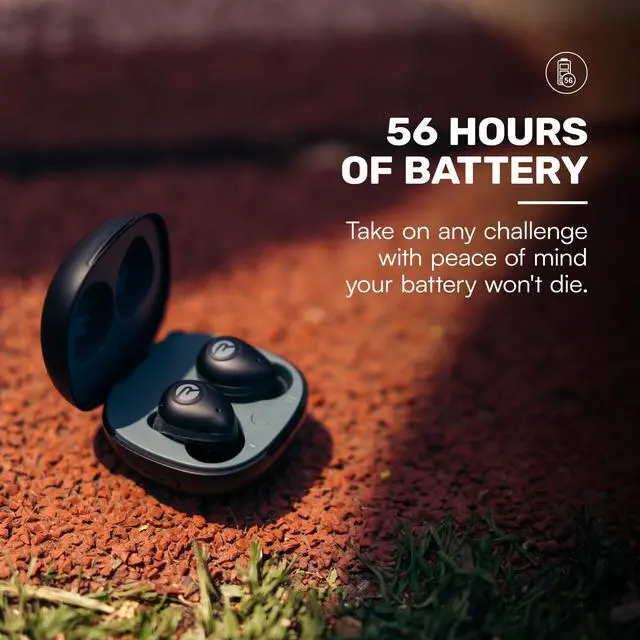
- 56 HOURS OF BATTERY LIFE
- These earbuds wireless bluetooth are perfect for long gym sessions, travel days, or extended listening. Ideal for music, calls, and mobile gaming earbuds use without constant recharging.
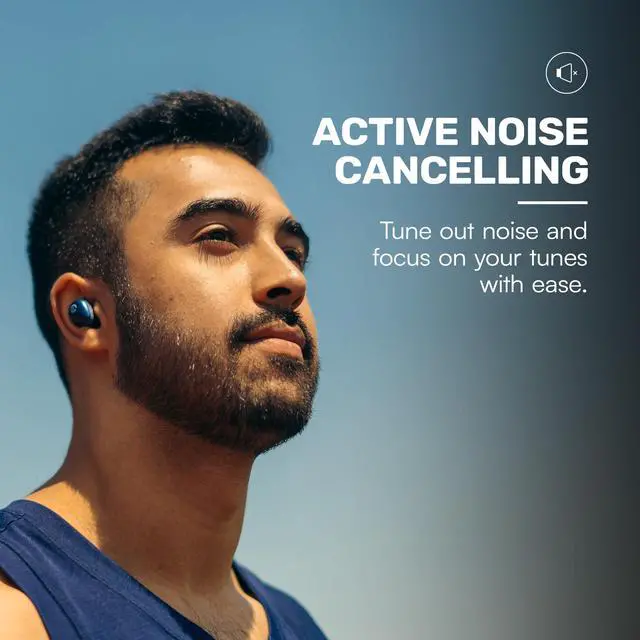
- IMMERSIVE SOUND WITH NOISE CONTROL
- Experience focused audio with noise cancelling earbuds designed to minimize distractions. These wireless earbuds noise cancelling deliver immersive sound whether youre working out, commuting, or relaxing, while Awareness Mode helps you stay alert when needed.
- SECURE IN-EAR FIT
- Designed as compact in-ear ear buds wireless bluetooth earbuds, offering a lightweight, locked-in fit. Multiple gel tips and stabilizers ensure comfort a
+
+
Overview
Specs
Reviews

Any questions? Our AI mode will help you find out quickly.
Try me now
Resetting Your Earbuds (Connectivity &
Audio Issues): Delete The Fitness Earbuds from the Bluetooth settings on your device and place the earbuds back in the case. While the earbuds are in the case, hold the center Reset button for 5 seconds or until the capsule LED flashes yellow three times. Close the capsule to complete the reset function. Earbuds Will Not Charge (Charging
Issues): Ensure the charging case is charged; the LED on the front should show amber or green. Confirm there is nothing blocking the earbuds from connecting to the case. Insert earbuds into the case and check for a blinking amber LED, which indicates that the earbuds are charging. Bluetooth Connection Troubleshooting (Connectivity &
Audio Issues): Ensure earbuds are within 33 feet of a connected Bluetooth device. Check the battery level; if the battery of either the earbuds or the connected device is low, it can cause weak or dropped connections. If one earbud doesnt work, ensure it is clean and properly connected to the charging case. Sound Issues (Sound
Profile Walkthrough): Hold the left earbud for 3 seconds to toggle between
EQ profiles: Balanced Sound (leveled sound), Bass Sound (bass boosted), and Pure Sound (refined sound for clarity). Noise Cancellation & Awareness Mode Issues (Earbud
Modes Walkthrough): Hold the right earbud for 3 seconds to toggle between Active Noise Cancellation and Awareness Mode. If ANC or awareness modes are not working properly, ensure both earbuds are charged and firmware is updated.
Multipoint not working?: Confirm both earbuds are charged and that they are disconnected from any bluetooth device. Confirm earbuds are in pairing mode and reconnect devices to bluetooth. Best Practices for
Daily Use: To avoid damage or injury, handle the earbuds and speaker with care, keeping them away from high temperatures, liquids, and impacts. Clean them with a soft dry cloth, and never modify, repair, or expose them to hazardous conditions or water while charging. Always ensure port covers are securely closed and keep the volume at safe levels to protect your hearing and the device.
Cleaning Gel Tips: Remove the attachments from earbuds and wash them with mild detergent and water, then rinse and dry before reattaching. Avoid using harsh chemicals.
Cleaning Eabrud Nozzles: Use a soft-bristled brush or a dry cotton swab to remove any visible debris or earwax. Avoid using liquid or wet cleaning agents as they may damage the inner electronics of the earbuds.
Cleaning Charging Capsule: Use a soft, dry cloth or a slightly damp cloth and wipe the surface gently. Avoid using harsh chemicals, water, or excessive moisture, which can damage the electronic components.
Audio Issues): Delete The Fitness Earbuds from the Bluetooth settings on your device and place the earbuds back in the case. While the earbuds are in the case, hold the center Reset button for 5 seconds or until the capsule LED flashes yellow three times. Close the capsule to complete the reset function. Earbuds Will Not Charge (Charging
Issues): Ensure the charging case is charged; the LED on the front should show amber or green. Confirm there is nothing blocking the earbuds from connecting to the case. Insert earbuds into the case and check for a blinking amber LED, which indicates that the earbuds are charging. Bluetooth Connection Troubleshooting (Connectivity &
Audio Issues): Ensure earbuds are within 33 feet of a connected Bluetooth device. Check the battery level; if the battery of either the earbuds or the connected device is low, it can cause weak or dropped connections. If one earbud doesnt work, ensure it is clean and properly connected to the charging case. Sound Issues (Sound
Profile Walkthrough): Hold the left earbud for 3 seconds to toggle between
EQ profiles: Balanced Sound (leveled sound), Bass Sound (bass boosted), and Pure Sound (refined sound for clarity). Noise Cancellation & Awareness Mode Issues (Earbud
Modes Walkthrough): Hold the right earbud for 3 seconds to toggle between Active Noise Cancellation and Awareness Mode. If ANC or awareness modes are not working properly, ensure both earbuds are charged and firmware is updated.
Multipoint not working?: Confirm both earbuds are charged and that they are disconnected from any bluetooth device. Confirm earbuds are in pairing mode and reconnect devices to bluetooth. Best Practices for
Daily Use: To avoid damage or injury, handle the earbuds and speaker with care, keeping them away from high temperatures, liquids, and impacts. Clean them with a soft dry cloth, and never modify, repair, or expose them to hazardous conditions or water while charging. Always ensure port covers are securely closed and keep the volume at safe levels to protect your hearing and the device.
Cleaning Gel Tips: Remove the attachments from earbuds and wash them with mild detergent and water, then rinse and dry before reattaching. Avoid using harsh chemicals.
Cleaning Eabrud Nozzles: Use a soft-bristled brush or a dry cotton swab to remove any visible debris or earwax. Avoid using liquid or wet cleaning agents as they may damage the inner electronics of the earbuds.
Cleaning Charging Capsule: Use a soft, dry cloth or a slightly damp cloth and wipe the surface gently. Avoid using harsh chemicals, water, or excessive moisture, which can damage the electronic components.
Warranty & Returns
Warranty, Returns, And Additional Information
Warranty
- Please contact the Seller directly for warranty information. Warranty information may also be found on the Manufacturer's website.
- CONTACT
Return Policies
- Return for refund within: 30 days
- Return for replacement within: 30 days
- This item is covered by StarDragon Return Policy
Manufacturer Contact Info
- For a directory of all our manufacturers, please click below.
- Manufacturers Directory
LOADING...